COBBLESTONE SOFTWARE
Contract Insight — User Guide
Viewing & Editing a Task
08. End Users: Tasks › Contract Tasks › Viewing & Editing a Task
Note: Each procedure in this guide begins at the Contract Insight homepage, so any section can be followed on its own. Custom fields are configurable, so the exact field list on a contract category record may vary between environments.
1. Overview
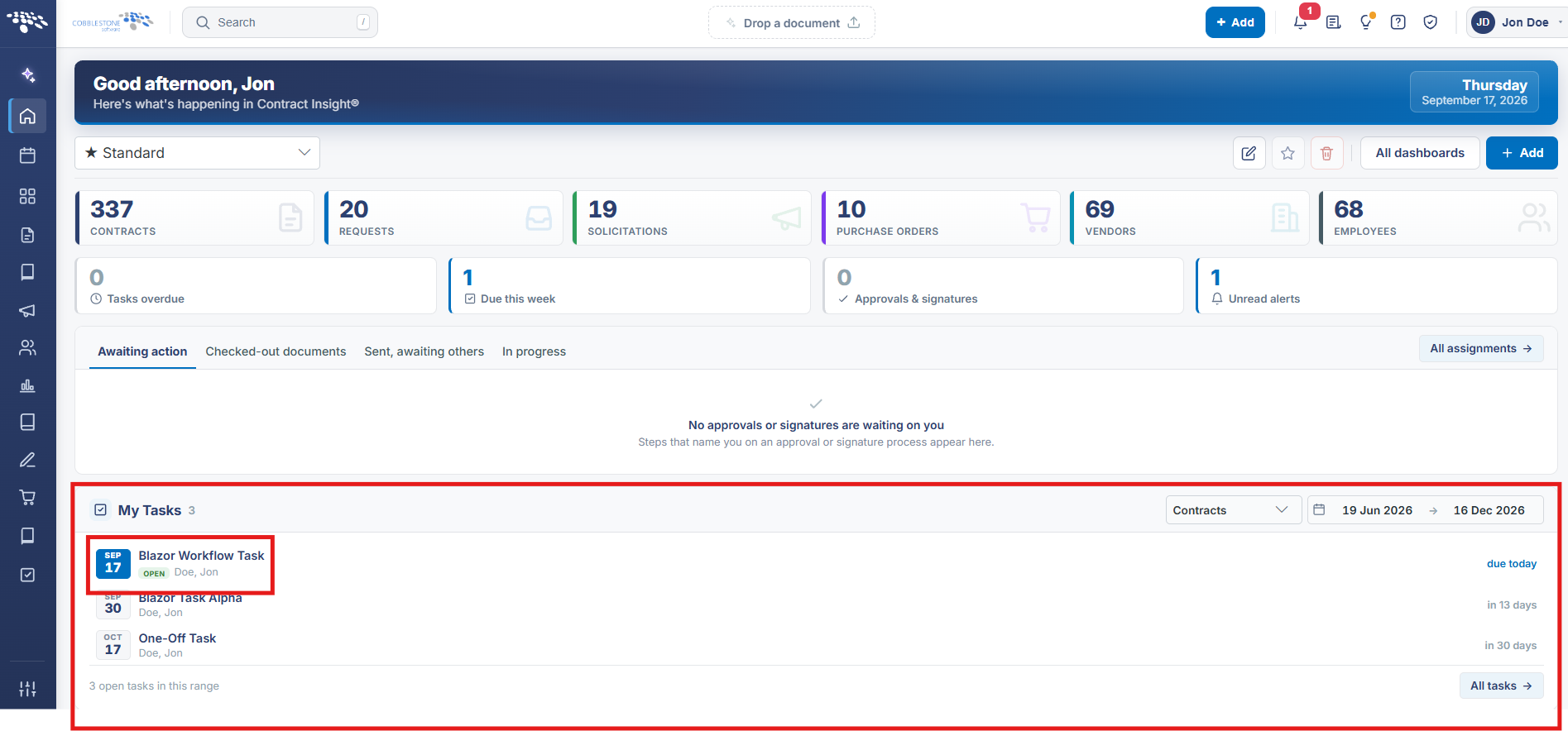
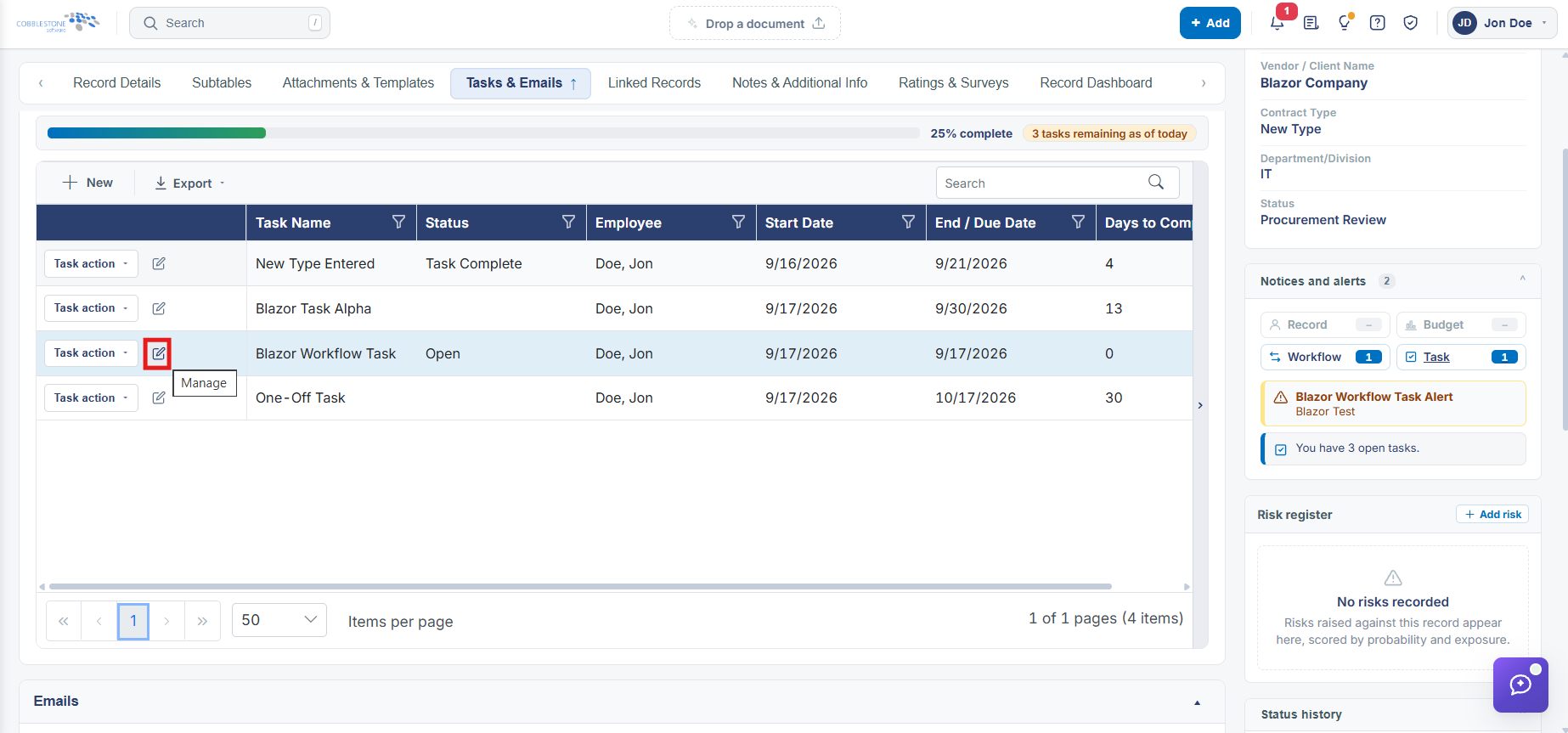
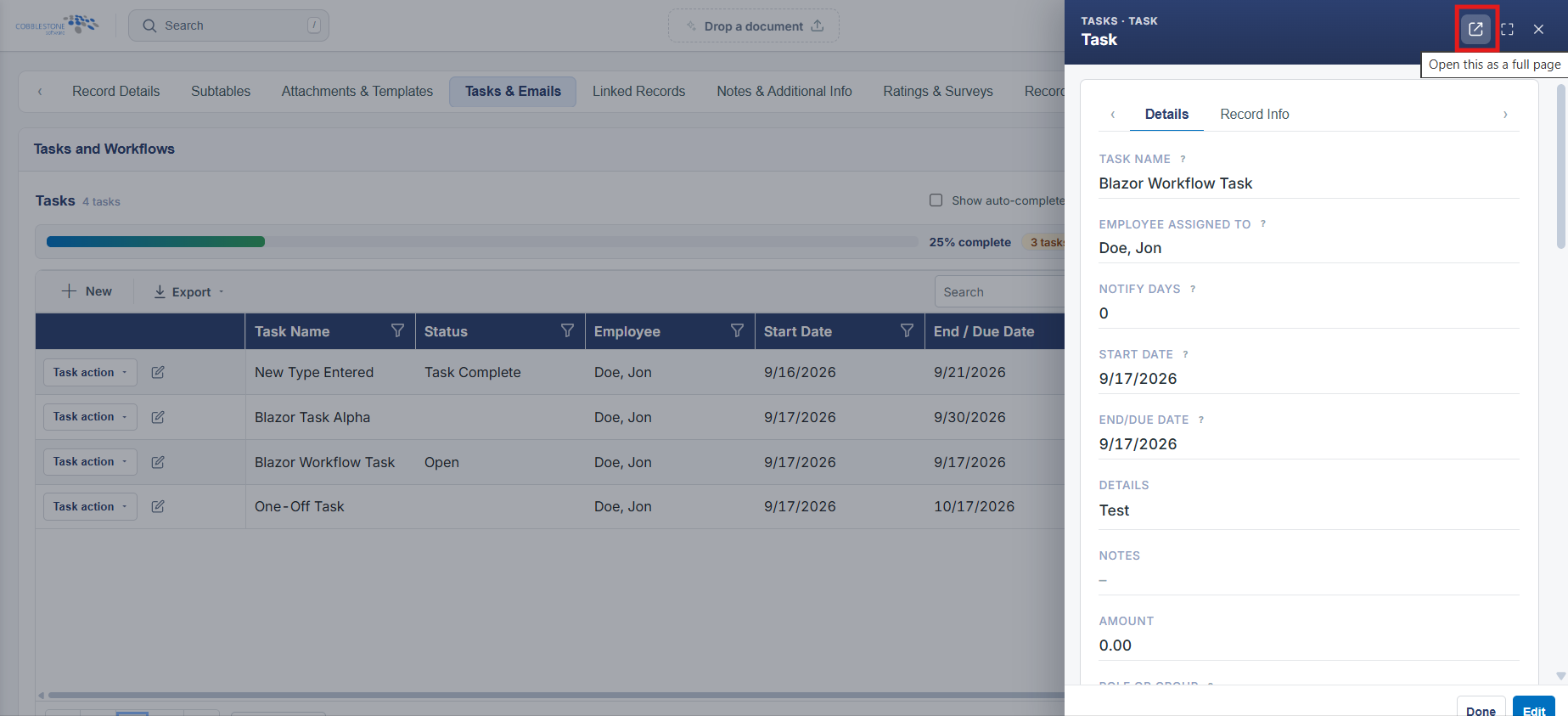
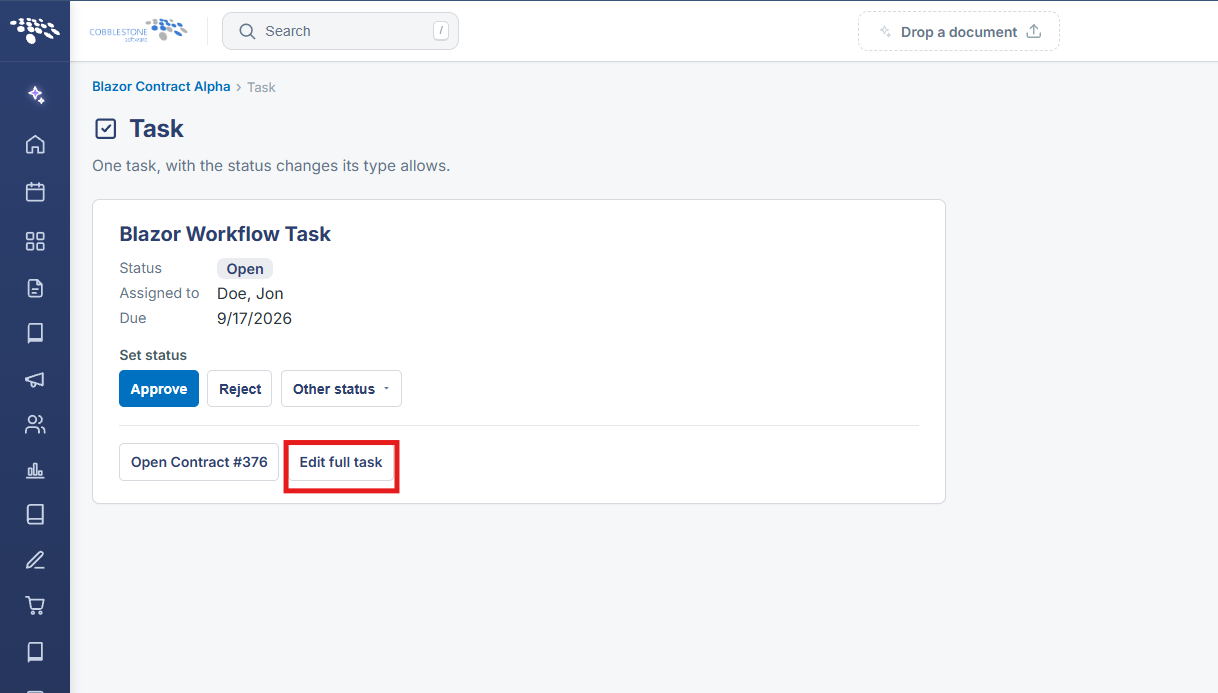
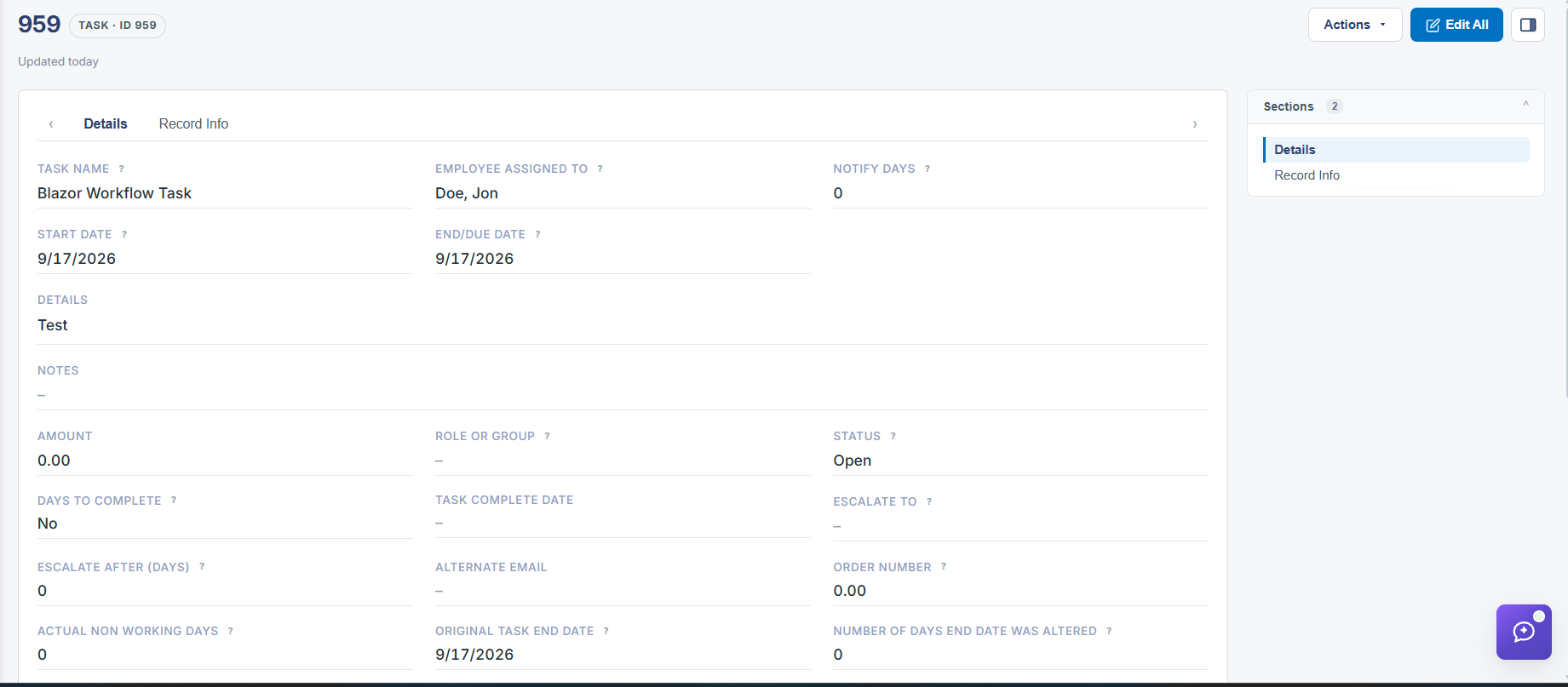
A task's full configuration — assignment, due/reminder timing, and what happens when it's answered — is reached through Edit on its row in a workflow's Tasks tab; on a record itself, the same task is viewed and acted on from the Tasks and Workflows section of the Tasks & Emails tab, reached via My Tasks or a record's Notices and alerts link.
2. Key Elements
- Workflow → Tasks tab → Edit opens that task's configuration: name, Assigned To, Due, Reminder, and When Answered
- On a record, the task itself is reached via Tasks & Emails → Tasks and Workflows
- My Tasks (Home) and a record's Notices and alerts panel both link into that same record-level task view
- Editing a task's When Answered rules changes what field updates or documents fire the next time it's completed or rejected