COBBLESTONE SOFTWARE
Contract Insight — User Guide
Assign Additional Employees to a Task
08. End Users: Tasks › Contract Tasks › Assign Additional Employees to a Task
Note: Each procedure in this guide begins at the Contract Insight homepage, so any section can be followed on its own. Custom fields are configurable, so the exact field list on a contract category record may vary between environments.
1. Overview
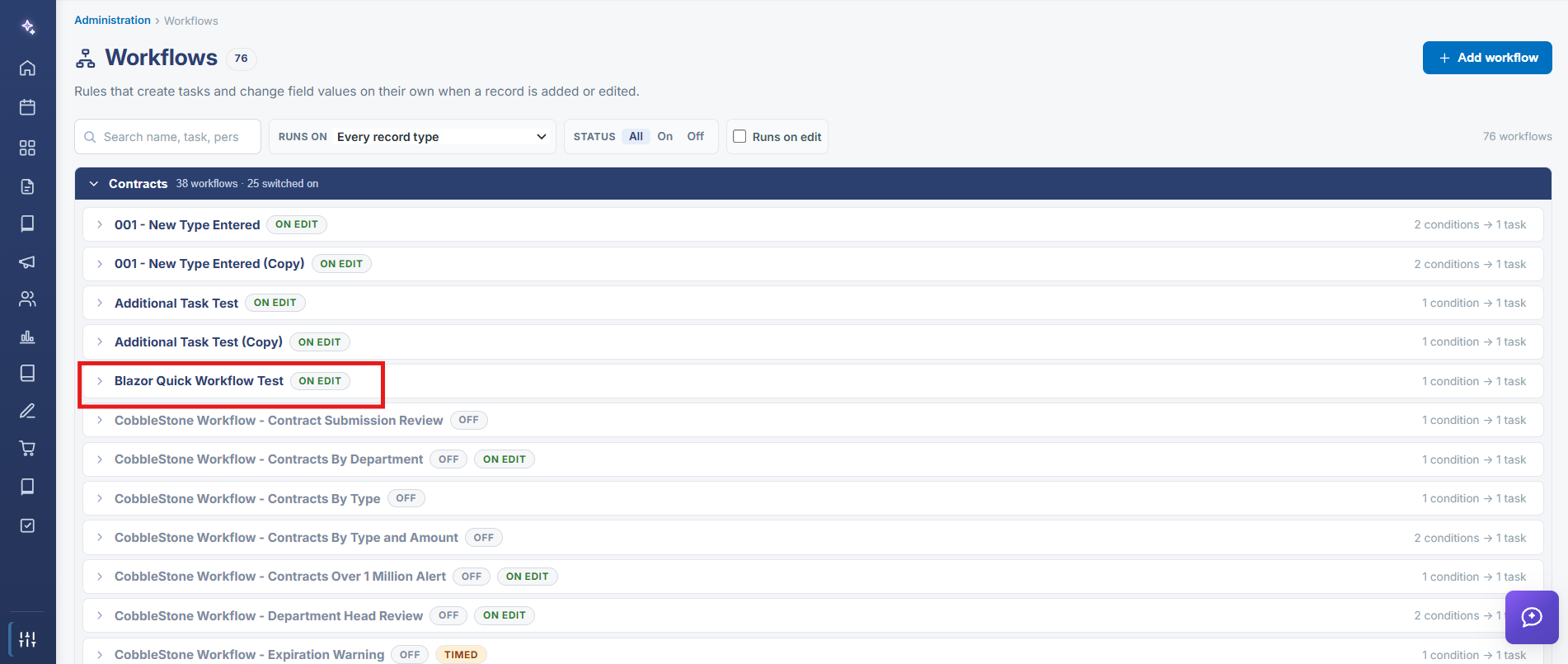
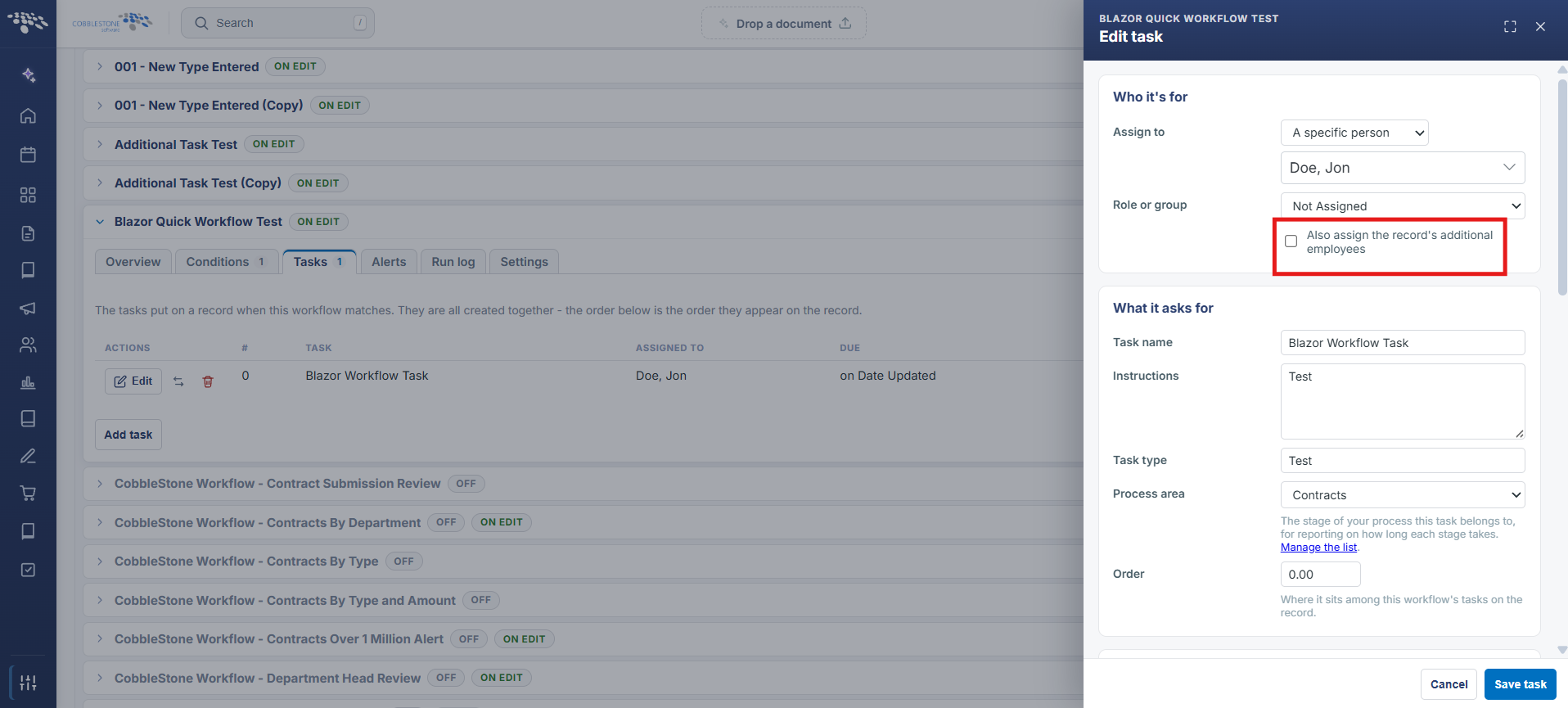
A workflow task's ASSIGNED TO column, shown on its Tasks tab, can be set to a fixed employee, a field on the record ("assigned by field," as in the Prepare for Review example, which pulls from the record's own Employee Assigned field), or a group — determining who a task is routed to when the workflow's condition matches, with room to widen that assignment as the task is edited.

2. Key Elements
- The Tasks tab's ASSIGNED TO column sets who a workflow task goes to when it's created
- "(assigned by field)" routes the task to whoever is named in a field on the record itself, rather than a fixed person
- Edit on a task row reopens its full configuration, including reassignment
- My Tasks (on Home) shows each task's current assignee under the task title, e.g. "Carvin, Jennifer"