COBBLESTONE SOFTWARE
Contract Insight — User Guide
My Tasks
08. End Users: Tasks › Contract Tasks › My Tasks
Note: Each procedure in this guide begins at the Contract Insight homepage, so any section can be followed on its own. Custom fields are configurable, so the exact field list on a contract category record may vary between environments.
1. Overview
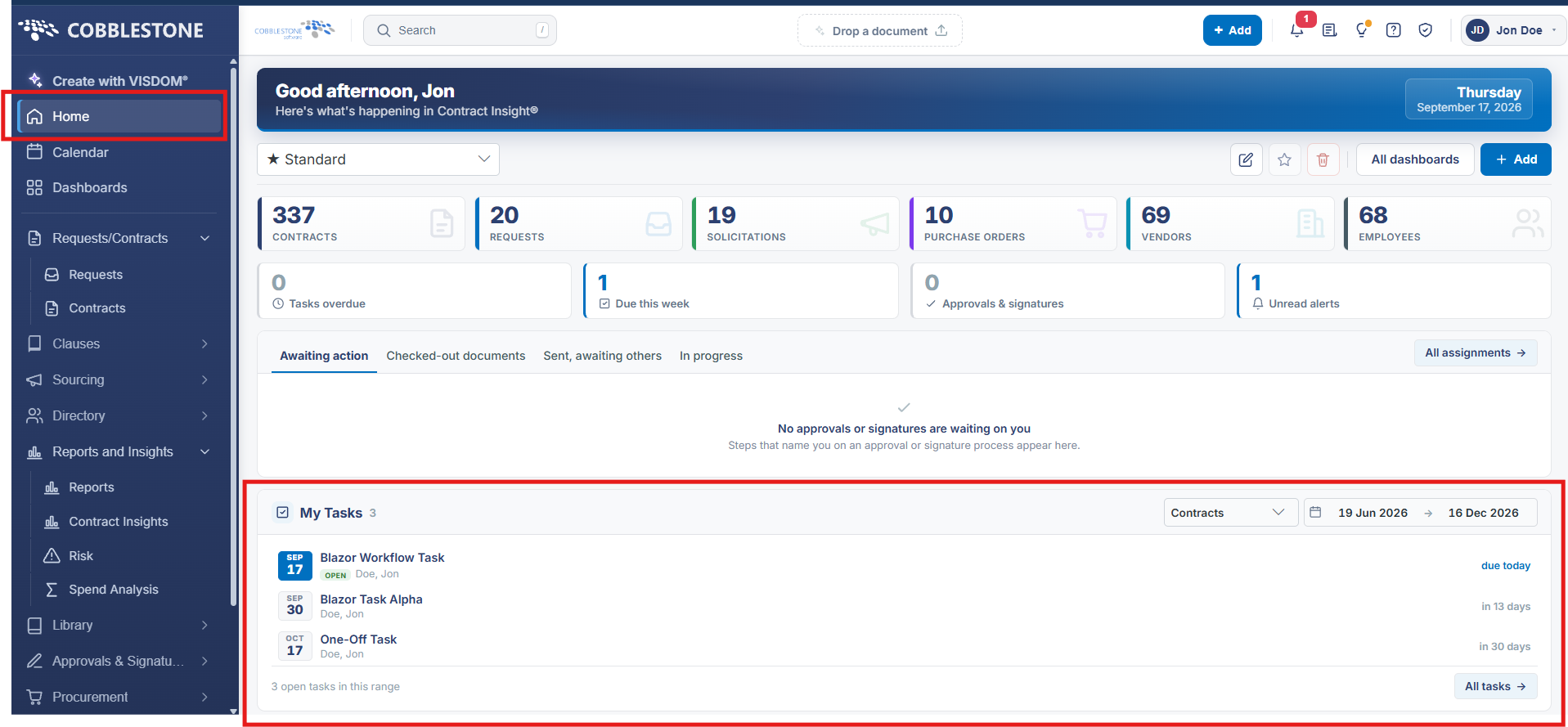
The My Tasks widget on Home lists everything assigned to the signed-in user — 33 tasks in this environment — each row showing its due date, title (linked to open the record), status badge (OPEN), assignee, and days-late count, filterable by module (a Contracts dropdown in this environment) and by a date range, with pagination across pages of five.
2. Key Elements
- Home → My Tasks shows a running count (33) and a module filter alongside a from/to date range
- Each row shows the due date, task title, OPEN status badge, assignee, and a days-late figure for overdue tasks
- The task title link opens the underlying record directly, landing on its Tasks & Emails tab
- "33 tasks in this range" with prior/next pagination ("1 of 7") lets the list be paged through