Update a Record with VISDOM (IntelliXtract)
Update Record with VISDOM (IntelliXtract)
To provide maximum convenience, CobbleStone® allows users to update records with VISDOM (IntelliXtract) text extraction, contrasted to the user having to do it manually.
To update a record with VISDOM (IntelliXtract):
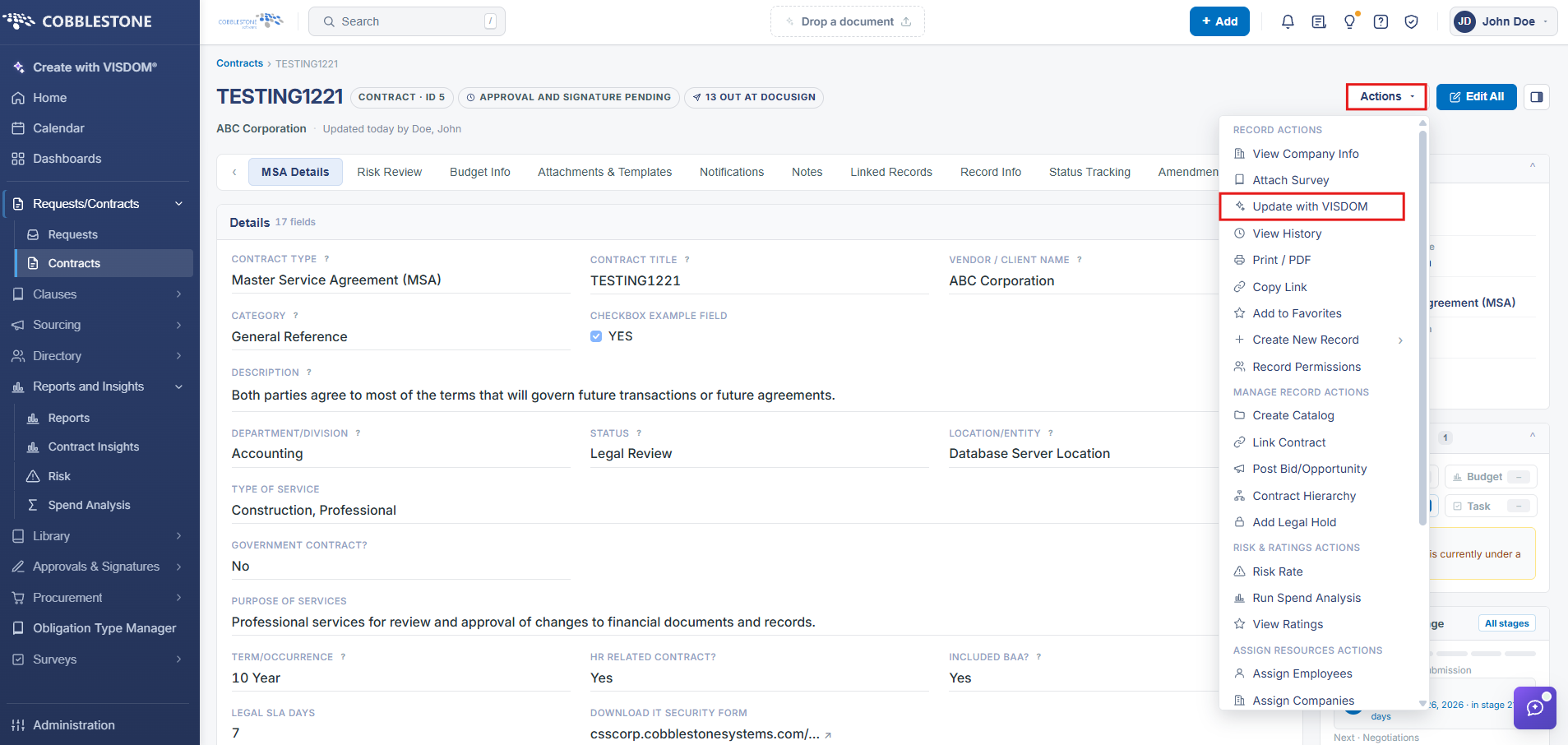
1. On the Contract Details screen, click the Actions dropdown > Update with VISDOM
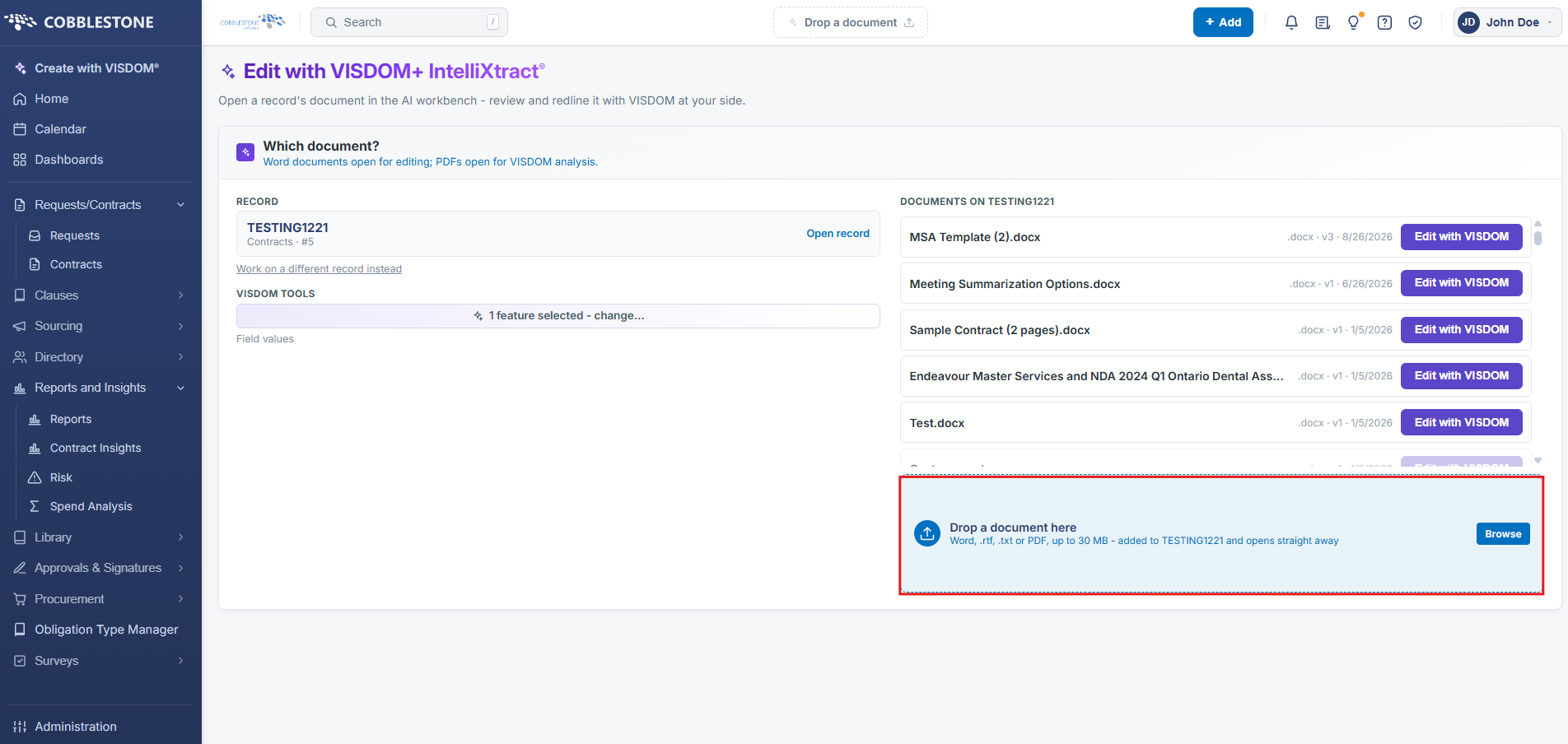
2. If not already attached, upload the applicable attachment
3. Choose features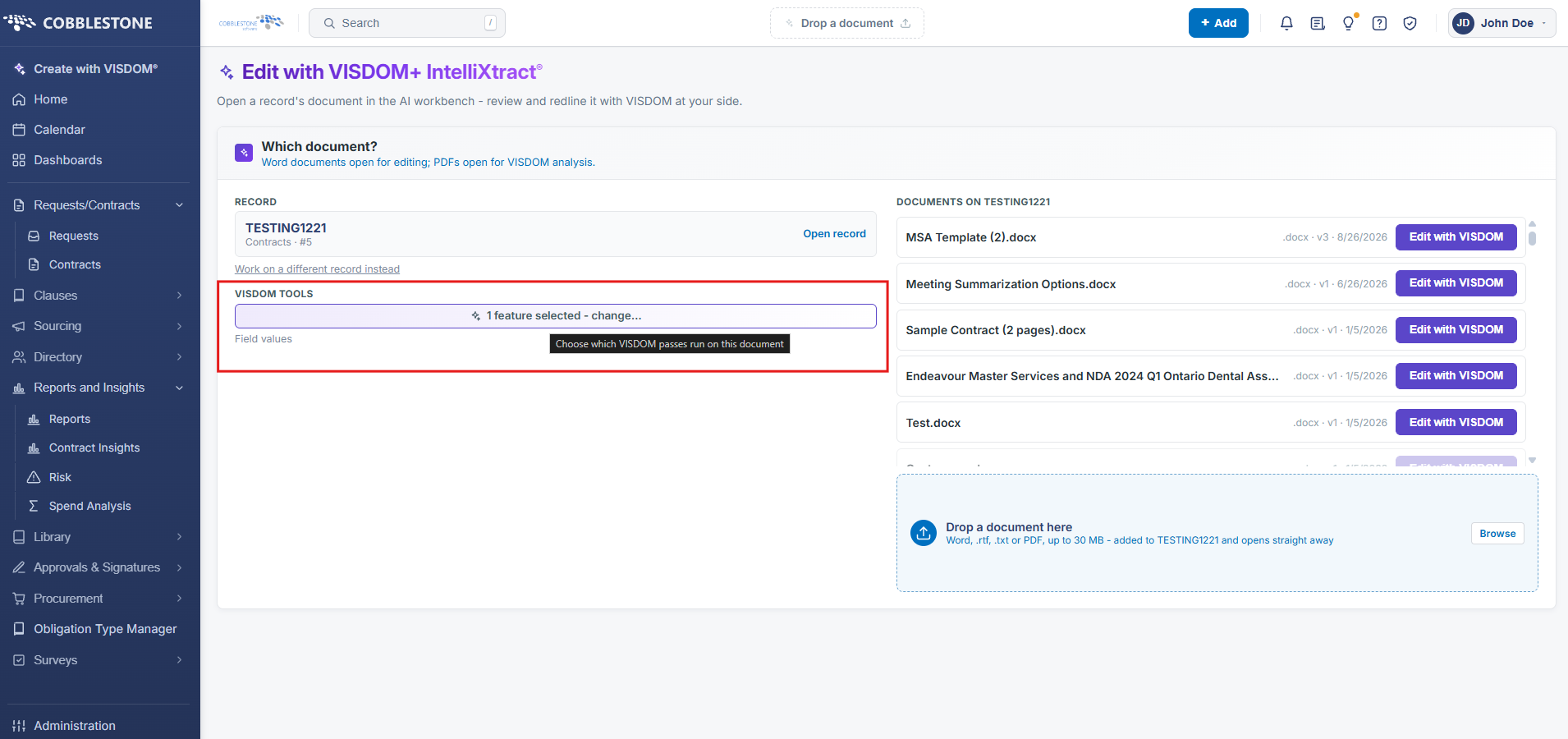
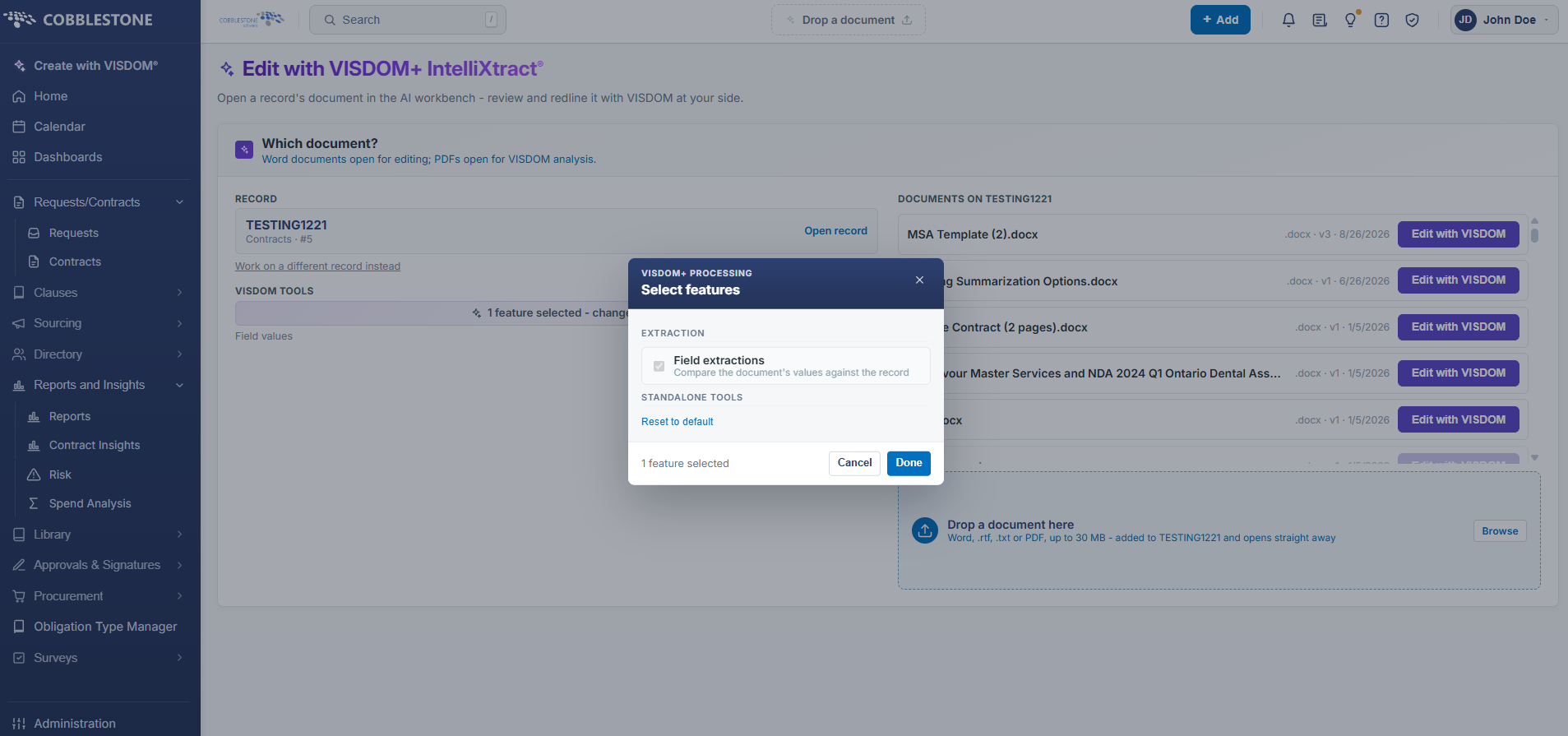
Note: File desired must be OCR’ed prior to being available for processing
For more information on the VISDOM+ version of Update with IntelliXtract, click HERE