COBBLESTONE SOFTWARE
Contract Insight — User Guide
Task Alerts on a Contract Record
08. End Users: Tasks › Contract Tasks › Task Alerts on a Contract Record
Note: Each procedure in this guide begins at the Contract Insight homepage, so any section can be followed on its own. Custom fields are configurable, so the exact field list on a contract category record may vary between environments.
1. Overview
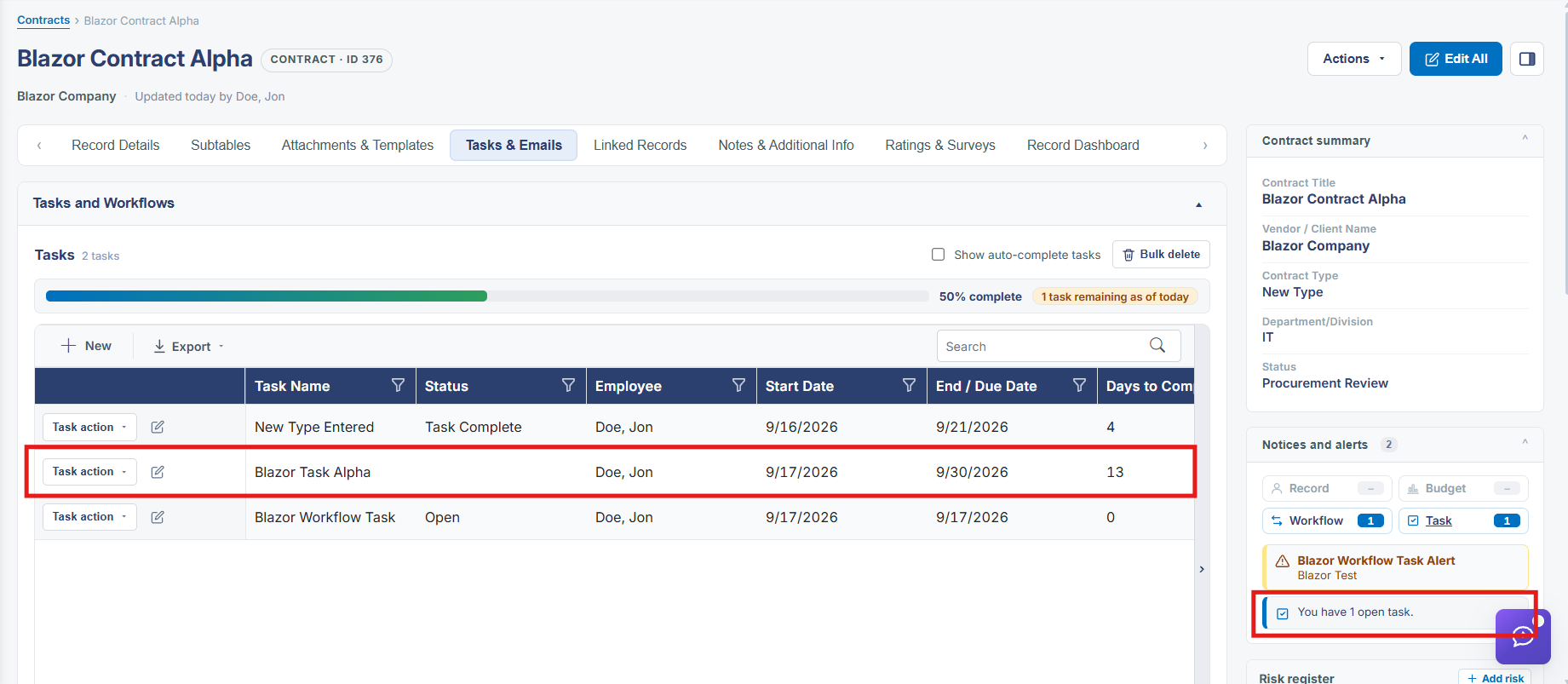
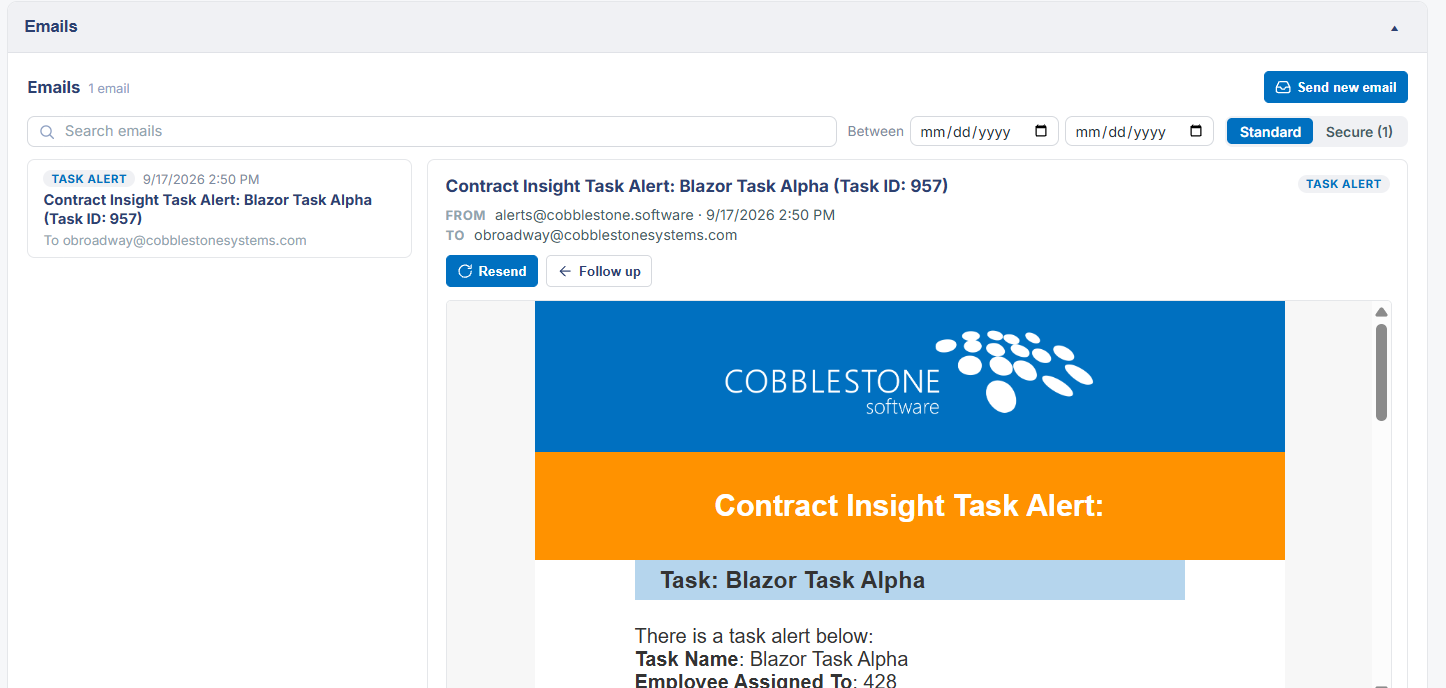
Tasks tied to a contract, and the alerts they generate, are surfaced in two places: the Tasks & Emails tab holds the Tasks and Workflows and Emails sections for the record, while the Notices and alerts panel on Record Details keeps a running Task counter alongside its Record, Budget, and Workflow counters so overdue or pending tasks aren't missed.
2. Key Elements
- Tasks & Emails tab → Tasks and Workflows section lists the record's tasks
- Notices and alerts panel keeps a dedicated Task counter
- Emails section on the same tab tracks related email activity