COBBLESTONE SOFTWARE
Contract Insight — User Guide
Adding a "One-Off" Task
08. End Users: Tasks › Contract Tasks › Adding a "One-Off" Task
Note: Each procedure in this guide begins at the Contract Insight homepage, so any section can be followed on its own. Custom fields are configurable, so the exact field list on a contract category record may vary between environments.
1. Overview
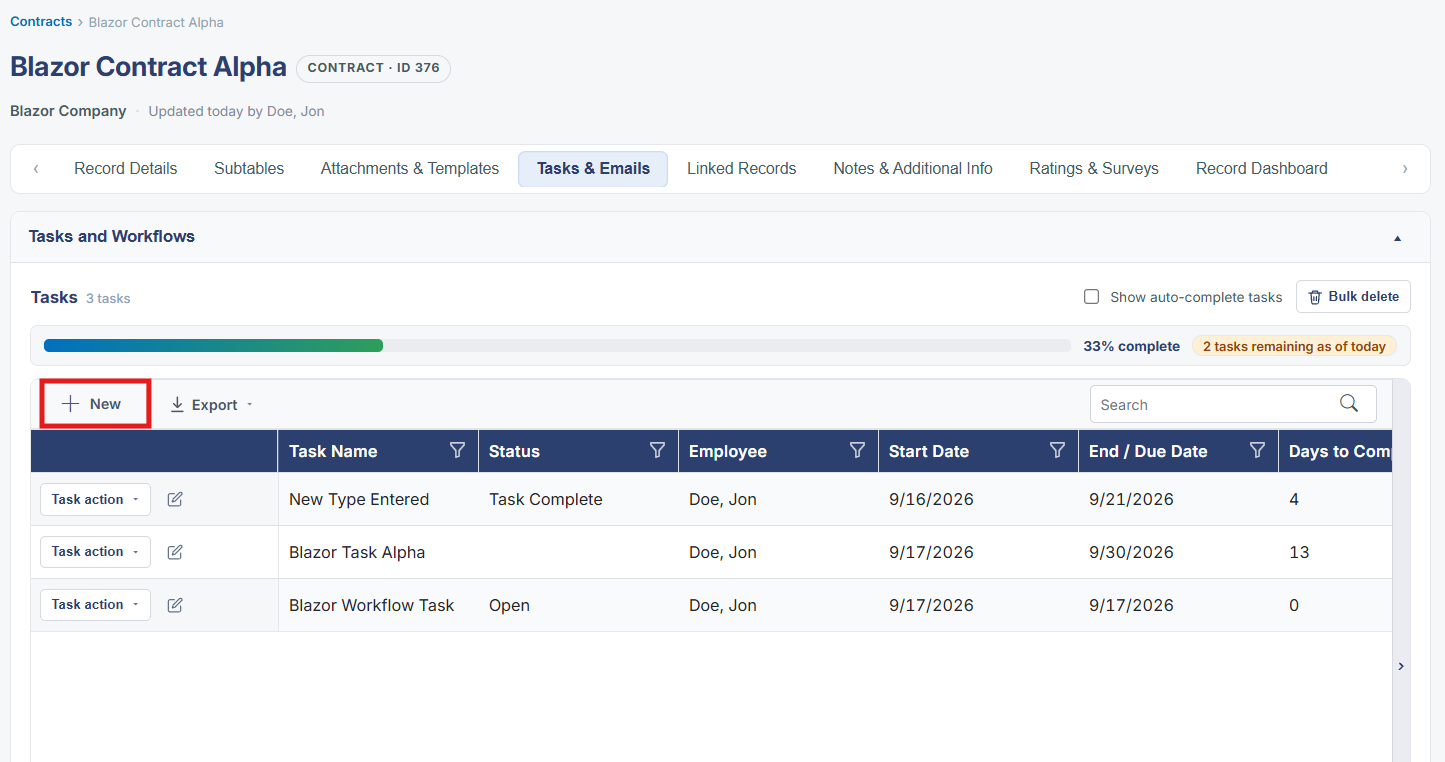
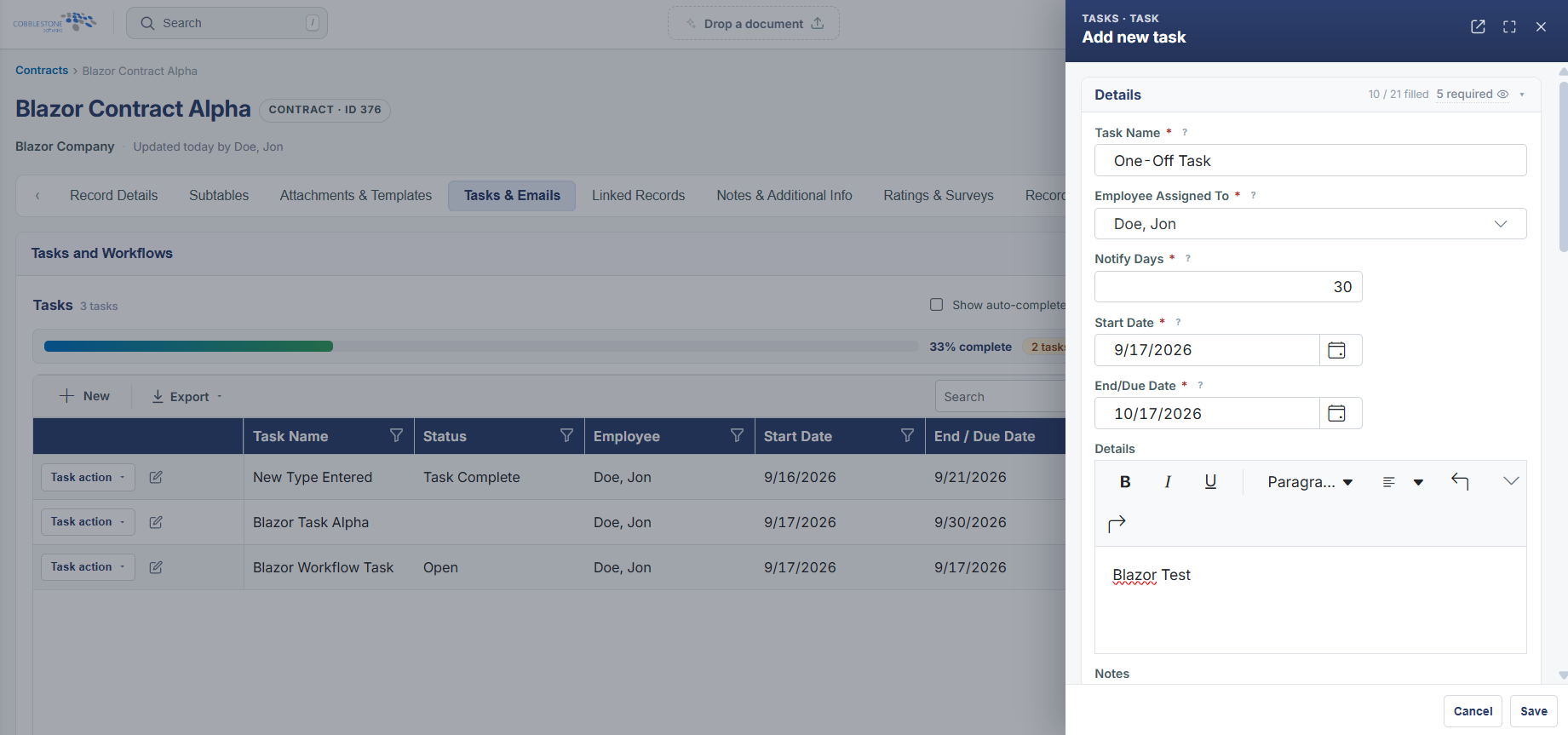
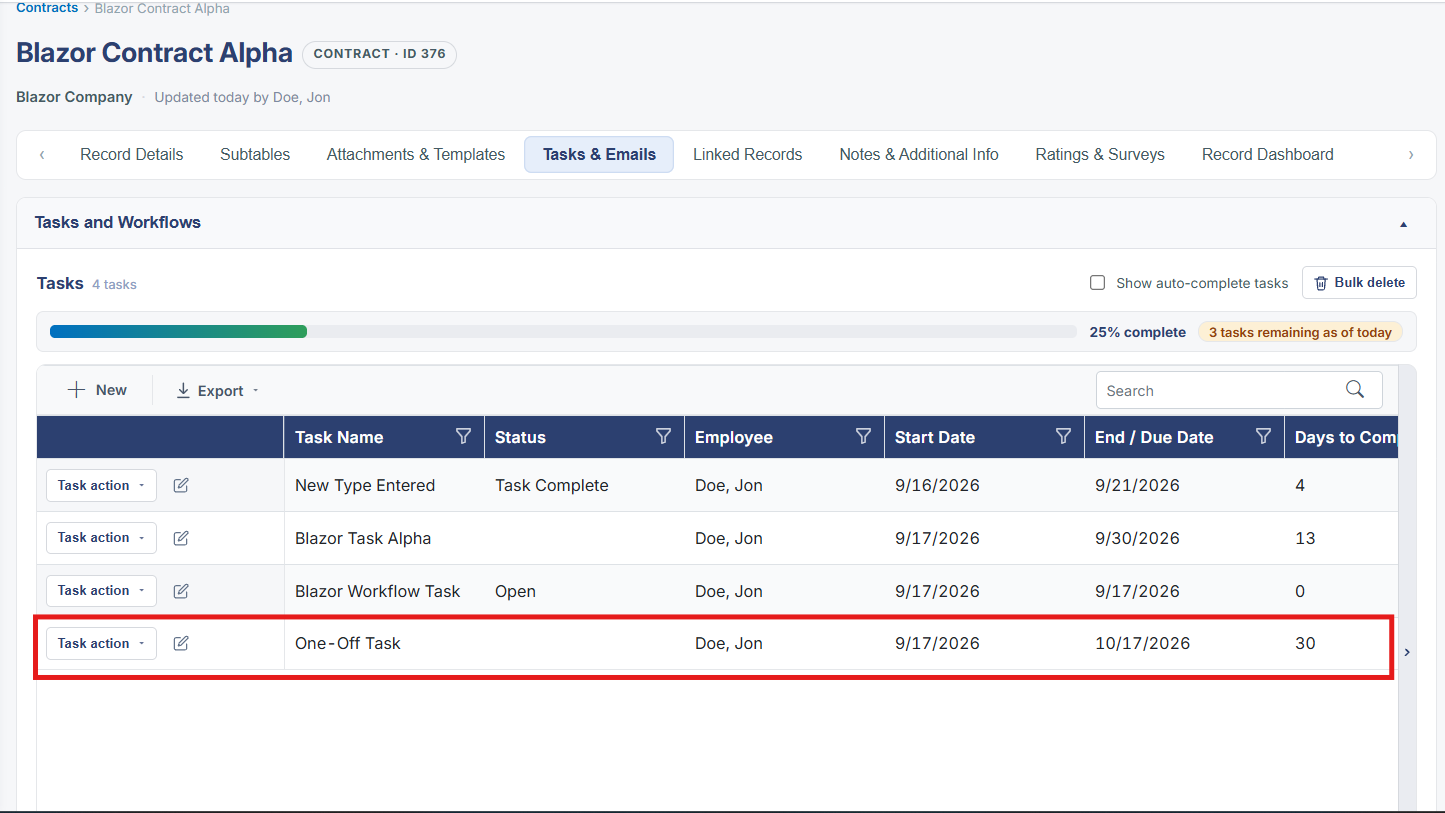
Most tasks in this environment are created automatically by a workflow's Tasks tab, but a task can also be added directly to a single record from its Tasks and Workflows section — a one-off, not tied to any workflow's conditions or chain. This mirrors the Add task control used inside a workflow builder, applied to just the one record instead of every record the workflow matches.
2. Key Elements
- A record's Tasks and Workflows section (on the Tasks & Emails tab) is where a one-off task is added directly to that record
- It uses the same Assigned To, Due, and Reminder fields as a workflow-generated task
- Unlike a workflow task, a one-off task has no ONLY WHEN condition and applies to that single record only
- The equivalent Add task control inside a workflow's Tasks tab creates the same kind of task, but for every record the workflow matches