COBBLESTONE SOFTWARE
Contract Insight — User Guide
7. Solicitation Attachments
Module: Solicitations › Solicitations › 7. Solicitation Attachments
Note: Each procedure in this guide begins at the Contract Insight homepage, so any section can be followed on its own. Custom fields are configurable, so the exact field list on a contract category record may vary between environments.
1. Overview
A solicitation's Attachments & Templates tab has a Files/Attachments panel (27 files on the example reviewed) with a "Drop files or browse" drag-and-drop zone, folder navigation (Root Folder), a search box, and grid/list view toggles, matching the legacy description of storing and organizing solicitation files. Each file row shows its version (e.g. v1, v0, v3 with revision count), type, and who uploaded it, with Download and additional actions per row; some files carry status tags like "In a joint process," reflecting collaborative editing state.
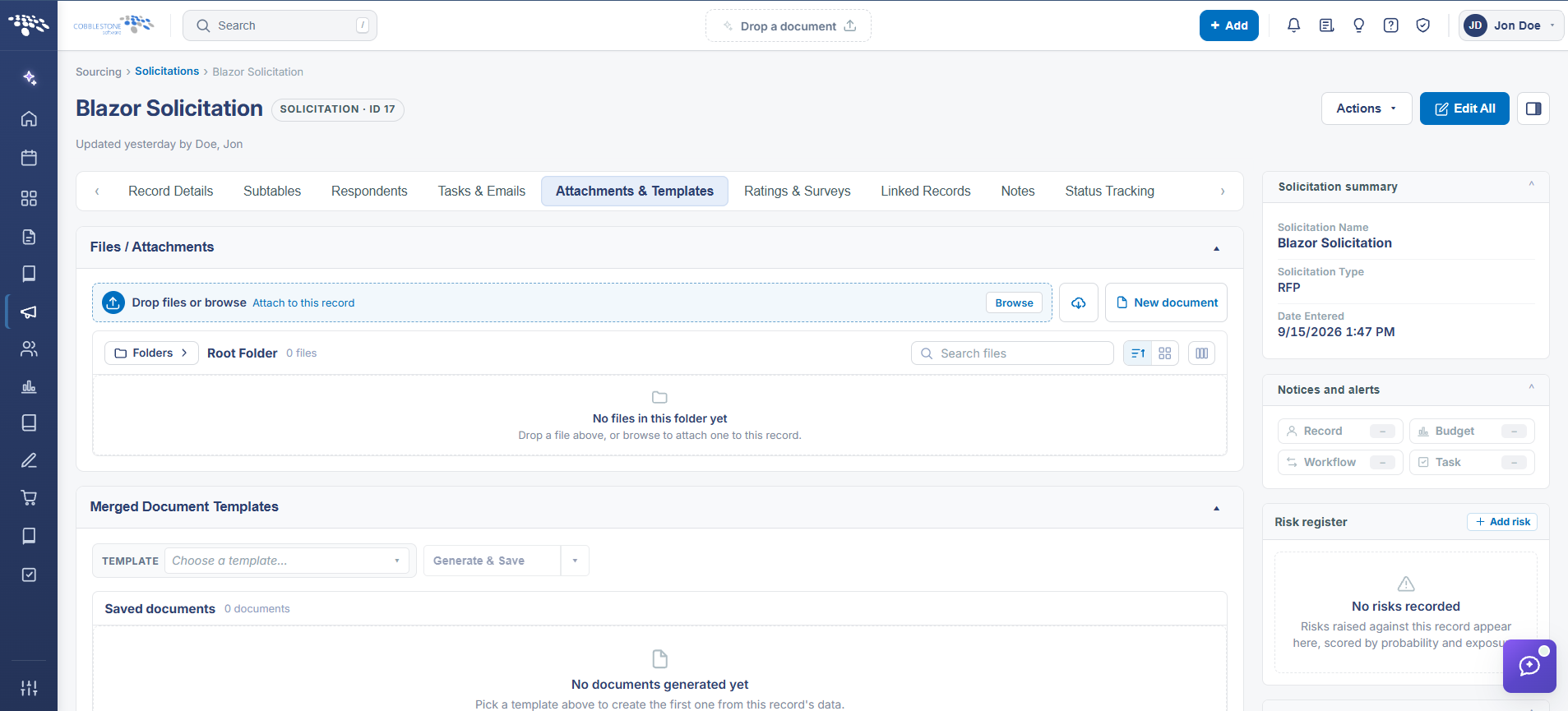 Solicitations Details - Attachments & Templates
2. Key Elements
- Attachments & Templates tab > Files/Attachments panel: drag-and-drop upload zone plus a Browse button
- Files are organized into folders starting from Root Folder, with a search box and grid/list view toggles
- Each file shows its Version, Type, and Uploaded by/date, with a Download action and additional per-file controls
- Status tags like "In a joint process" appear on files currently in collaborative or checked-out editing
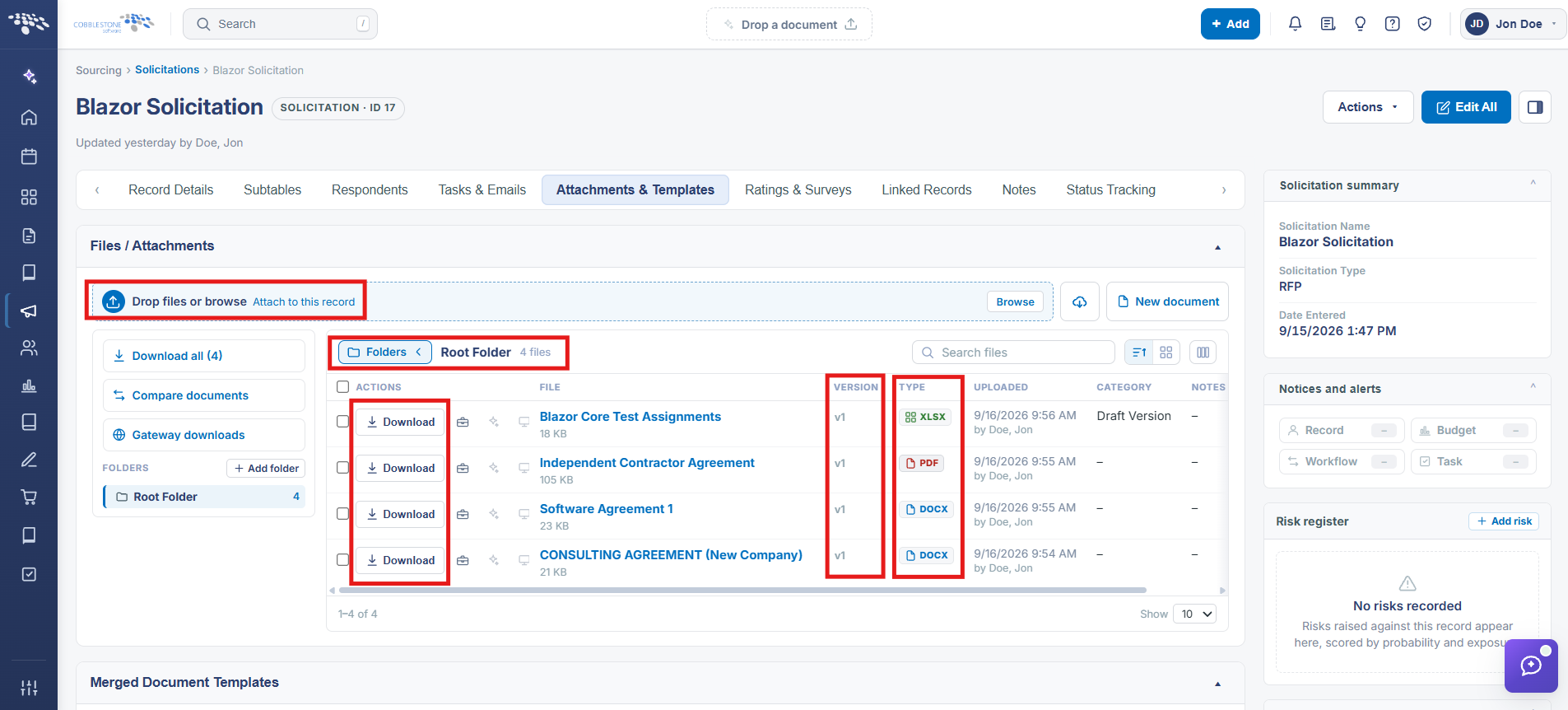 Attachments & Templates - Functions