COBBLESTONE SOFTWARE
Contract Insight — User Guide
6. Solicitations Workflow
Module: Solicitations › Solicitations › 6. Solicitations Workflow
Note: Each procedure in this guide begins at the Contract Insight homepage, so any section can be followed on its own. Custom fields are configurable, so the exact field list on a contract category record may vary between environments.
1. Overview
Administration > Workflows is the live Workflow Manager described in the legacy topic. Filtering its "Runs on" dropdown to Solicitations (tblSolicitations) narrows the full 692-workflow list down to 33 workflows scoped to this record type (9 switched on in this environment), including "Blazor Solicitations Workflow" (on, 1 condition -> 1 task) and "eSourcing Time Elapsed," which carries a TIMED tag for a time-based trigger rather than a field-condition trigger. Each workflow row shows its ON/OFF toggle, whether it also runs ON EDIT, and its condition-to-task count, matching the legacy description of configuring automated task workflows for solicitation records.
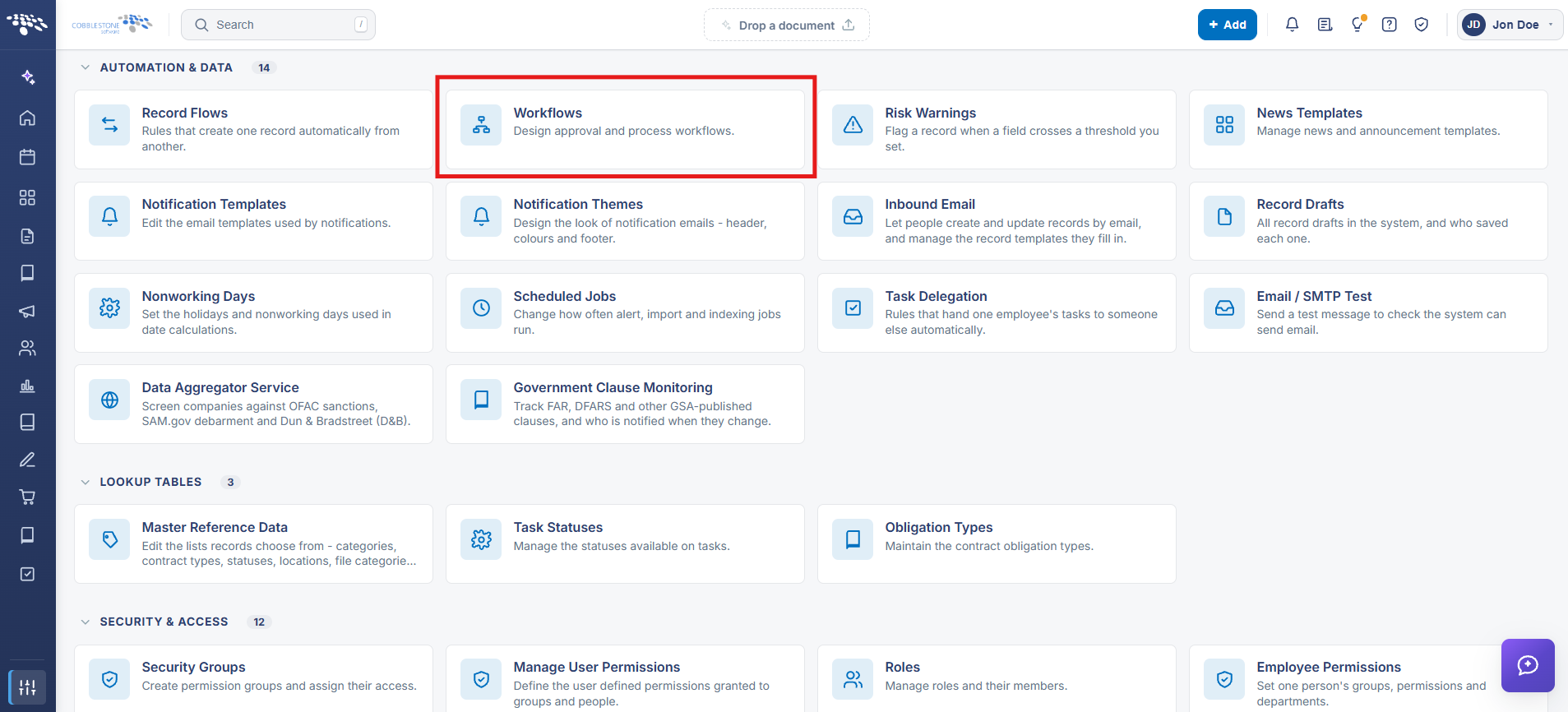 Workflow Navigation
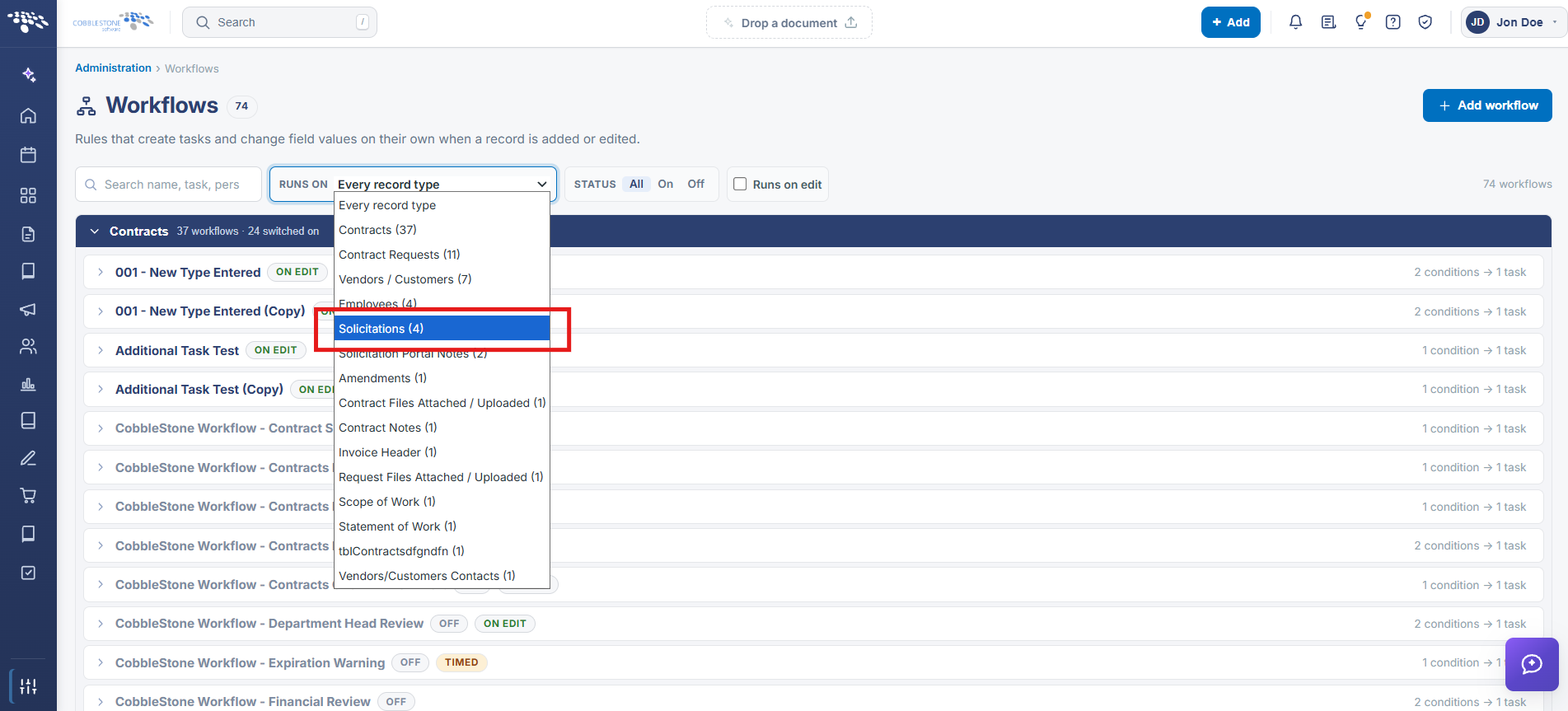 Workflow Run On Dropdown
2. Key Elements
- Administration > Workflows > Runs on: Solicitations filters to the 33 workflows scoped to solicitation records in this environment
- Each workflow shows an ON/OFF toggle, an optional ON EDIT tag (also runs when a record is edited, not just added), and its condition -> task count
- A TIMED tag (seen on "eSourcing Time Elapsed") marks a workflow triggered by elapsed time rather than a field condition
- Add workflow (top of the page) creates a new solicitation-scoped workflow from scratch
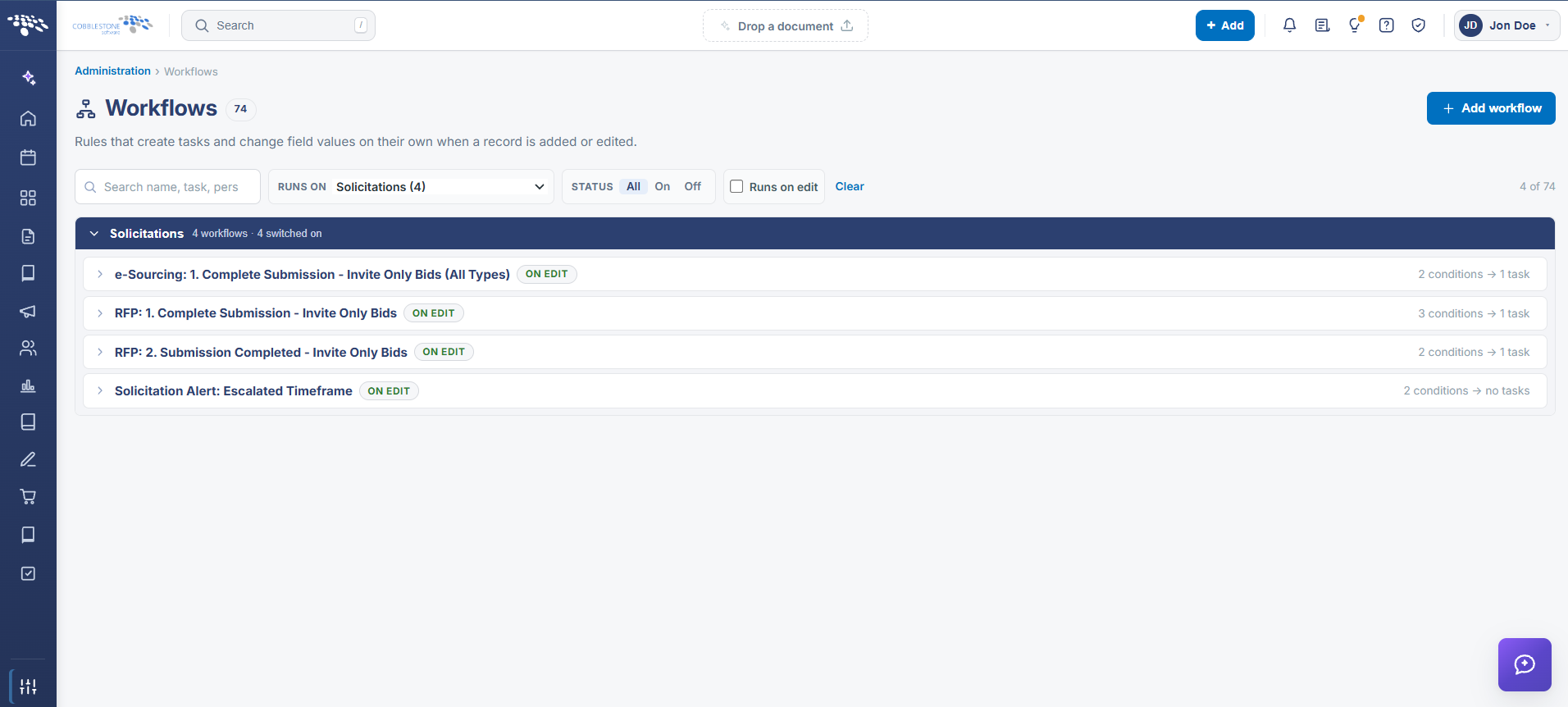 Solicitation Workflow List (Edit Tags)
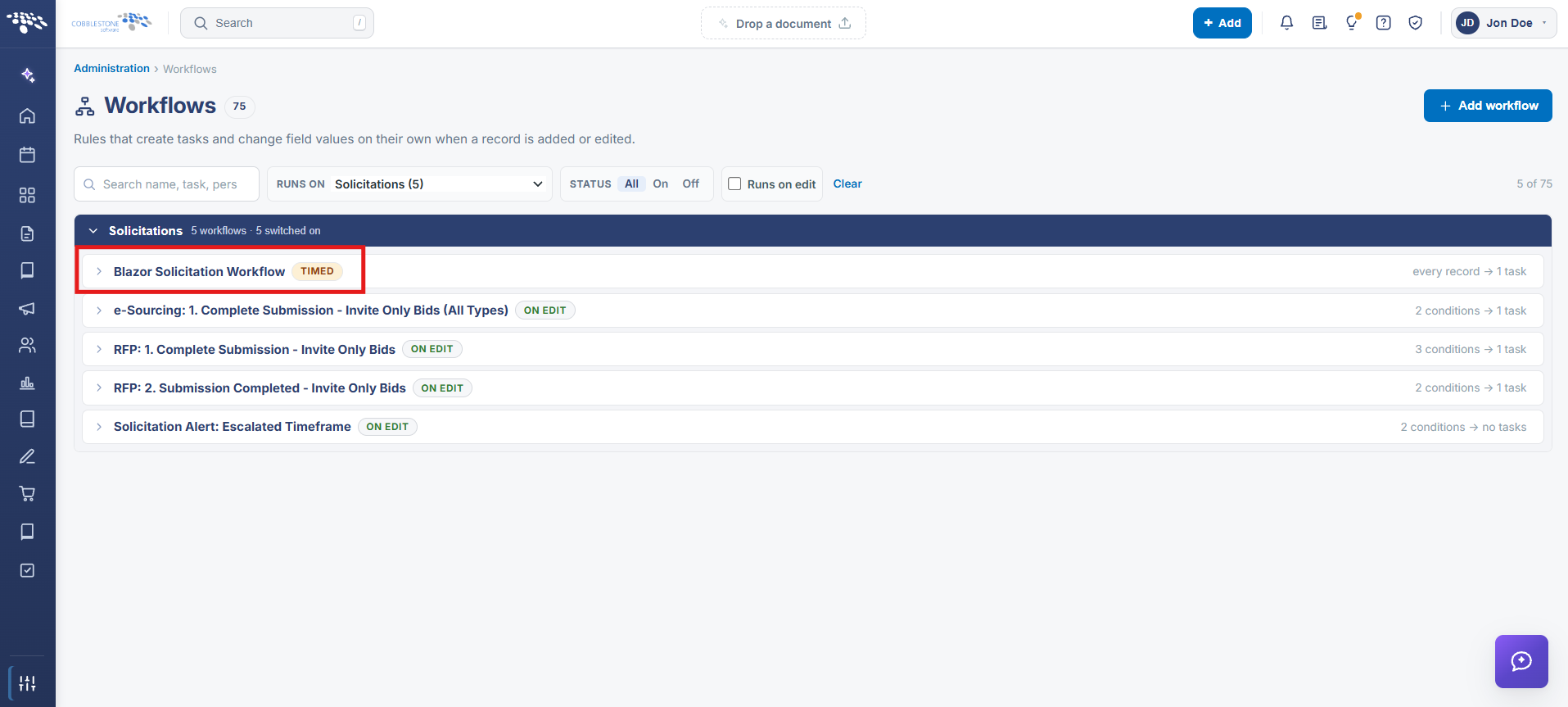 Solicitation Workflow List (Timed Tags)
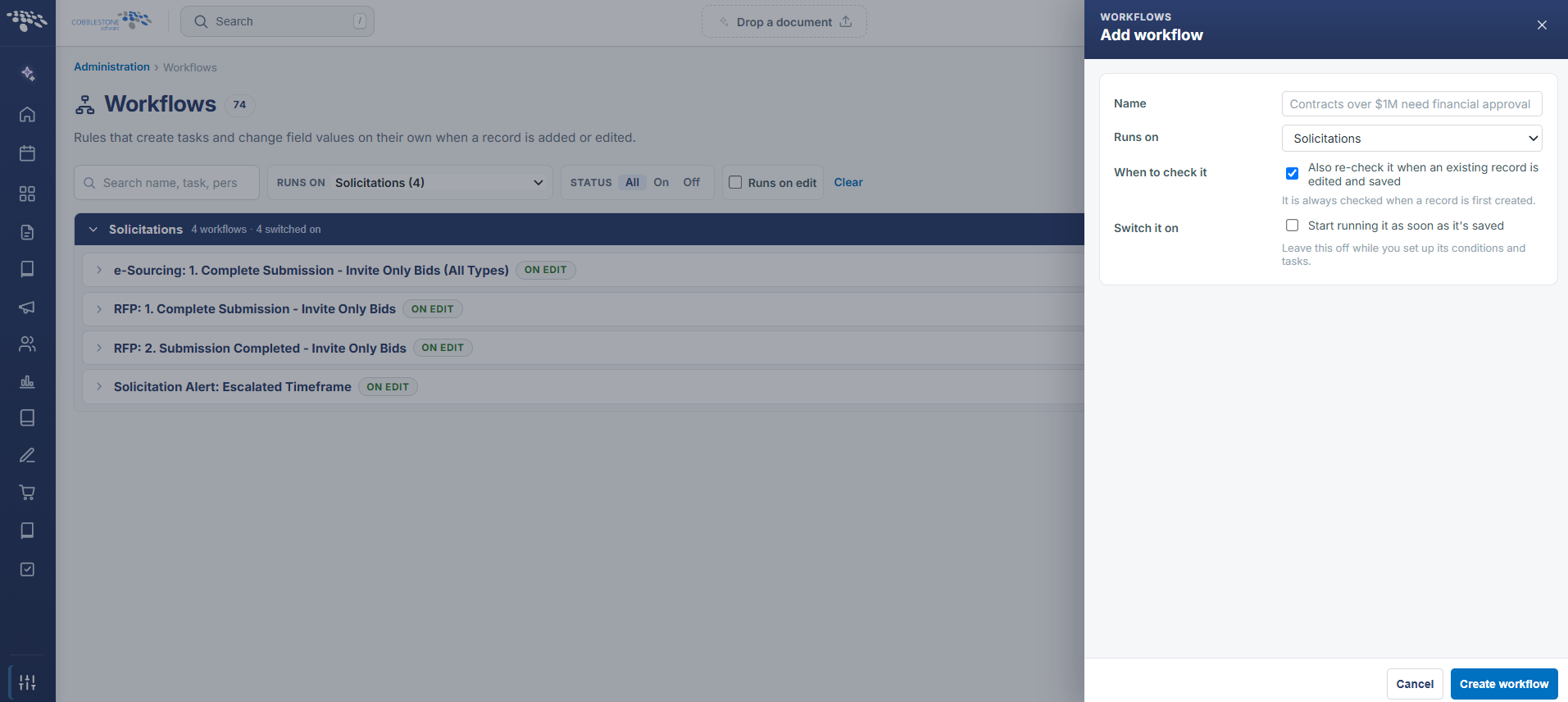 Solicitation Workflow - Add Workflow