COBBLESTONE SOFTWARE
Contract Insight — User Guide
Searching with the Search Engine
06. End Users: Searching & Reporting › Quick Search › Searching with the Search Engine
Note: Each procedure in this guide begins at the Contract Insight homepage, so any section can be followed on its own. Custom fields are configurable, so the exact field list on a contract category record may vary between environments.
1. Overview
The Search Engine is reached either directly at search-engine, or by following the "Try the full-text search engine" link from a Quick Search results page. It presents a distinct interface from Quick Search: a Save this search option, plus Saved Searches and Recent Searches lists for returning to earlier queries.
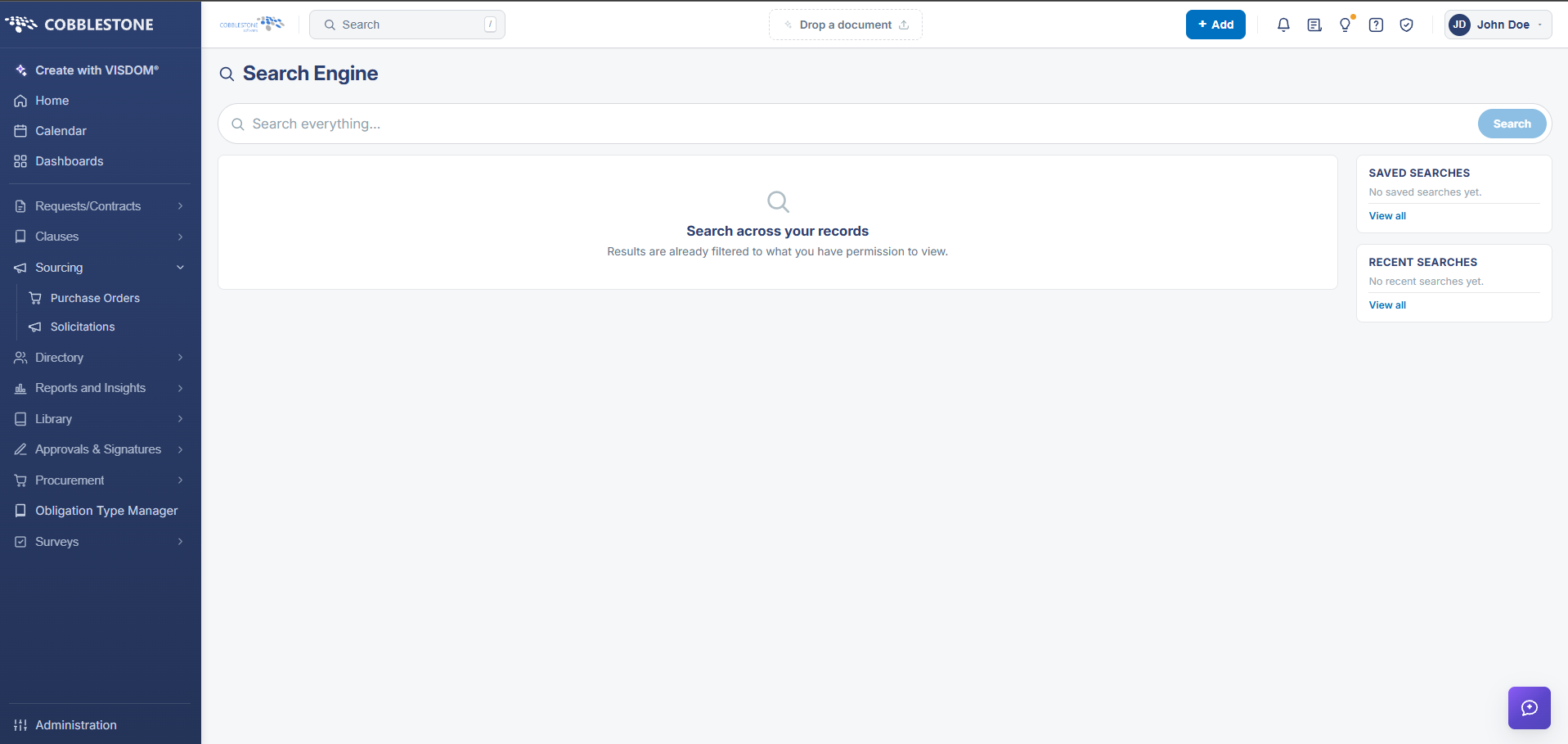 Full Text Search Engine
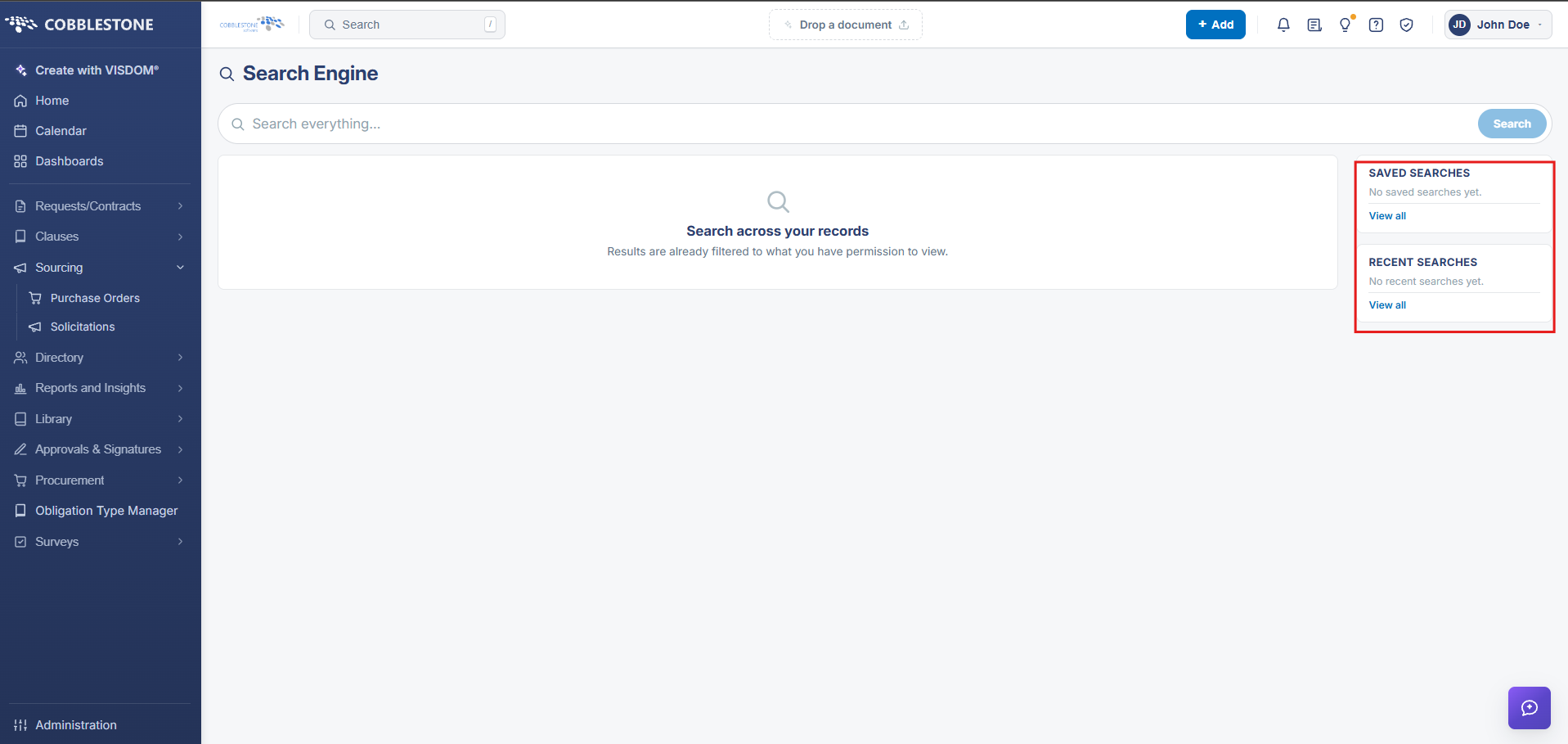 Saved/Recent Searches
2. Key Elements
- Reach the Search Engine at the search-engine URL, or via "Try the full-text search engine" from Quick Search results
- Save this search stores the current query; Saved Searches and Recent Searches list past queries for quick reuse