COBBLESTONE SOFTWARE
Contract Insight — User Guide
View Contract Record & Attachments from Search
06. End Users: Searching & Reporting › Quick Search › View Contract Record & Attachments from Search
Note: Each procedure in this guide begins at the Contract Insight homepage, so any section can be followed on its own. Custom fields are configurable, so the exact field list on a contract category record may vary between environments.
1. Overview
On the main Contracts list, each row carries the same Manage, Preview (eye icon), and Attachments (folder icon) actions available on the top-nav Search results page, plus an "Add to your favorites" star. Preview opens a quick view of the record, Attachments opens its linked files directly, and Manage opens the full record, letting a user review a contract's details and files from the main Contracts list without the extra step of opening the record first.
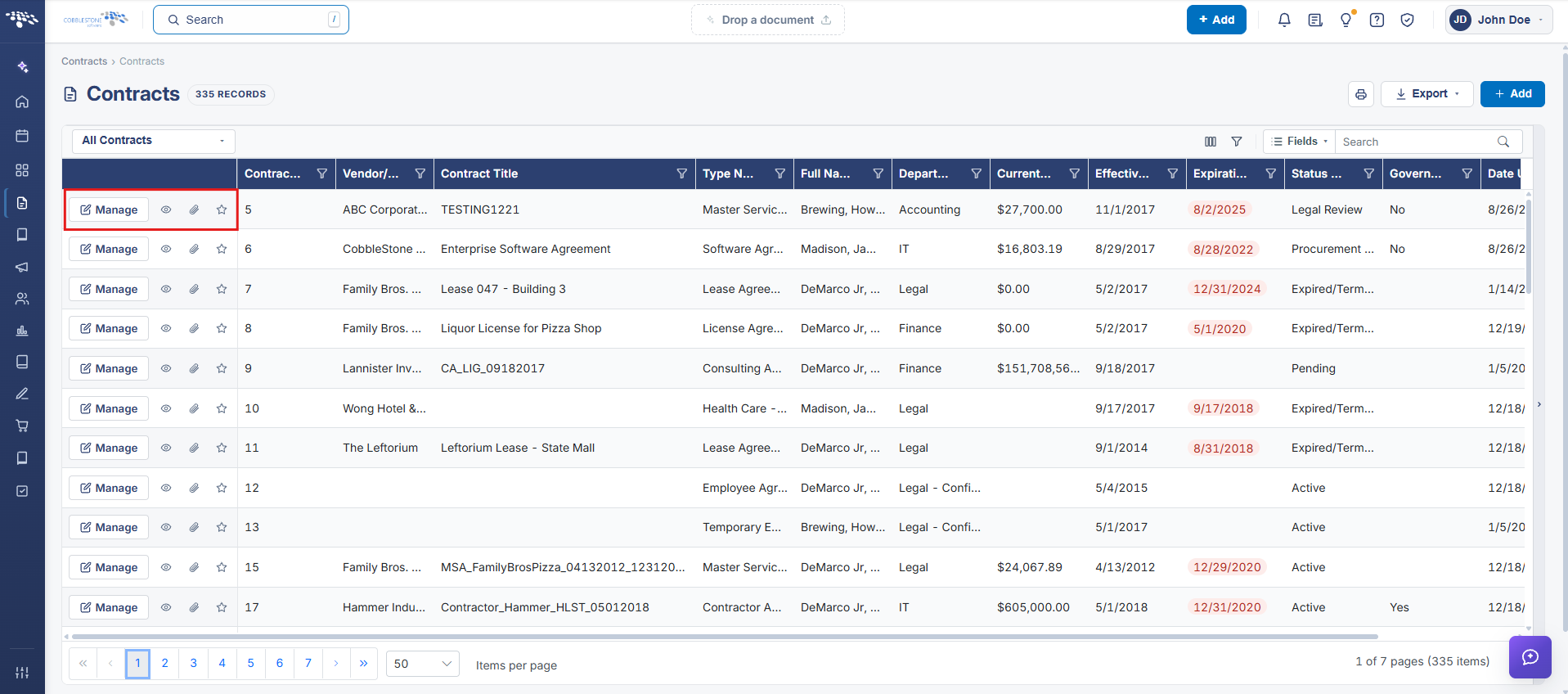 Action Buttons
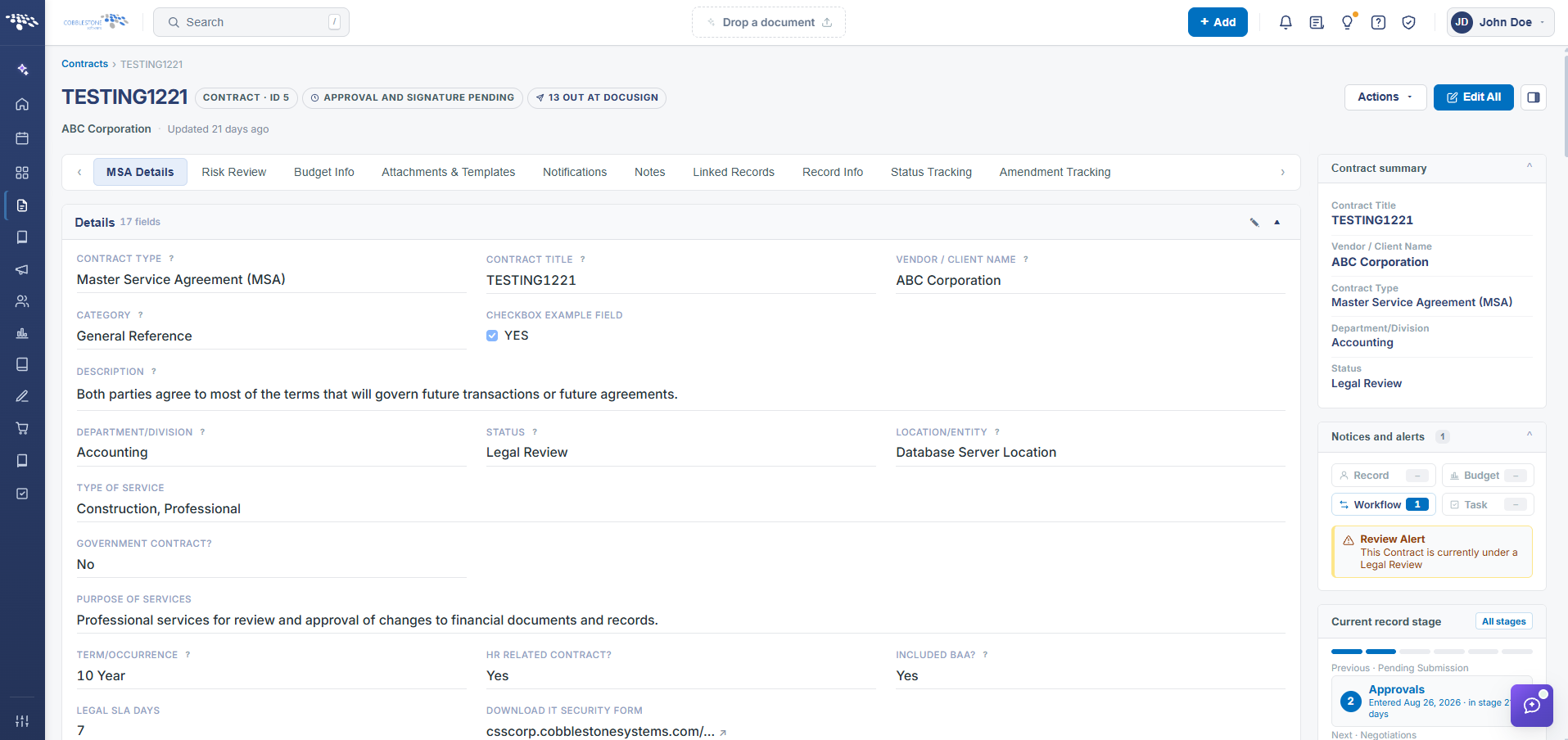 Contract Details Screen - Full View (via Manage button)
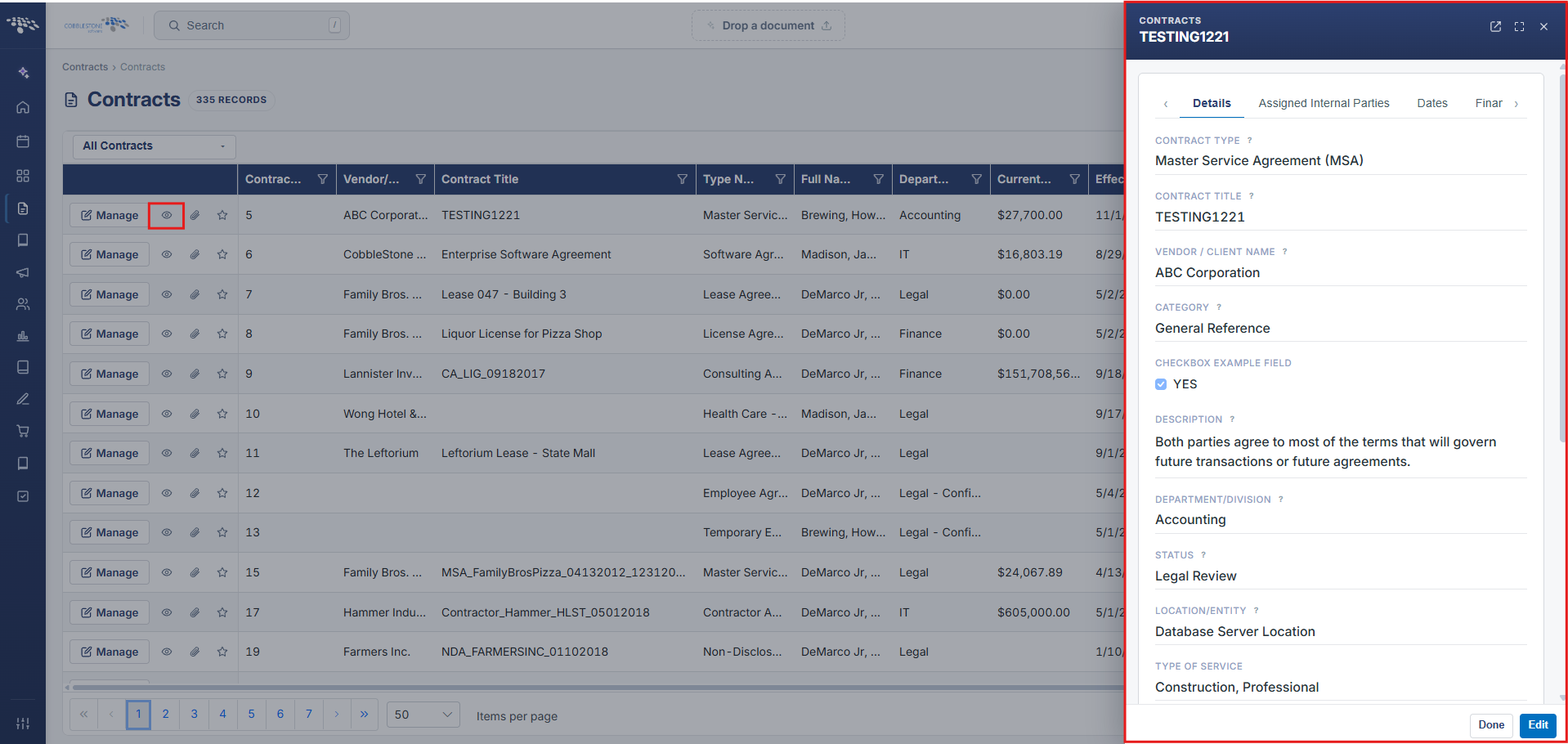 Contract Details - Preview (via Preview button)
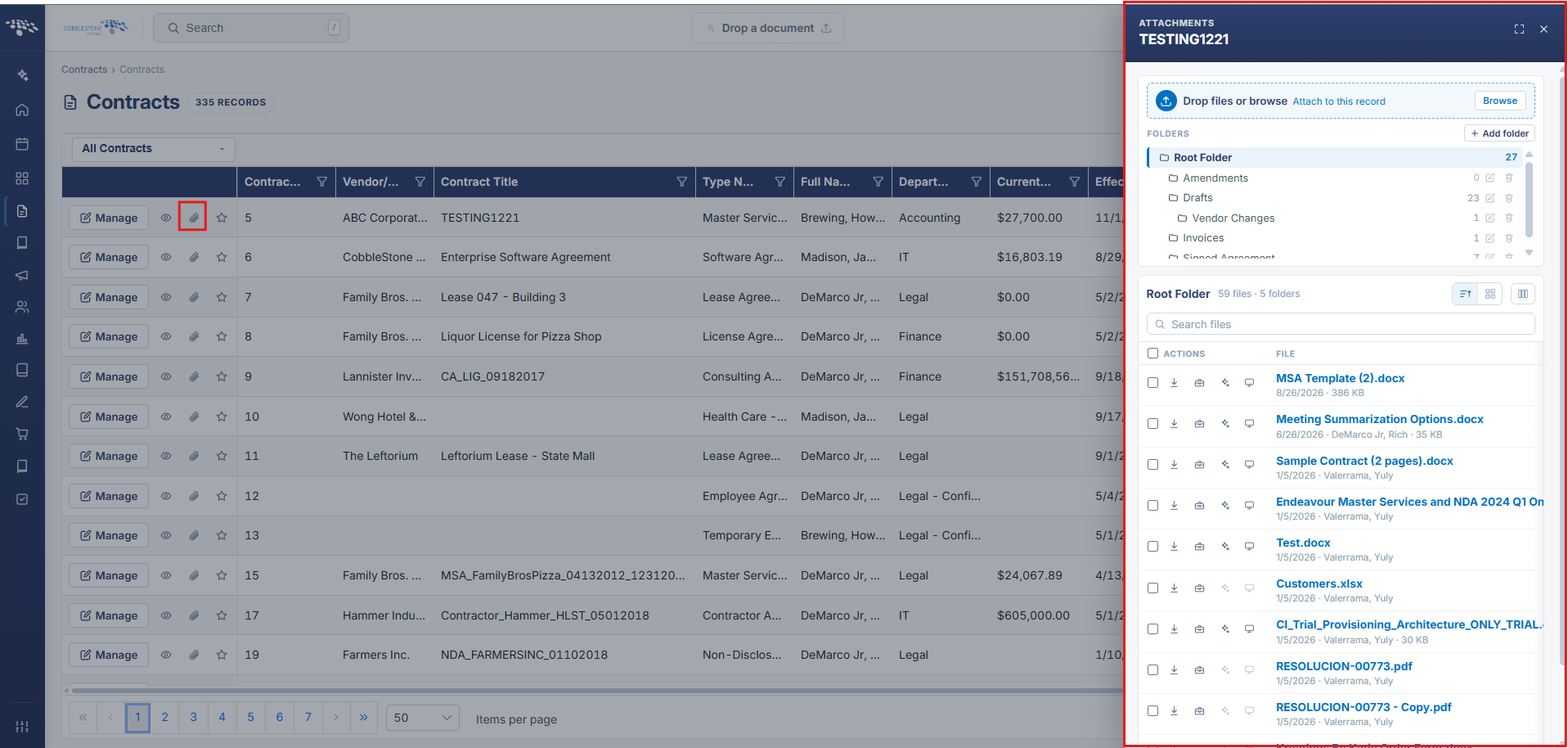 Contract Attachments - Preview (via Attachments button)
2. Key Elements
- Found on the main Contracts list, per result row
- Preview (eye icon) opens a quick view of the record; Attachments (folder icon) opens its files directly
- Manage opens the full contract record for editing
- "Add to your favorites" (star icon) is also available on this list's rows, alongside the view/file actions