COBBLESTONE SOFTWARE
Contract Insight — User Guide
Searching & Reporting Overview
06. End Users: Searching & Reporting › Find/Search Contracts › Searching & Reporting Overview
Note: Each procedure in this guide begins at the Contract Insight homepage, so any section can be followed on its own. Custom fields are configurable, so the exact field list on a contract category record may vary between environments.
1. Overview
Search and reporting in this redesigned application span several related areas rather than one screen. Everyday lookups run through Quick Search (the top-nav Search box, covered under Performing a Quick Search) and, for relevance-ranked full-text results, the Search Engine (covered under Searching with the Search Engine). Every results grid supports per-column filtering, sorting, and column customization (covered under Filtering & Sorting the Quick Search Results List and the Modifying Columns Displayed entries). Beyond search, the Reports, Dashboards & Analytics module (covered in an earlier wave of this guide) provides ad-hoc report building, scheduling, and export to formats including Excel, Word, and PDF — the modern counterpart to the legacy wiki's description of a drag-and-drop Custom Report Designer.
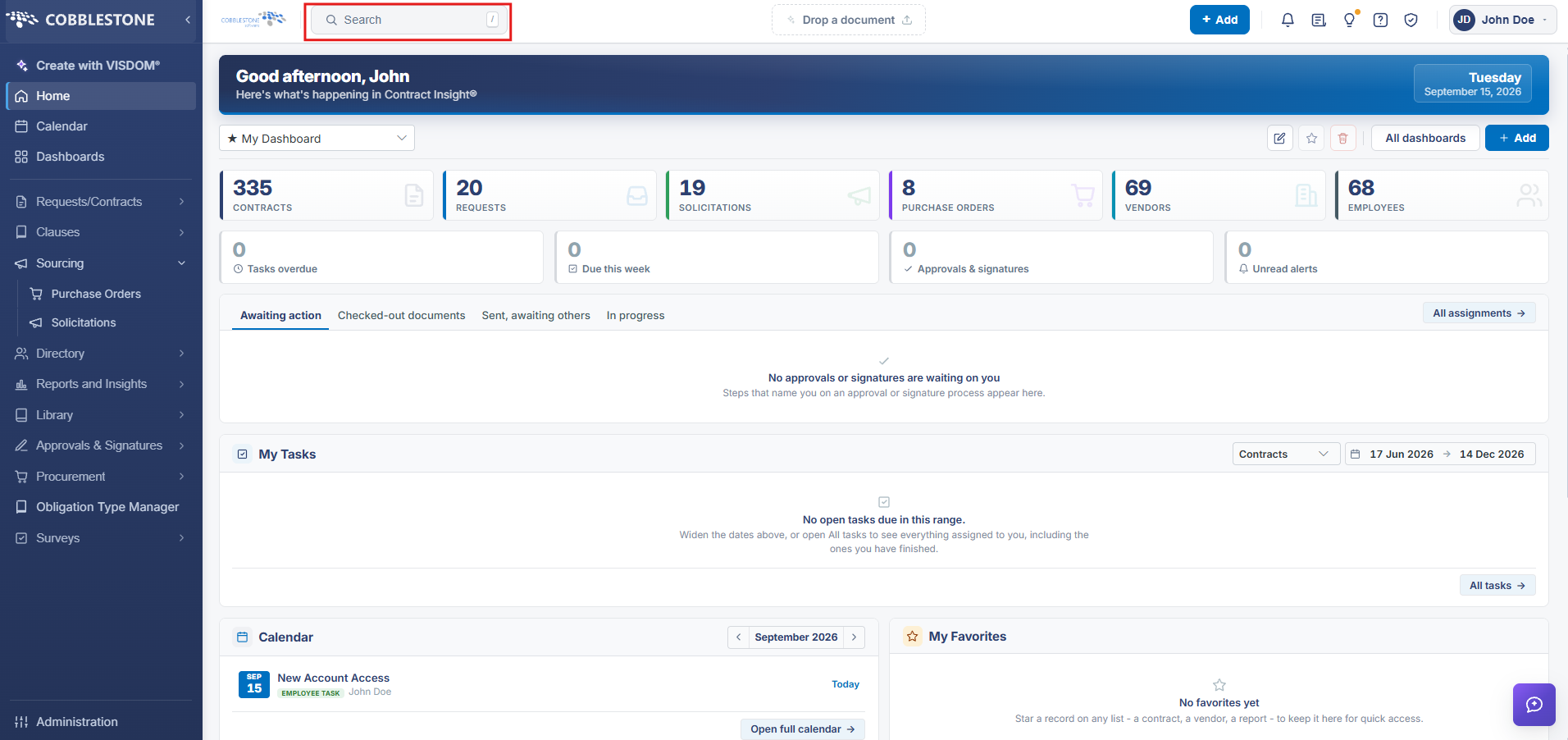 Quick Search
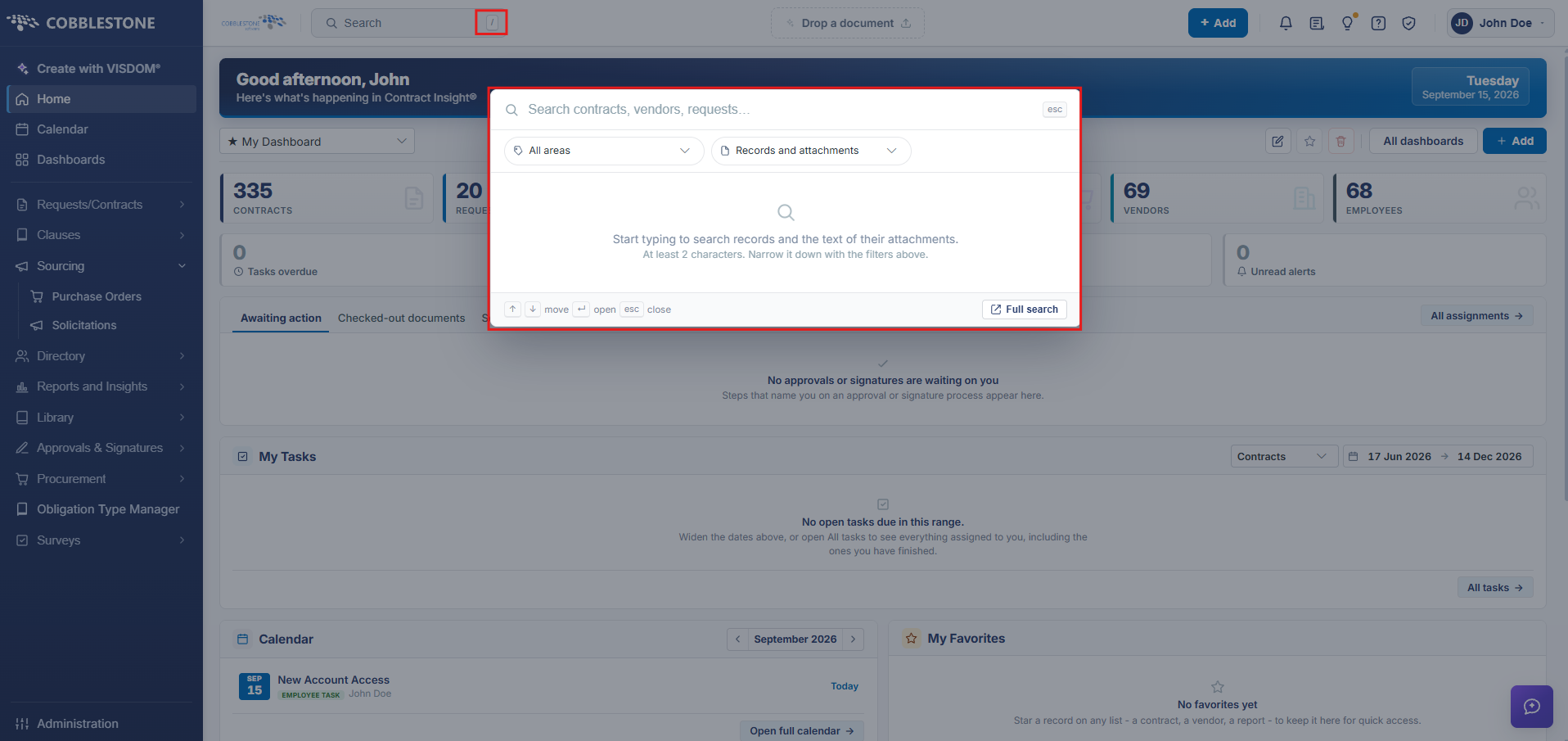 Search
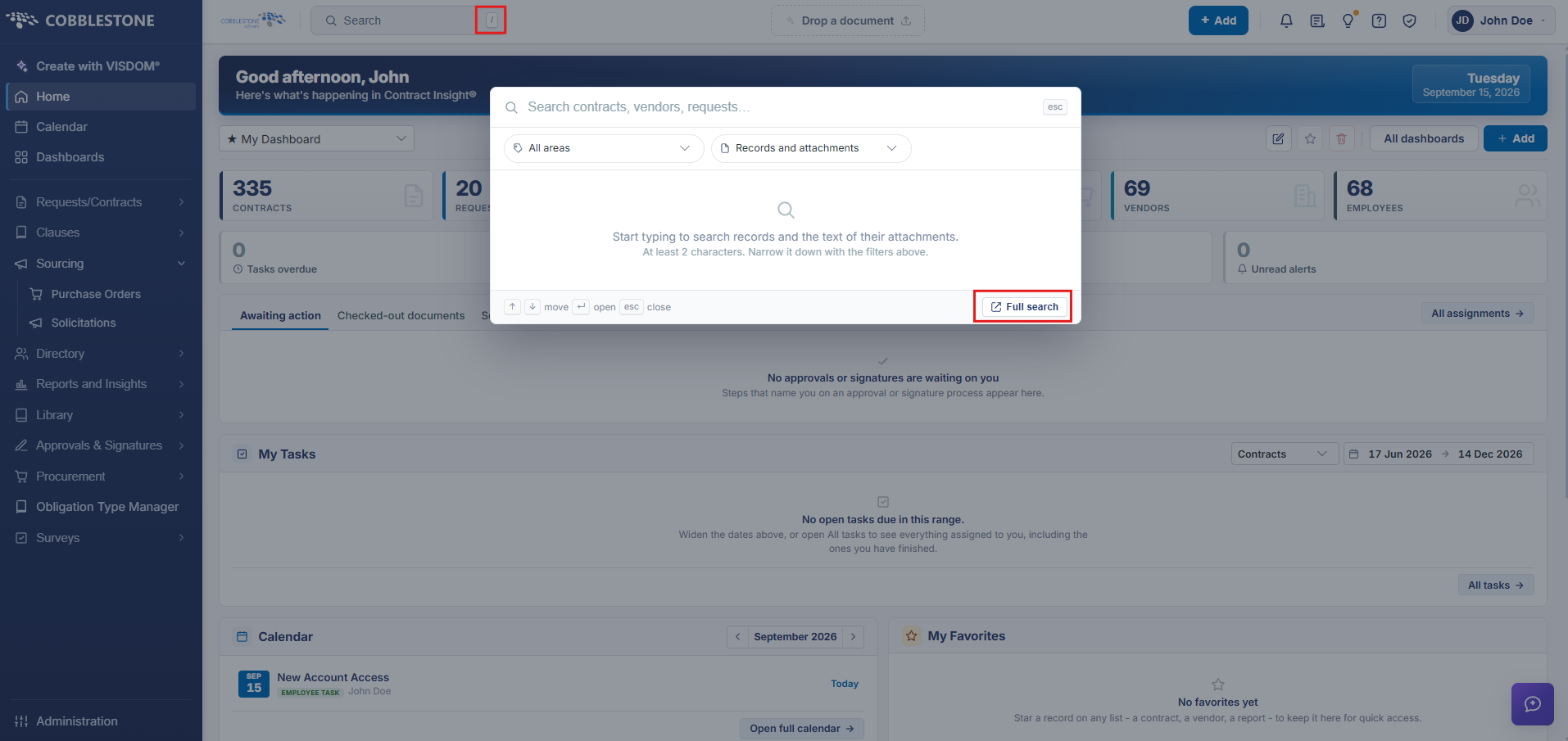 Navigation to Full Search
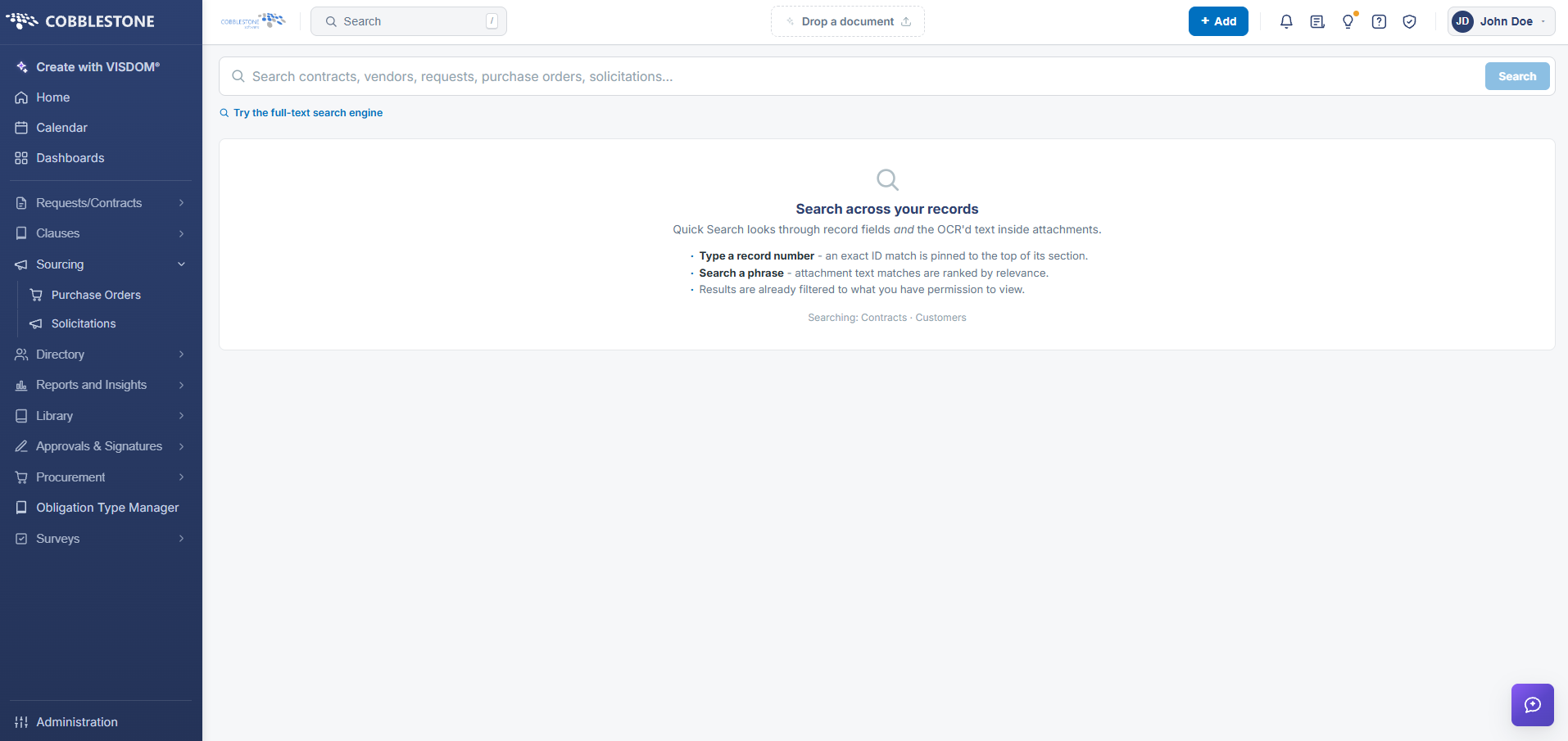 Full Search
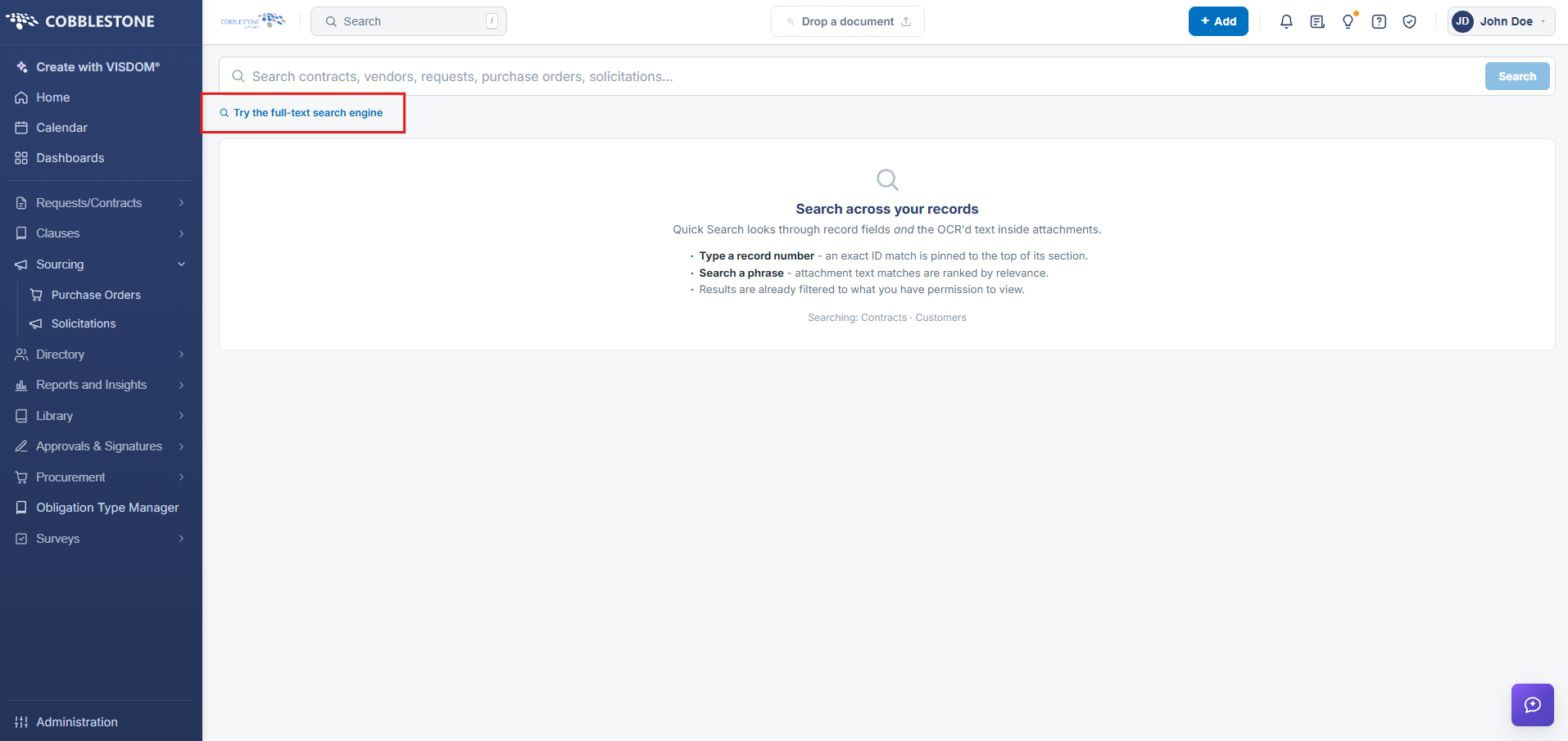 Navigation to Full Text Search Engine
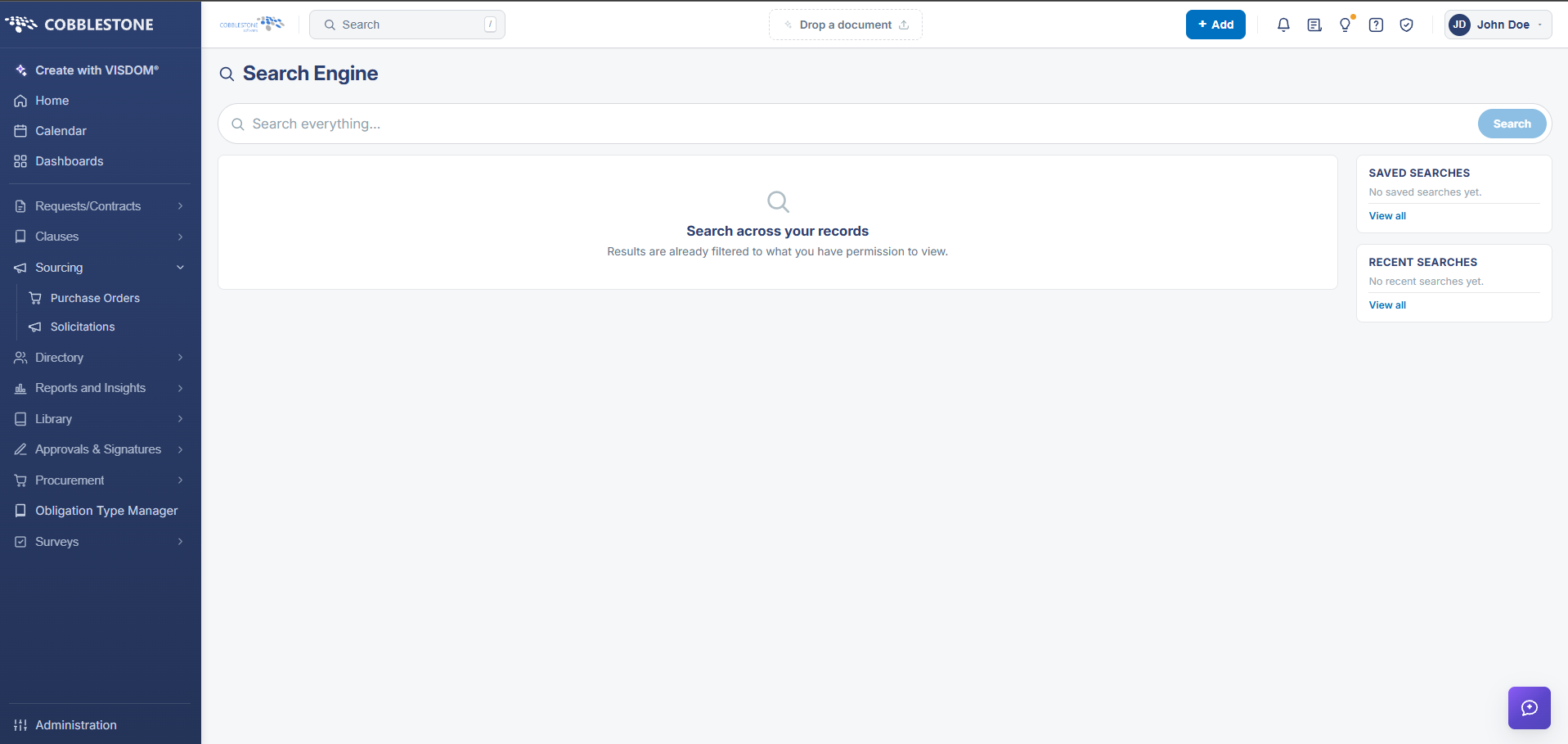 Full Text Search Engine
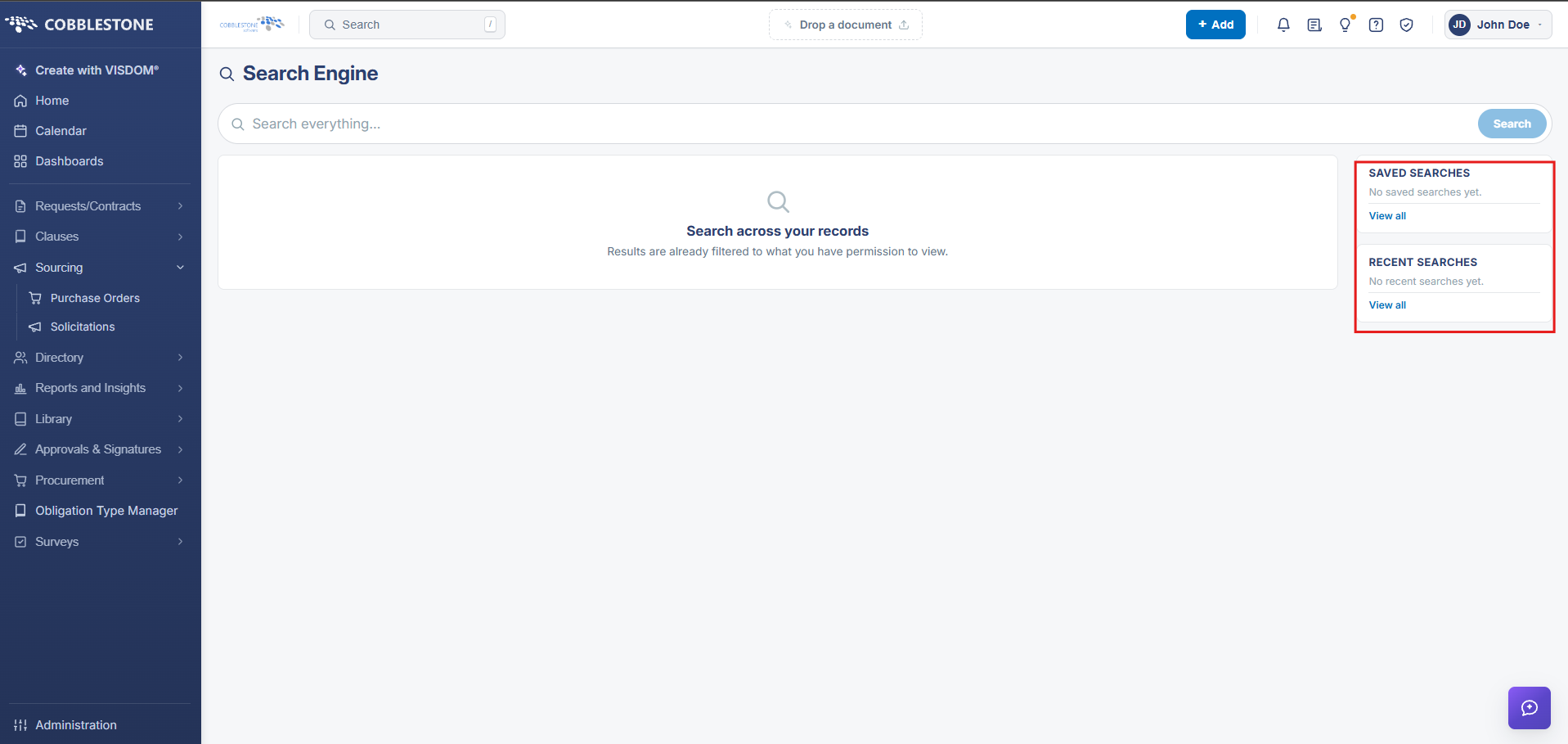 Saved/Recent Searches
2. Key Elements
- Everyday keyword lookups run through Quick Search from the top-nav Search box
- Relevance-ranked full-text search across records and attachments runs through the Search Engine
- Every results grid supports per-column filtering, sorting, and column customization
- Ad-hoc report building, scheduling, and export live in the separate Reports, Dashboards & Analytics module