COBBLESTONE SOFTWARE
Contract Insight — User Guide
Field Level Searching
06. End Users: Searching & Reporting › Find/Search Contracts › Field Level Searching
Note: Each procedure in this guide begins at the Contract Insight homepage, so any section can be followed on its own. Custom fields are configurable, so the exact field list on a contract category record may vary between environments.
1. Overview
The main Contracts list (Contracts menu > Contracts) offers two complementary ways to narrow 43,000-plus records beyond simple keyword search, mirroring the legacy Standard/Advanced split. A "Search: Search fields" control lets a user search specific fields directly, comparable to the old Find Where field-level search. A separate "Filter on several columns at once" control opens a multi-condition filter builder for combining several field criteria together, comparable to the old Advanced tab's filter builder with AND/OR logic. Both sit alongside per-column Filter Icon buttons on every column header for quick single-column filtering, and the view selector ("View: All Contracts") lets a saved view scope the whole list before filters are even applied.
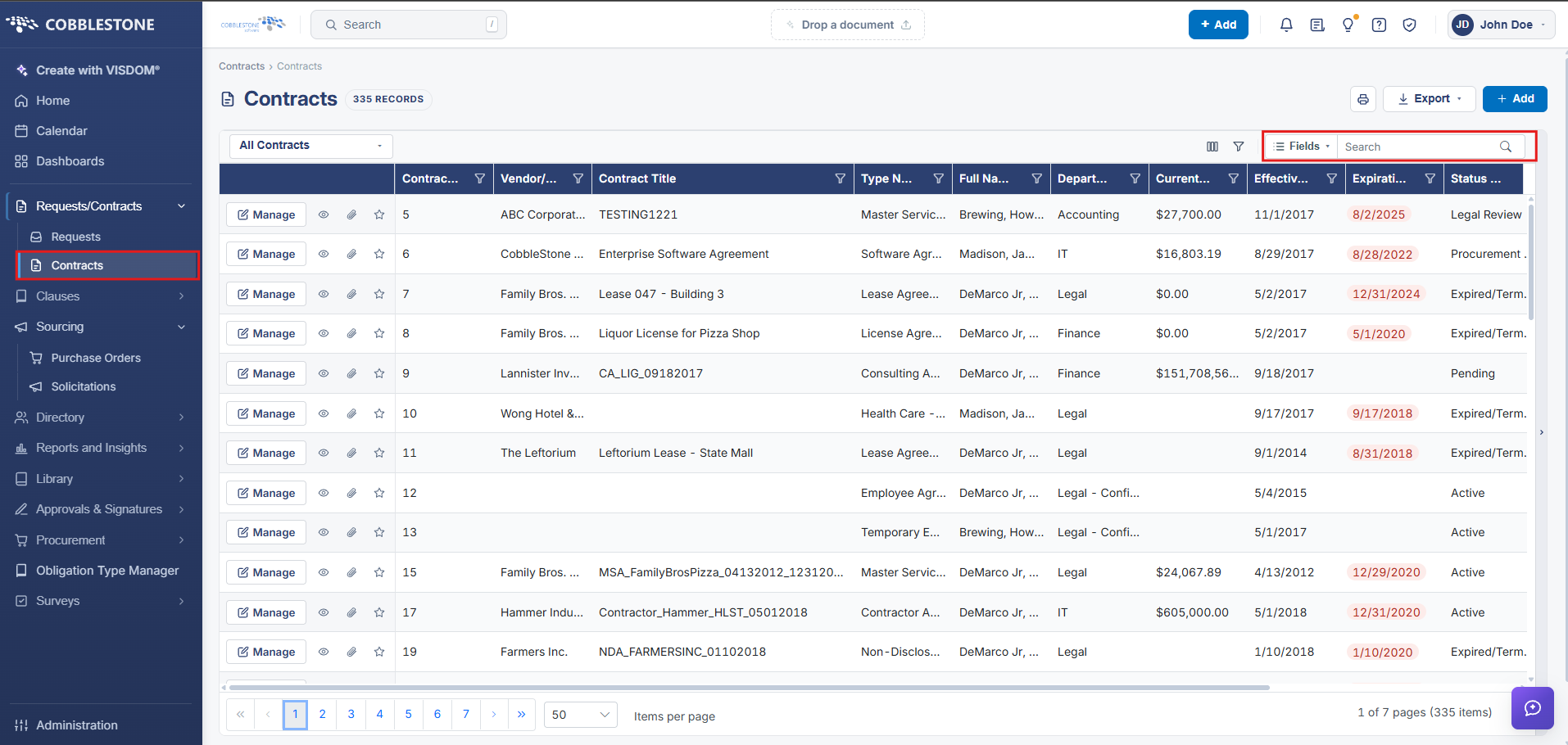 Field Search Option
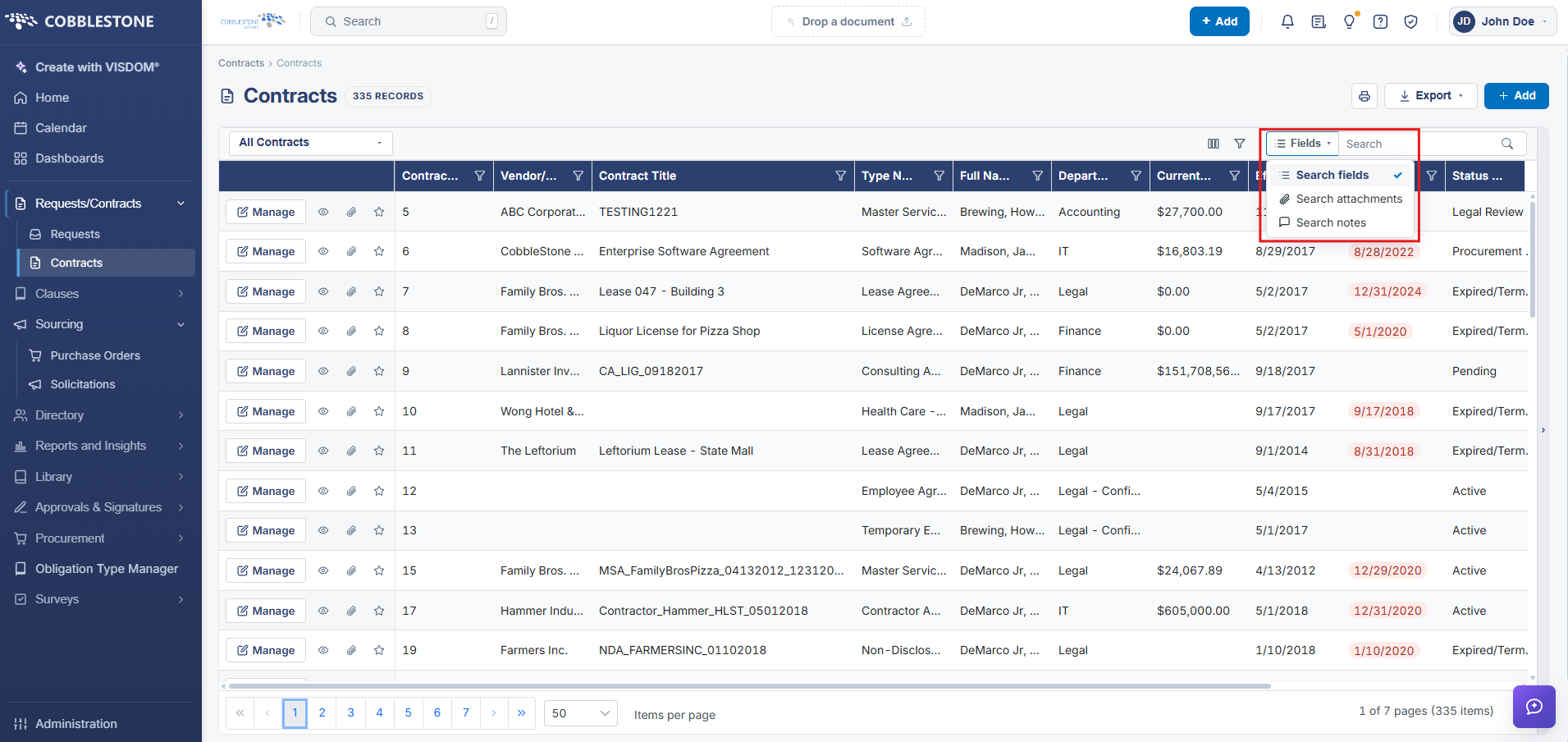 Search Filter
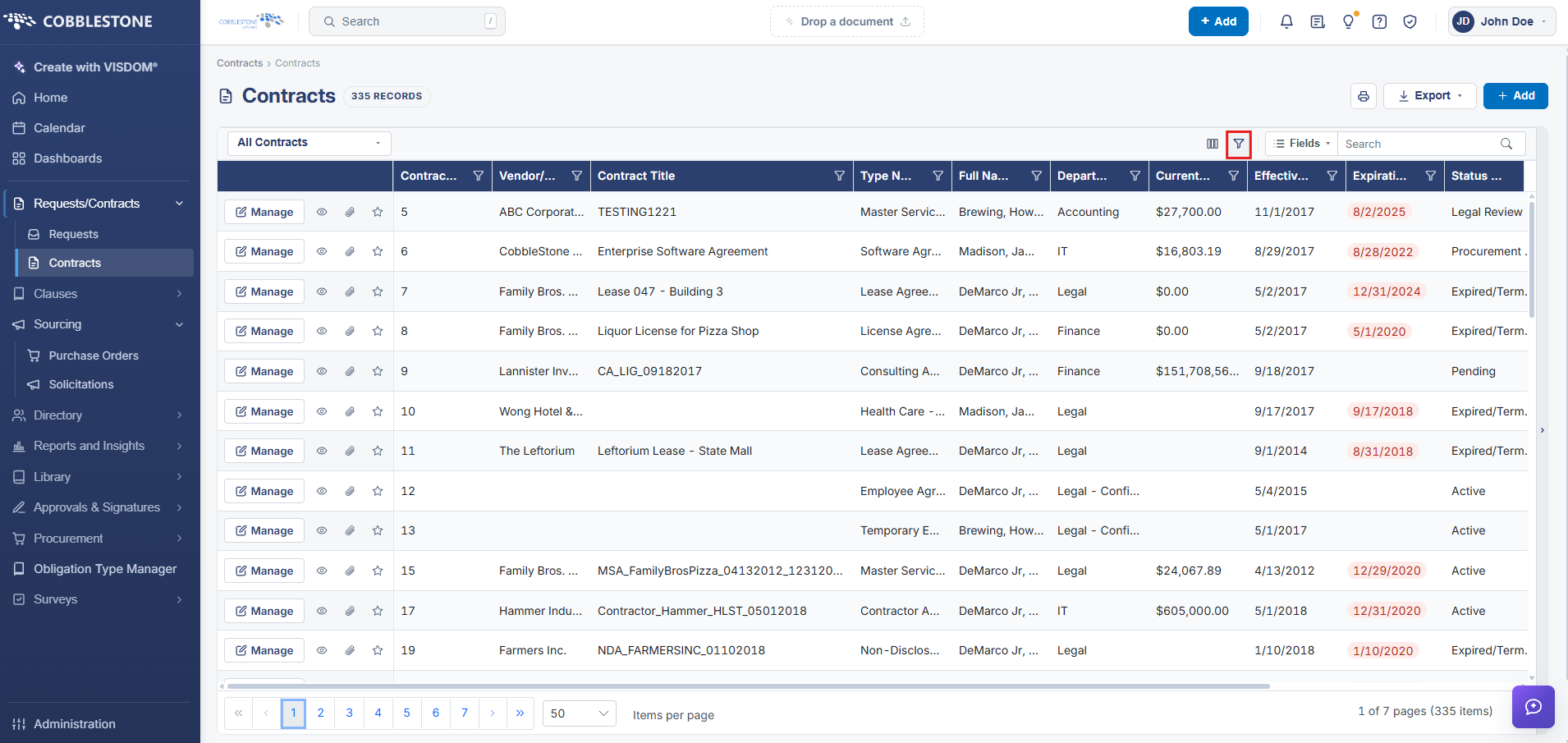 Advanced Search (Filter on Several Columns at Once)
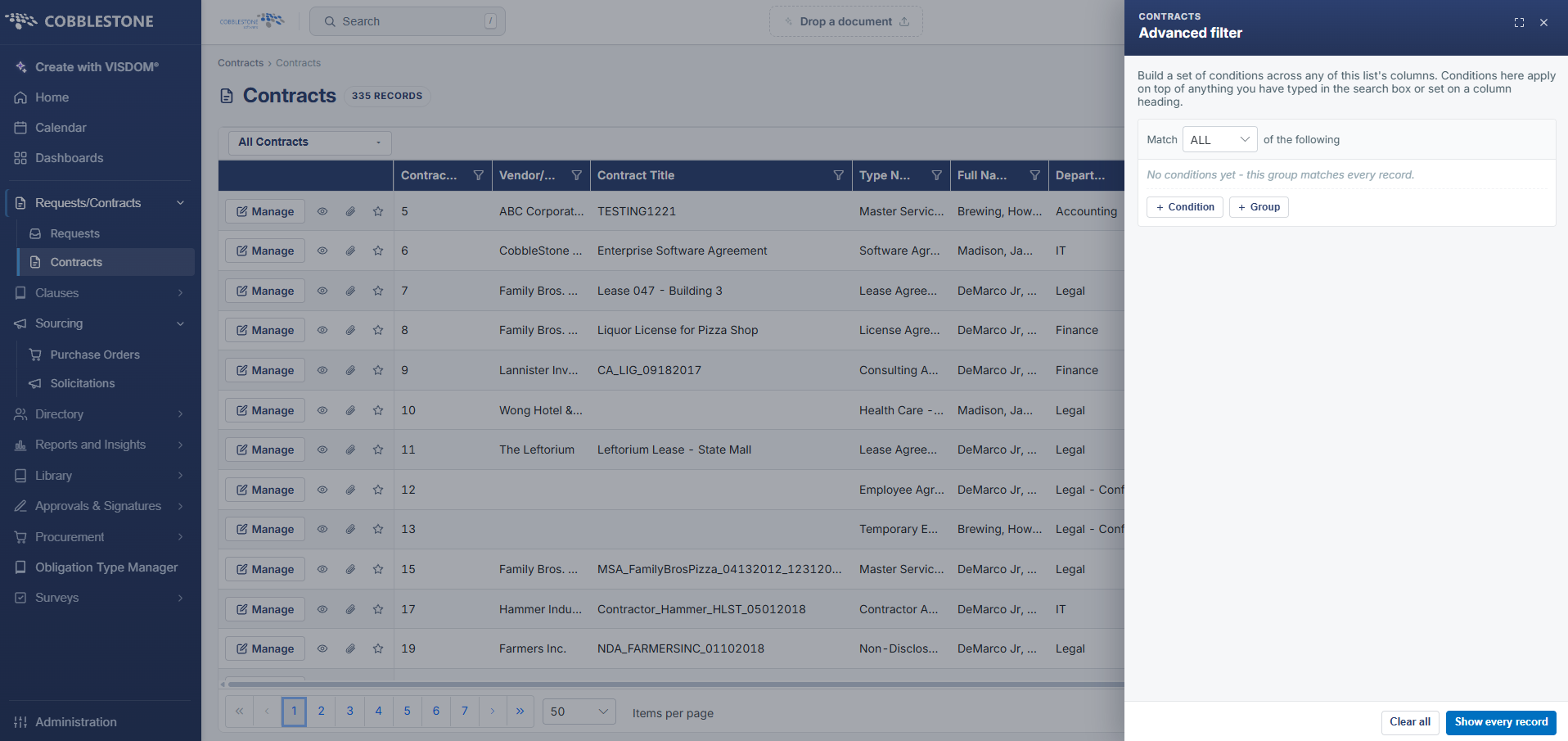 Advanced Search Filter Pane
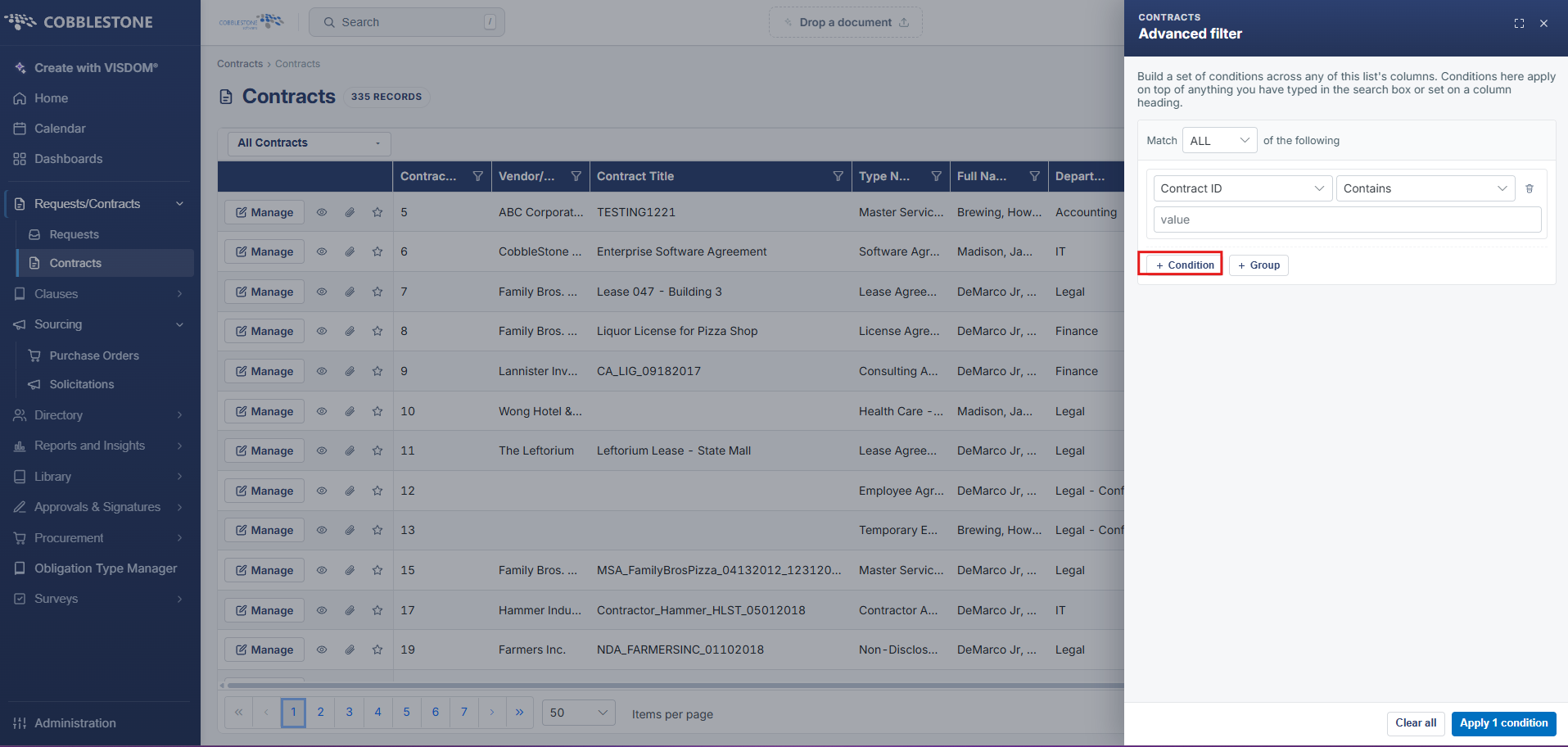 Conditions Filter
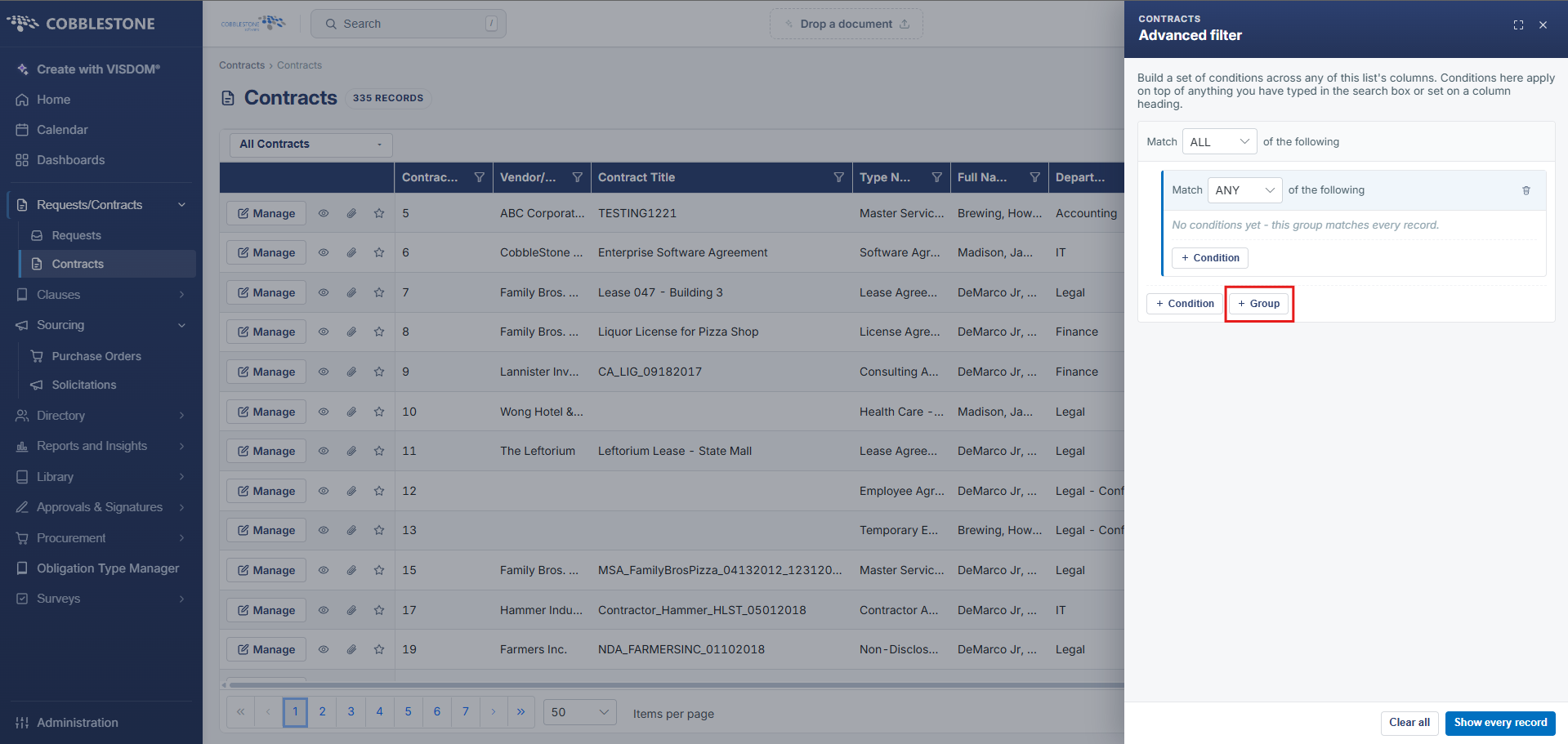 Group Filter
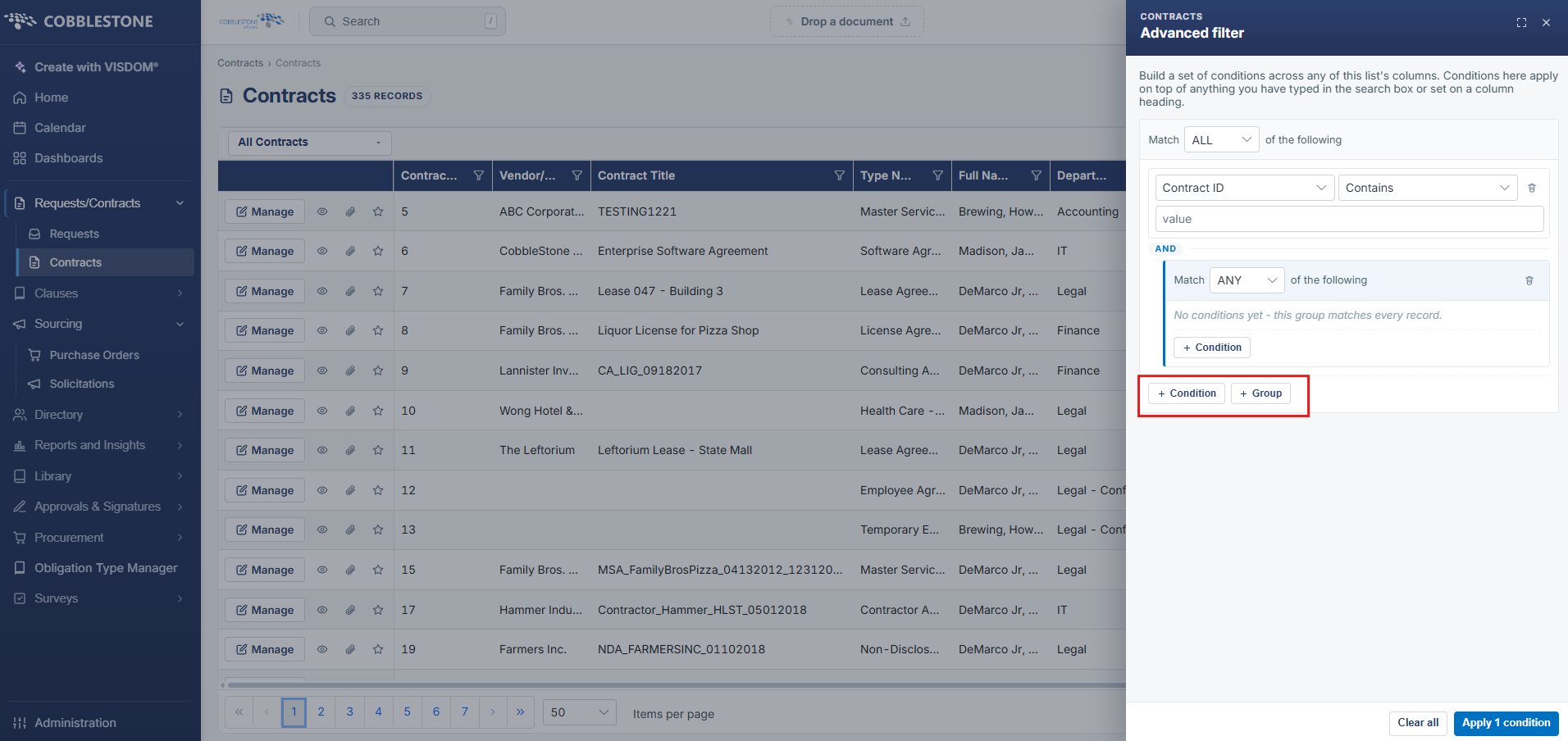 Condition + Group Filter (Combined)
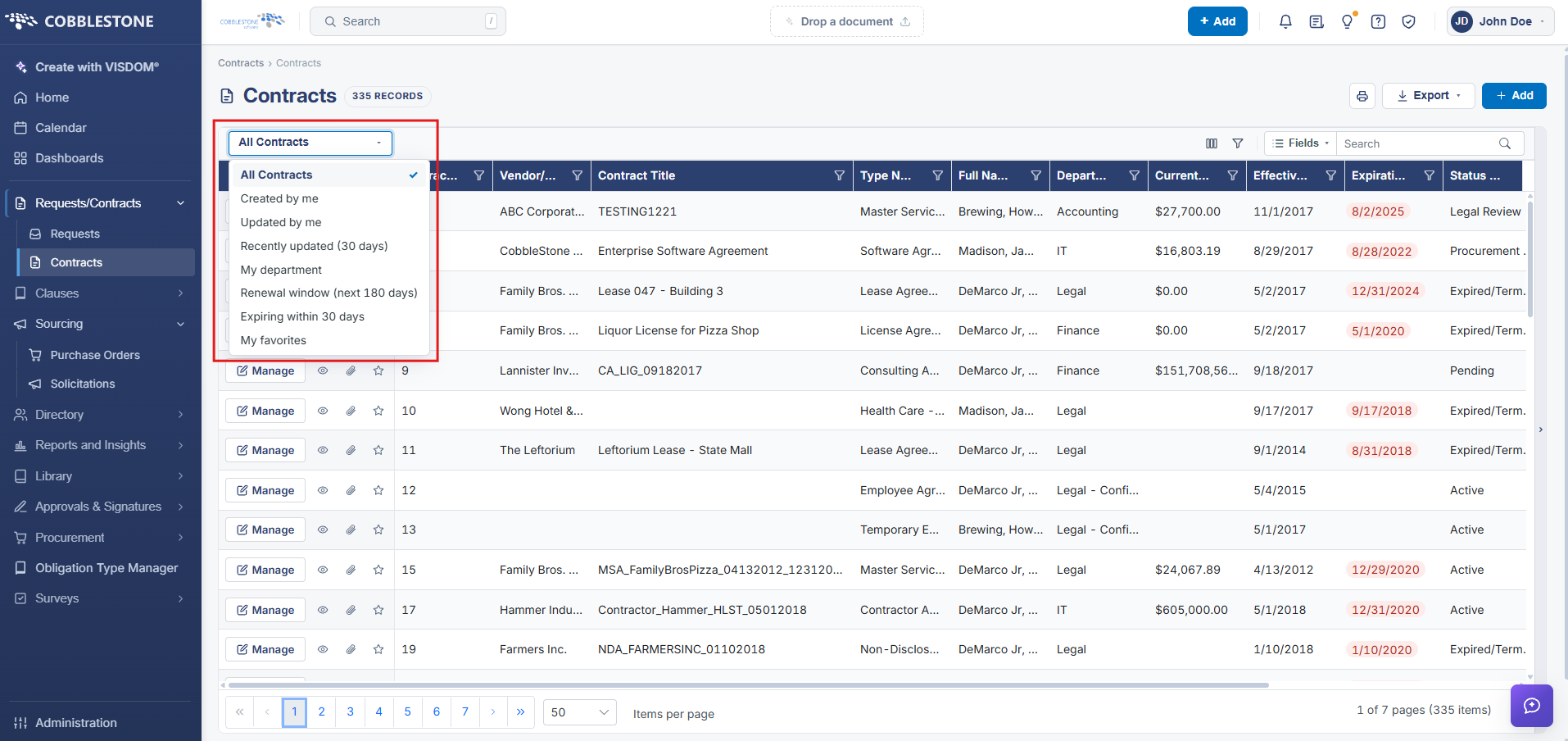 Contract filter
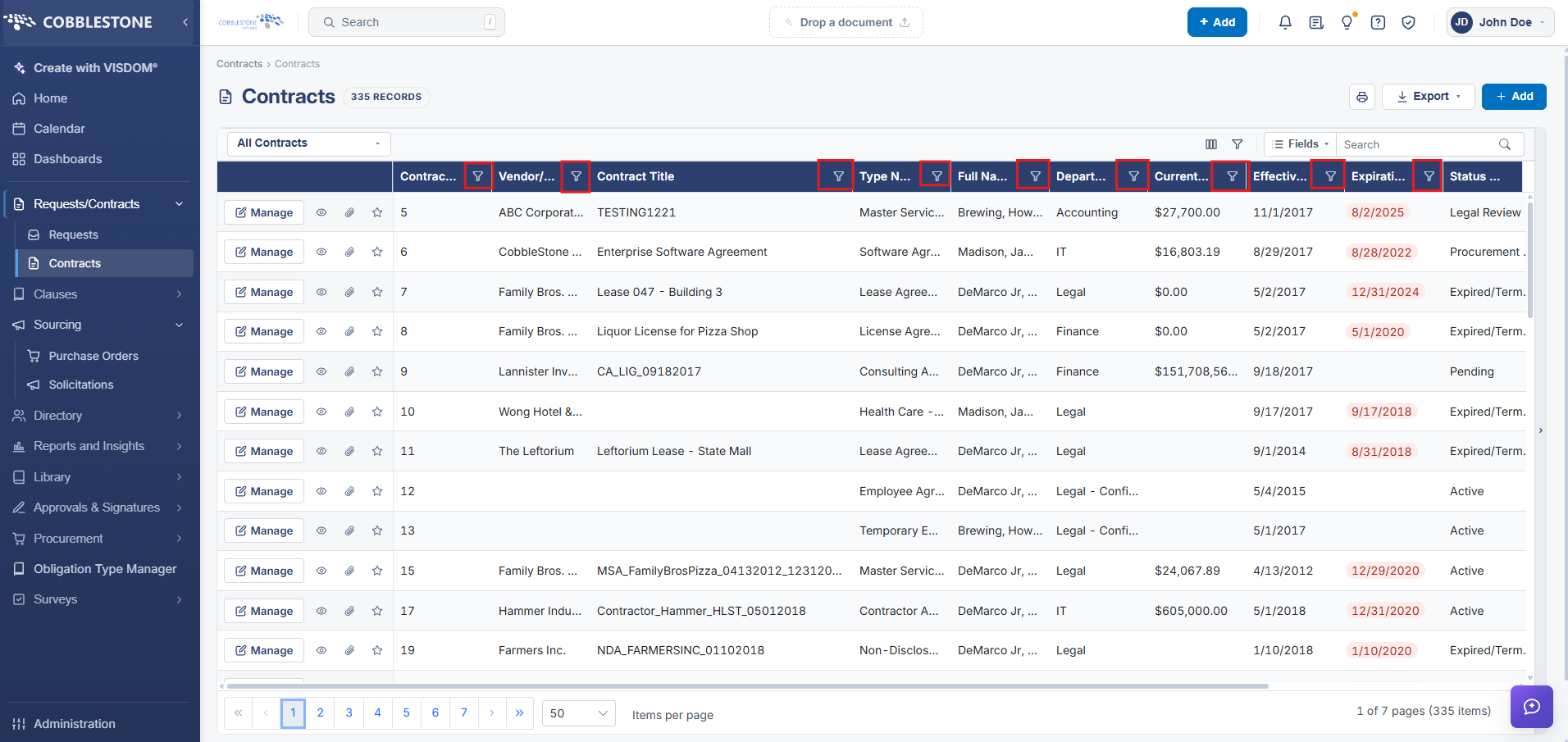 Column filter
Column filter
2. Key Elements
- "Search: Search fields" searches specific fields directly, similar to the legacy Find Where option
- "Filter on several columns at once" opens a multi-criteria filter builder, similar to the legacy Advanced tab
- Every column header also has its own Filter Icon for quick single-column filtering
- The View: All Contracts selector scopes the entire list to a saved view before any filters are applied