COBBLESTONE SOFTWARE
Contract Insight — User Guide
Search Contract Notes
06. End Users: Searching & Reporting › Search Files/Notes › Search Contract Notes
Note: Each procedure in this guide begins at the Contract Insight homepage, so any section can be followed on its own. Custom fields are configurable, so the exact field list on a contract category record may vary between environments.
1. Overview
The Search Notes tab is located in the field dropdown next to the contracts search bar.
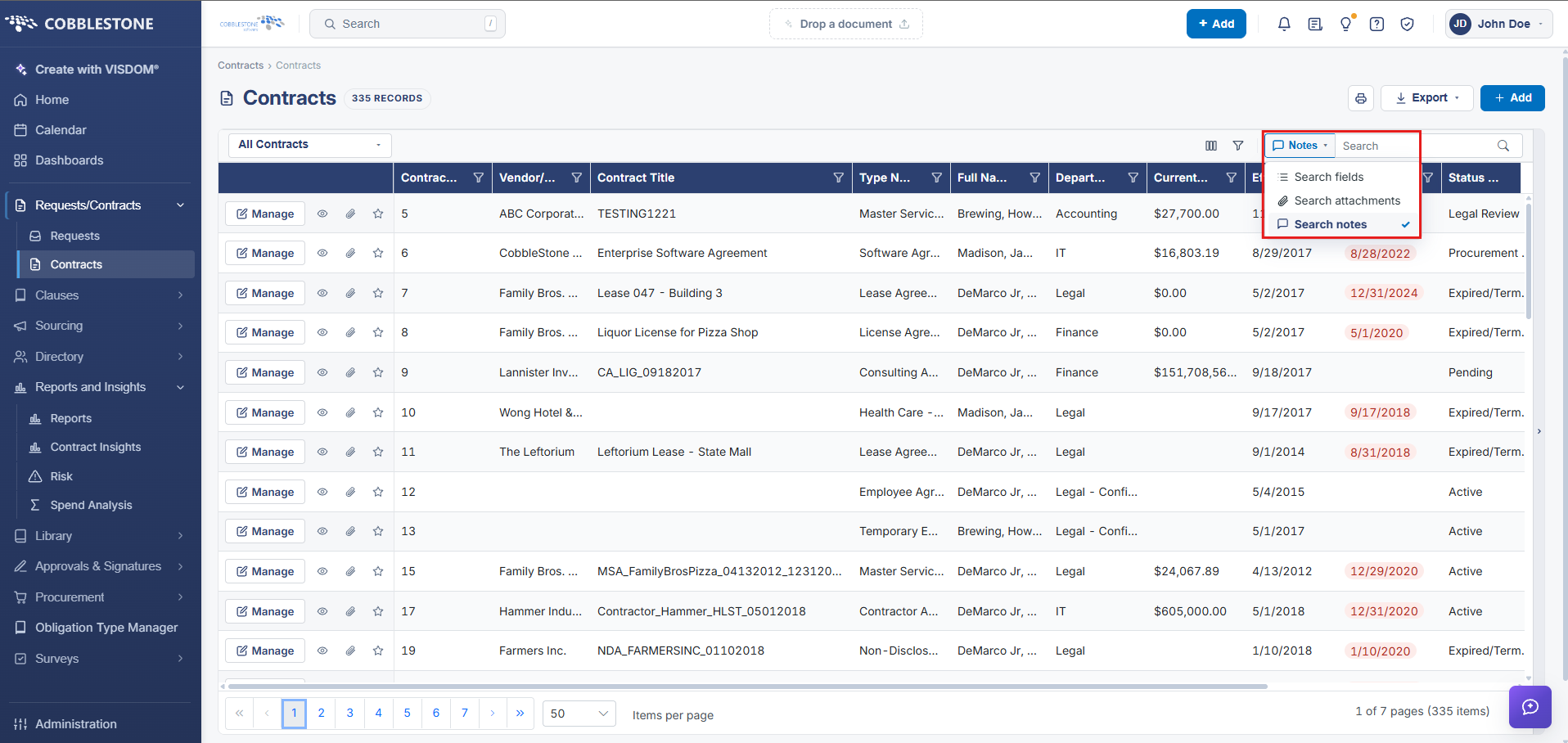
Search Notes
Contract Insight enables its users to search though a contract record’s notes using keywords.
1. To do so, enter a keyword you would like to search via Search Notes and click Go.
2. The results displayed will be any contract records that have a note saved to them that contains the keyword for which you searched.
NOTE: Search Notes is strictly a text wildcard search only for the provided word, phrase, and/or characters.