COBBLESTONE SOFTWARE
Contract Insight — User Guide
Report Designer Documentation
Report Designer Manual › Report Designer Overview › Report Designer Documentation
Note: Each procedure in this guide begins at the Contract Insight homepage, so any section can be followed on its own. Custom fields are configurable, so the exact field list on a contract category record may vary between environments.
1. Overview
The report designer's own on-screen guidance is what stands in for separate documentation: each section carries a short instructional line in place of its content when a prerequisite step hasn't been completed yet (e.g. "Choose a primary table on the Tables step first — the fields you can report on come from it"), walking a person through the required order without leaving the page.
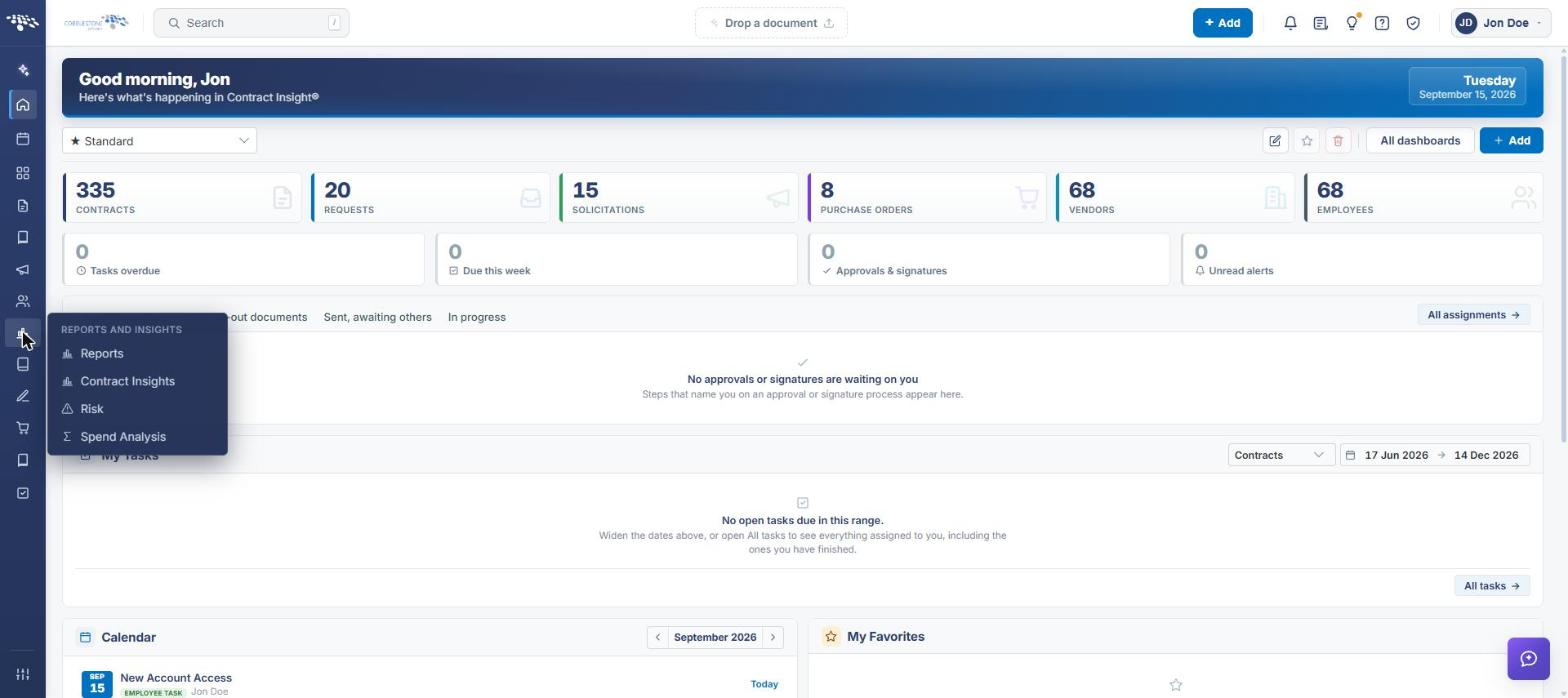 Report Page Navigation
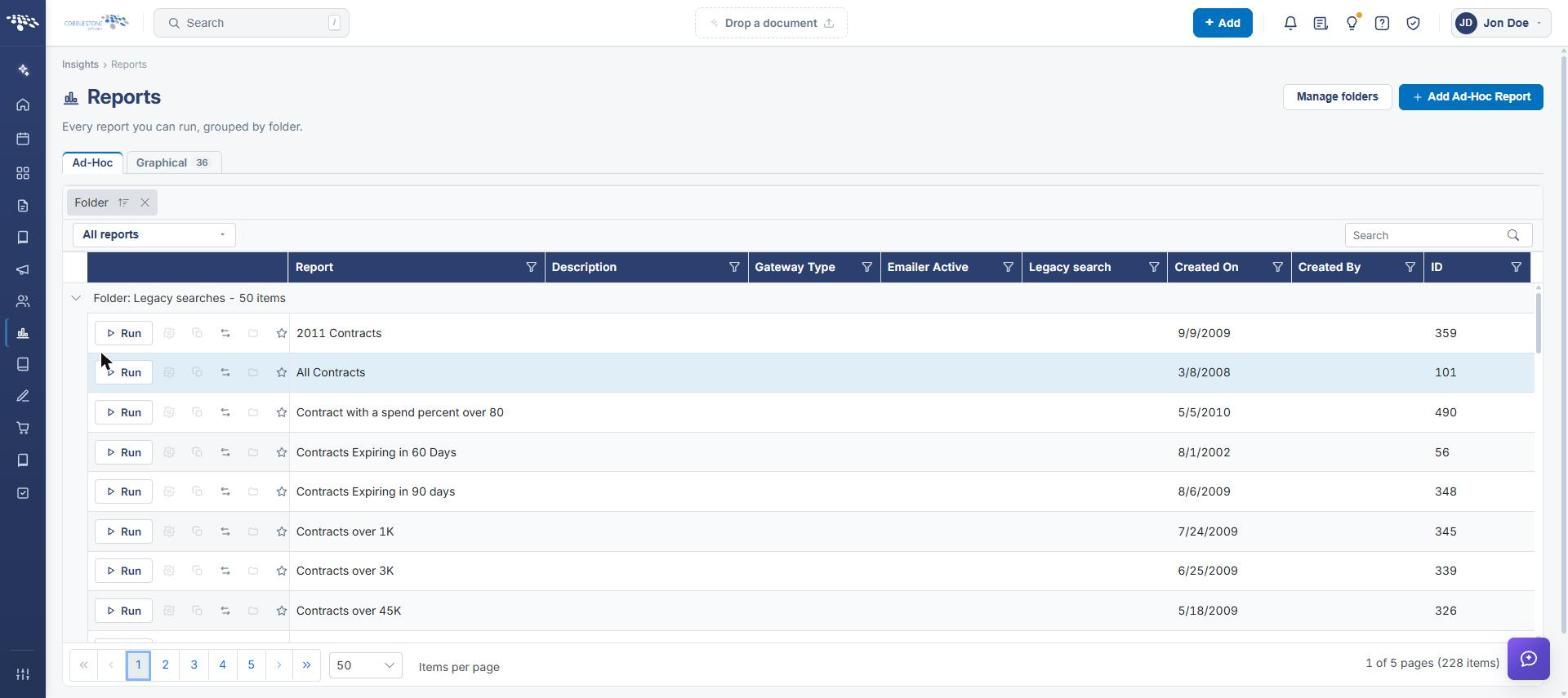 Reports List
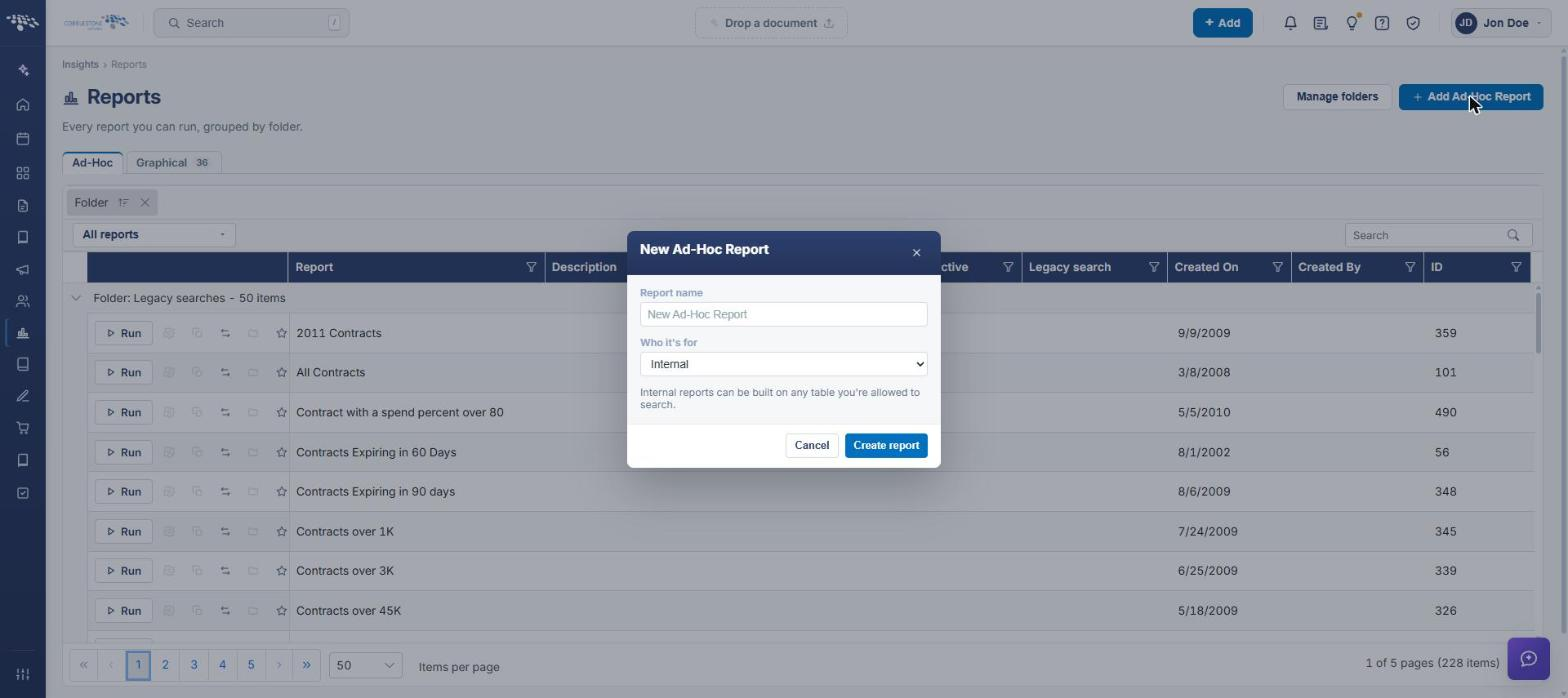 Add Ad-Hoc Report
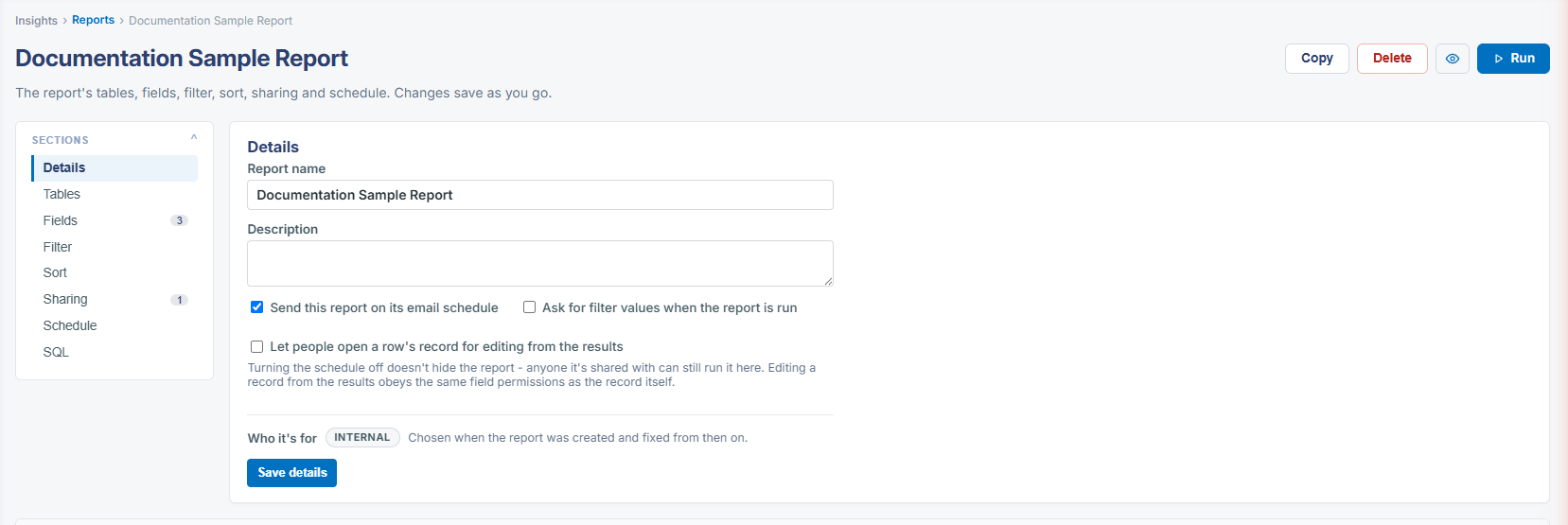 Report
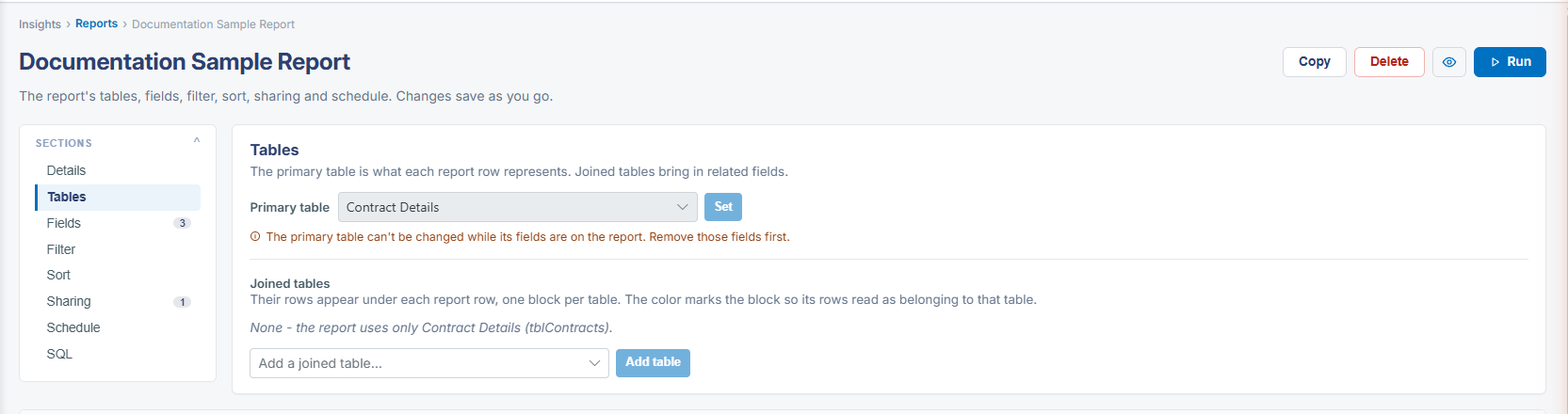 Report Details - Table
2. Key Elements
- Every section under-populated for a reason explains itself inline — Fields, Filter and Sort each name the earlier step to complete first
- The page-level description — "The report's tables, columns, filter, sort, sharing and schedule. Changes save as you go" — frames the whole designer for a first-time user
- No separate PDF or help-center article was found; the designer's own copy is the documentation surfaced to the user in this QA environment
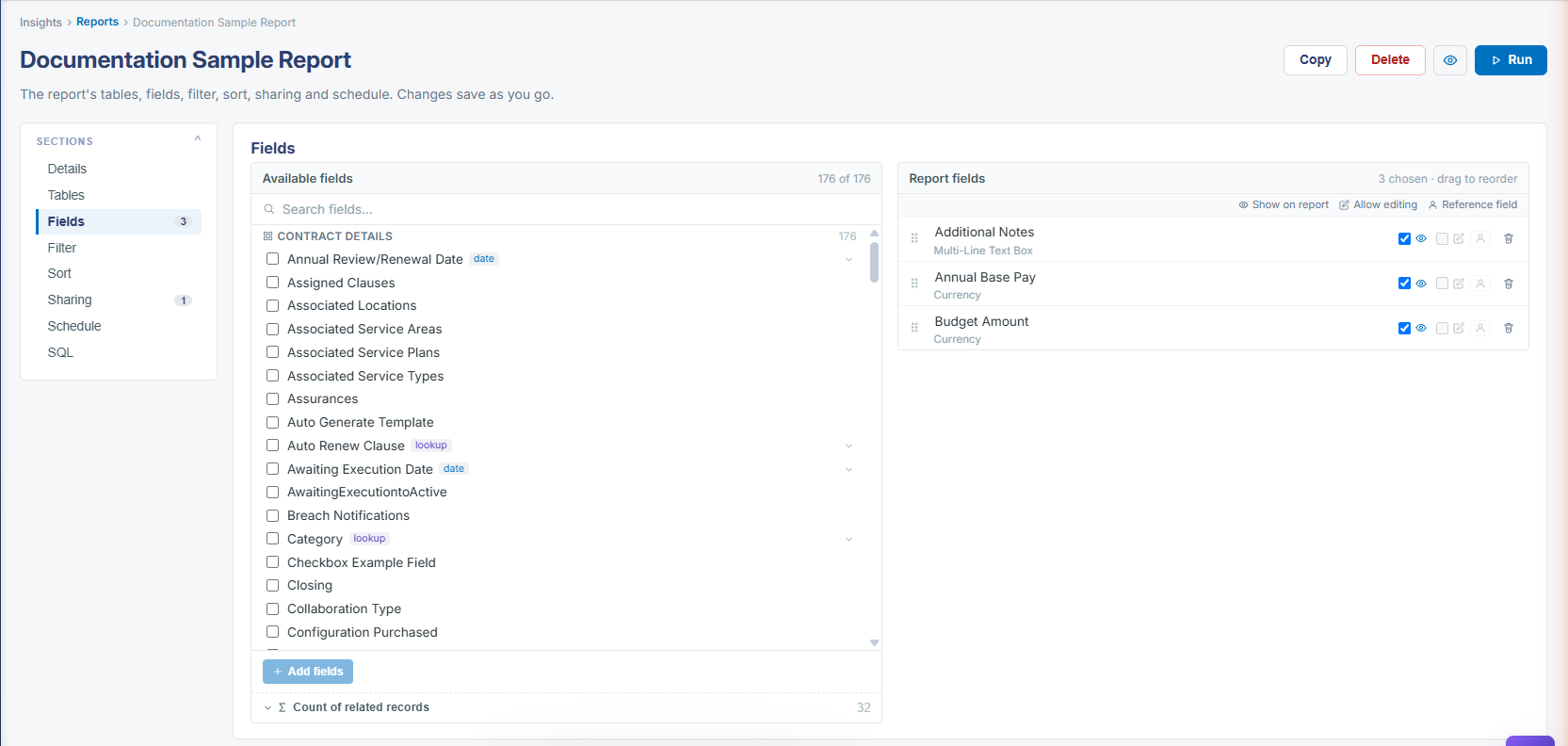 Report Details - Field
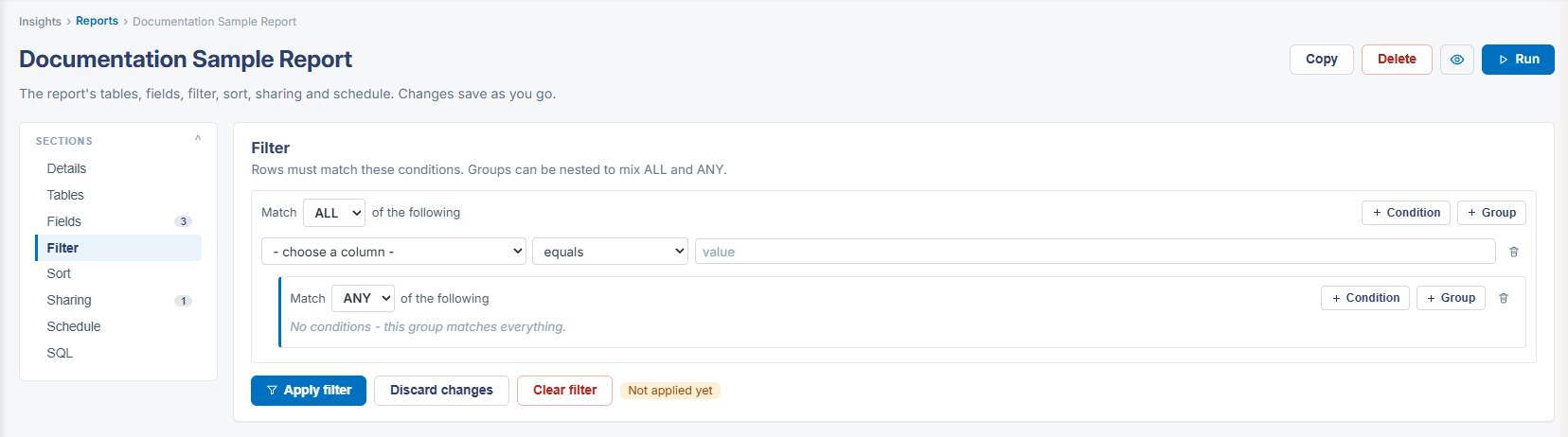 Report Details - Filter
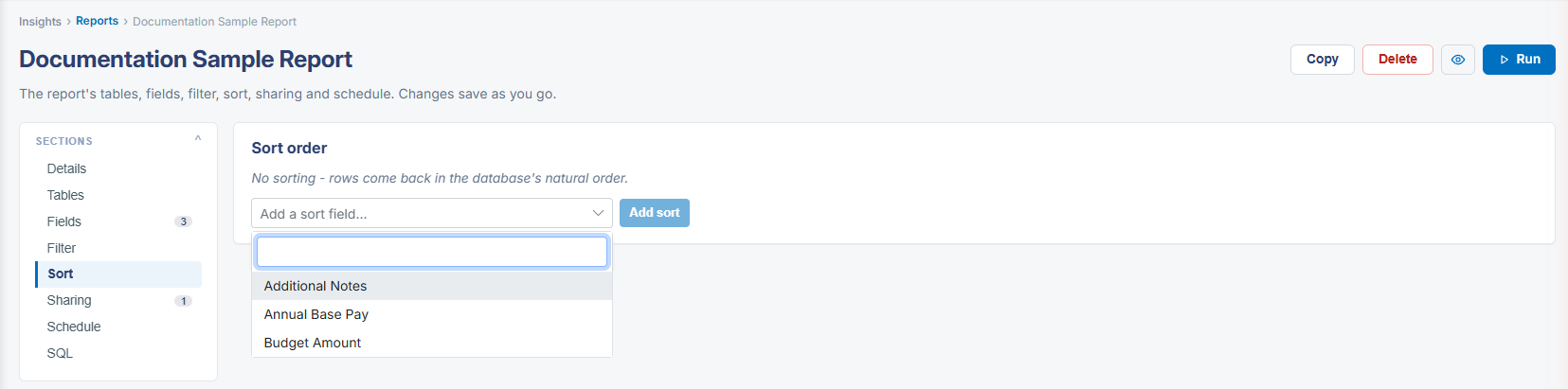 Report Details - Sort
The Report Designer is a Third Party tool. For a comprehensive look at the capabilities of the Report Designer, please review the Stimulsoft Reports and Dashboards User Manual PDF on Stimulsoft's website.