COBBLESTONE SOFTWARE
Contract Insight — User Guide
Repeating/Recurring Tasks
08. End Users: Tasks › Contract Tasks › Repeating/Recurring Tasks
Note: Each procedure in this guide begins at the Contract Insight homepage, so any section can be followed on its own. Custom fields are configurable, so the exact field list on a contract category record may vary between environments.
1. Overview
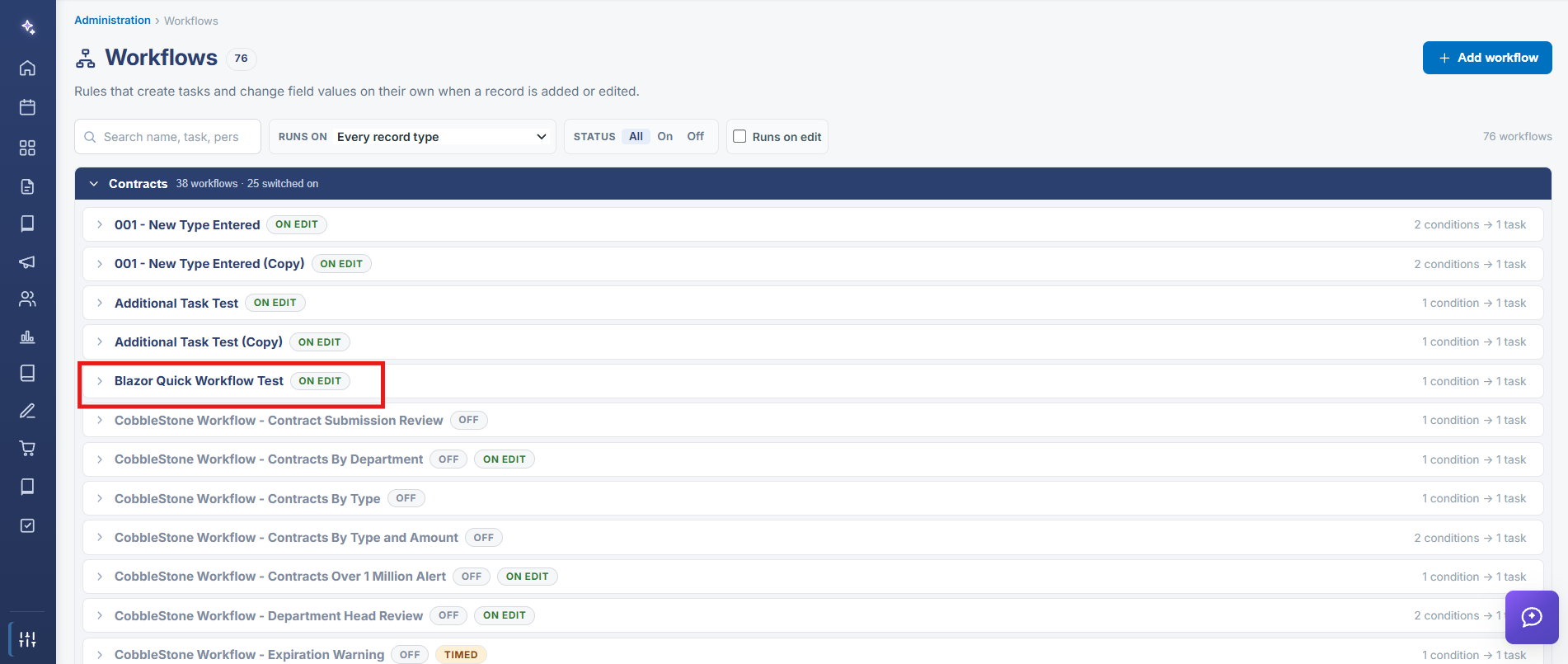
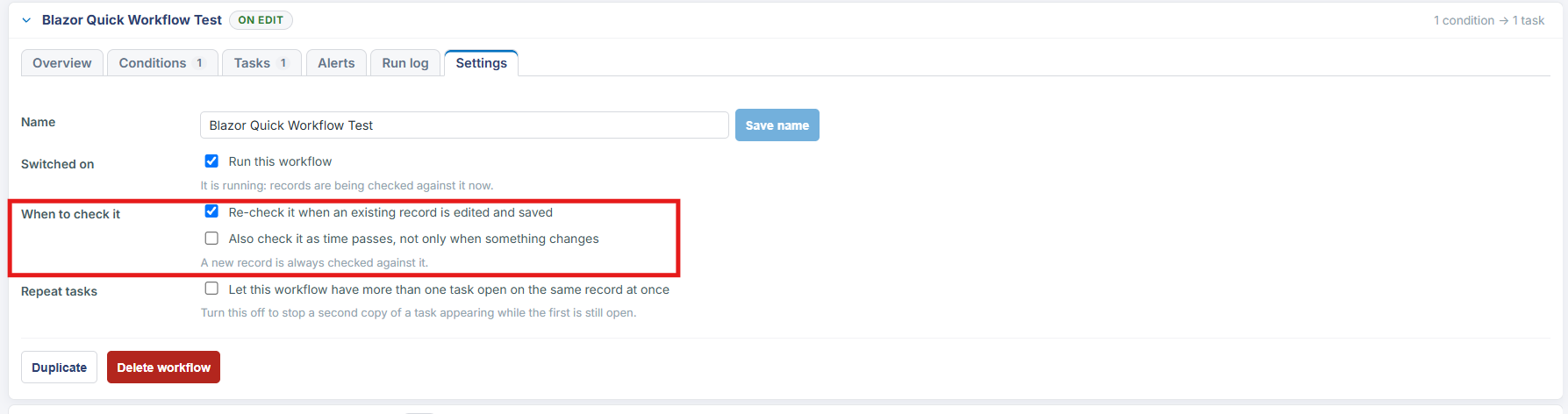
A workflow's Settings tab controls two behaviors that together produce recurring tasks: "Also check it as time passes, not only when something changes" makes the workflow re-evaluate on a timer rather than only on save, and "Let this workflow have more than one task open on the same record at once" (on by default) allows a fresh task to appear even while an earlier one from the same workflow is still open.
2. Key Elements
- When to check it → "Also check it as time passes, not only when something changes" enables time-based re-evaluation, not just on-edit
- "A new record is always checked against it" regardless of that setting
- Repeat tasks → "Let this workflow have more than one task open on the same record at once" governs whether duplicate open tasks are allowed
- Turning that repeat setting off stops a second copy of a task appearing while the first is still open