COBBLESTONE SOFTWARE
Contract Insight — User Guide
Deleting Tasks: Bulk Delete
08. End Users: Tasks › Contract Tasks › Deleting Tasks: Bulk Delete
Note: Each procedure in this guide begins at the Contract Insight homepage, so any section can be followed on its own. Custom fields are configurable, so the exact field list on a contract category record may vary between environments.
1. Overview
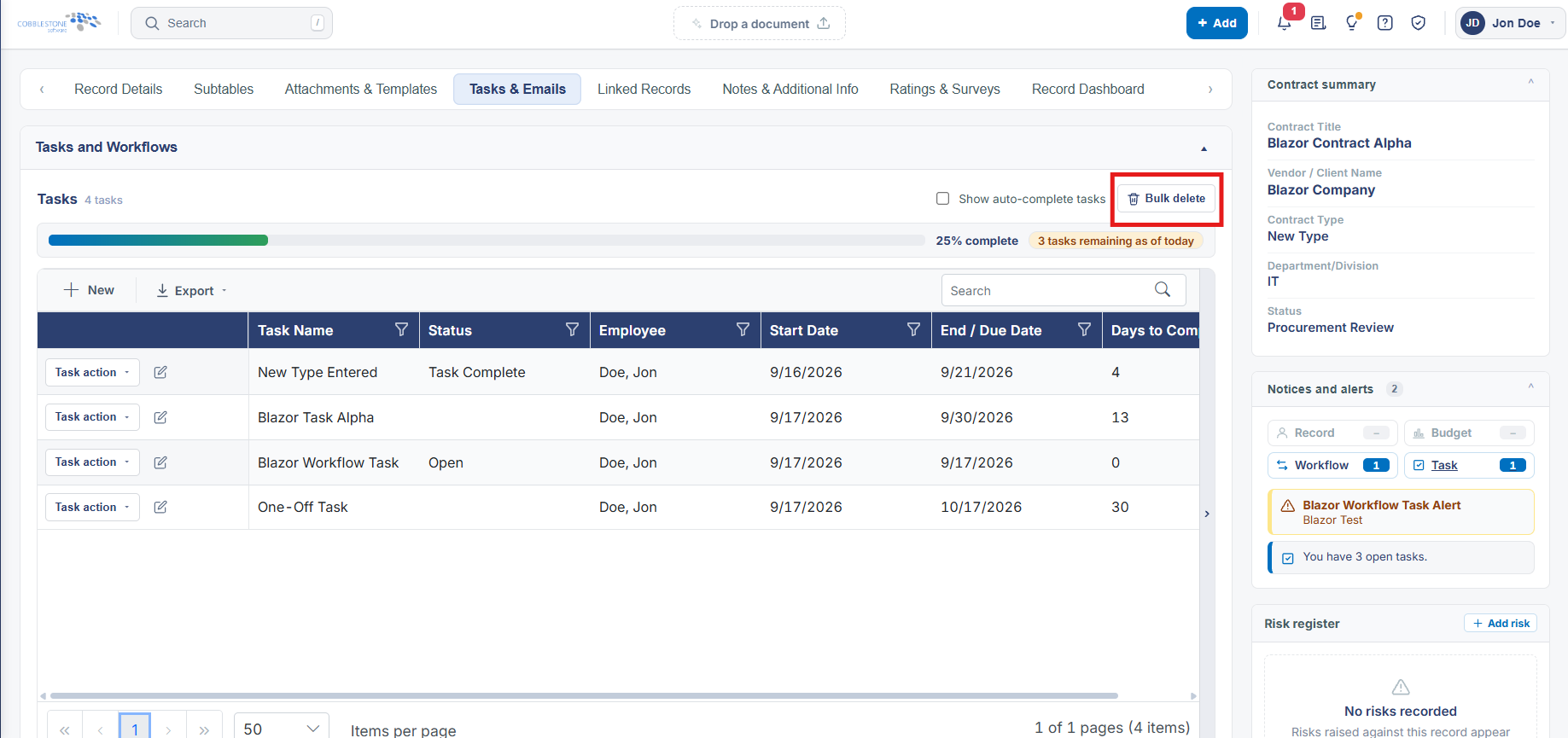
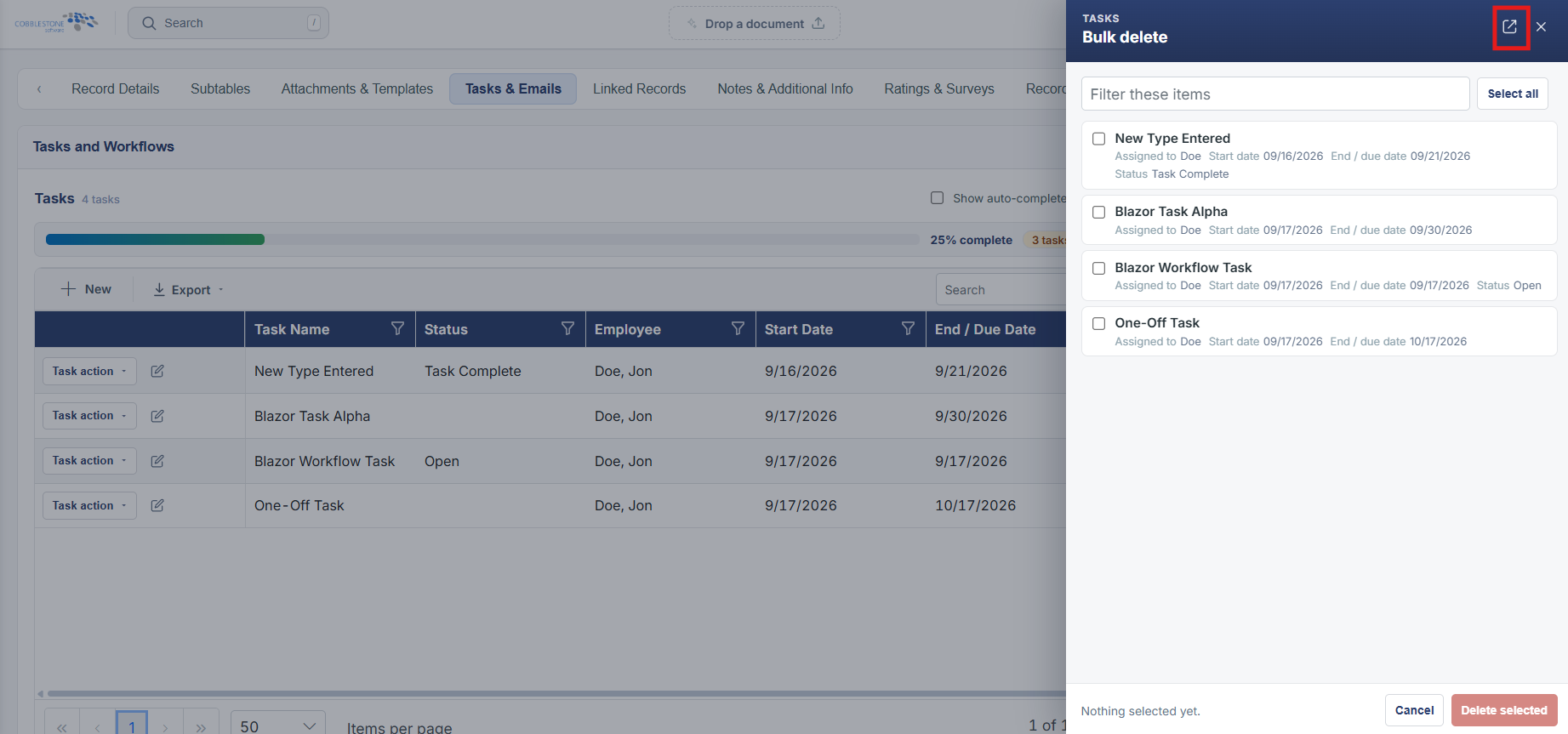
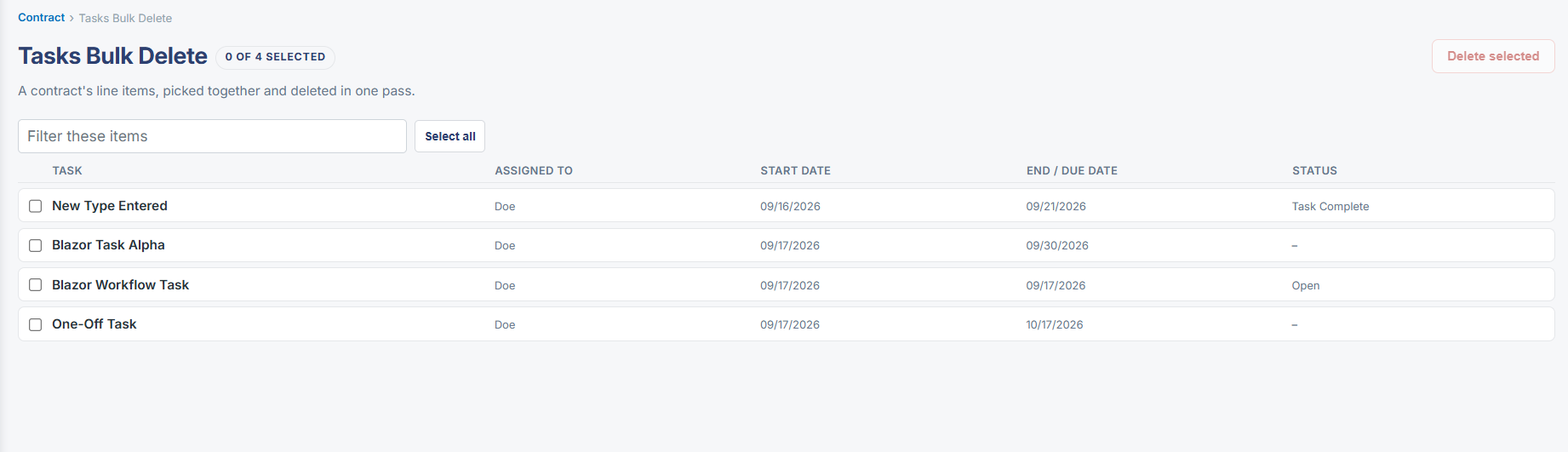
No standalone bulk-delete screen for tasks was found in this environment; task removal is done one at a time from a workflow's Tasks tab, using the delete (trash) icon on that task's row, or by deleting the workflow itself (Settings tab → Delete workflow), which removes the tasks it's configured to create going forward.
2. Key Elements
- No dedicated "bulk delete tasks" screen was found under Administration or on a record's Tasks and Workflows section in this environment
- A workflow's Tasks tab lists a trash-can delete icon alongside Edit for each individual task definition
- Settings tab → Delete workflow removes the whole rule, including every task it's configured to create
- Administration → Transfer Records is the closest bulk mechanism found, though it's built for reassigning records/values rather than deleting tasks outright