COBBLESTONE SOFTWARE
Contract Insight — User Guide
One Click Fulfillment
Module: Purchase Orders › Inventory Tracking › One Click Fulfillment
Note: Each procedure in this guide begins at the Contract Insight homepage, so any section can be followed on its own. Custom fields are configurable, so the exact field list on a contract category record may vary between environments.
1. Overview
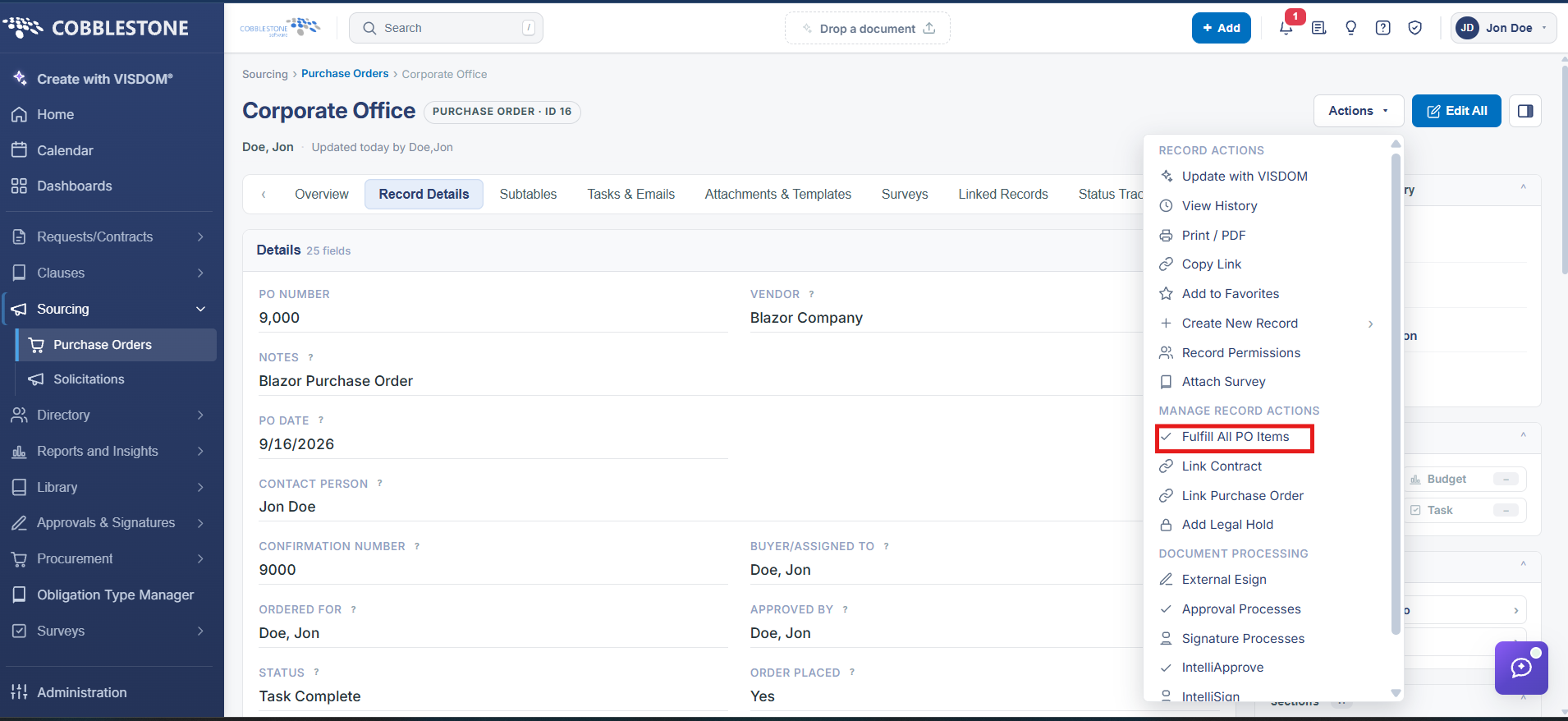
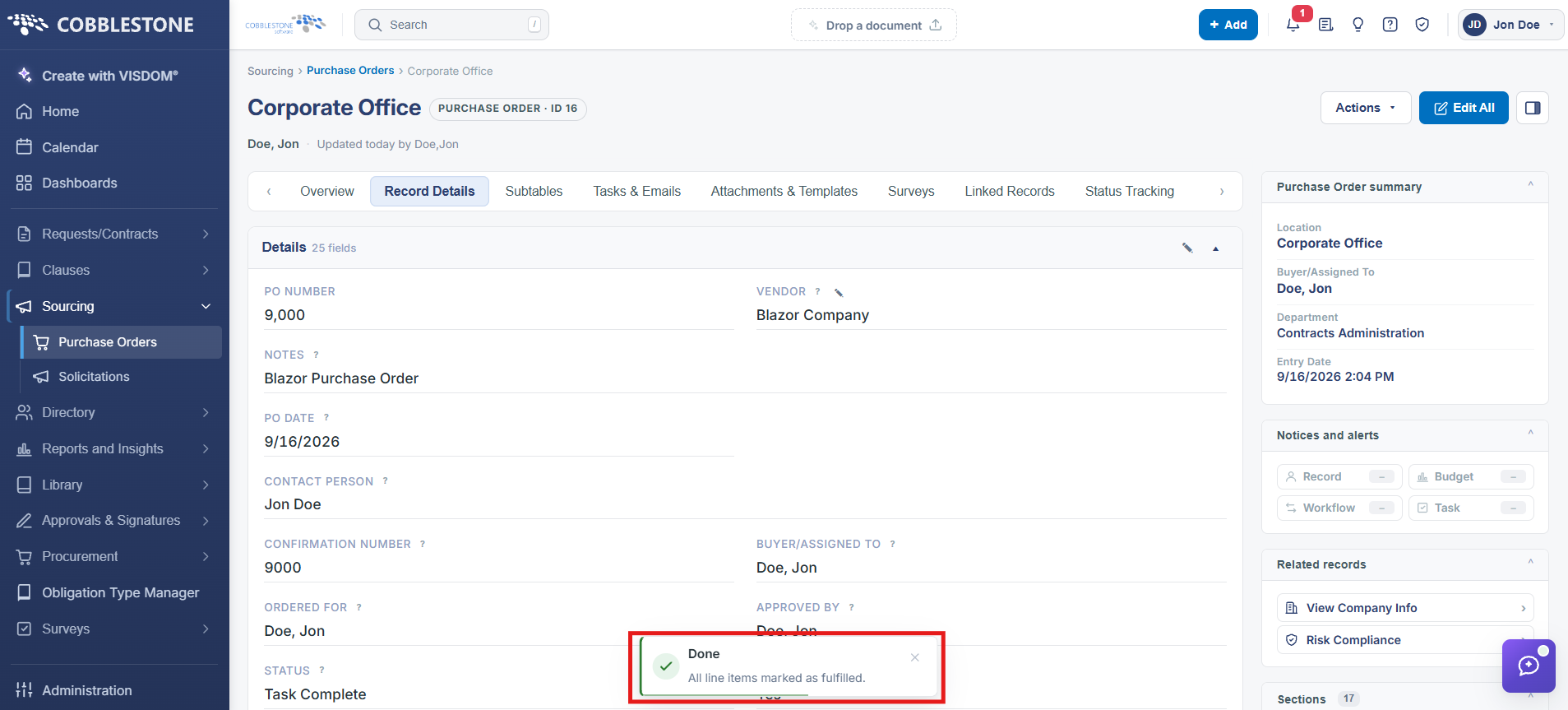
Rather than updating each line item's Quantity Received individually, Actions → Fulfill All PO Items, in the Manage Record Actions group of a PO's Actions menu, marks every line on the purchase order fulfilled in a single action.
2. Key Elements
- Actions → Fulfill All PO Items (Manage Record Actions group)
- Fulfills every line item on the PO at once, rather than one at a time