COBBLESTONE SOFTWARE
Contract Insight — User Guide
Asset Tracking
Module: Purchase Orders › Inventory Tracking › Asset Tracking
Note: Each procedure in this guide begins at the Contract Insight homepage, so any section can be followed on its own. Custom fields are configurable, so the exact field list on a contract category record may vary between environments.
1. Overview
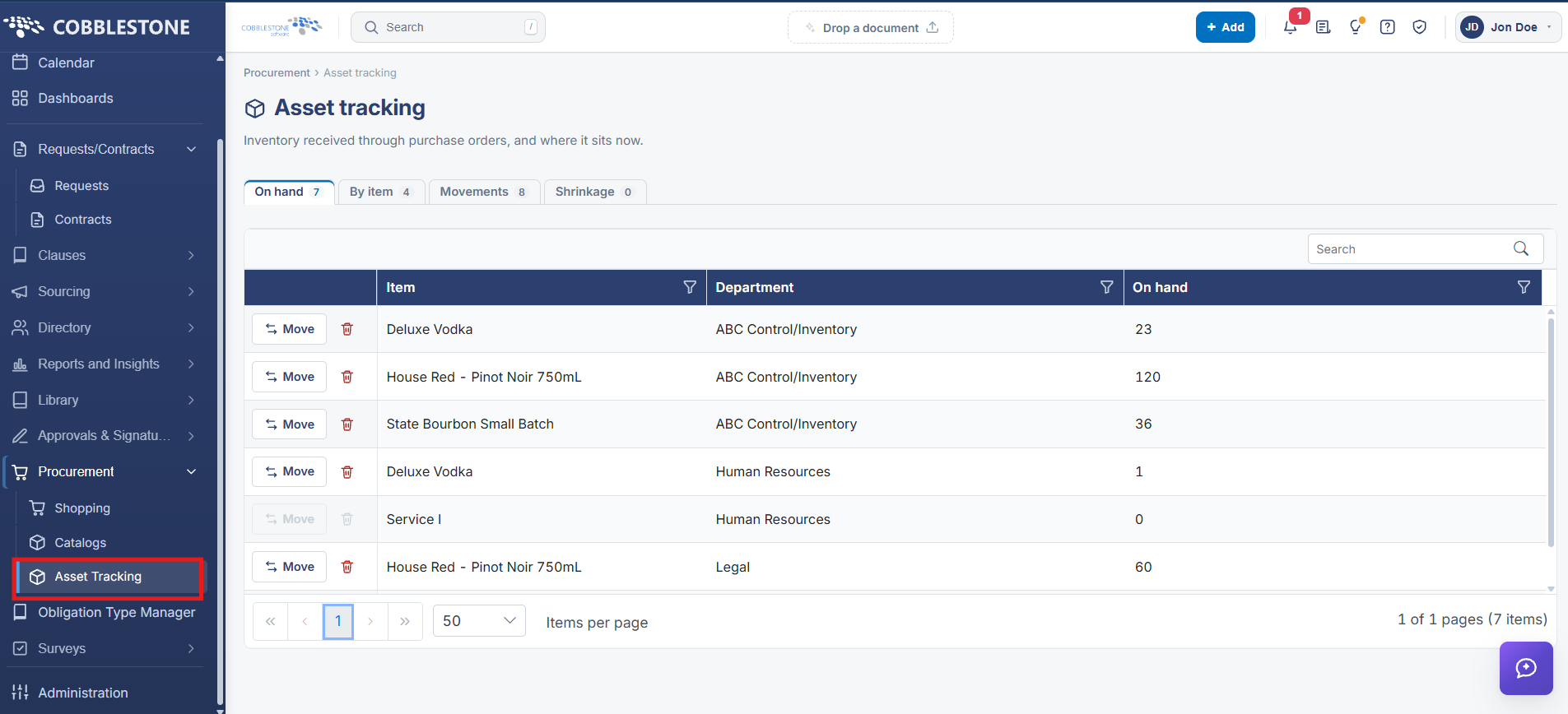
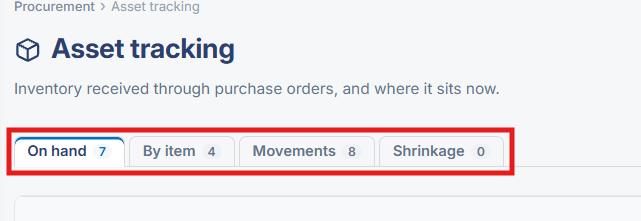
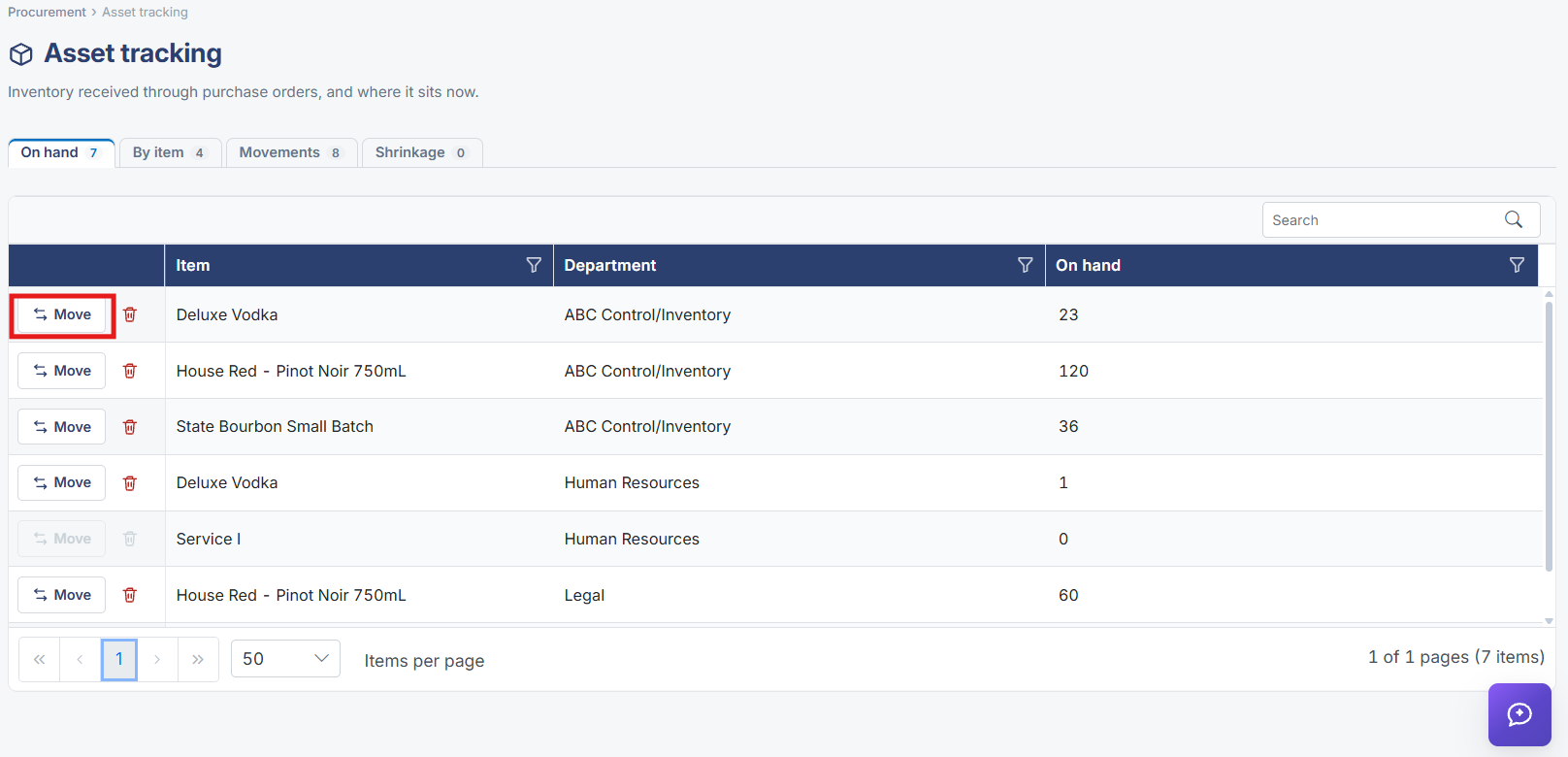
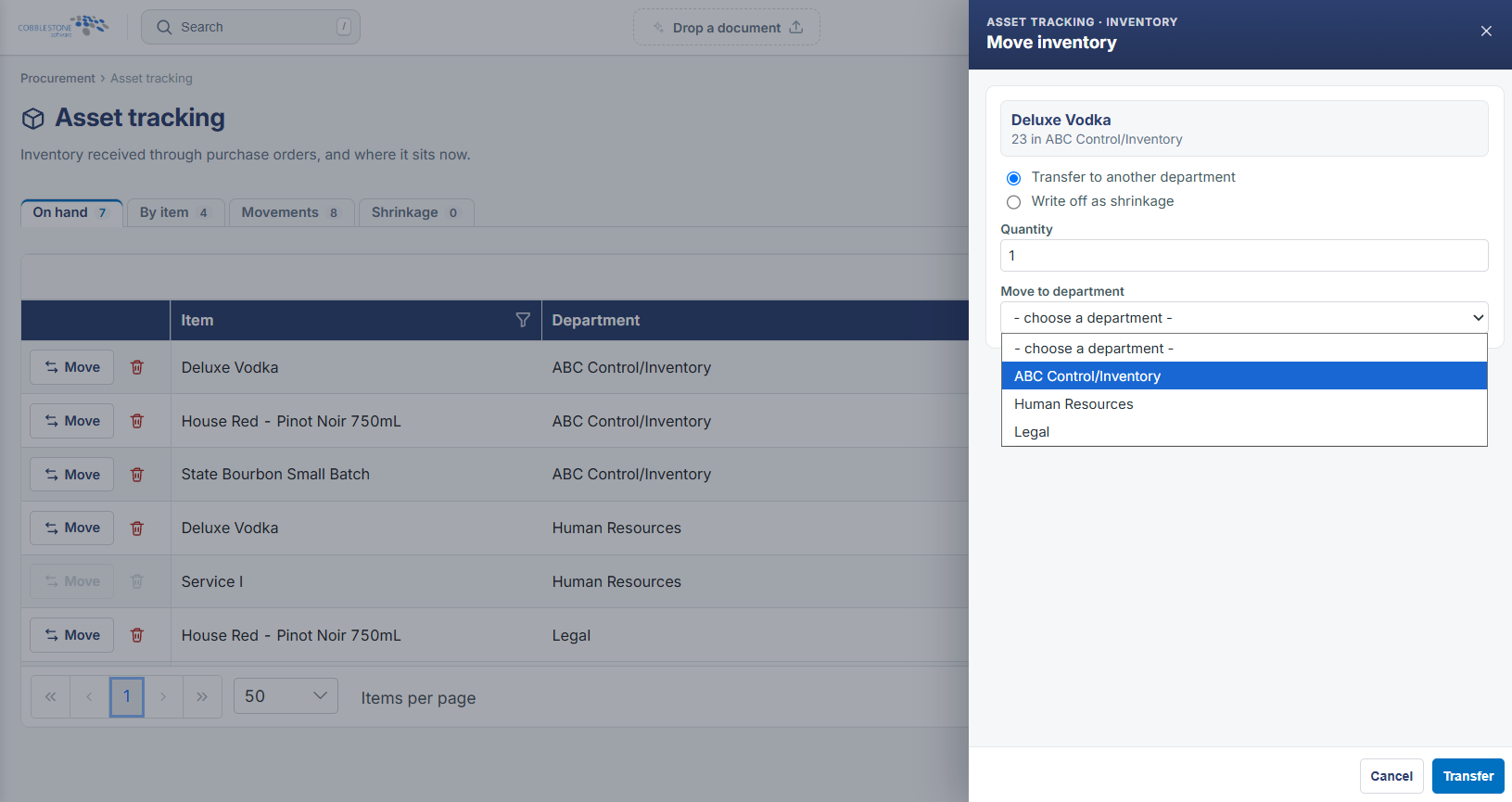
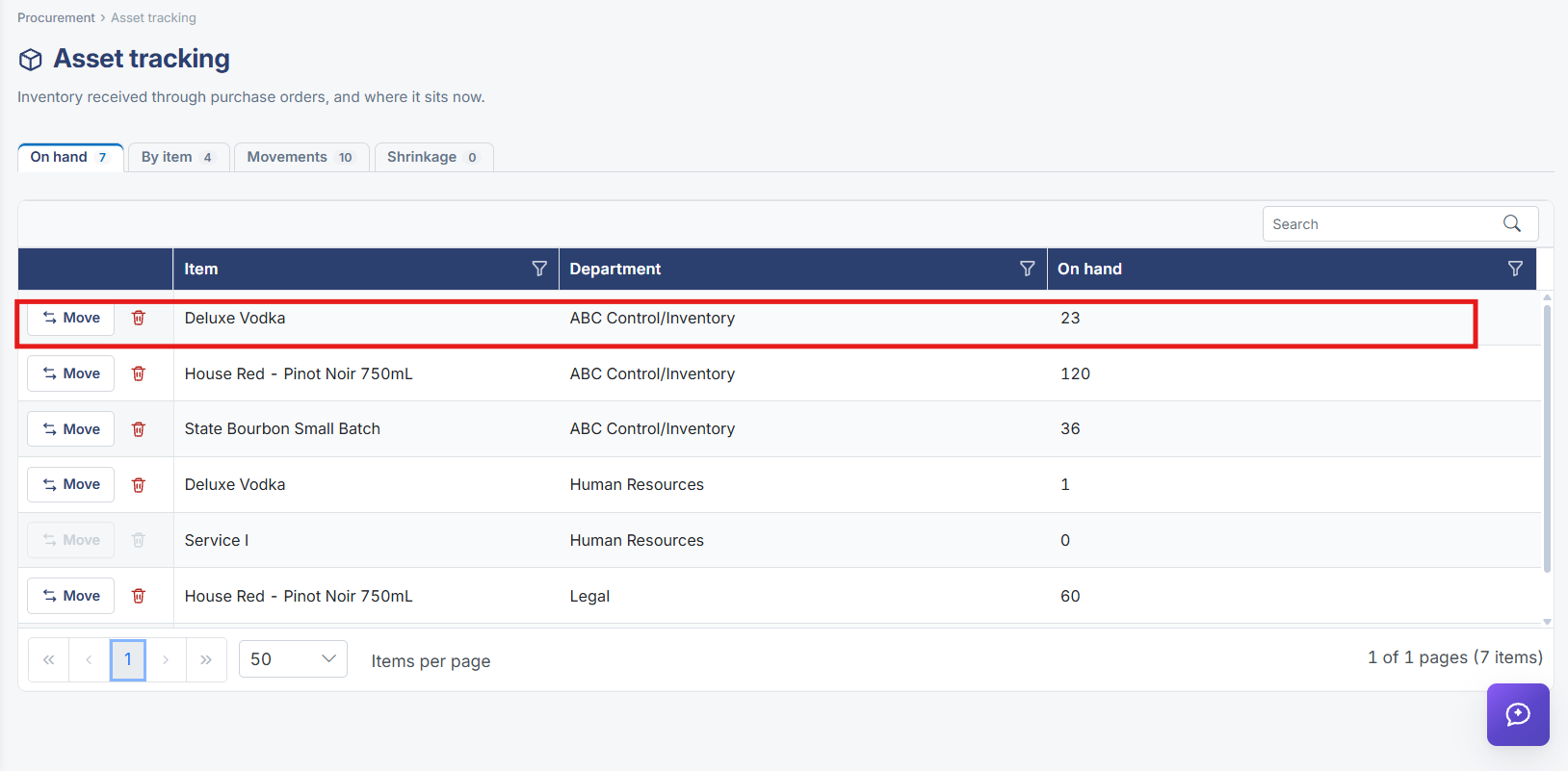
Asset tracking, under Procurement in the left navigation, follows inventory once it has been received through purchase orders: a summary bar reports totals for items On hand, By item, Movements, and Shrinkage, and a grid lists each item with its department and current on-hand quantity, with a Move action per row to relocate or reassign stock.
2. Key Elements
- Procurement → Asset Tracking, described as "inventory received through purchase orders, and where it sits now"
- Summary counters: On hand, By item, Movements, Shrinkage
- Grid columns: Item, Department, On hand
- Move action per row relocates or reassigns inventory