COBBLESTONE SOFTWARE
Contract Insight — User Guide
News Items
04. End User General Information › Header Area and Top & Side Menus › News Items
Note: Each procedure in this guide begins at the Contract Insight homepage, so any section can be followed on its own. Custom fields are configurable, so the exact field list on a contract category record may vary between environments.
1. Overview
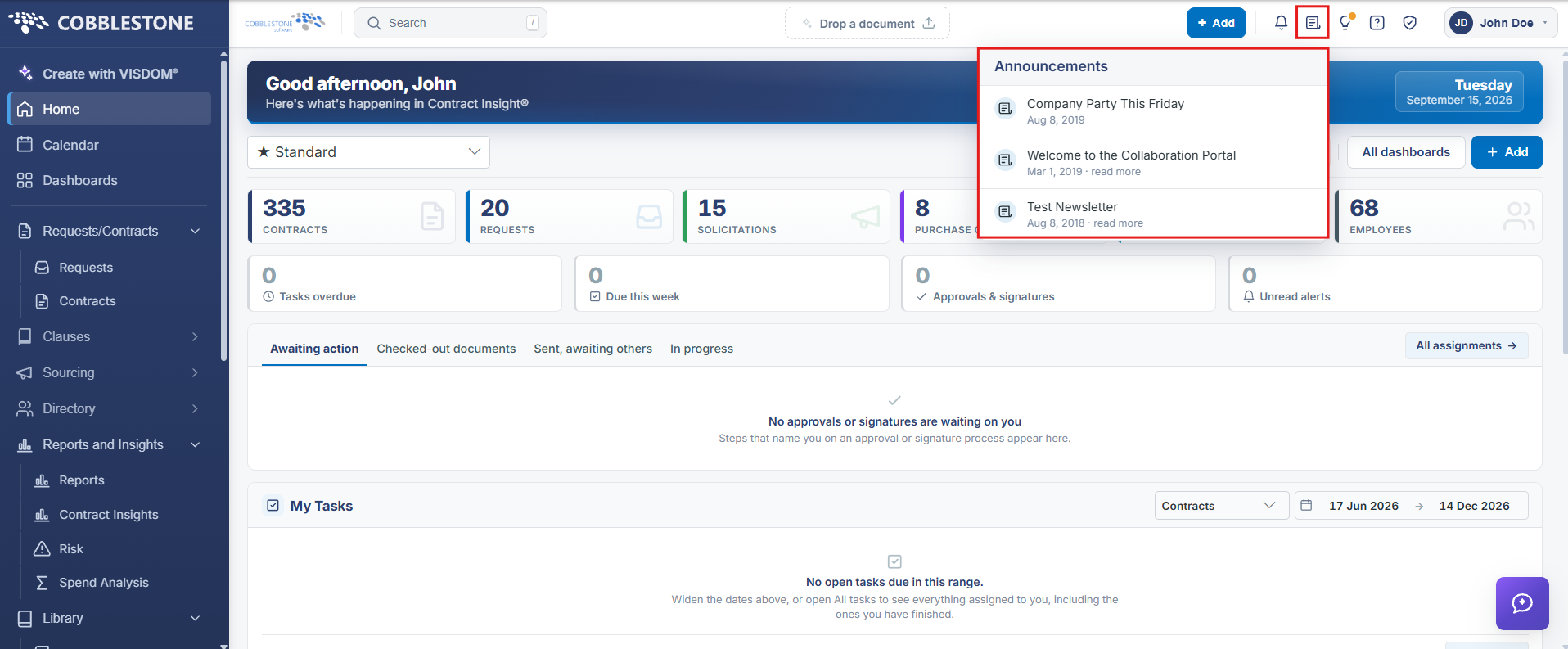
The Announcements icon in the header (a document-style icon next to Notifications) opens a dropdown panel titled "Announcements" listing organizational and CobbleStone posts, each with a title, a posted date, and a "read more" link to view the full item — The panel scrolls to show older items and is the direct live equivalent of the legacy wiki's News Items feature for viewing active announcements inside the application.
2. Key Elements
- Header > Announcements icon opens a scrollable dropdown of posted announcements.
- Each item shows a title, a posted date, and a "read more" link to the full announcement.