COBBLESTONE SOFTWARE
Contract Insight — User Guide
Modifying Find/Search PO Columns Displayed
Module: Purchase Orders › Searching Purchase Orders › Modifying Find/Search PO Columns Displayed
Note: Each procedure in this guide begins at the Contract Insight homepage, so any section can be followed on its own. Custom fields are configurable, so the exact field list on a contract category record may vary between environments.
1. Overview
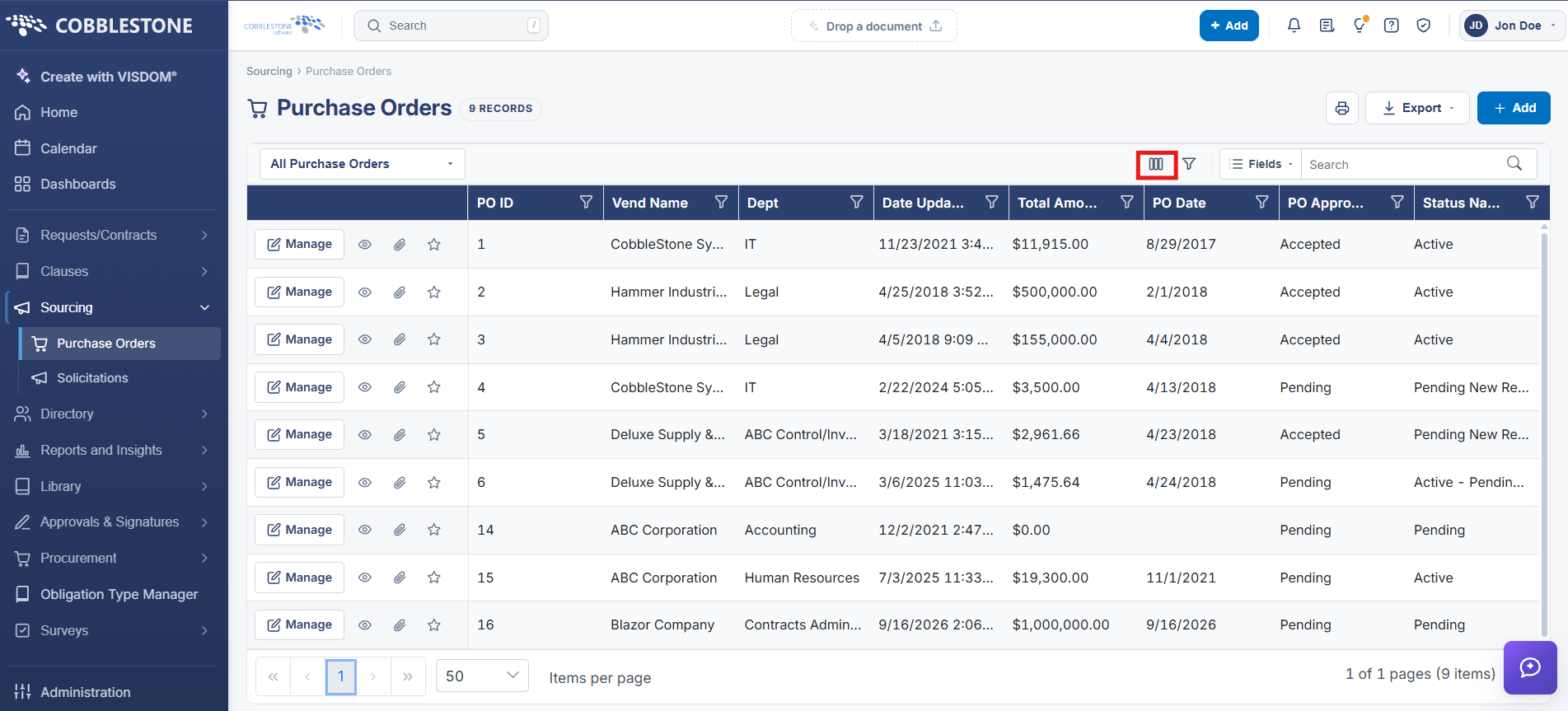
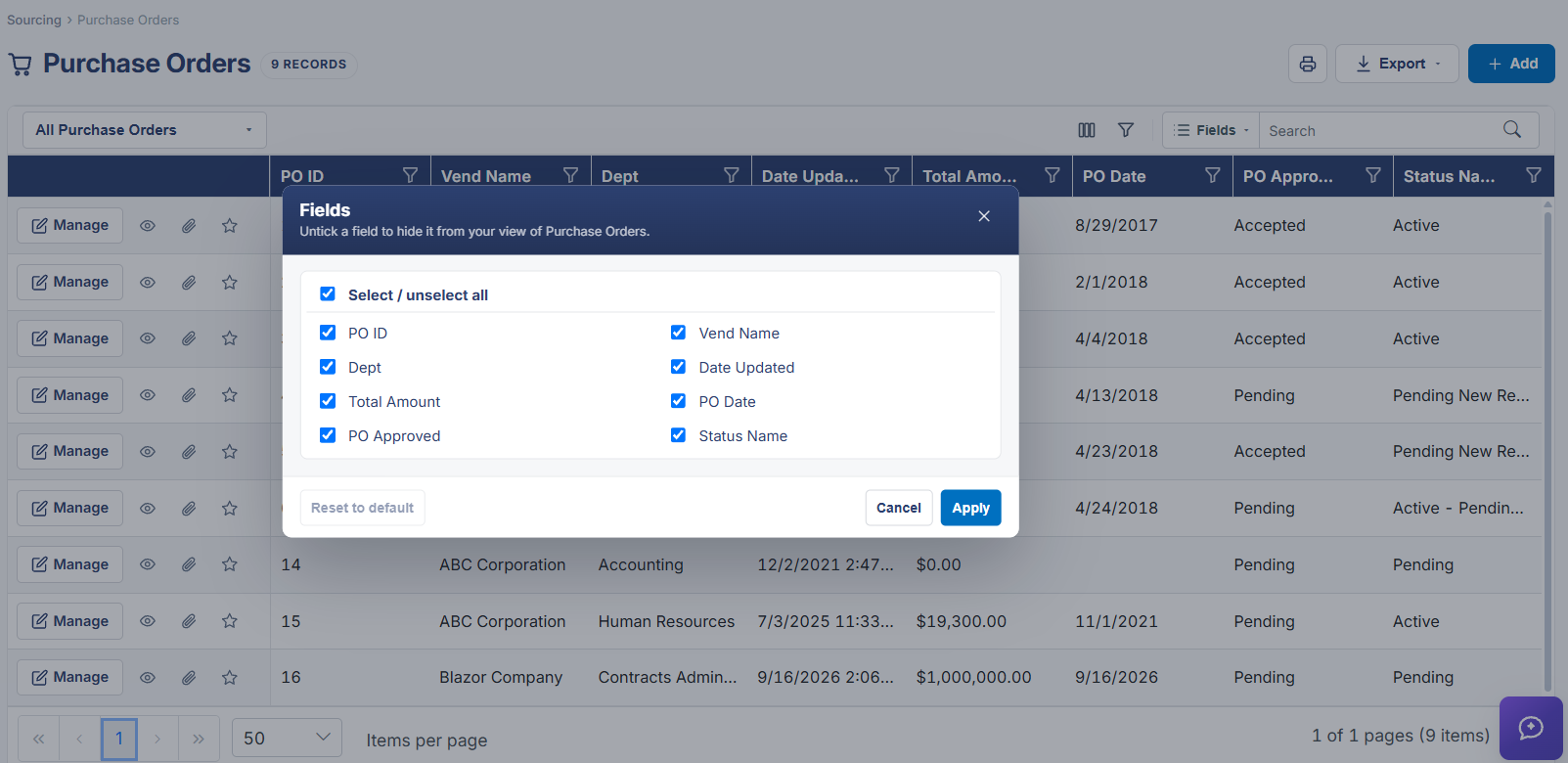
Which columns appear on the Purchase Orders list is controlled by the Fields button above the grid, the same column-picker pattern used on the Contracts list, letting each user tailor the grid to the PO fields (PO ID, PO Title, Status, Entered By, and others) that matter most to their work.
2. Key Elements
- Fields button above the grid opens the column picker
- Column choices are independent of filtering — they change what's shown, not what's matched