COBBLESTONE SOFTWARE
Contract Insight — User Guide
Exporting Search Results for Purchase Orders
Module: Purchase Orders › Searching Purchase Orders › Exporting Search Results for Purchase Orders
Note: Each procedure in this guide begins at the Contract Insight homepage, so any section can be followed on its own. Custom fields are configurable, so the exact field list on a contract category record may vary between environments.
1. Overview
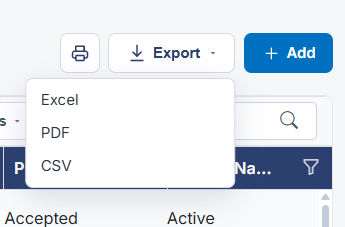
An Export button sits beside + Add at the top of the Purchase Orders list and exports whatever set of POs the list is currently showing, respecting the search box, column filters, and Advanced filter conditions in effect at the time — the same export behavior as the Contracts list.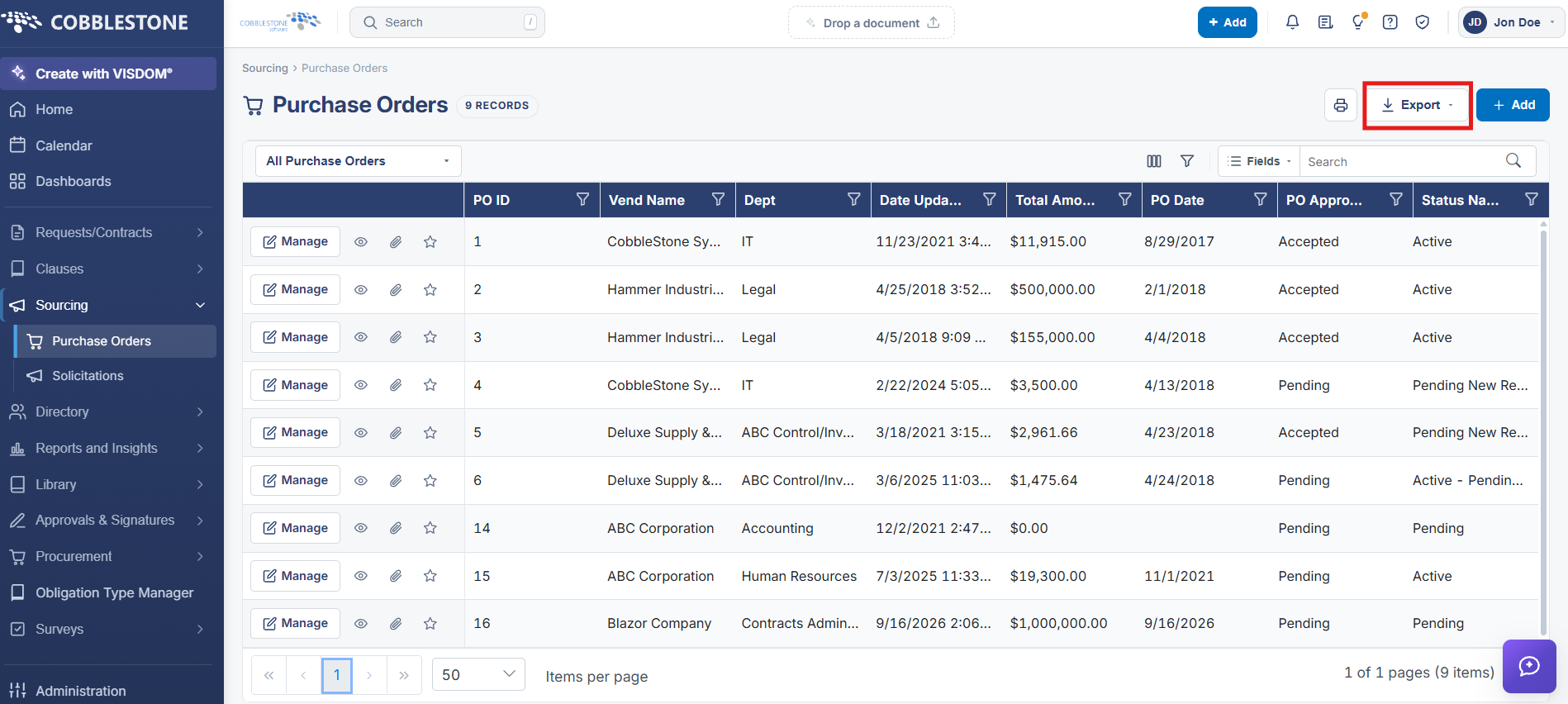
2. Key Elements
- Export button at the top right of the Purchase Orders list, beside + Add
- Export reflects the list's current search and filter state