COBBLESTONE SOFTWARE
Contract Insight — User Guide
Modifying Columns Displayed on the Company List
10. End Users: Vendors/Companies › Vendor/Company List › Modifying Columns Displayed on the Company List
Note: Each procedure in this guide begins at the Contract Insight homepage, so any section can be followed on its own. Custom fields are configurable, so the exact field list on a contract category record may vary between environments.
1. Overview
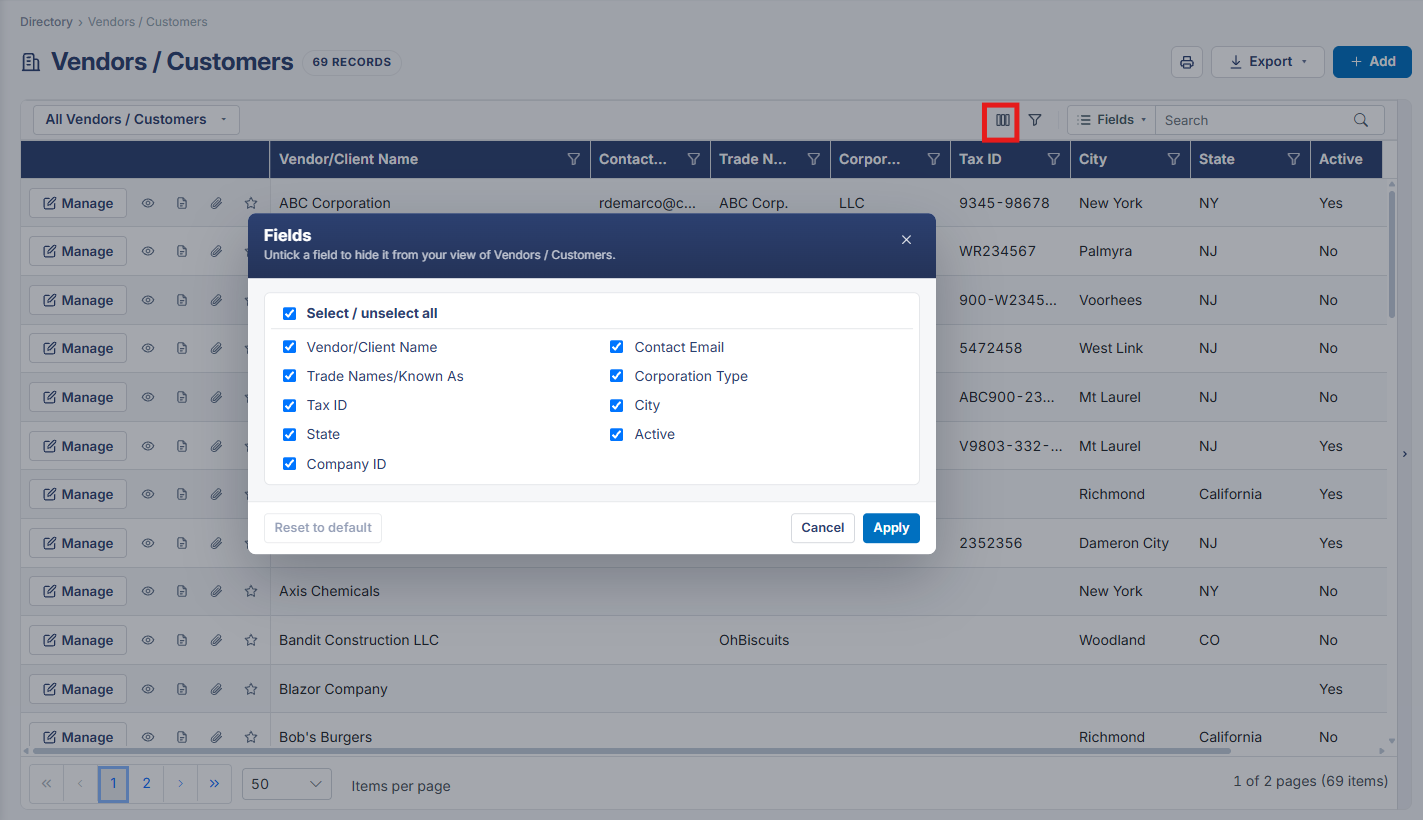
The Fields button above the Vendors / Customers grid opens the same column-picker used on every other list in the application, letting each user choose which company fields — Company ID, Company Name, Vendor Type, Active, and others — appear as columns.
2. Key Elements
- Fields button above the grid opens the column picker
- Column choices are per-user and independent of any filtering applied