COBBLESTONE SOFTWARE
Contract Insight — User Guide
Exporting the Company List
10. End Users: Vendors/Companies › Vendor/Company List › Exporting the Company List
Note: Each procedure in this guide begins at the Contract Insight homepage, so any section can be followed on its own. Custom fields are configurable, so the exact field list on a contract category record may vary between environments.
1. Overview
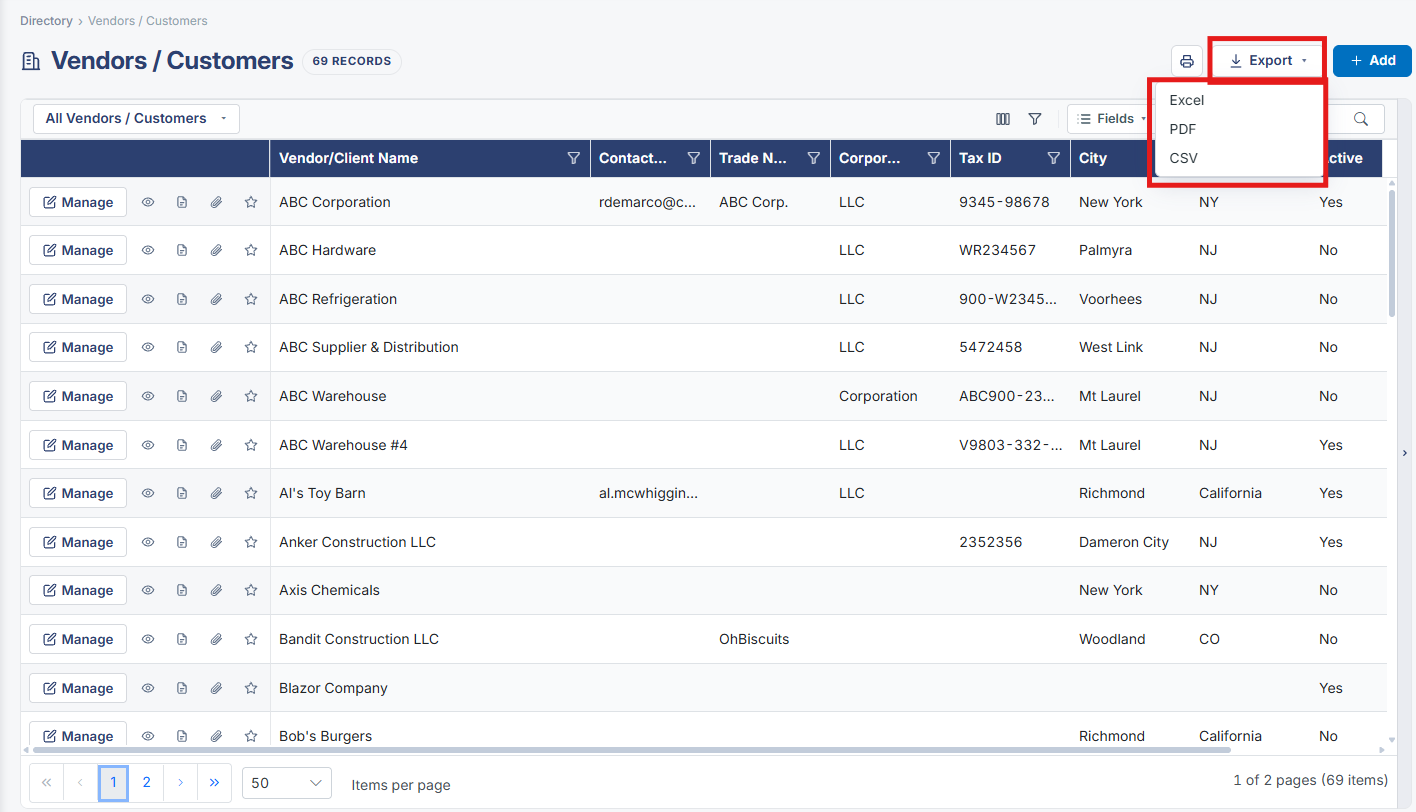
An Export button sits at the top of the Vendors / Customers list, beside + Add, and exports whatever set of companies the grid is currently showing — respecting the search box, column filters, and Advanced filter conditions in effect — the same export behavior used on the Contracts and Purchase Orders lists.
2. Key Elements
- Export button at the top right of the Vendors / Customers list, beside + Add
- Export reflects the list's current search and filter state, not the full unfiltered list