COBBLESTONE SOFTWARE
Contract Insight — User Guide
Manage/Edit & Delete Reports
11. End Users: Ad-Hoc Reports/Searches › Ad-Hoc Report List › Manage/Edit & Delete Reports
Note: Each procedure in this guide begins at the Contract Insight homepage, so any section can be followed on its own. Custom fields are configurable, so the exact field list on a contract category record may vary between environments.
1. Overview
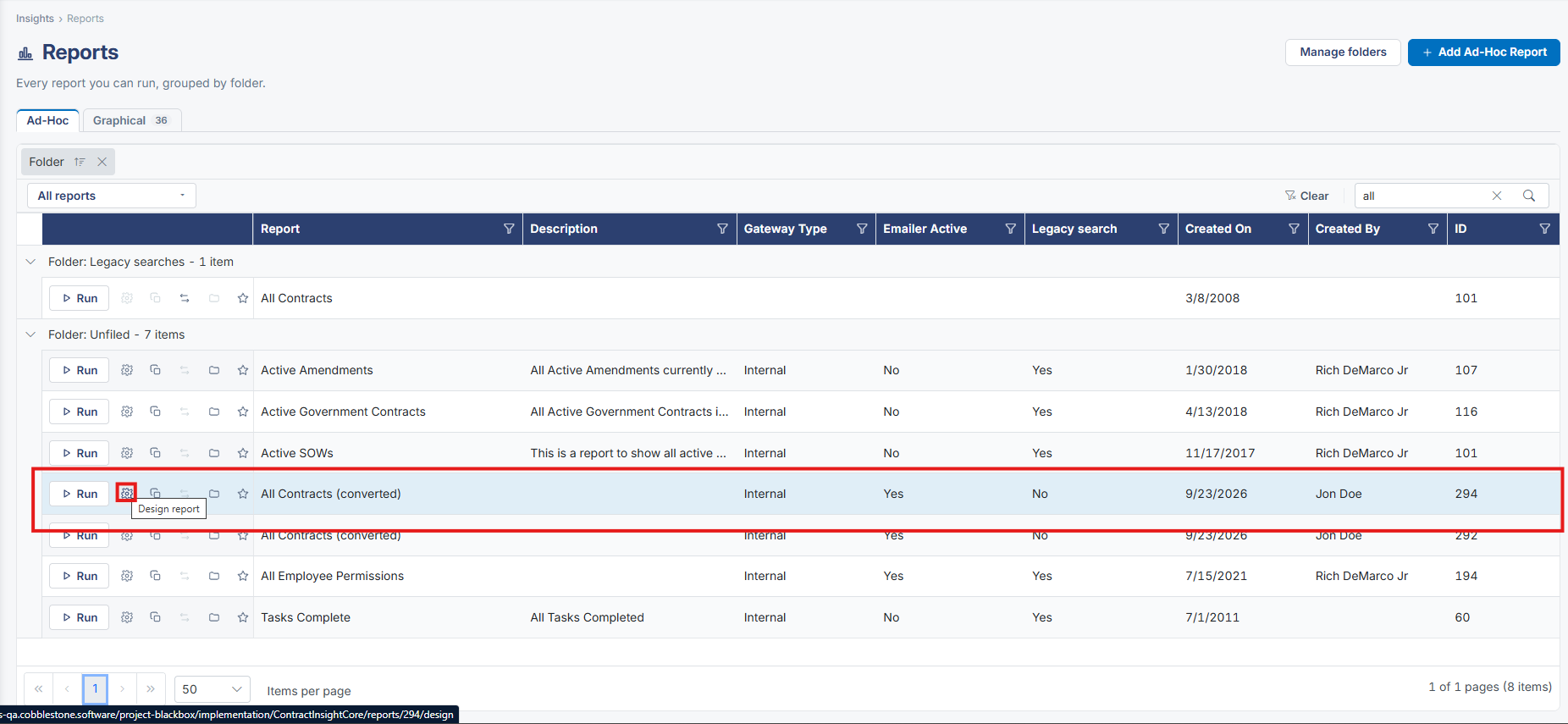
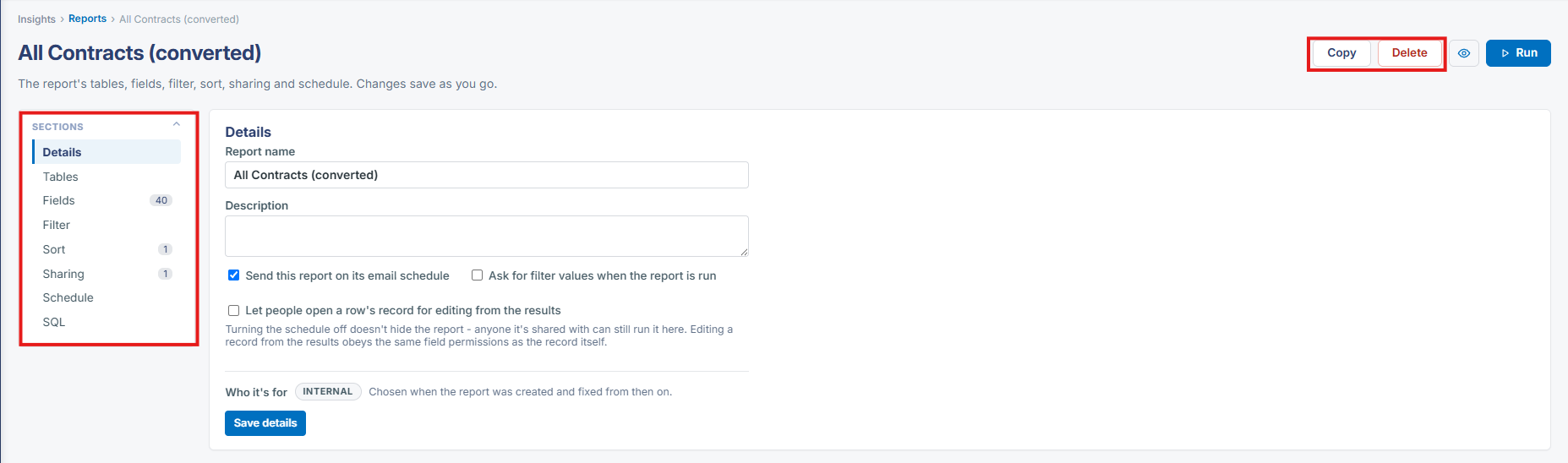
A report is managed from its own design page — reached via "Manage this report" from either the Reports list or a report's results page — where Copy, Delete and every design section (Details, Tables, Fields, Filter, Sort, Sharing, Schedule, SQL) are available in one place.
2. Key Elements
- Insights → Reports → open a report → Manage this report opens its design page
- Copy duplicates the report as a new one; Delete removes it (with the destructive-action confirmation expected for a delete)
- Every section of the report — including its underlying SQL — is editable from this same page, saving as changes are made