COBBLESTONE SOFTWARE
Contract Insight — User Guide
Sorting & Filtering The Ad-Hoc Reports List
11. End Users: Ad-Hoc Reports/Searches › Ad-Hoc Report List › Sorting & Filtering The Ad-Hoc Reports List
Note: Each procedure in this guide begins at the Contract Insight homepage, so any section can be followed on its own. Custom fields are configurable, so the exact field list on a contract category record may vary between environments.
1. Overview
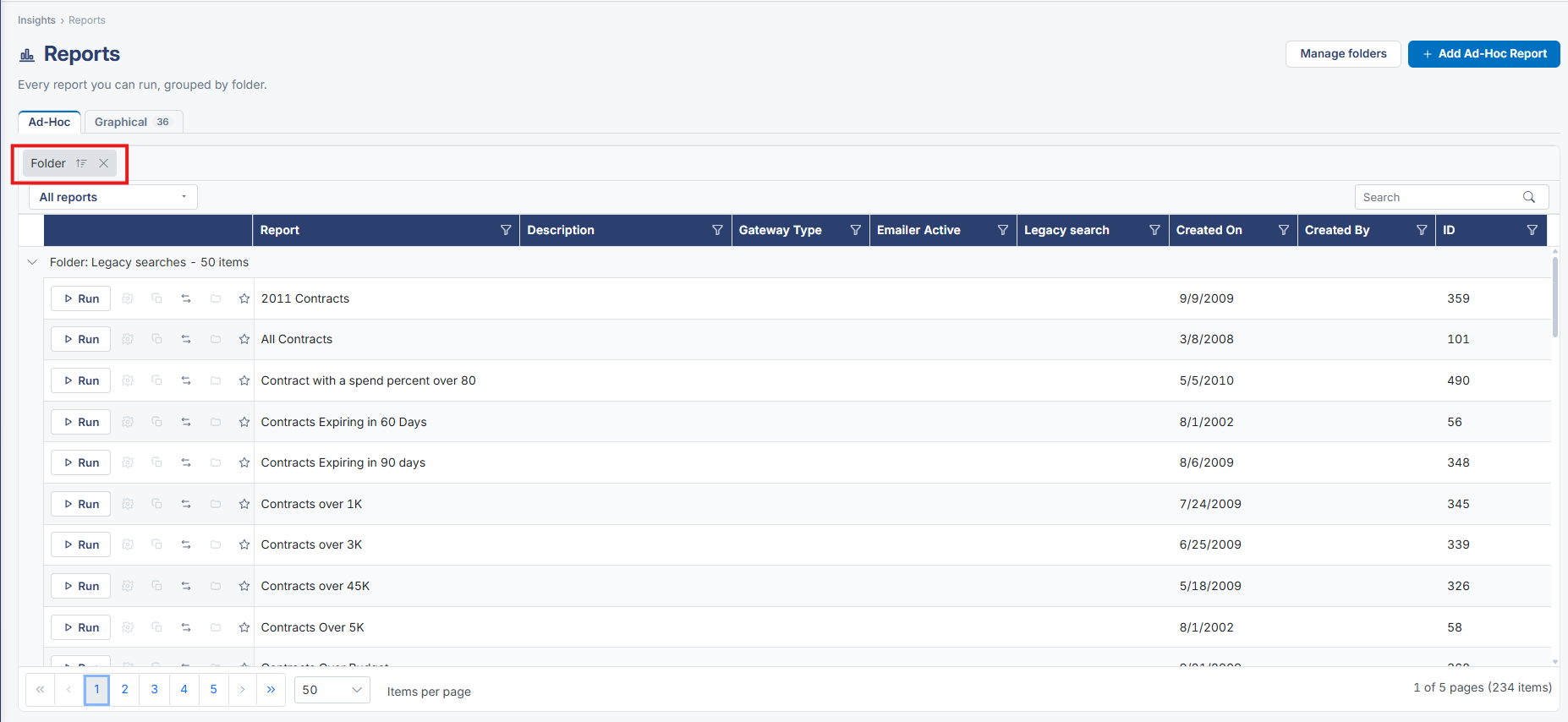
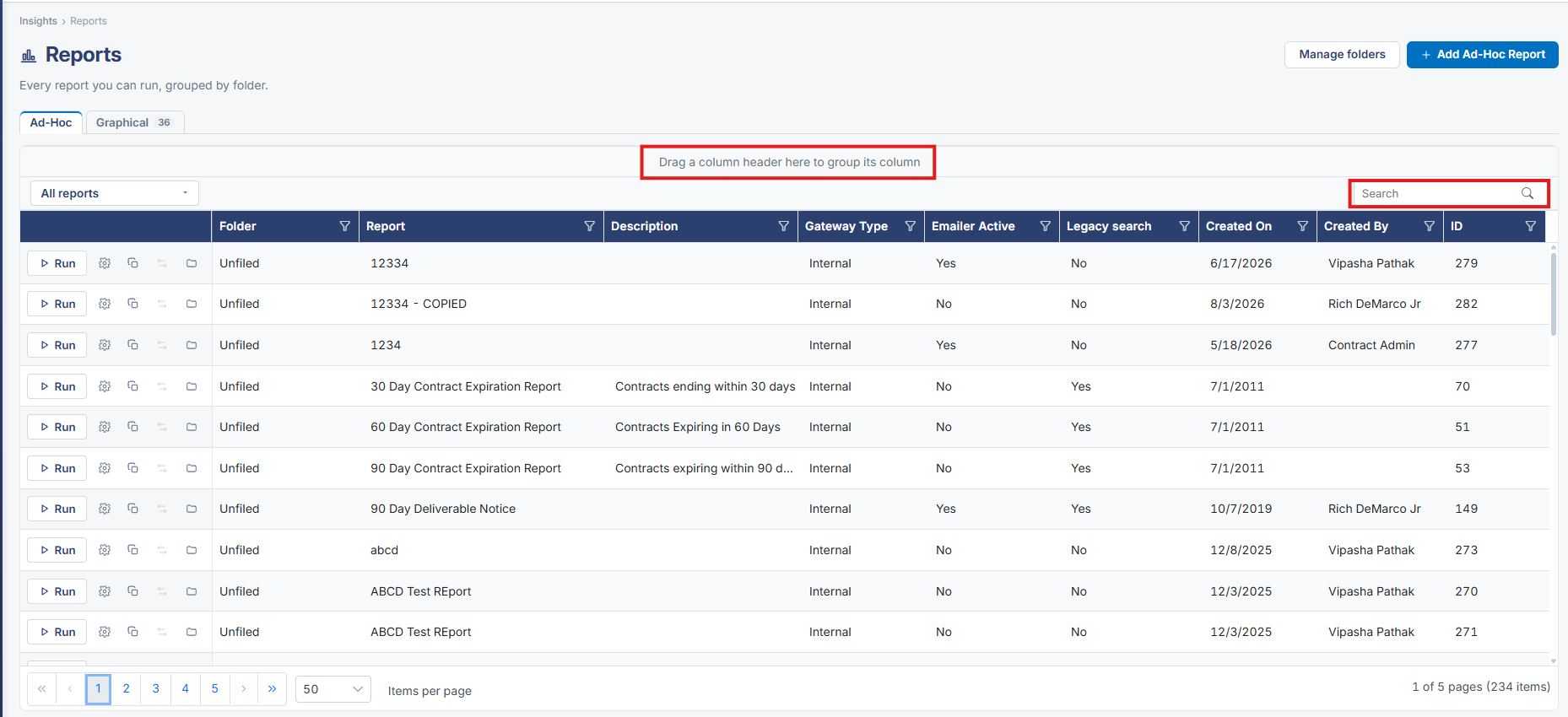
The Reports grid itself is sortable and filterable like every other list in the application: a Folder chip narrows to one folder, a Search box searches by name, and the Report column header carries its own filter icon, all layered on top of the Standard/Graphical tab split.
2. Key Elements
- Insights → Reports: a Folder chip (removable with its × ) narrows the grid to one folder at a time
- A Search box filters the visible report list by name as you type
- The Report column header's filter icon (▽) opens column-level filtering, consistent with every other grid across the application