COBBLESTONE SOFTWARE
Contract Insight — User Guide
View/Run Report
11. End Users: Ad-Hoc Reports/Searches › Ad-Hoc Report List › View/Run Report
Note: Each procedure in this guide begins at the Contract Insight homepage, so any section can be followed on its own. Custom fields are configurable, so the exact field list on a contract category record may vary between environments.
1. Overview
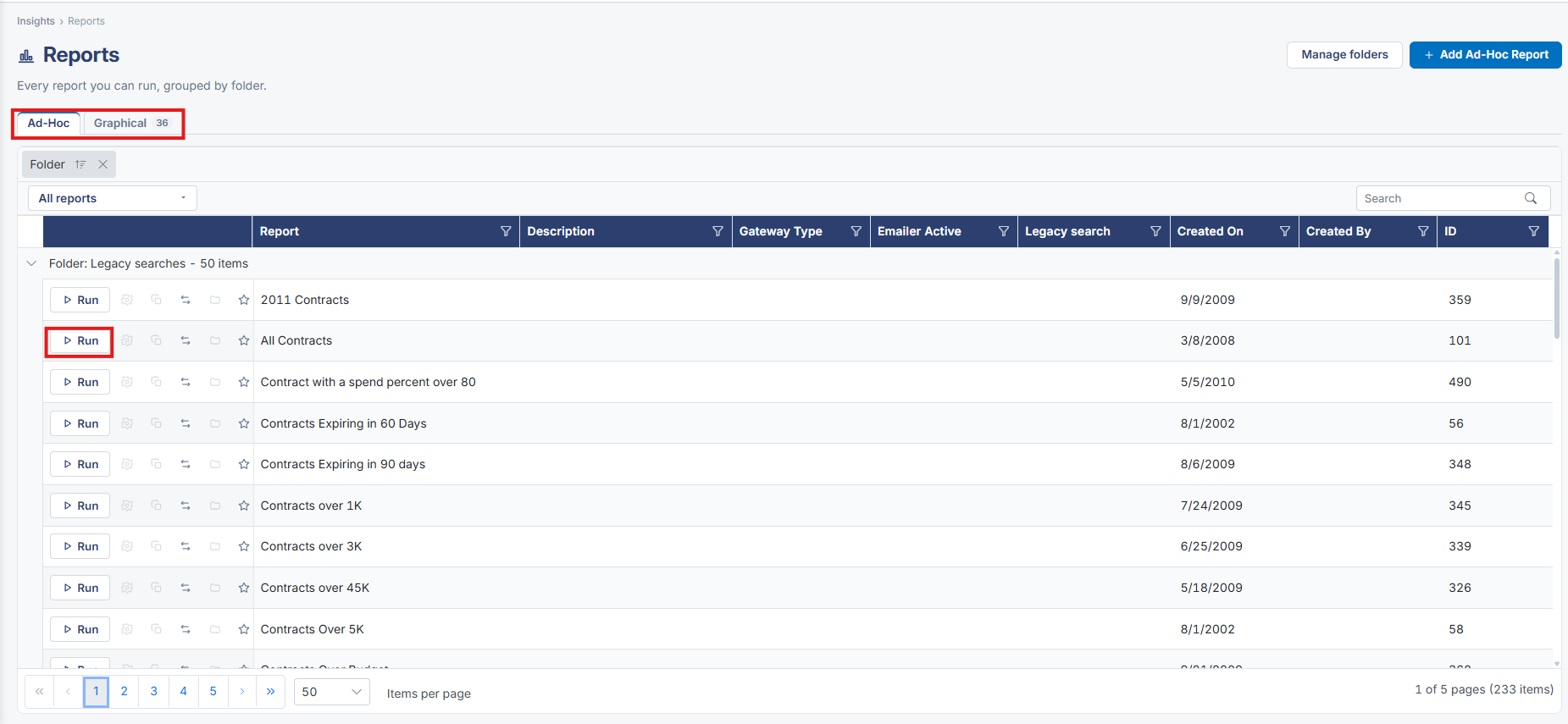
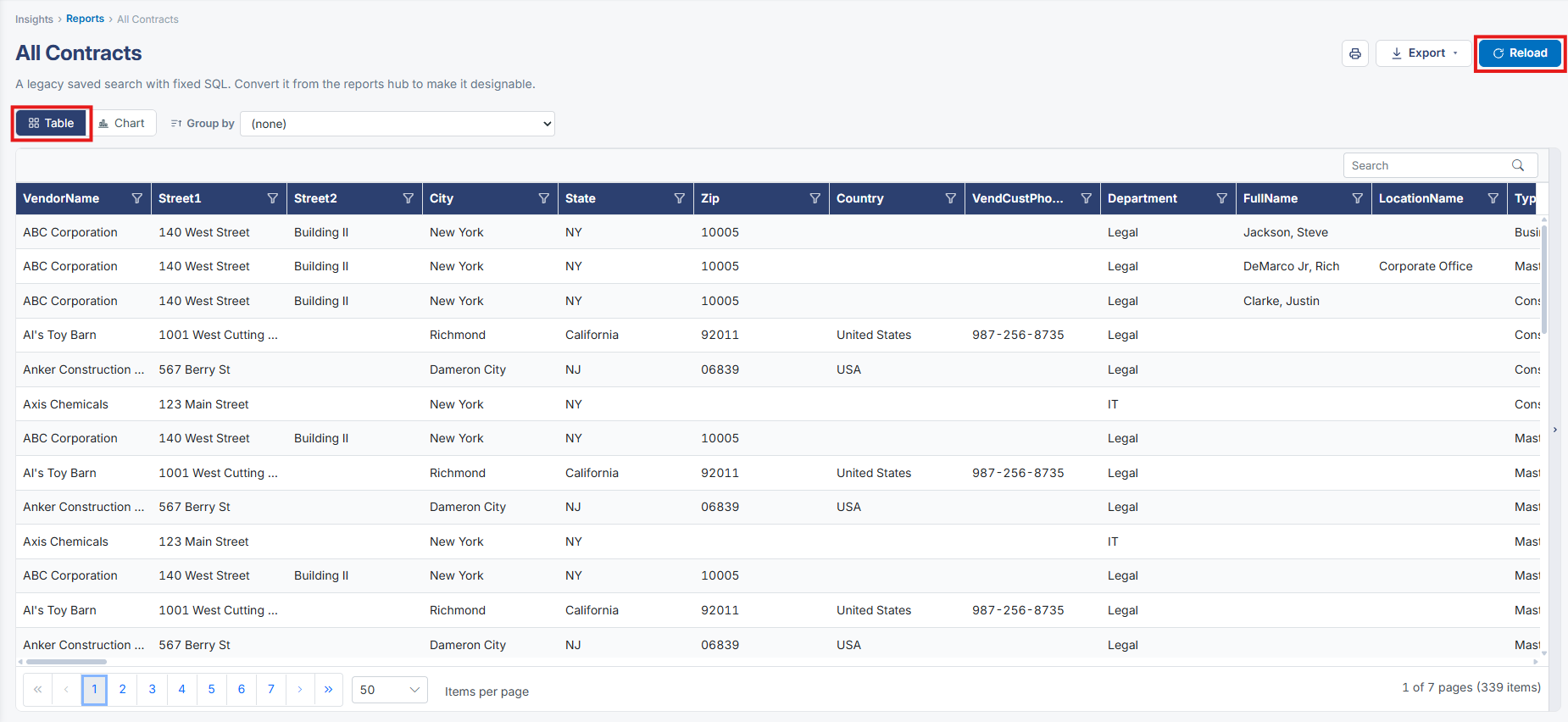
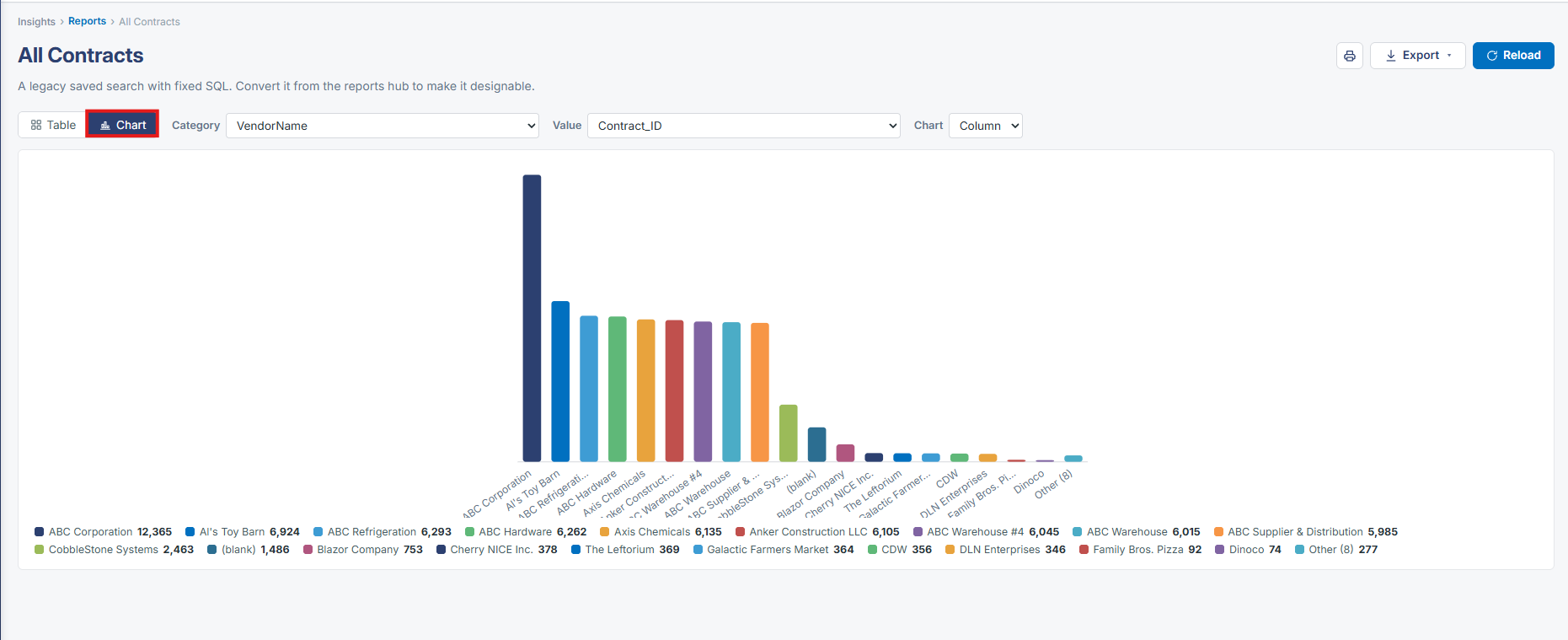
A standard (non-ad-hoc) saved report is viewed and run the same way as any other report in this build — there is no separate results experience for "standard" versus "ad-hoc" reports; both open into the identical Table/Chart, Group by, Export and paginated-rows results page.
2. Key Elements
- Reports list distinguishes reports by a "Standard Report" Yes/No column, but running either type lands on the same results page design
- Reload on a report's results page re-executes it against current data without leaving the page
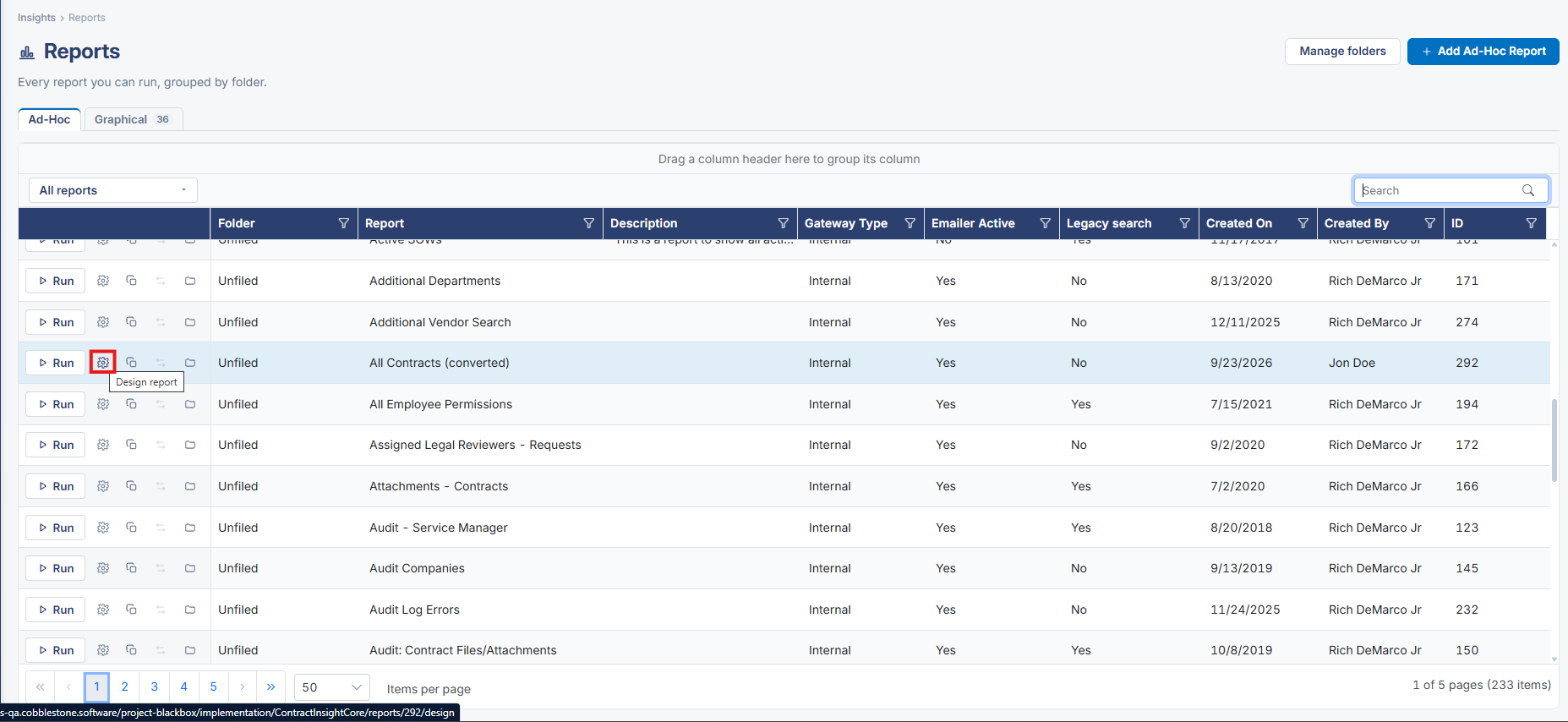
- "Manage this report" from the results page is the way back into the report's design sections for any report type