COBBLESTONE SOFTWARE
Contract Insight — User Guide
Manage PO Template
Module: Purchase Orders › PO: Configuration & Setup › Manage PO Template
Note: Each procedure in this guide begins at the Contract Insight homepage, so any section can be followed on its own. Custom fields are configurable, so the exact field list on a contract category record may vary between environments.
1. Overview
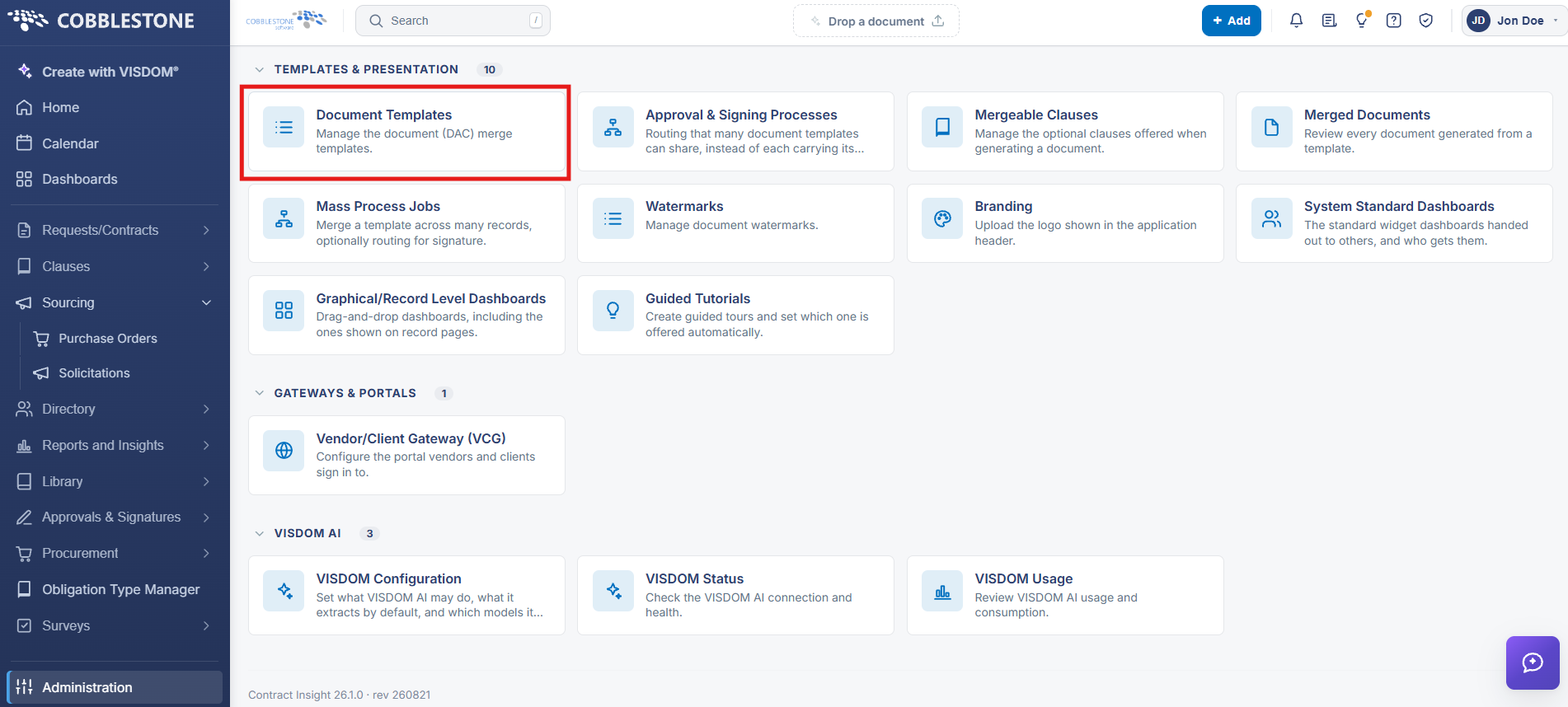
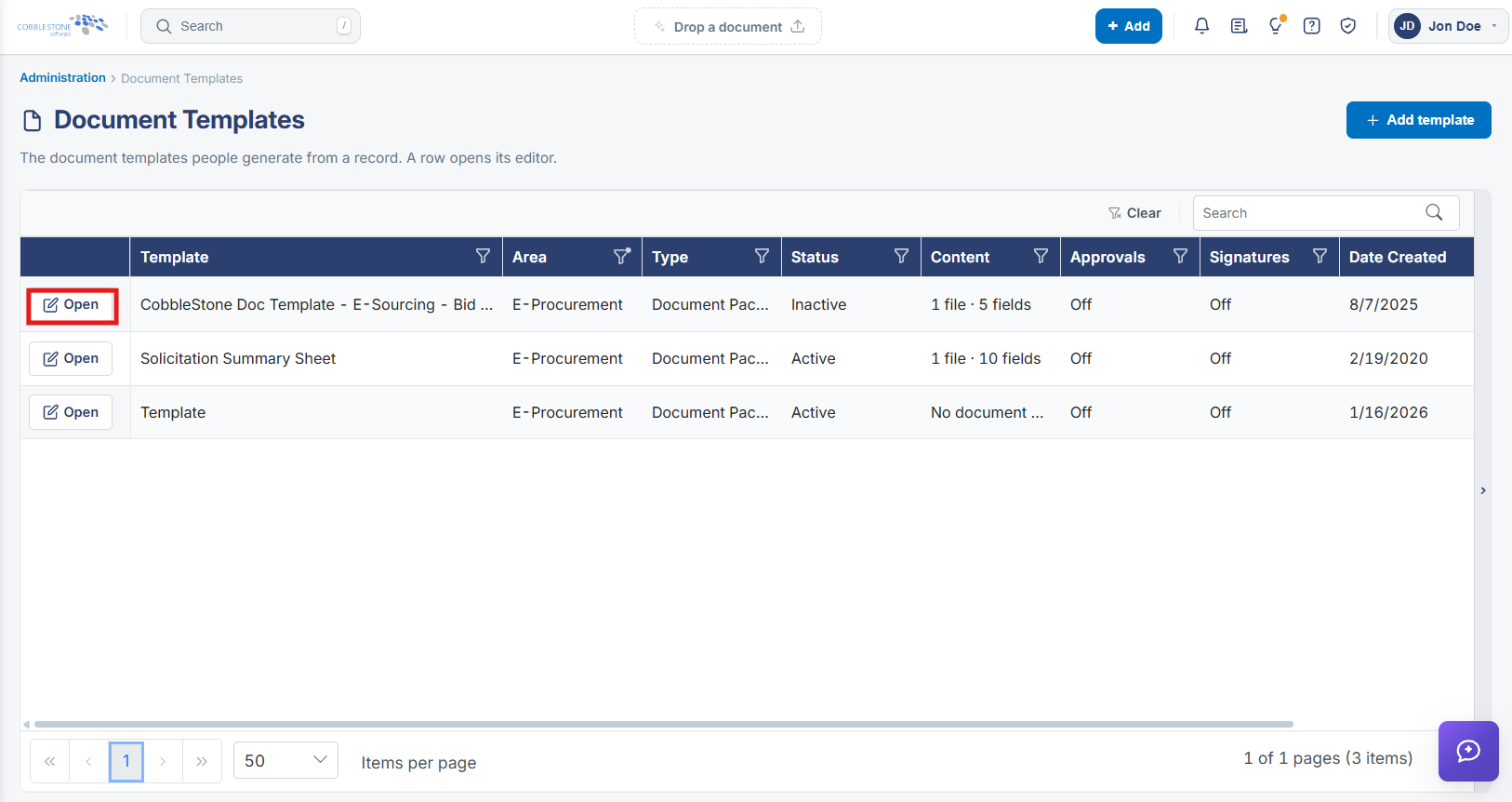
Document templates that generate a printable purchase order are managed the same way as contract document templates: Administration → Document Templates lists every template with its Area, Type, Status, Content, Approvals, and Signatures, and a template scoped to the Purchase Orders area is opened and edited the same way as any other.

2. Key Elements
- Administration → Document Templates, filtered or scanned for Area = Purchase Orders
- Grid columns: Template, Area, Type, Status, Content, Approvals, Signatures
- Open on a row launches that template's editor
- Add template creates a new one