COBBLESTONE SOFTWARE
Contract Insight — User Guide
Find/Search Purchase Orders
Module: Purchase Orders › Searching Purchase Orders › Find/Search Purchase Orders
Note: Each procedure in this guide begins at the Contract Insight homepage, so any section can be followed on its own. Custom fields are configurable, so the exact field list on a contract category record may vary between environments.
1. Overview
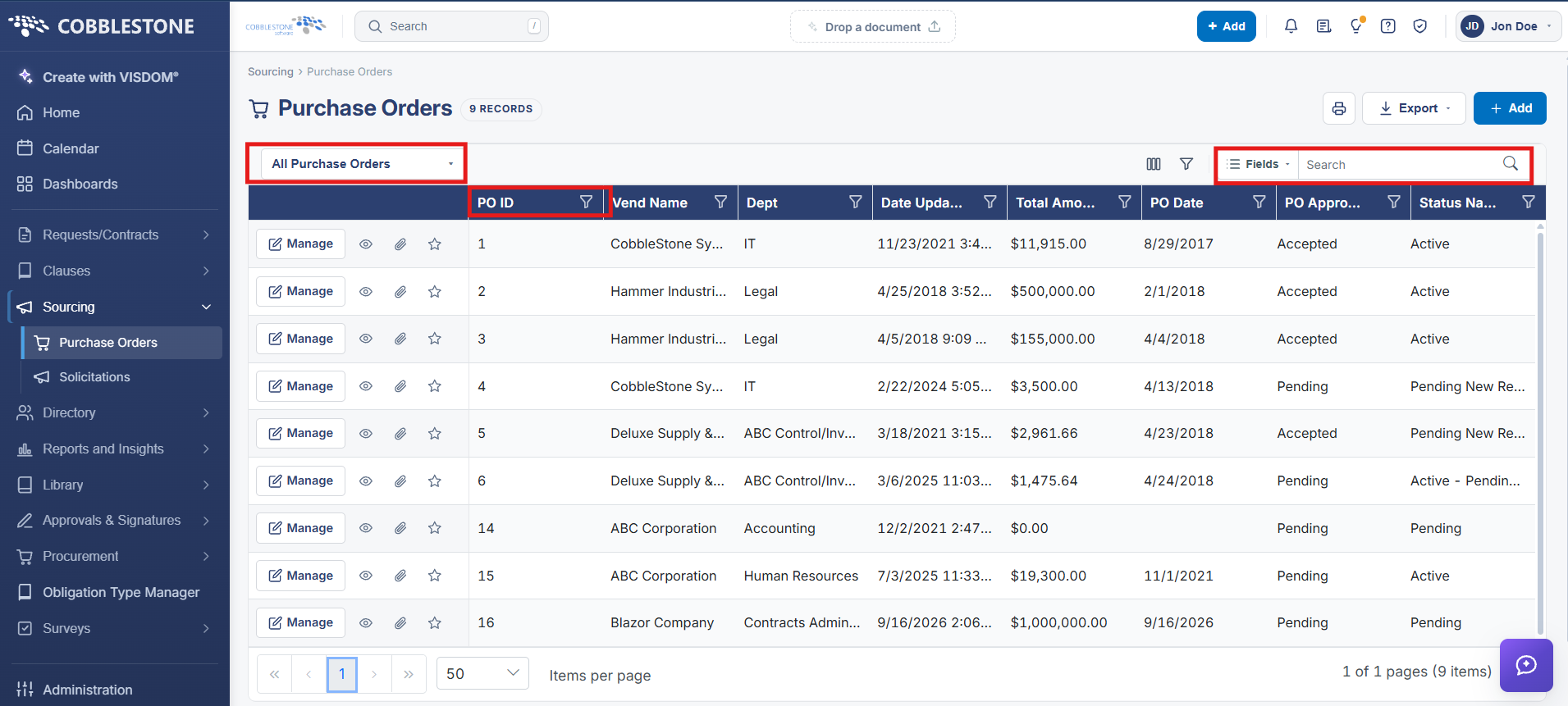
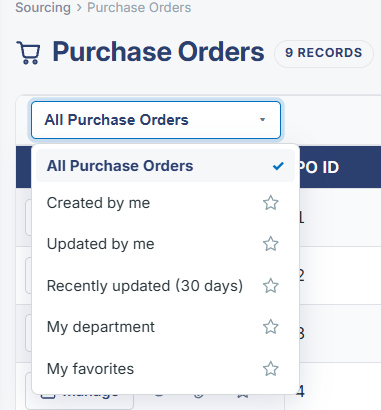
The Purchase Orders list carries the same three-layer search model as Contracts: a free-text search box, per-column sort/filter icons in the grid header, and (via the funnel icon) an Advanced filter panel for multi-condition queries. Results can be paged through with an adjustable items-per-page control, currently spanning 35 pages for the full list.

2. Key Elements
- Search box performs a free-text search across the Purchase Orders list
- Column headers carry their own sort and filter icons
- The funnel icon opens an Advanced filter panel for building structured queries
- Pagination and items-per-page controls sit at the bottom of the grid