COBBLESTONE SOFTWARE
Contract Insight — User Guide
Manage PO Fields (PO Details Screen)
Module: Purchase Orders › PO: Configuration & Setup › Manage PO Fields (PO Details Screen)
Note: Each procedure in this guide begins at the Contract Insight homepage, so any section can be followed on its own. Custom fields are configurable, so the exact field list on a contract category record may vary between environments.
1. Overview
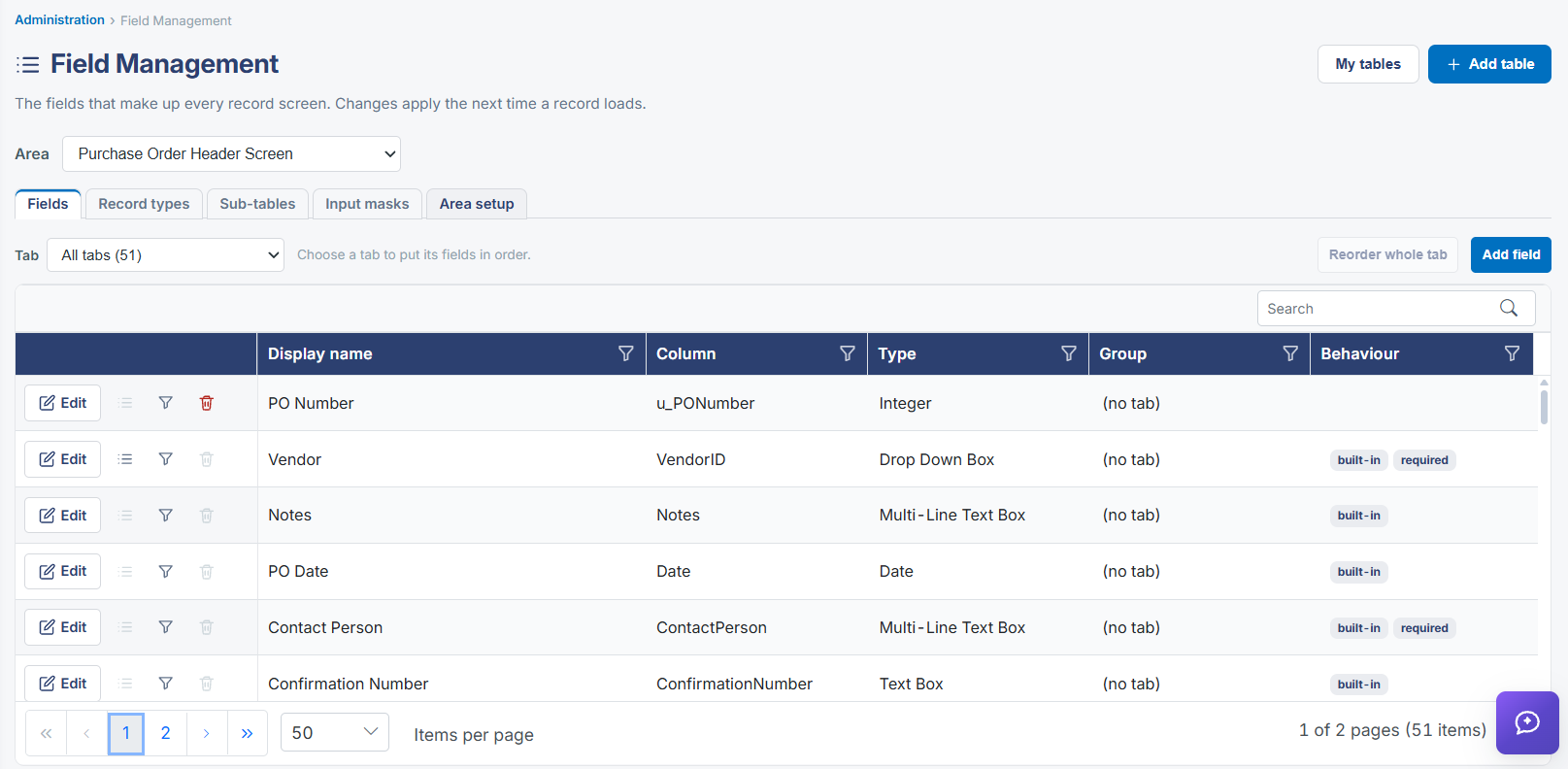
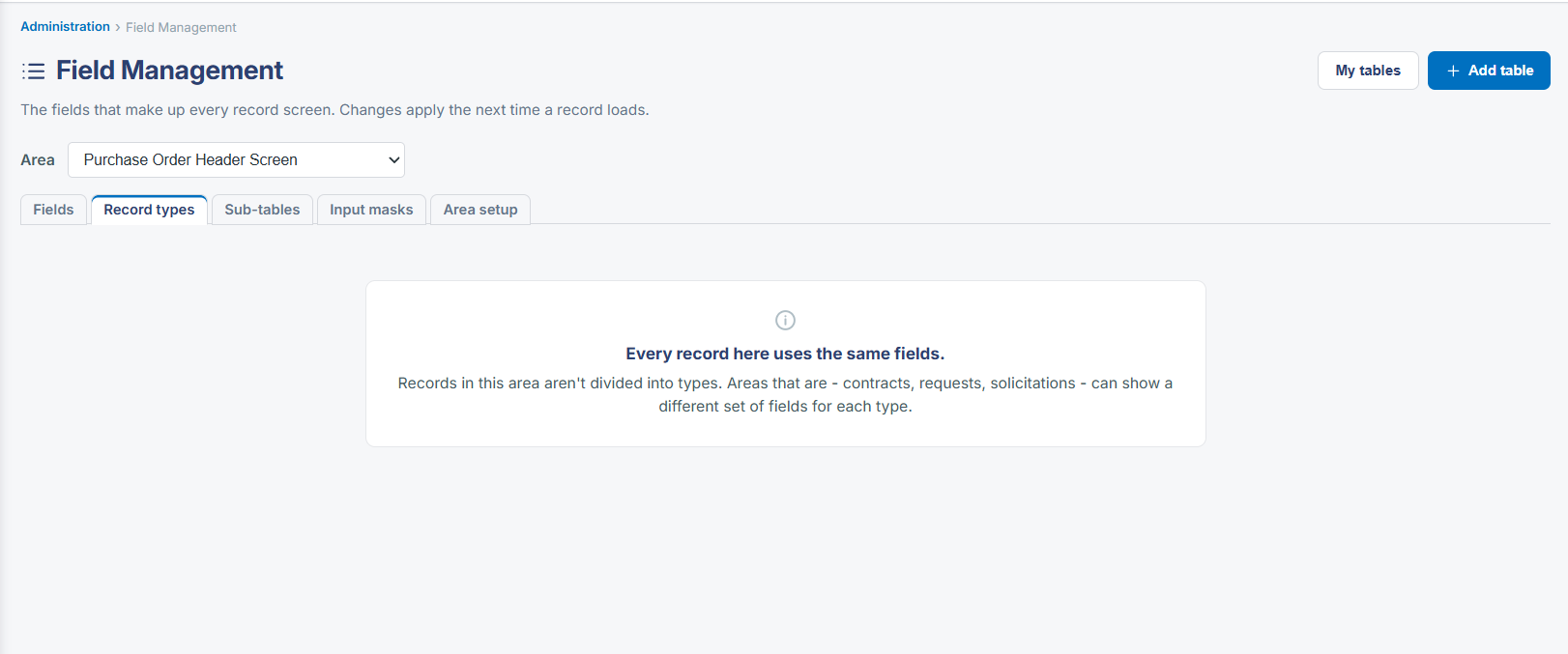
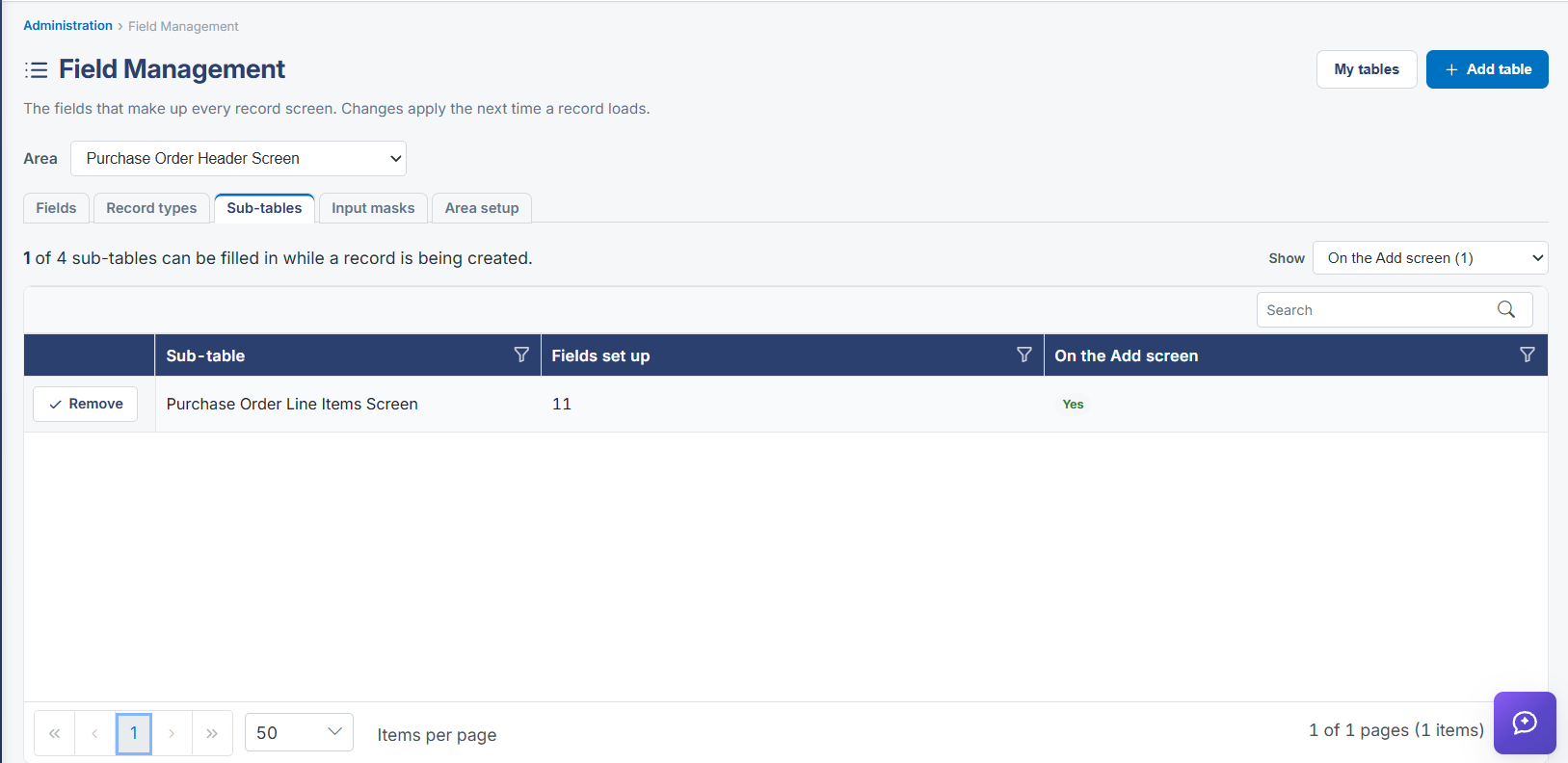
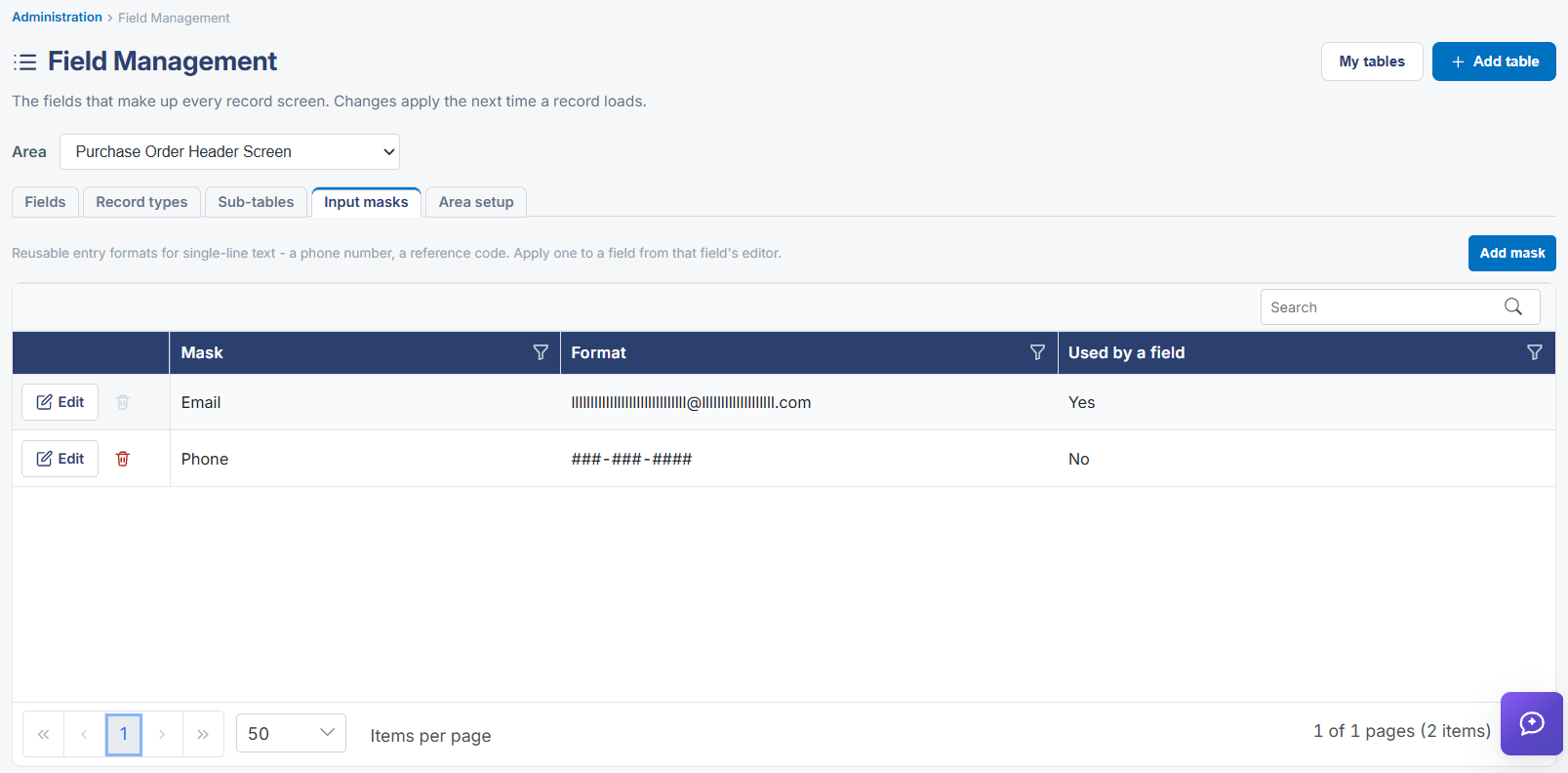
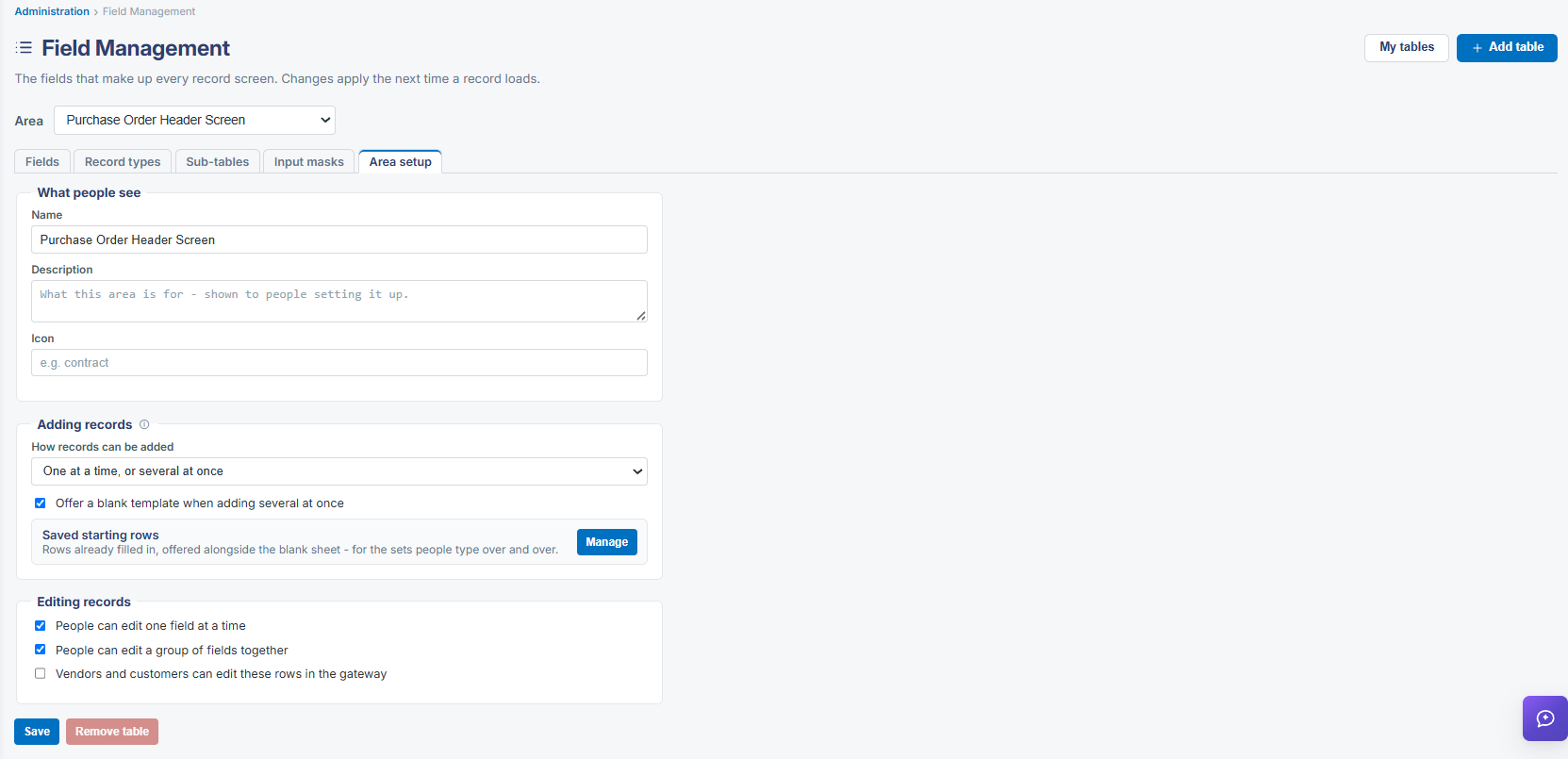
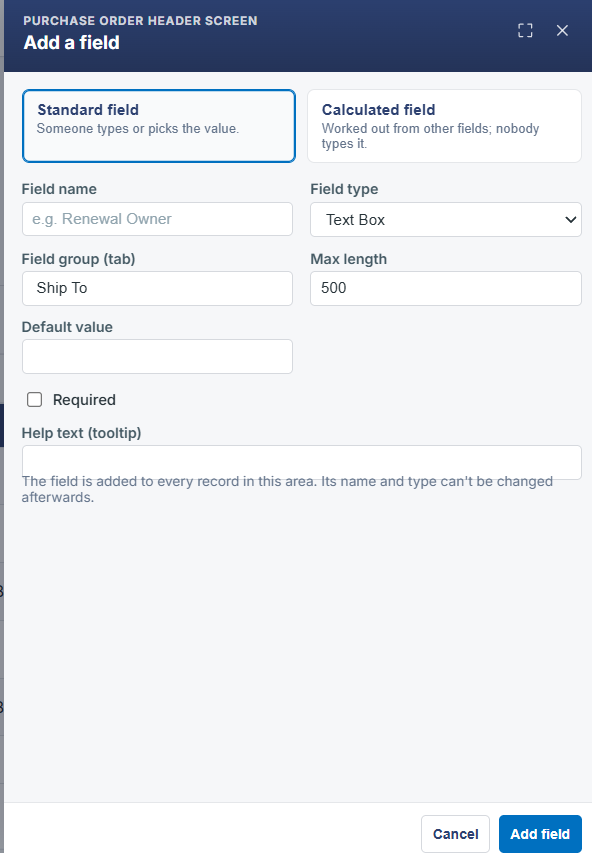
The fields on a purchase order's main record screen are managed under Administration → Field Management by selecting the Purchase Order Header Screen area (148 fields in this environment). From there, Fields, Record types, Sub-tables, Input masks, and Area setup tabs cover every aspect of that screen's layout, with Add field, per-field Edit, reorder, filter, and delete controls.
2. Key Elements
- Administration → Field Management → Area: Purchase Order Header Screen
- Fields / Record types / Sub-tables / Input masks / Area setup sub-tabs
- A Tab selector filters the field list to one tab of the PO screen at a time
- Add field, Edit, reorder, filter, and delete controls manage individual fields