COBBLESTONE SOFTWARE
Contract Insight — User Guide
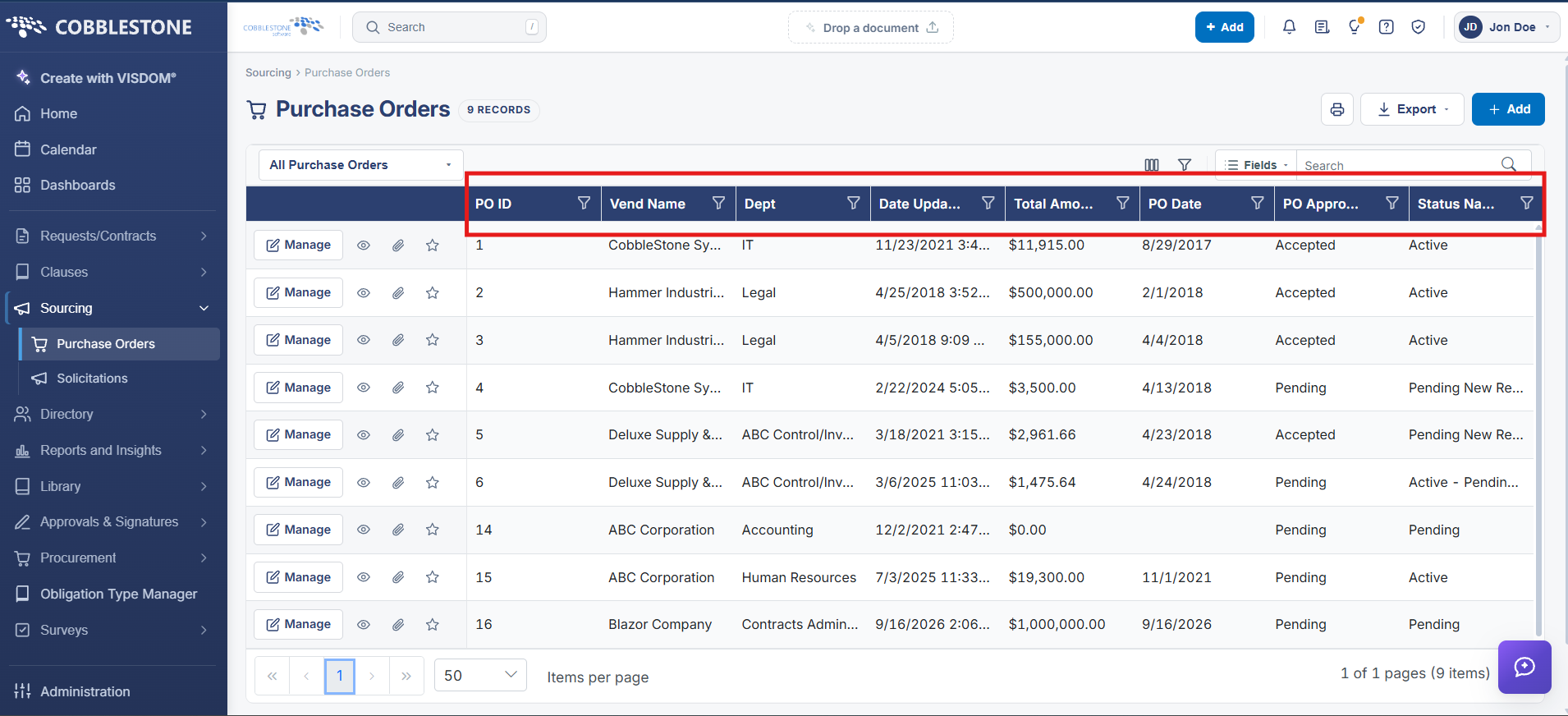
Filtering & Sorting Find/Search POs List
Module: Purchase Orders › Searching Purchase Orders › Filtering & Sorting Find/Search POs List
Note: Each procedure in this guide begins at the Contract Insight homepage, so any section can be followed on its own. Custom fields are configurable, so the exact field list on a contract category record may vary between environments.
1. Overview
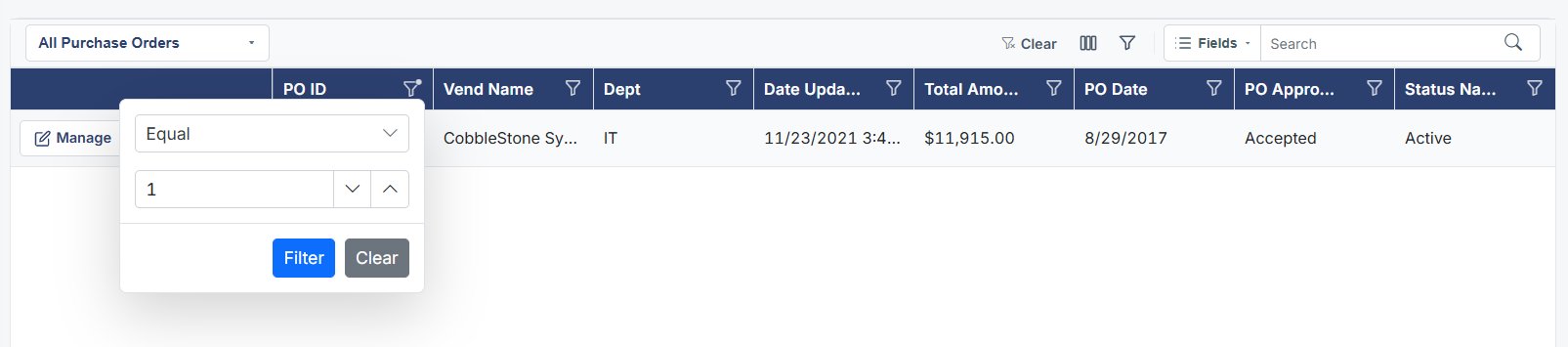
Beyond simple search, the Purchase Orders list's Advanced filter panel lets users combine any number of column conditions — matching either ALL or ANY of them — and organize those conditions into groups, mirroring the same Advanced filter builder used on the Contracts list. Clear all resets the filter and Show every record removes it entirely.

2. Key Elements
- Advanced filter panel builds structured, multi-condition queries on the PO list
- Match ALL / ANY toggle controls how conditions combine
- + Condition and + Group add more filter logic
- Clear all and Show every record reset the filter