COBBLESTONE SOFTWARE
Contract Insight — User Guide
Export/Auto-Attach a PO Template as PDF
Module: Purchase Orders › Purchase Order Templates › Export/Auto-Attach a PO Template as PDF
Note: Each procedure in this guide begins at the Contract Insight homepage, so any section can be followed on its own. Custom fields are configurable, so the exact field list on a contract category record may vary between environments.
1. Overview
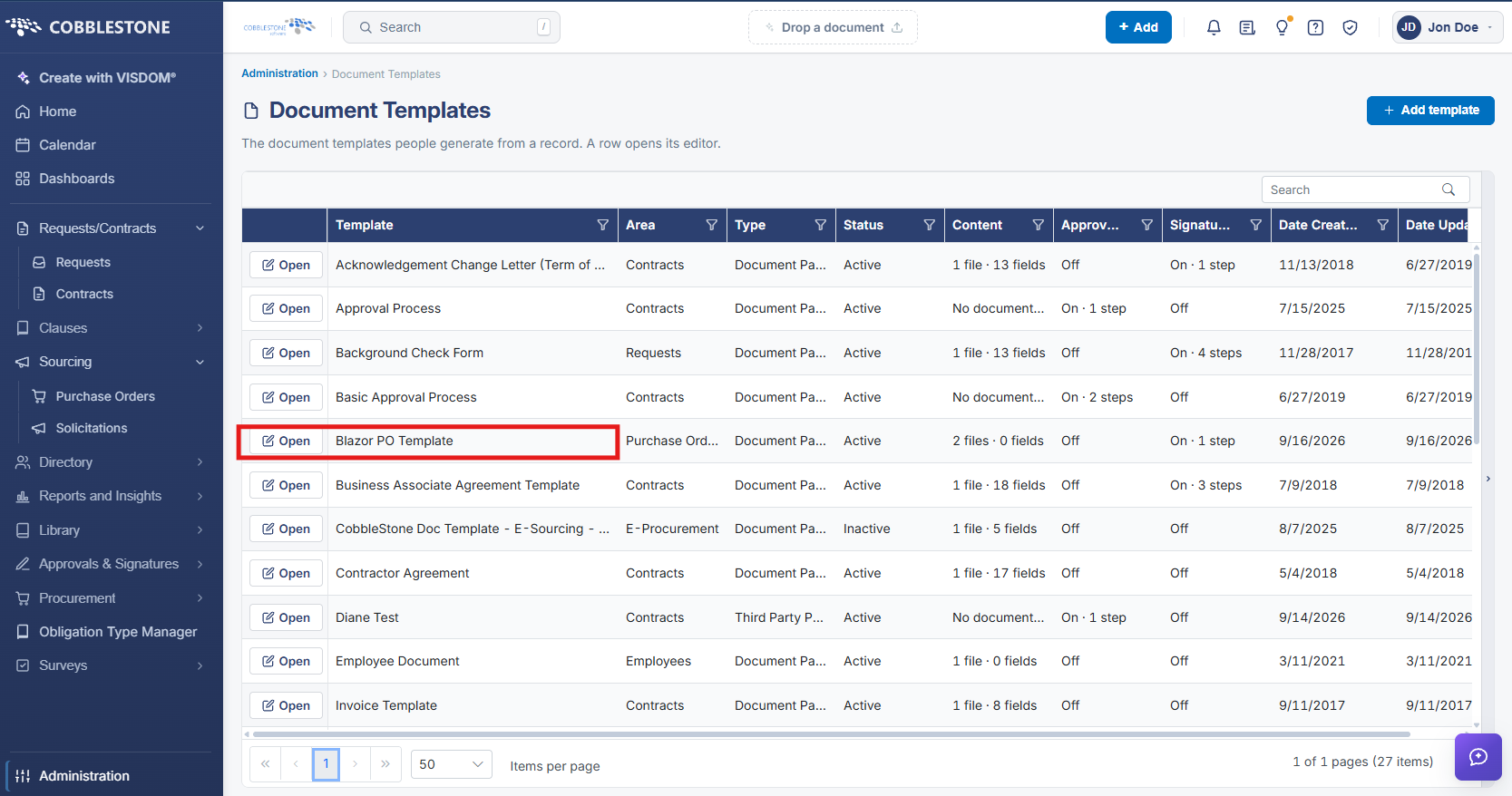
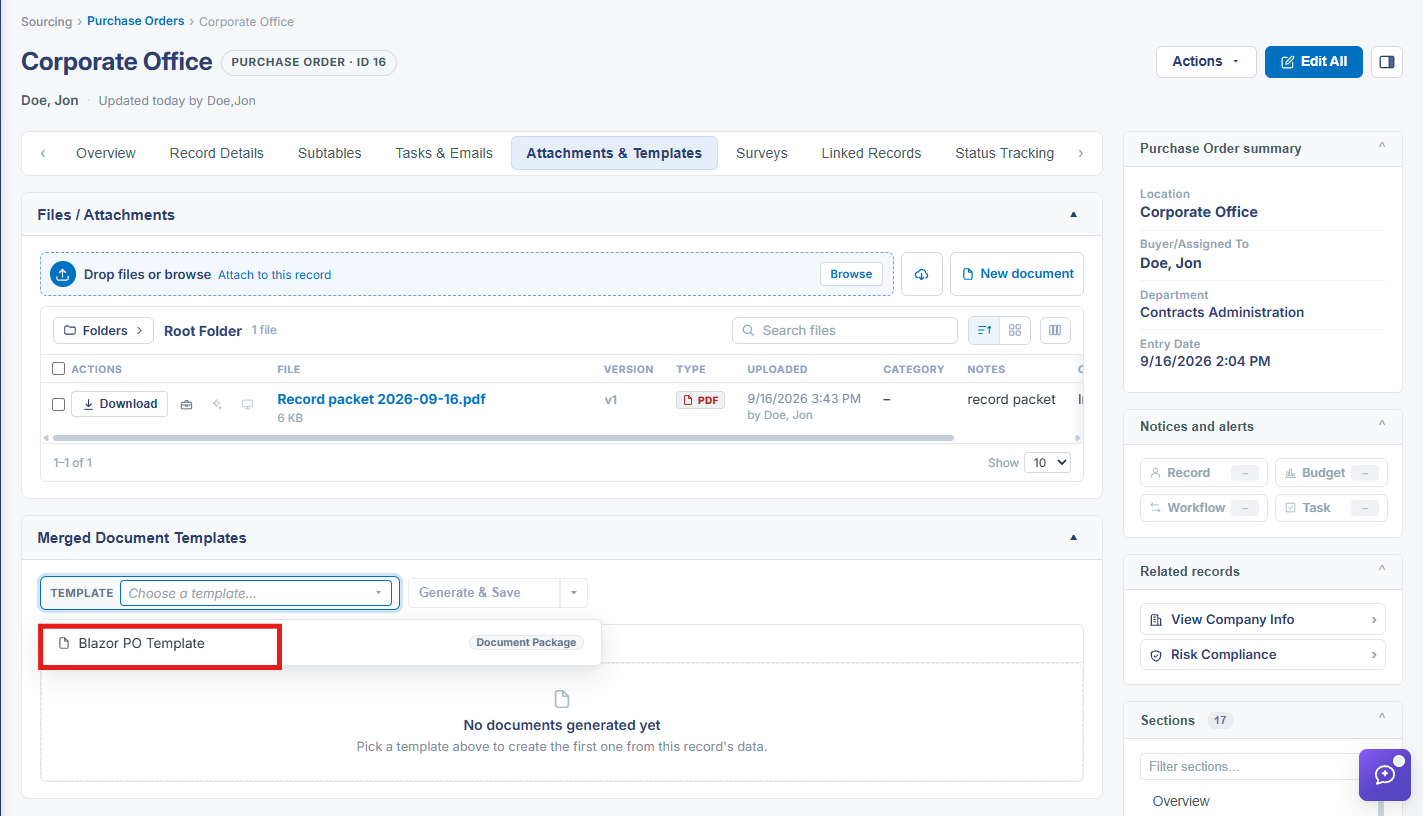
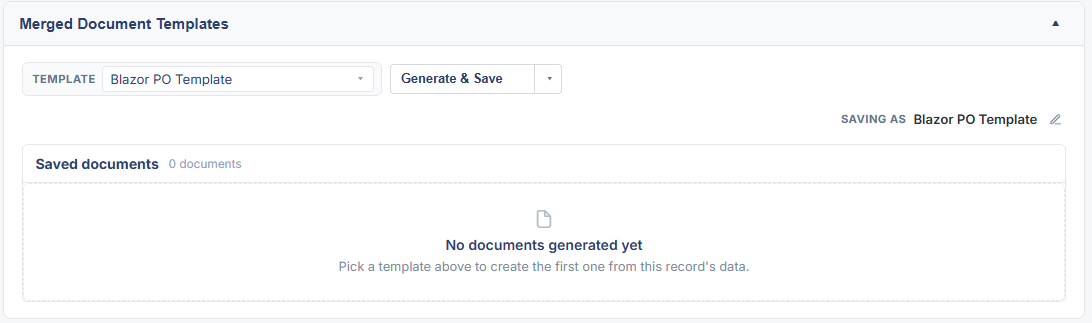
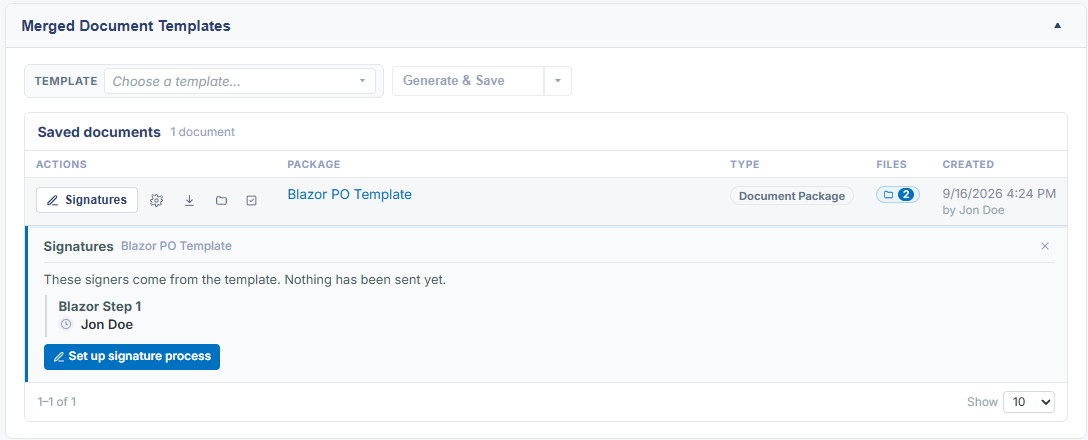
Like the legacy wiki itself, this is a redirect notice rather than a live feature: the legacy page states the standalone export/auto-attach-as-PDF functionality has been replaced by newer tools and points readers to Template Management for current guidance. In this QA environment, Purchase Orders templates are managed the same way as any other record type through Administration > Document Templates — created with a Template Area of Purchase Orders, generated from a Purchase Order record's own Merged Document Templates section, and downloaded from there or from Administration > Merged Documents, covered under Generate New Document Package and Manage Generated Document Package.
2. Key Elements
- The legacy topic is itself a deprecation notice pointing readers to Template Management rather than describing a working feature
- Purchase Order document templates are built and managed through Administration > Document Templates like any other record type's templates
- A generated PO package is produced and downloaded through the record's own Merged Document Templates section, or reviewed centrally under Administration > Merged Documents
- See Generate New Document Package and Manage Generated Document Package for the current equivalent workflow