COBBLESTONE SOFTWARE
Contract Insight — User Guide
Dashboards Overview
05. End Users: Home Page Options › Dashboards › Dashboards Overview
Note: Each procedure in this guide begins at the Contract Insight homepage, so any section can be followed on its own. Custom fields are configurable, so the exact field list on a contract category record may vary between environments.
1. Overview
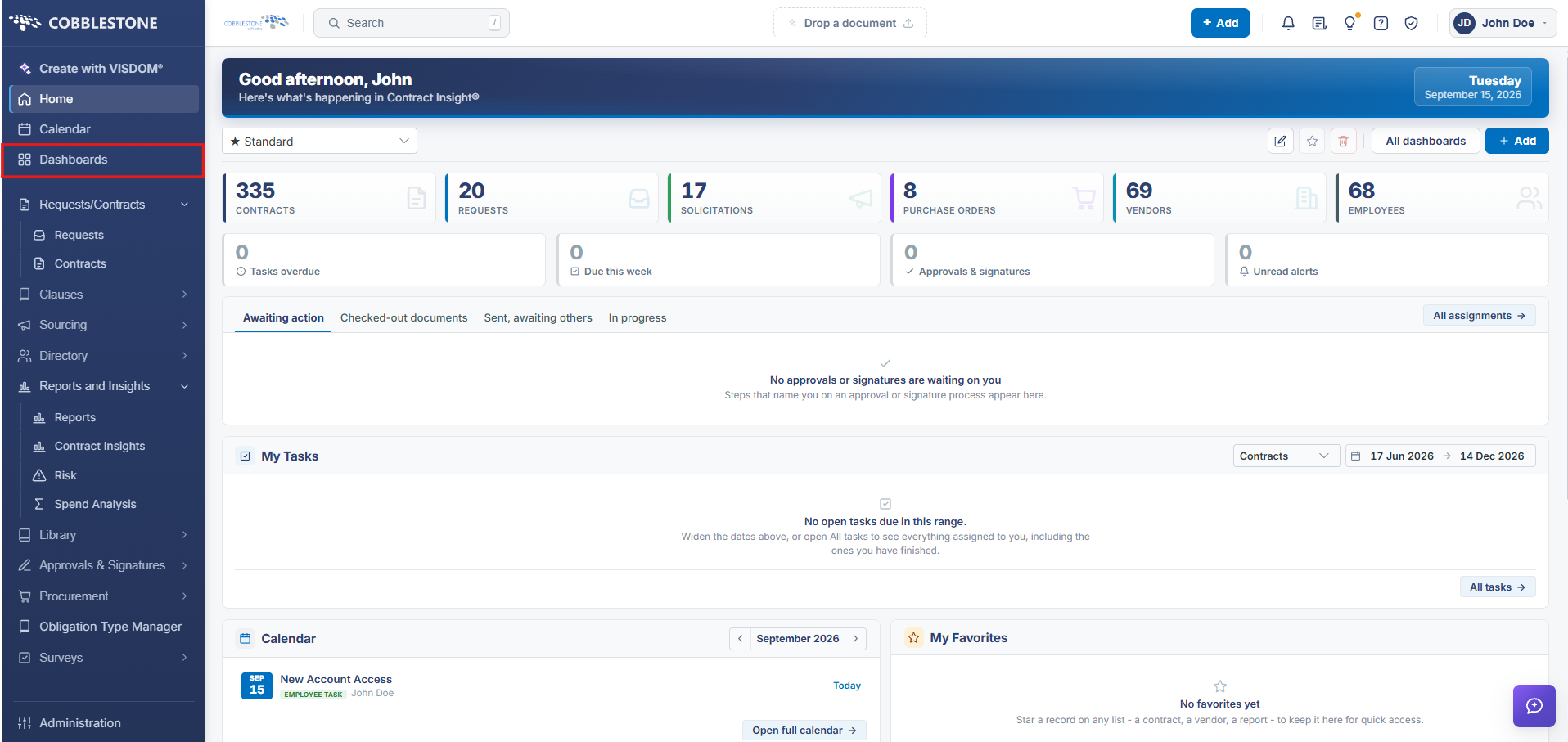
Dashboards is the top-level hub ("Every dashboard you can open") holding both Standard dashboards (dock-based, e.g. task lists and calendars) and Graphical dashboards (chart-based), each assigned to specific people or owned personally, and each opened straight into its live content with a Customize option for anyone permitted to edit it.
2. Key Elements
- Left navigation → Dashboards opens the gallery of every dashboard the signed-in person can access
- A toggle near the top switches between a card gallery and (implied) an alternate listing/favorites view
- Dashboards fall into two kinds throughout the product: Standard (docks: tasks, alerts, calendar, summary tiles) and Graphical (charts)
- The same Dashboards entry point is reused for personal dashboards, team-assigned dashboards, and system-wide dashboards