COBBLESTONE SOFTWARE
Contract Insight — User Guide
Create a Contract Request
09. End Users: Contract Requests › Contract Request Process › Create a Contract Request
Note: Each procedure in this guide begins at the Contract Insight homepage, so any section can be followed on its own. Custom fields are configurable, so the exact field list on a contract category record may vary between environments.
1. Overview
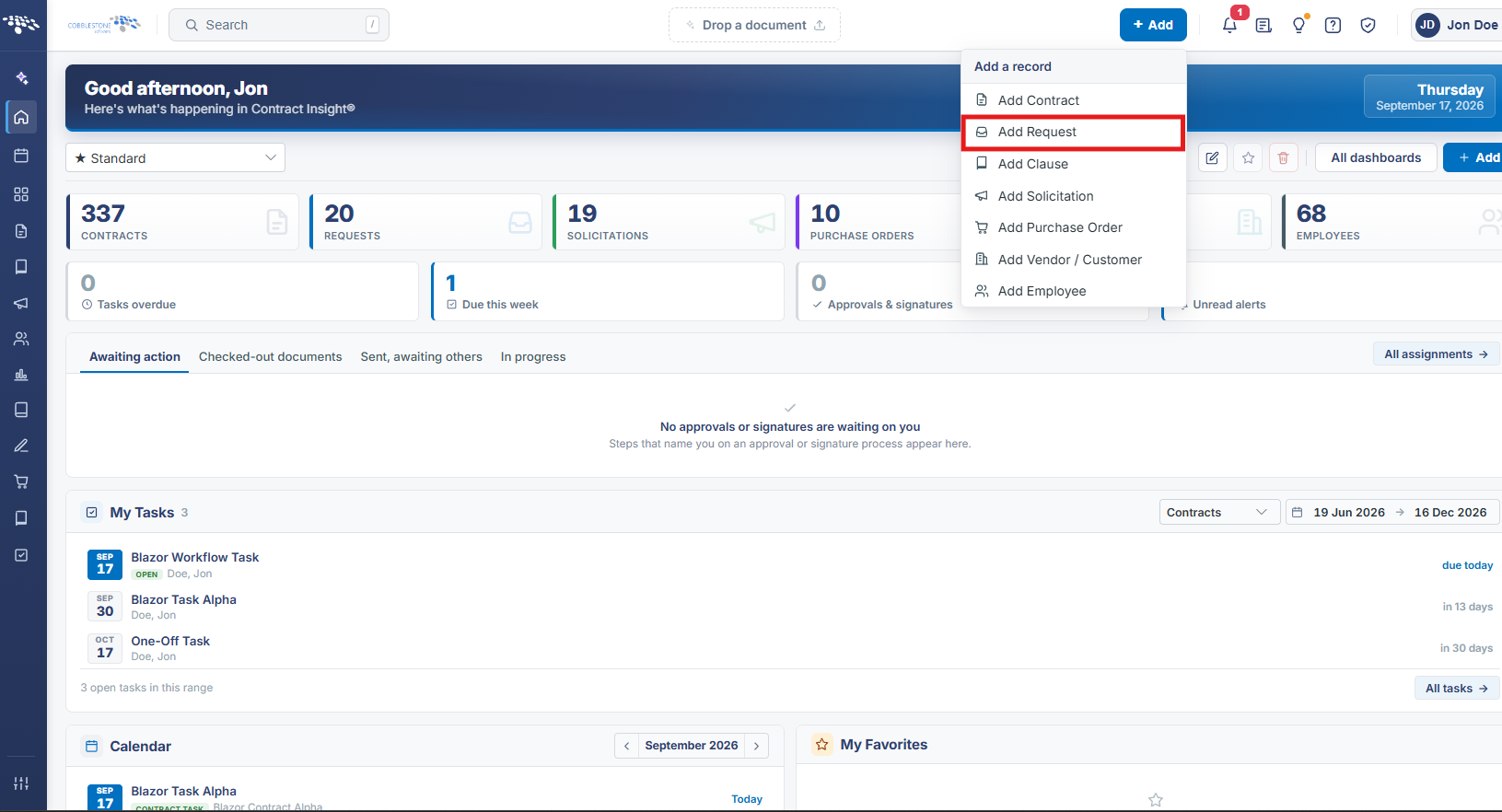
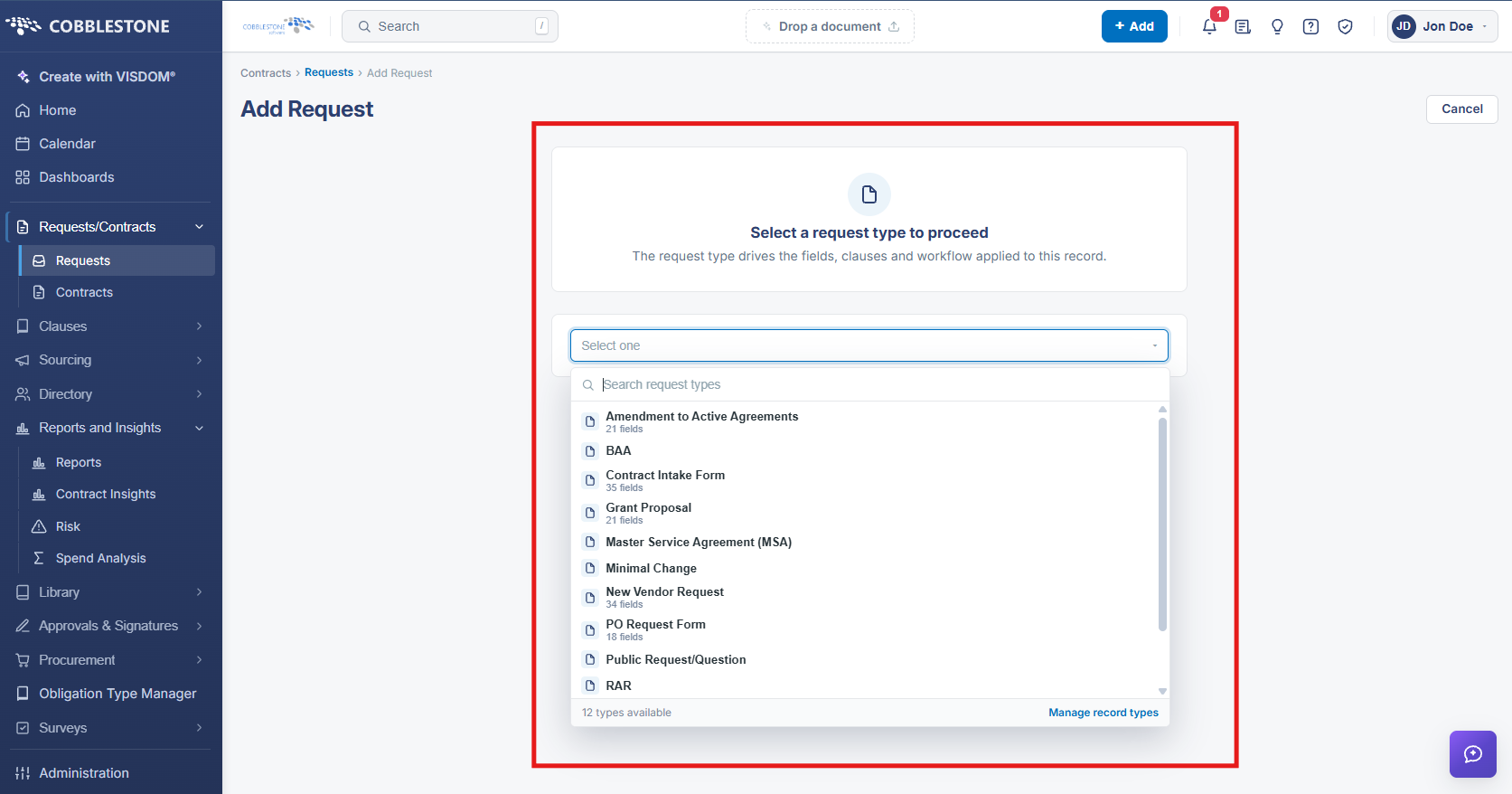
A new request can be started from the global "+ Add" button in the top header (which offers Add Contract, Add Request, Add Clause, Add Solicitation, Add Purchase Order, Add Vendor / Customer, and Add Employee, plus a "From a document (VISDOM)" option) or from the "+ Add" button on the Requests list screen itself. Either path opens the Add Request screen, which requires selecting a request type before showing any fields; picking a type (for example, Barebones Request) opens a multi-step form. For a Barebones Request the Details step collects Company Name, Department/Business Unit, Description, Request Amount, Request Details, Request Title (required), Request Type (locked to the chosen type), Requestor (required, defaulted to the current user), Review Group (required, searchable dropdown of configured groups with an inline "add new" option), and a read-only Status defaulting to "Request Pending." The record can be saved as a draft or completed across the remaining wizard steps (Record Info and any custom sections configured for that request type) before Save Record.
2. Key Elements
- A request can be created from the global + Add menu ("Add Request") or from the + Add button on the Requests list screen.
- The Add Request screen requires choosing a request type first — recently-used types are offered as chips, with a full searchable dropdown for every other configured type.
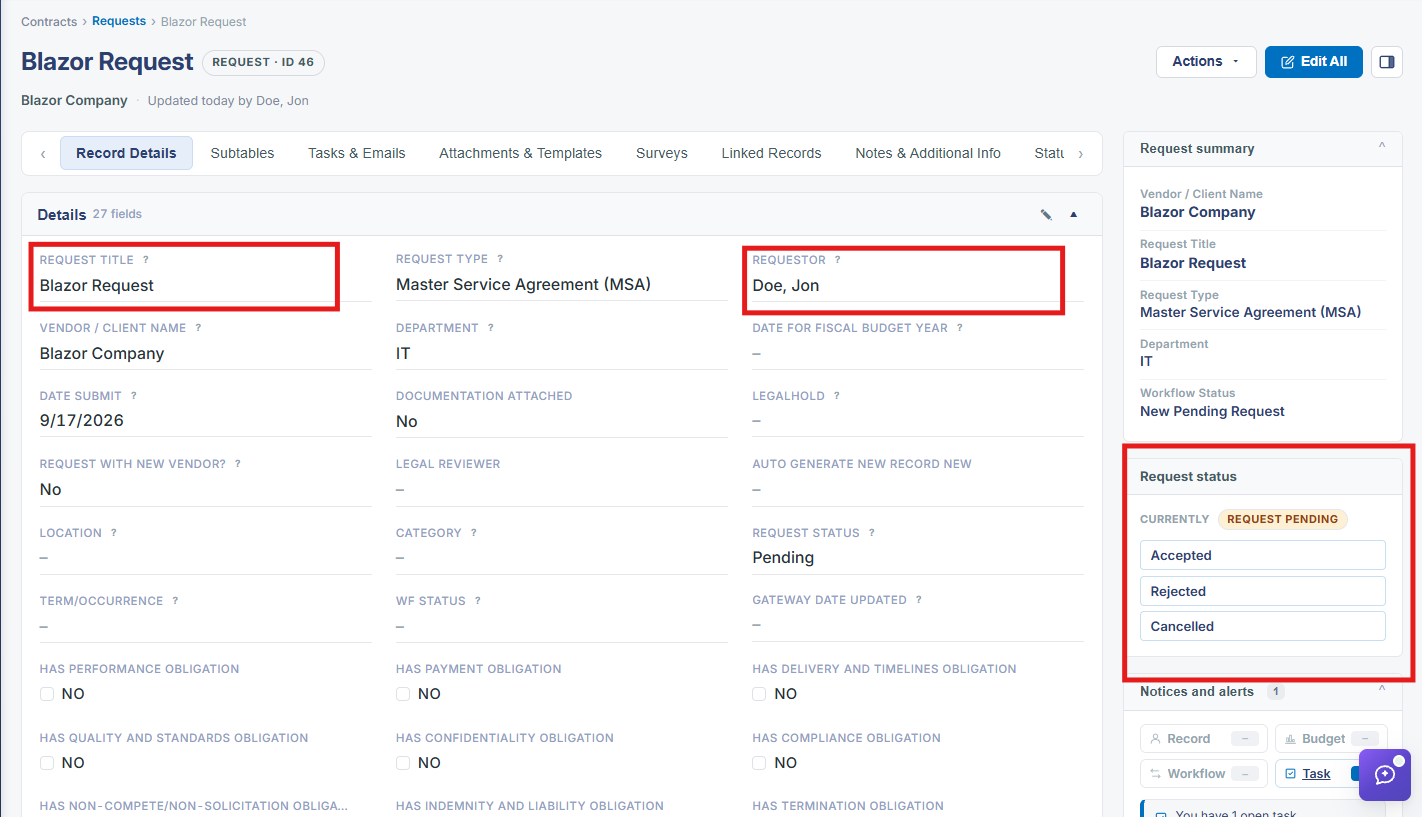
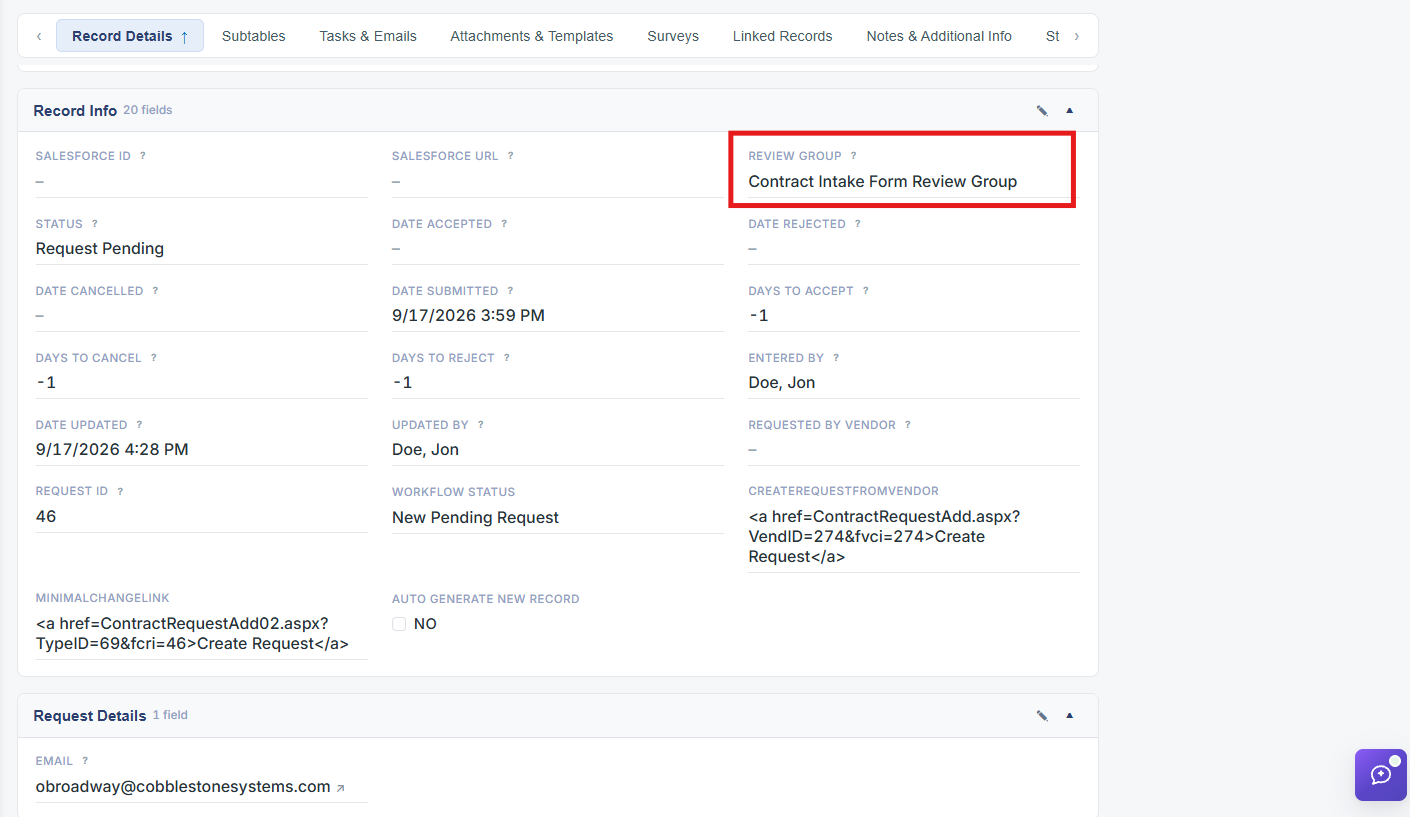
- The Details step of the wizard captures core fields: Request Title and Requestor and Review Group are required; Company Name, Department/Business Unit, Description, Request Amount, and Request Details are optional.
- Review Group is a searchable dropdown listing every configured review group (e.g. Administrators and many named test groups) and supports adding a new group inline.
- A new request's Status field defaults to "Request Pending" and is read-only on the creation form; the record can be Saved as draft or completed through the remaining wizard steps and Save Record.