COBBLESTONE SOFTWARE
Contract Insight — User Guide
Ad Hoc Report Wizard: Overview
11. End Users: Ad-Hoc Reports/Searches › Ad-Hoc Report Wizard › Ad Hoc Report Wizard: Overview
Note: Each procedure in this guide begins at the Contract Insight homepage, so any section can be followed on its own. Custom fields are configurable, so the exact field list on a contract category record may vary between environments.
1. Overview
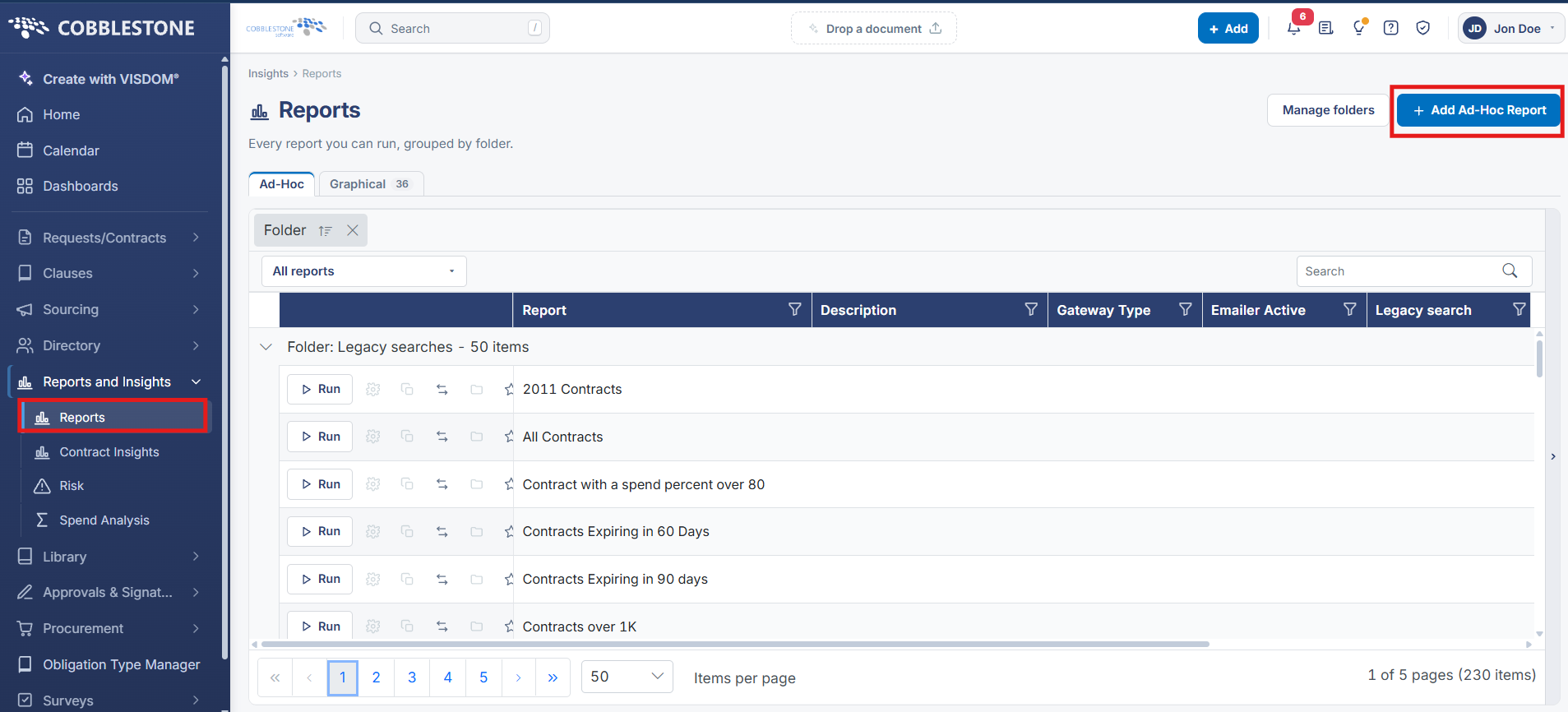
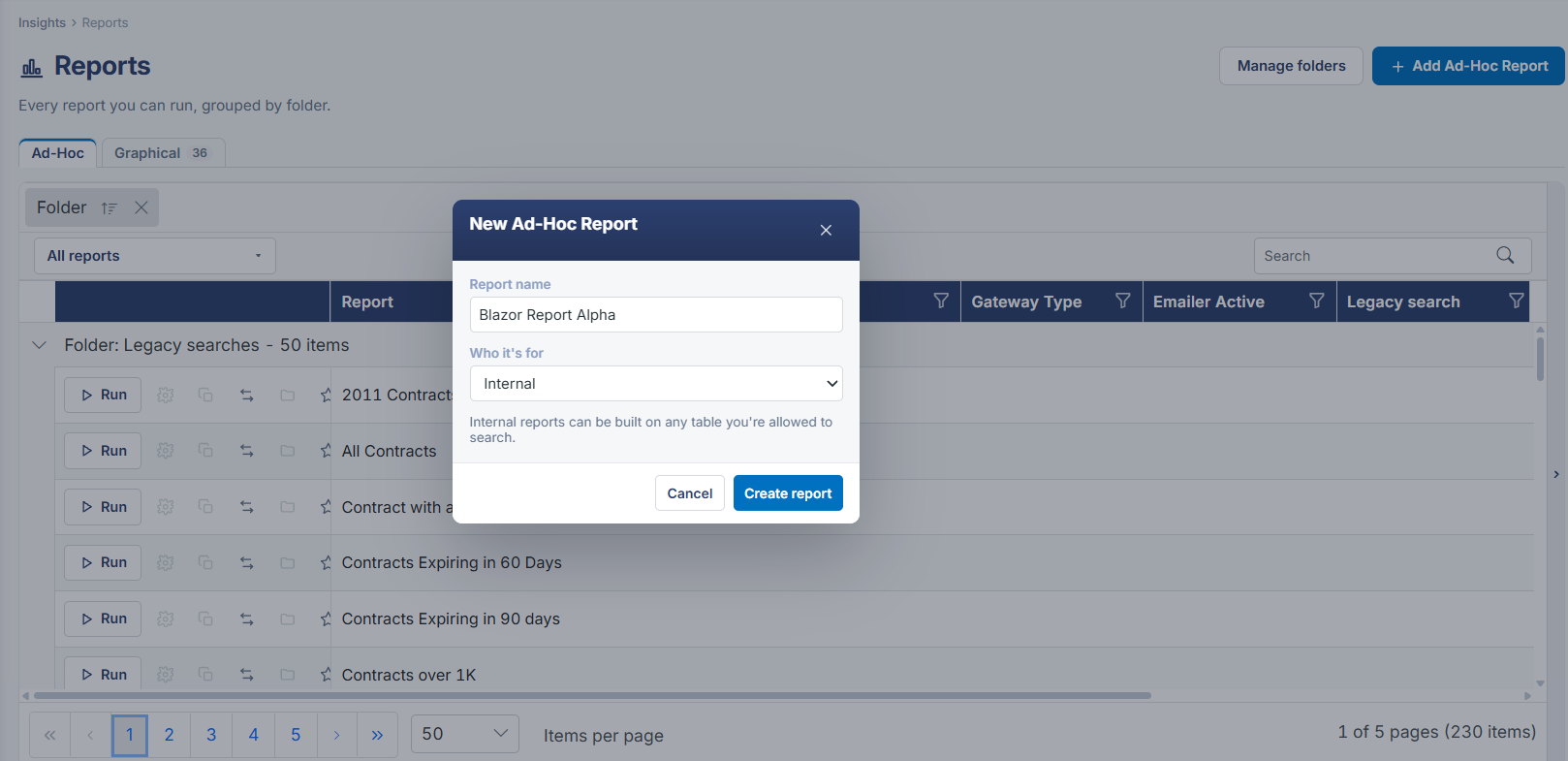
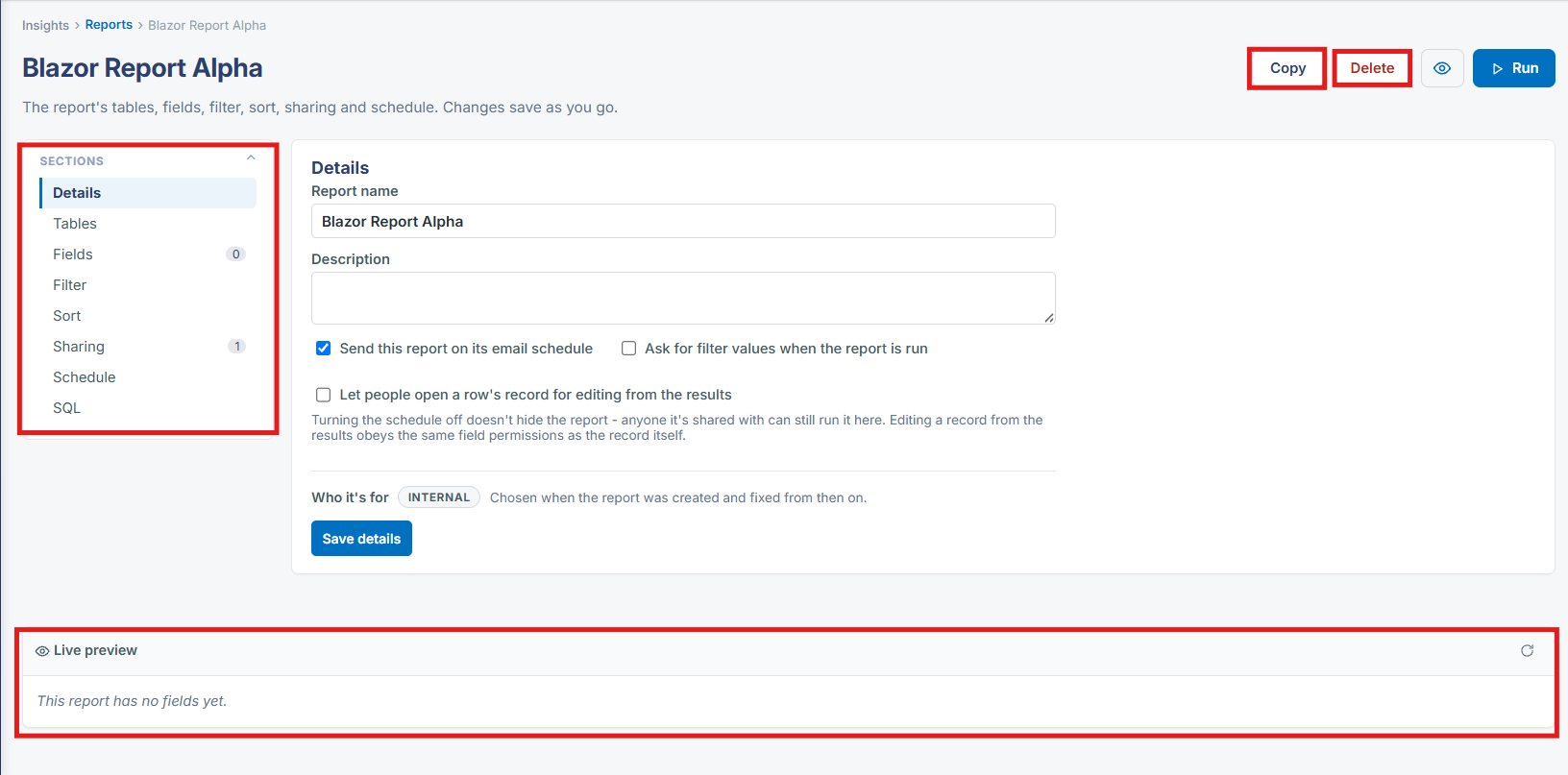
Clicking Add report on the Reports hub opens a single-page report designer rather than a click-through wizard: a New Report record with Sections down the left (Details, Tables, Fields, Filter, Sort, Sharing, Schedule, SQL) and a Live preview panel that updates as each section is filled in, saving automatically as you go.
2. Key Elements
- Insights → Reports → Add report creates a new report and opens it straight into this designer
- The eight Sections replace the old multi-page wizard steps, each reachable at any time rather than only in sequence
- Live preview at the bottom shows "This report has no columns yet" until at least the Tables and Fields sections are filled in
- Copy, Delete and Run controls sit at the top of the designer for the report being built