COBBLESTONE SOFTWARE
Contract Insight — User Guide
Exporting Ad-Hoc Reports
11. End Users: Ad-Hoc Reports/Searches › Ad-Hoc Report Wizard › Exporting Ad-Hoc Reports
Note: Each procedure in this guide begins at the Contract Insight homepage, so any section can be followed on its own. Custom fields are configurable, so the exact field list on a contract category record may vary between environments.
1. Overview
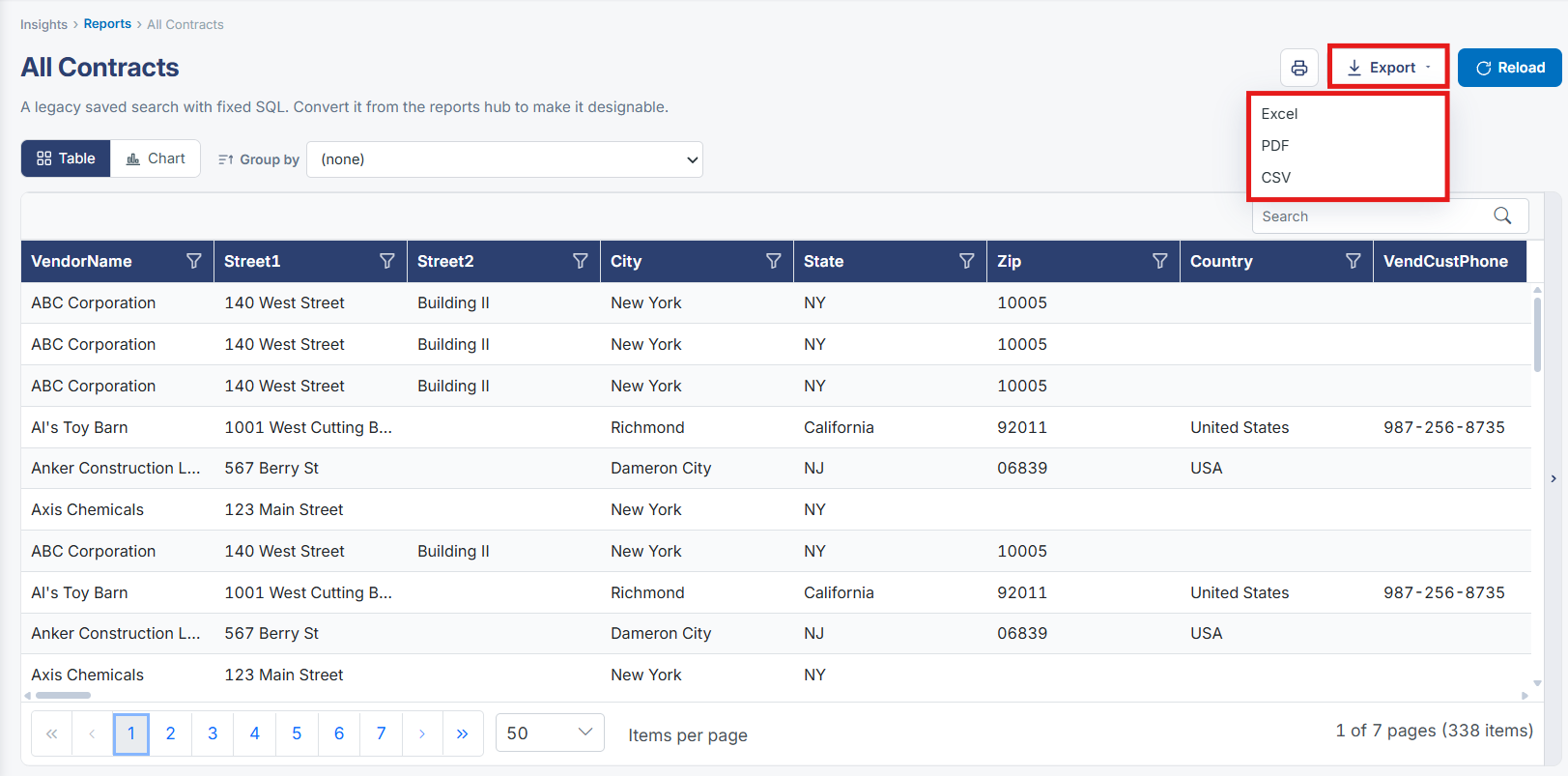
A report's results page carries its own Export control in the results toolbar, offered as a dropdown alongside the Table/Chart view toggle and row-count selector — the modern equivalent of exporting an ad-hoc report to a file, available directly from wherever the report is being viewed.
2. Key Elements
- Insights → Reports → Run any report → Export (dropdown) in the results toolbar
- Export works from either the Table or Chart view of the results
- The row-limit selector (1,000/5,000/25,000/100,000) governs how many rows are loaded for on-screen viewing; a note clarifies that exporting captures the complete result set regardless of the on-screen cap