COBBLESTONE SOFTWARE
Contract Insight — User Guide
2. Question Bank
12. Surveys & Decision Trees › 2. Surveys/Questionnaires › 2. Question Bank
Note: Each procedure in this guide begins at the Contract Insight homepage, so any section can be followed on its own. Custom fields are configurable, so the exact field list on a contract category record may vary between environments.
1. Overview
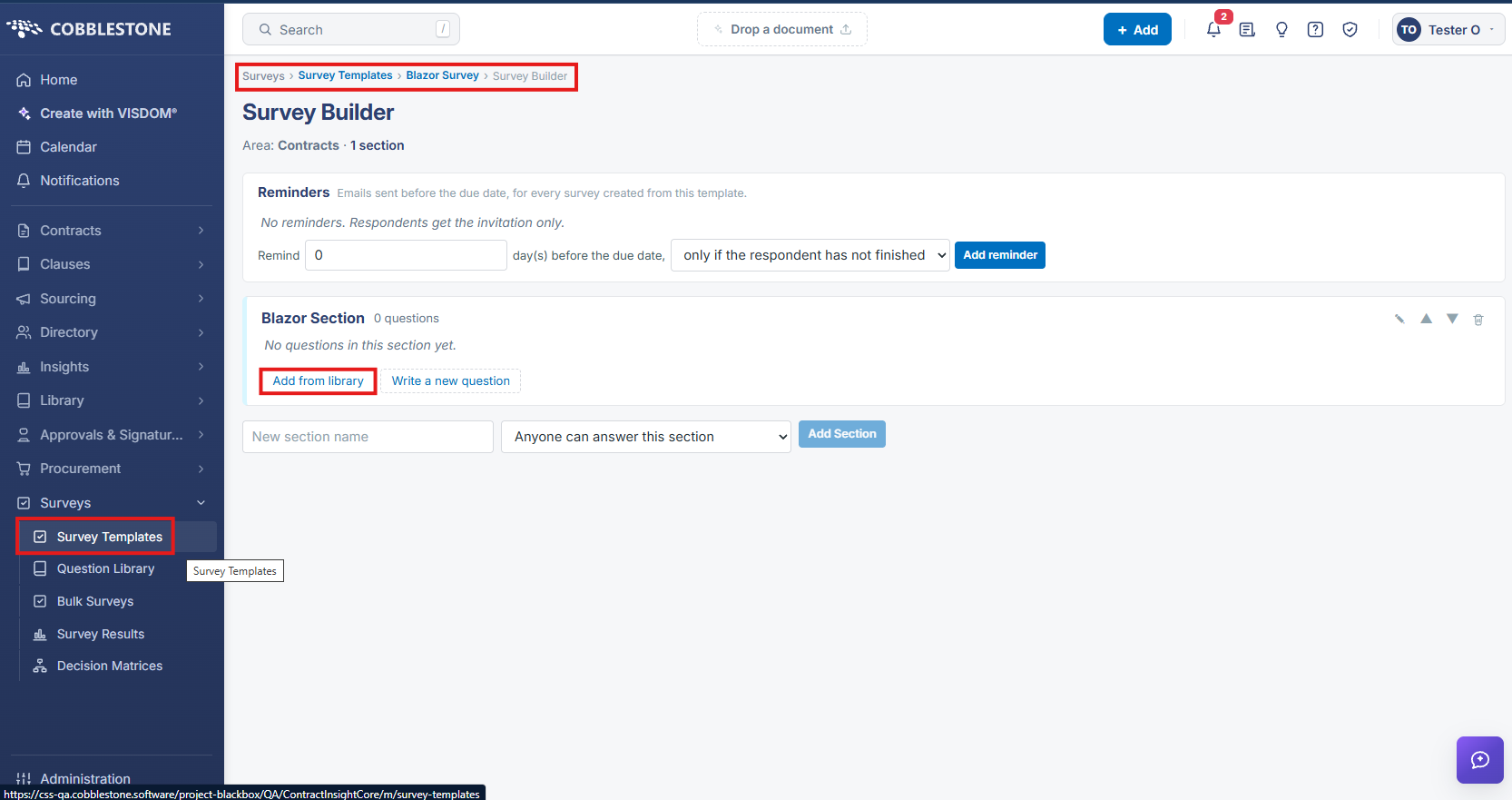
Surveys > Question Library is described as "Reusable survey questions, grouped into banks. Surveys reference these questions." A left-hand Banks panel lists every named bank in the environment (examples include root, General Survey Questions, OB Question Bank, Test Question Bank, and several client-named banks) alongside an "All questions" view, and New bank / New question actions. The main grid lists each question's text, Answer type (Multiple Choice, Decimal, Check Box, File, Pricing Line Items, User-Defined Subtable, Textbox, and more), which Bank it belongs to, and a Surveys count showing how many survey templates currently reference that question. Within the Survey Builder for a given survey template, questions are added either by writing a new one directly or via "Add from library," which pulls an existing question from this shared bank rather than duplicating it.
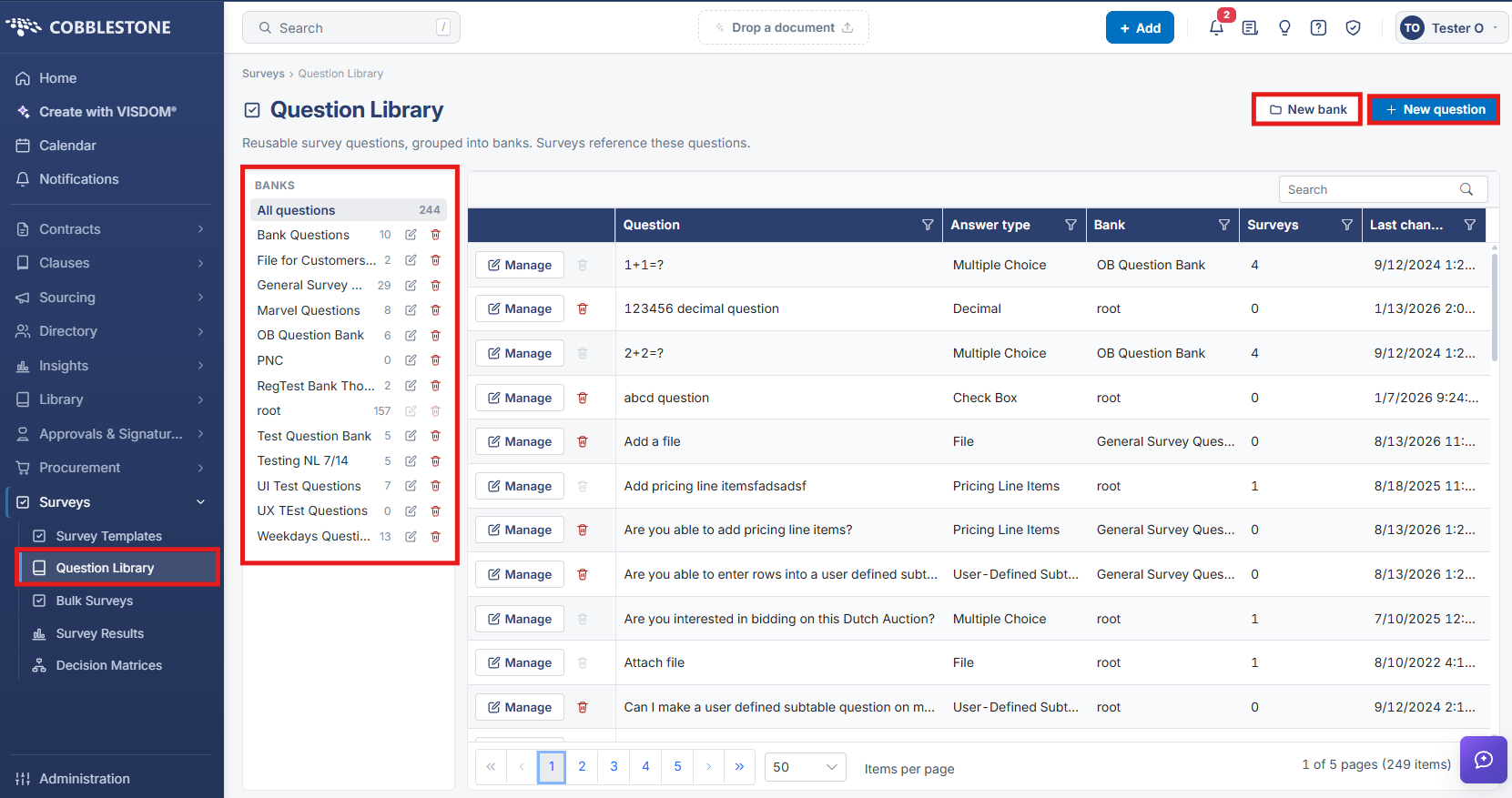
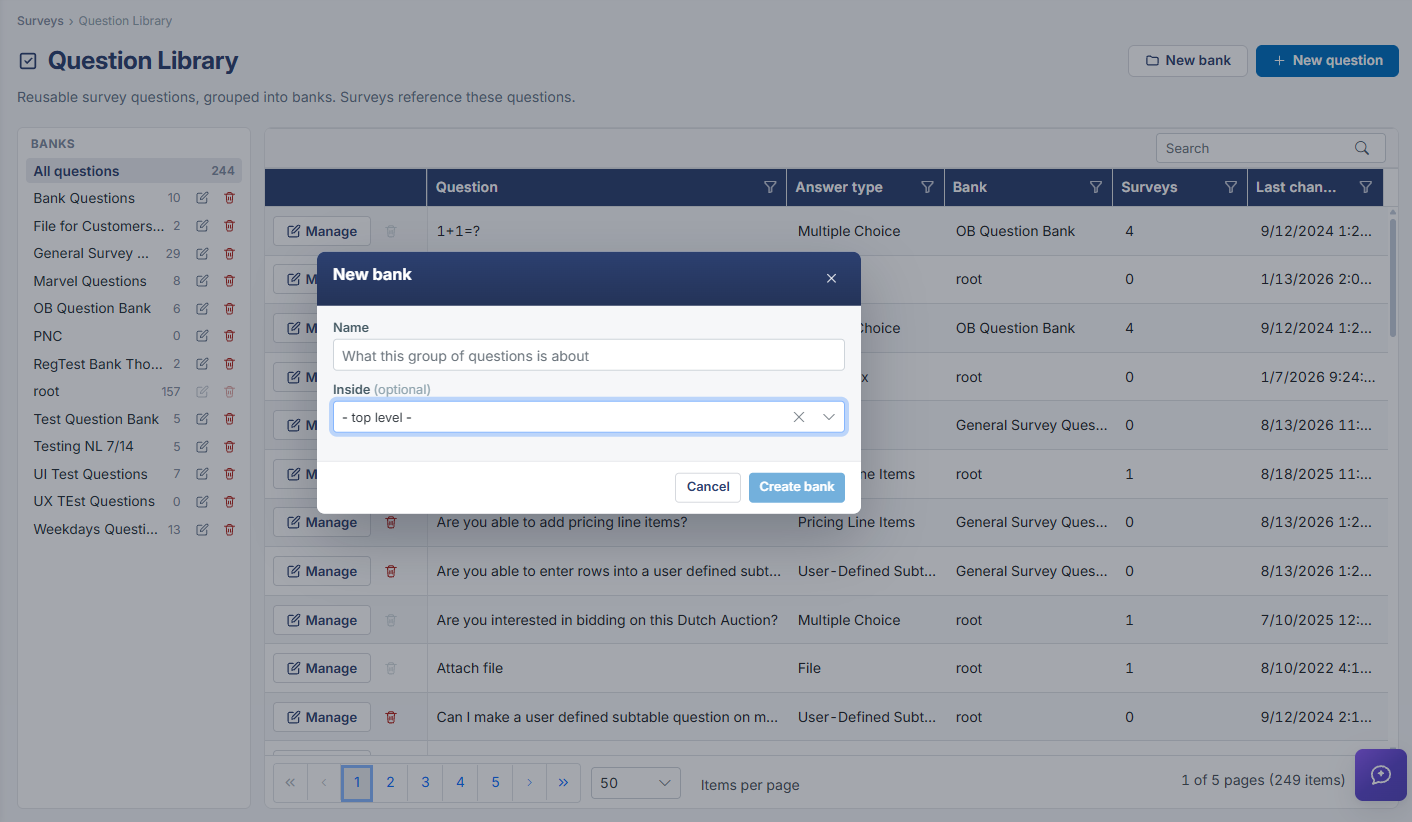
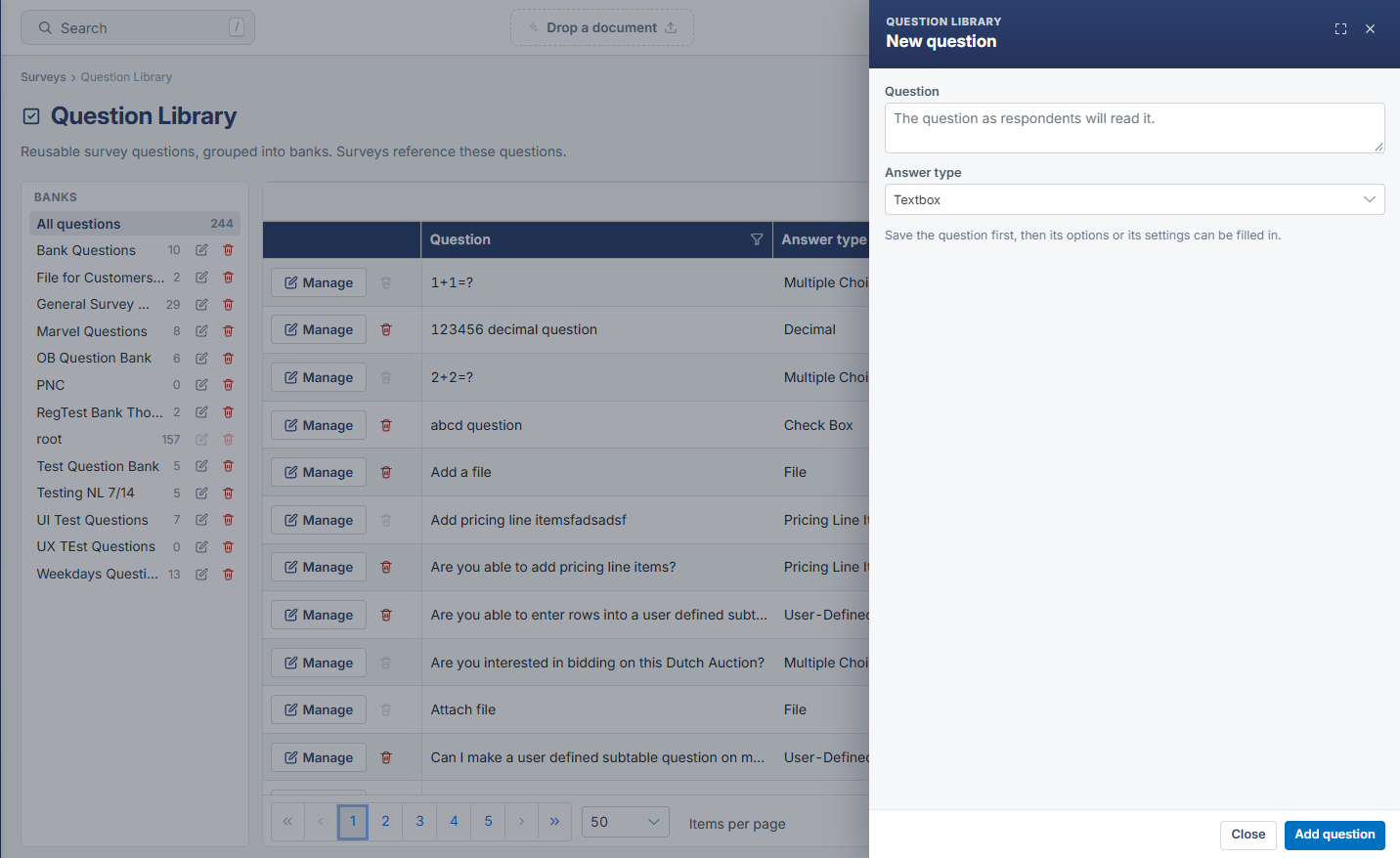
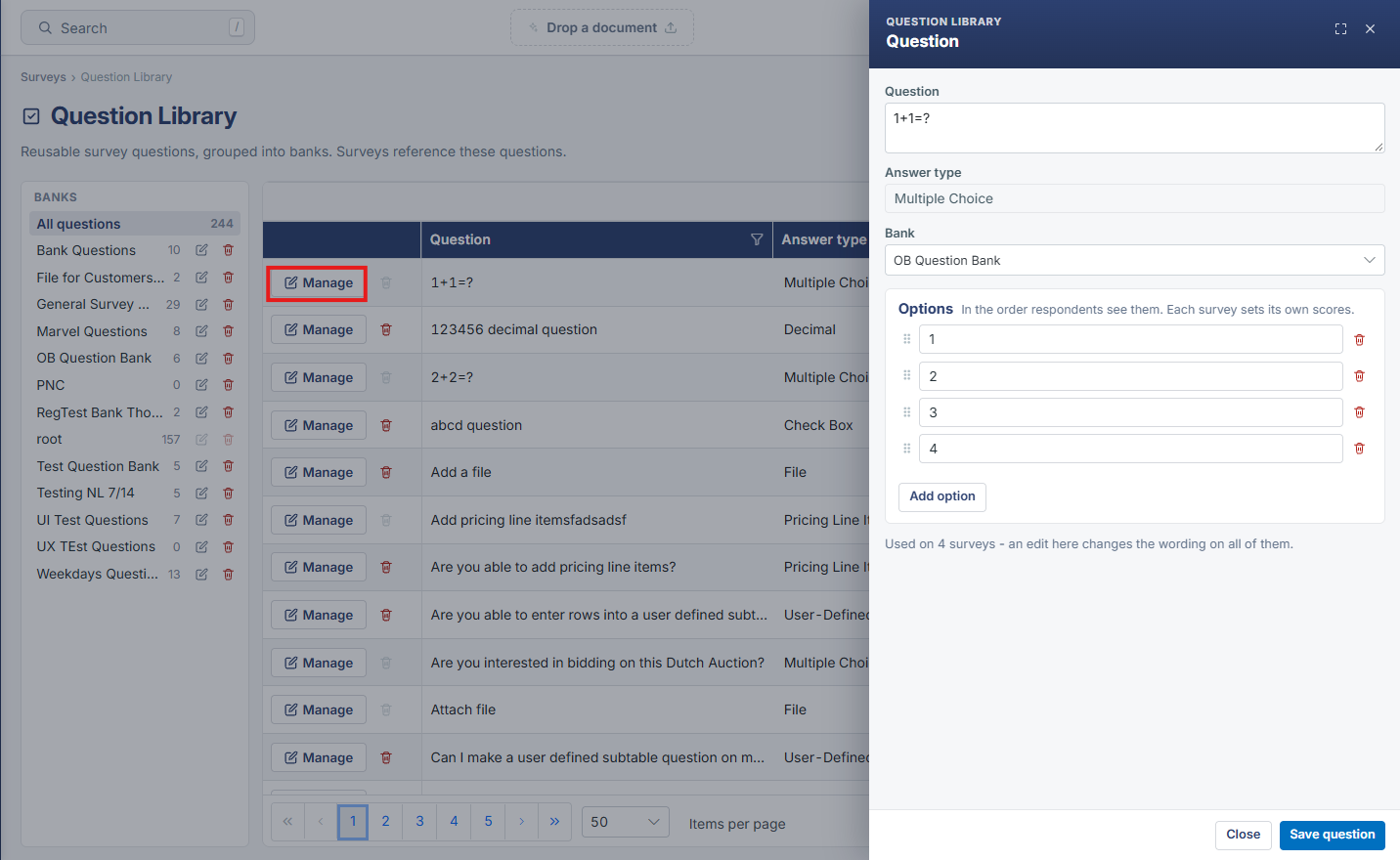
- Question Library groups reusable questions into named Banks (root, General Survey Questions, OB Question Bank, and more), with an "All questions" view spanning every bank.
- New bank and New question buttons let an admin create additional banks or add a brand-new question directly from the library screen.
- Each question row shows its Answer type (Multiple Choice, Decimal, Check Box, File, Pricing Line Items, User-Defined Subtable, Textbox, and others), which Bank it lives in, and a Surveys count of how many survey templates reference it.
- The Survey Builder's "Add from library" option pulls a question from this shared bank into a specific survey template, rather than duplicating the question text.
- Because Surveys count is tracked per question, the Question Library also shows at a glance which bank questions are actively reused across multiple survey templates versus unused.