COBBLESTONE SOFTWARE
Contract Insight — User Guide
1. Surveys/Questionnaires: Overview
12. Surveys & Decision Trees › 2. Surveys/Questionnaires › 1. Surveys/Questionnaires: Overview
Note: Each procedure in this guide begins at the Contract Insight homepage, so any section can be followed on its own. Custom fields are configurable, so the exact field list on a contract category record may vary between environments.
1. Overview
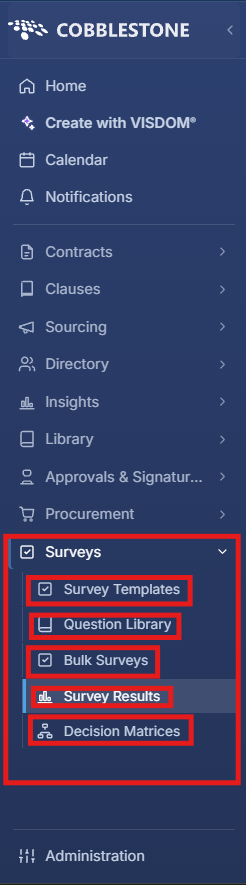
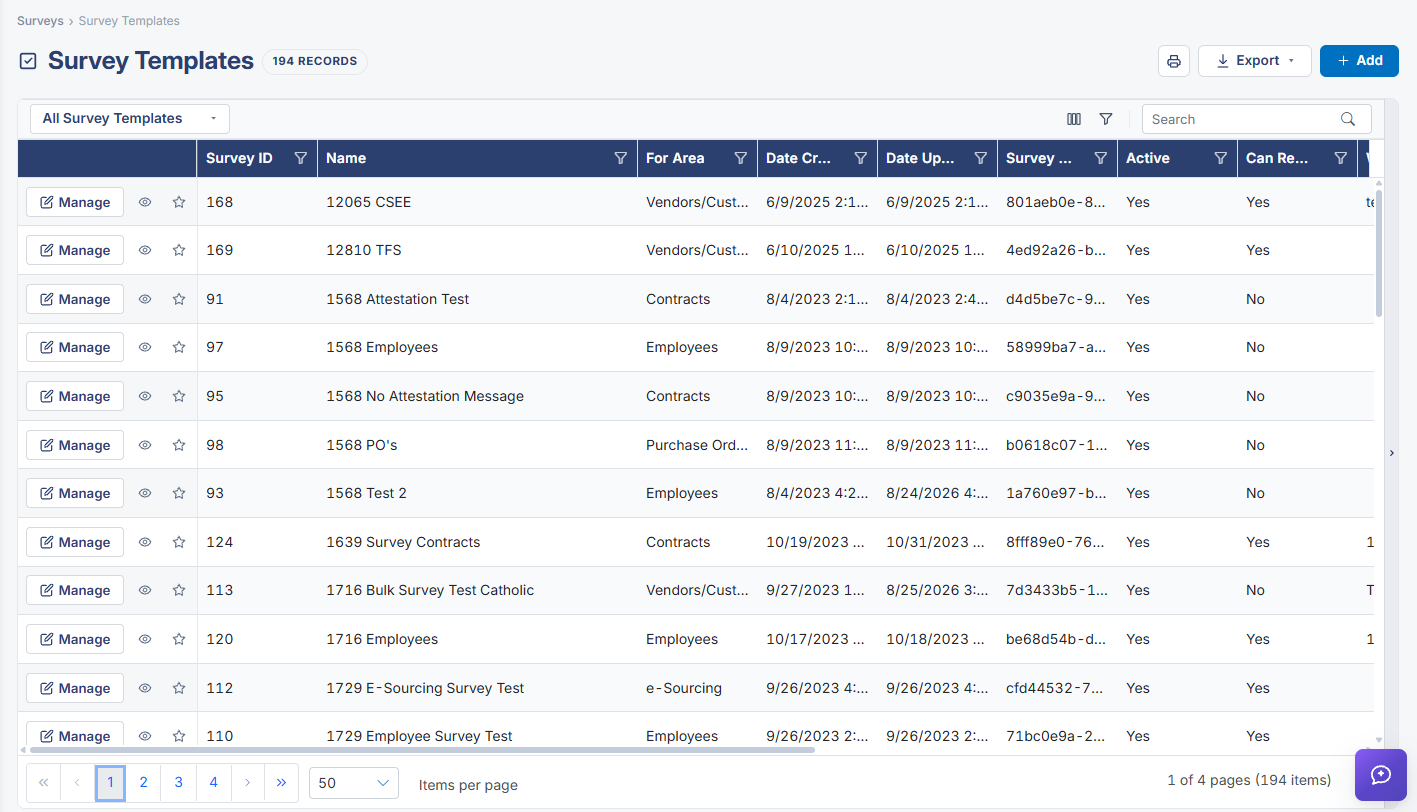
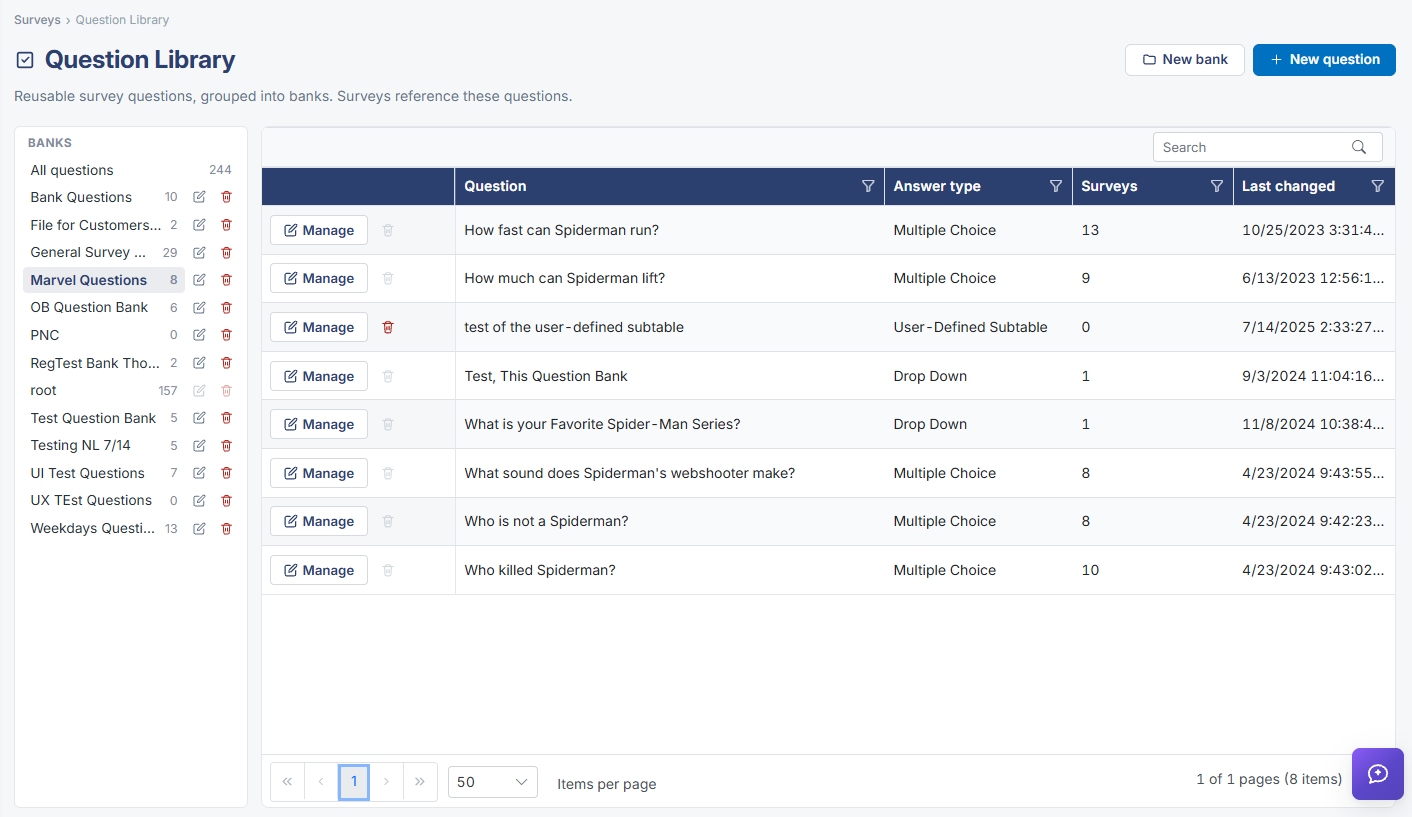
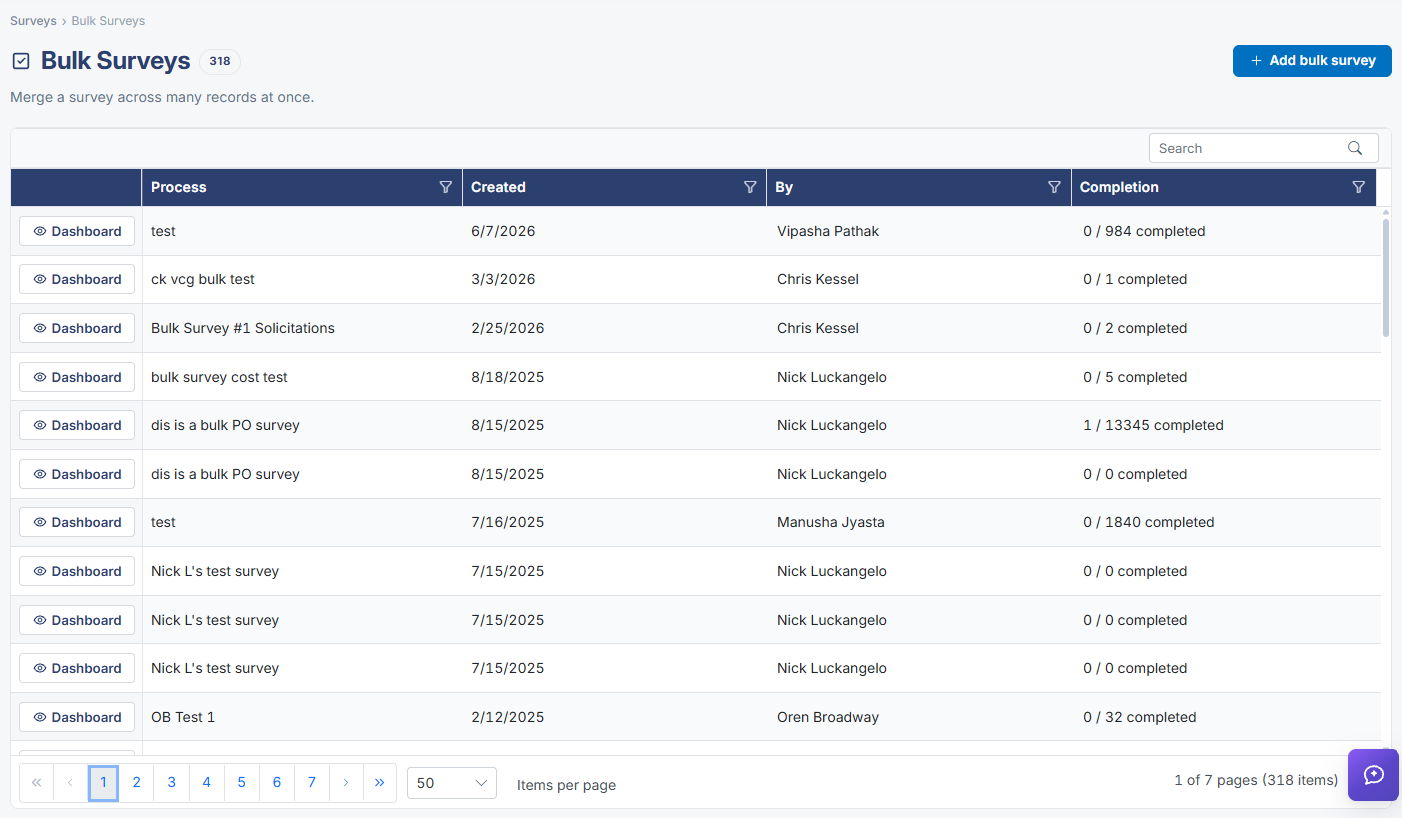
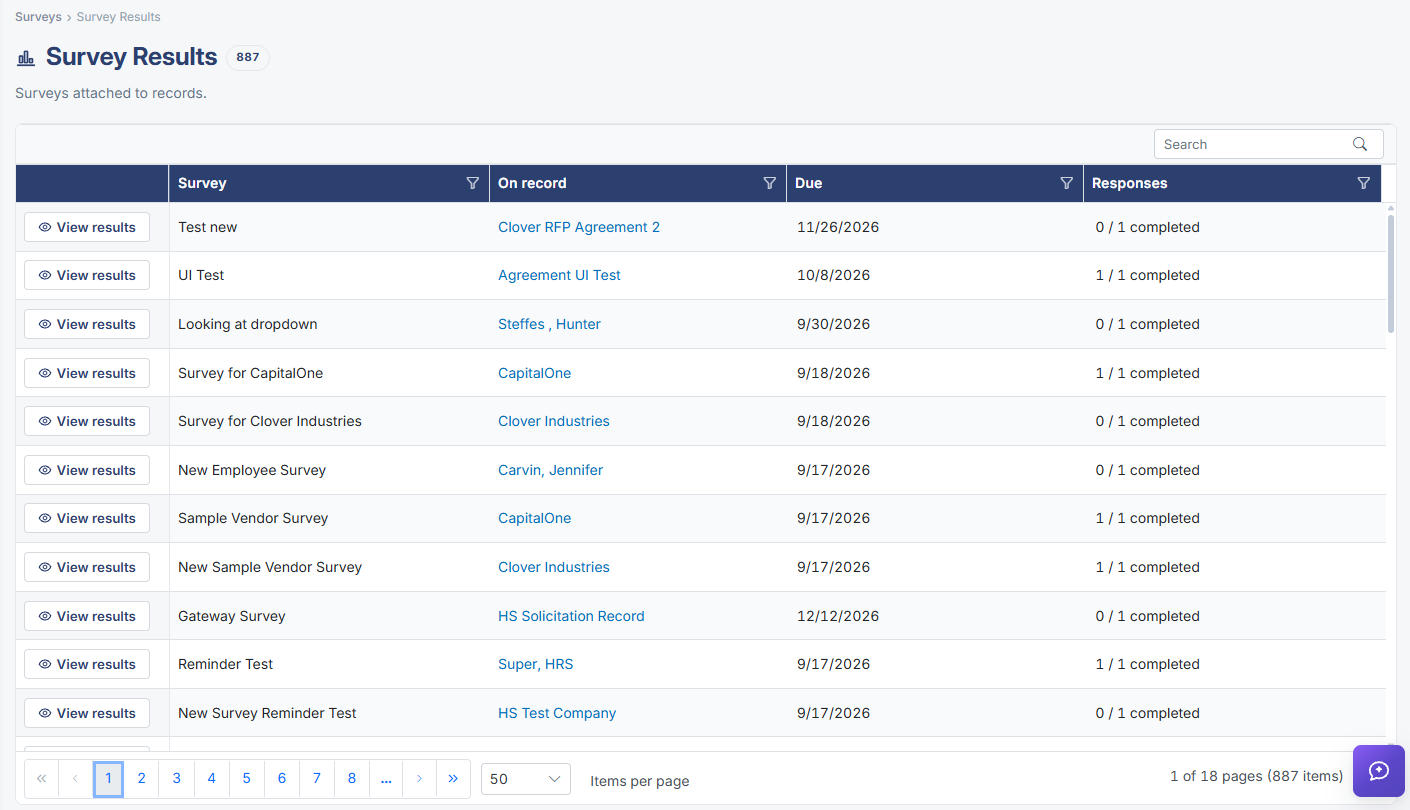
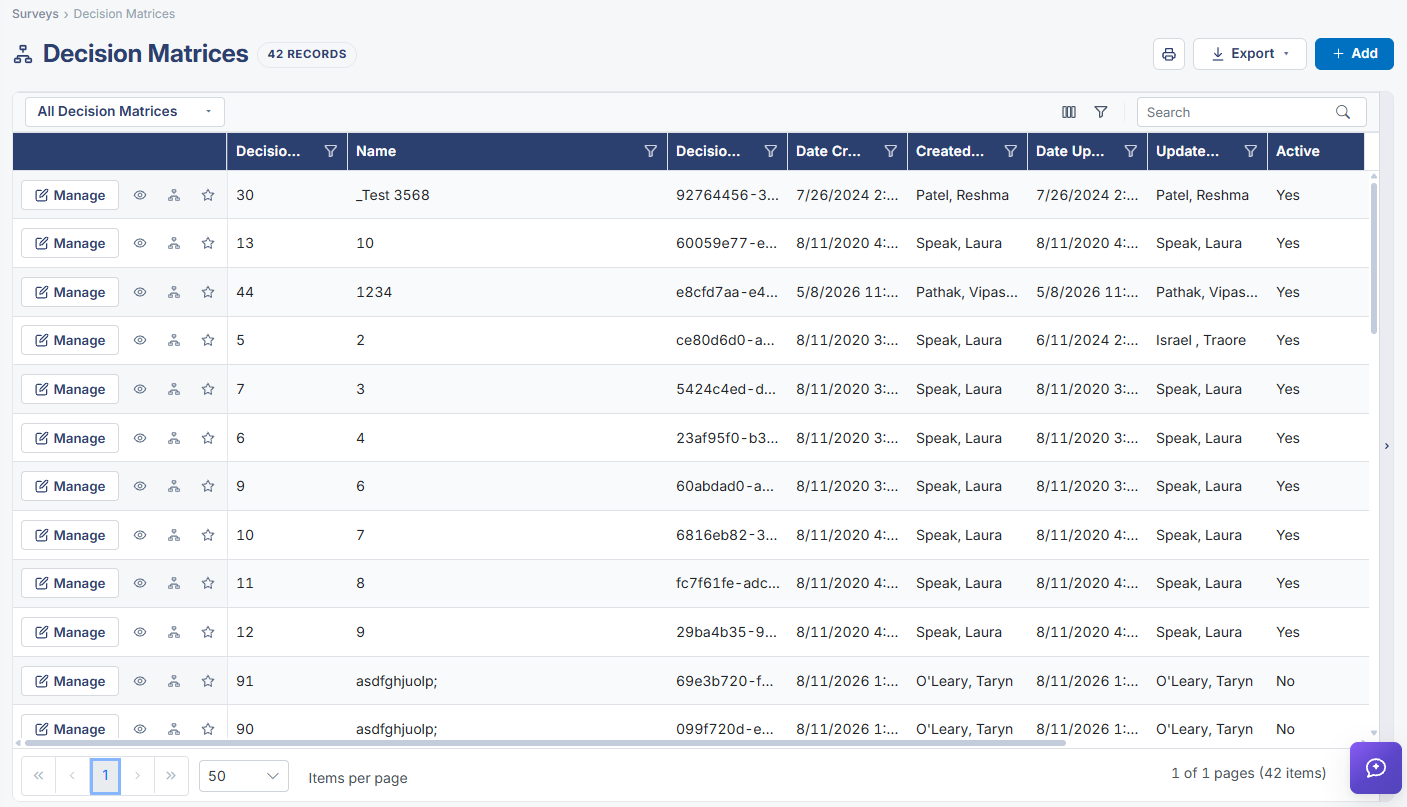
The Surveys module (its own top-level item in the left navigation) groups five tools: Survey Templates (the reusable survey definitions, 190 records in this environment, each scoped to a "For Area" record type such as Contracts, Employees, Purchase Orders, or Vendors/Customers), Question Library (a bank of reusable questions that survey templates draw from), Bulk Surveys (merging a survey across many records at once), Survey Results (the responses collected once a survey has been attached to records — 873 survey instances in this environment), and Decision Matrices (branching question trees, a related but separate concept from a survey). Individual records elsewhere in the application (contracts, requests, vendors, etc.) each have their own Surveys tab and an Attach Survey action for adding a survey template to that specific record, tying this module's templates back into the rest of the application.
2. Key Elements
- Surveys is a top-level module in the left navigation with five tools: Survey Templates, Question Library, Bulk Surveys, Survey Results, and Decision Matrices.
- Survey Templates define reusable surveys, each scoped to a "For Area" record type (Contracts, Employees, Purchase Orders, Vendors/Customers, and more).
- Question Library holds reusable questions grouped into banks, which survey templates reference via the Survey Builder's "Add from library" option.
- Survey Results shows every survey instance actually attached to a record, with a response count and a link to per-respondent detail; Bulk Surveys merges one survey template onto many records at once.
- Individual records (contracts, requests, vendors, etc.) carry their own Surveys tab and an Attach Survey record action, connecting this module's templates to specific records elsewhere in the app.