COBBLESTONE SOFTWARE
Contract Insight — User Guide
17. Product Service Codes
Module: Solicitations › Solicitations › 17. Product Service Codes
Note: Each procedure in this guide begins at the Contract Insight homepage, so any section can be followed on its own. Custom fields are configurable, so the exact field list on a contract category record may vary between environments.
1. Overview
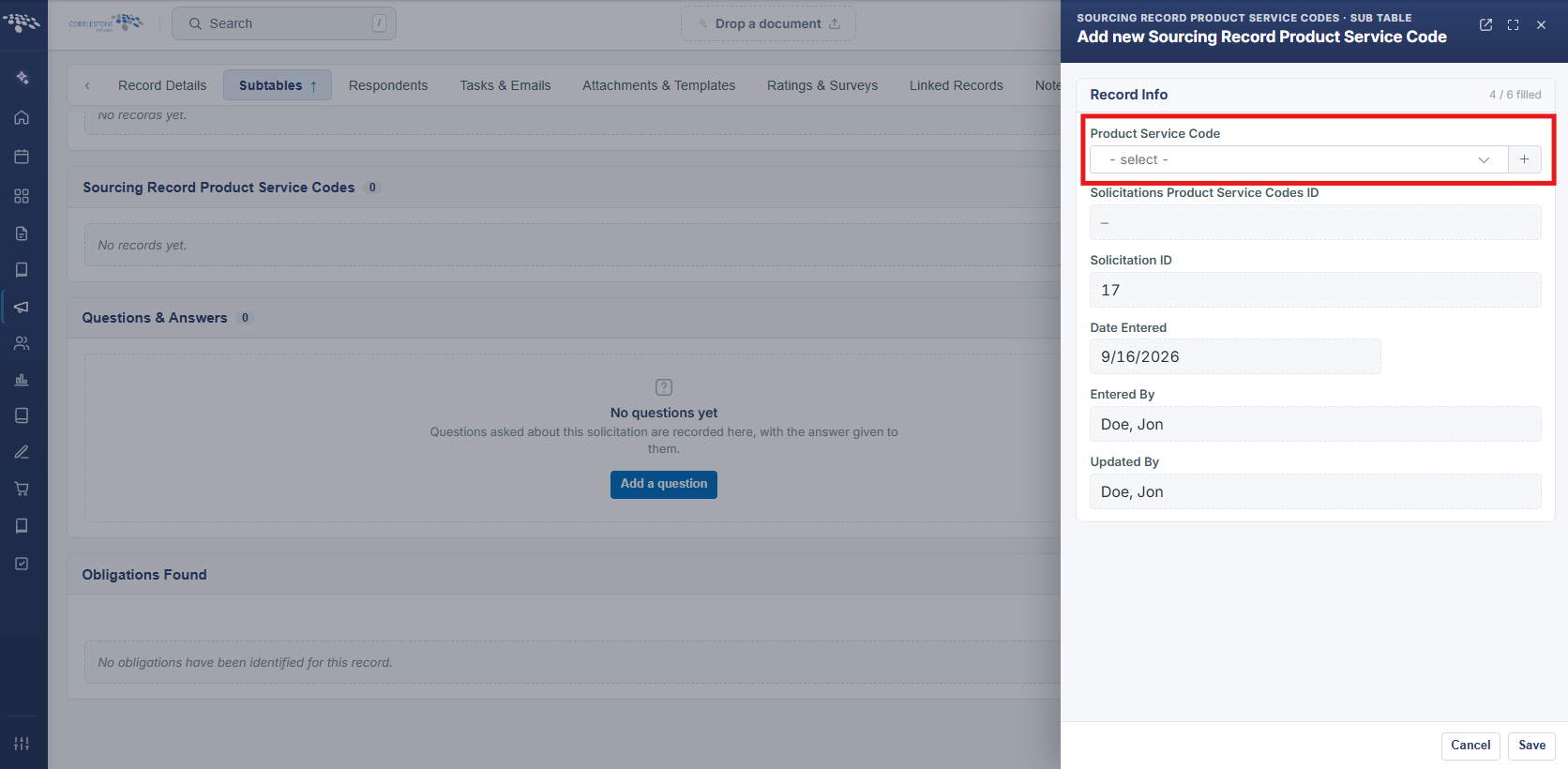
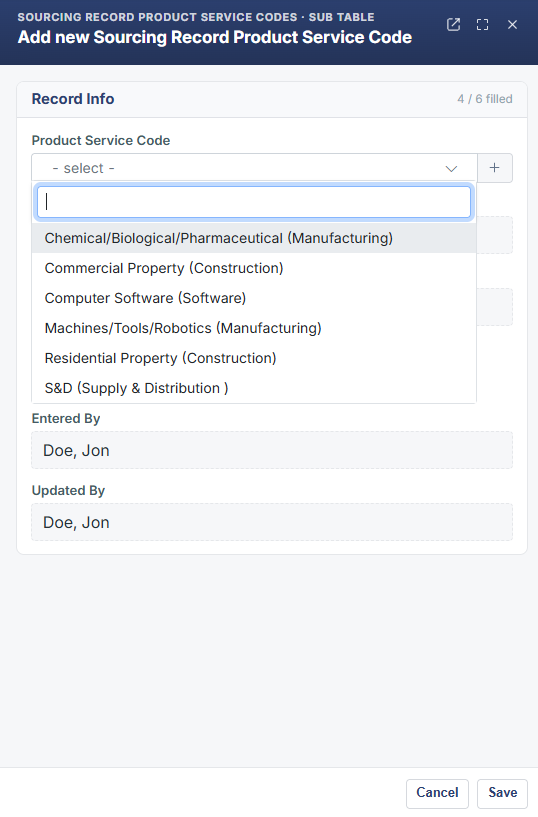
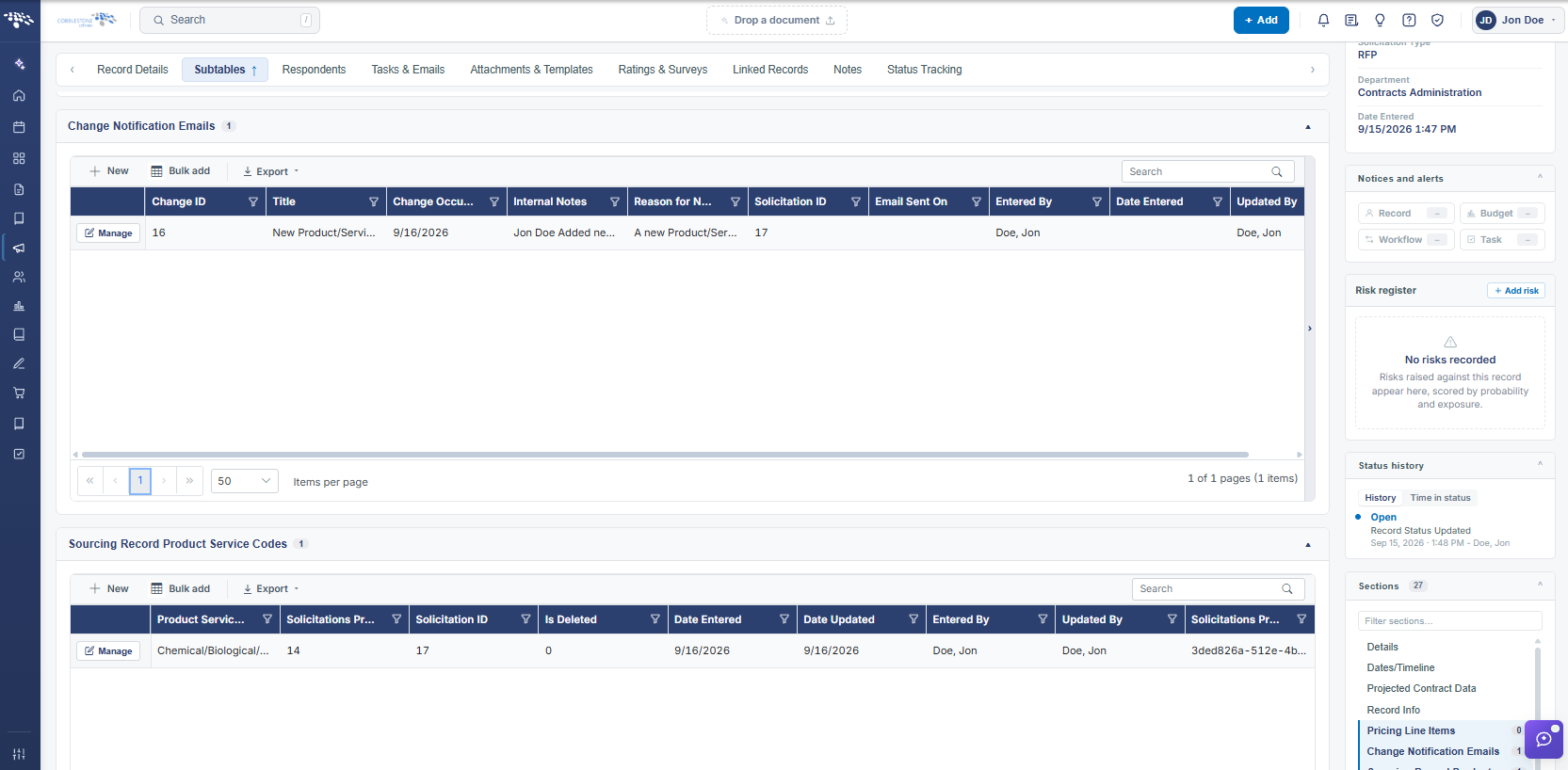
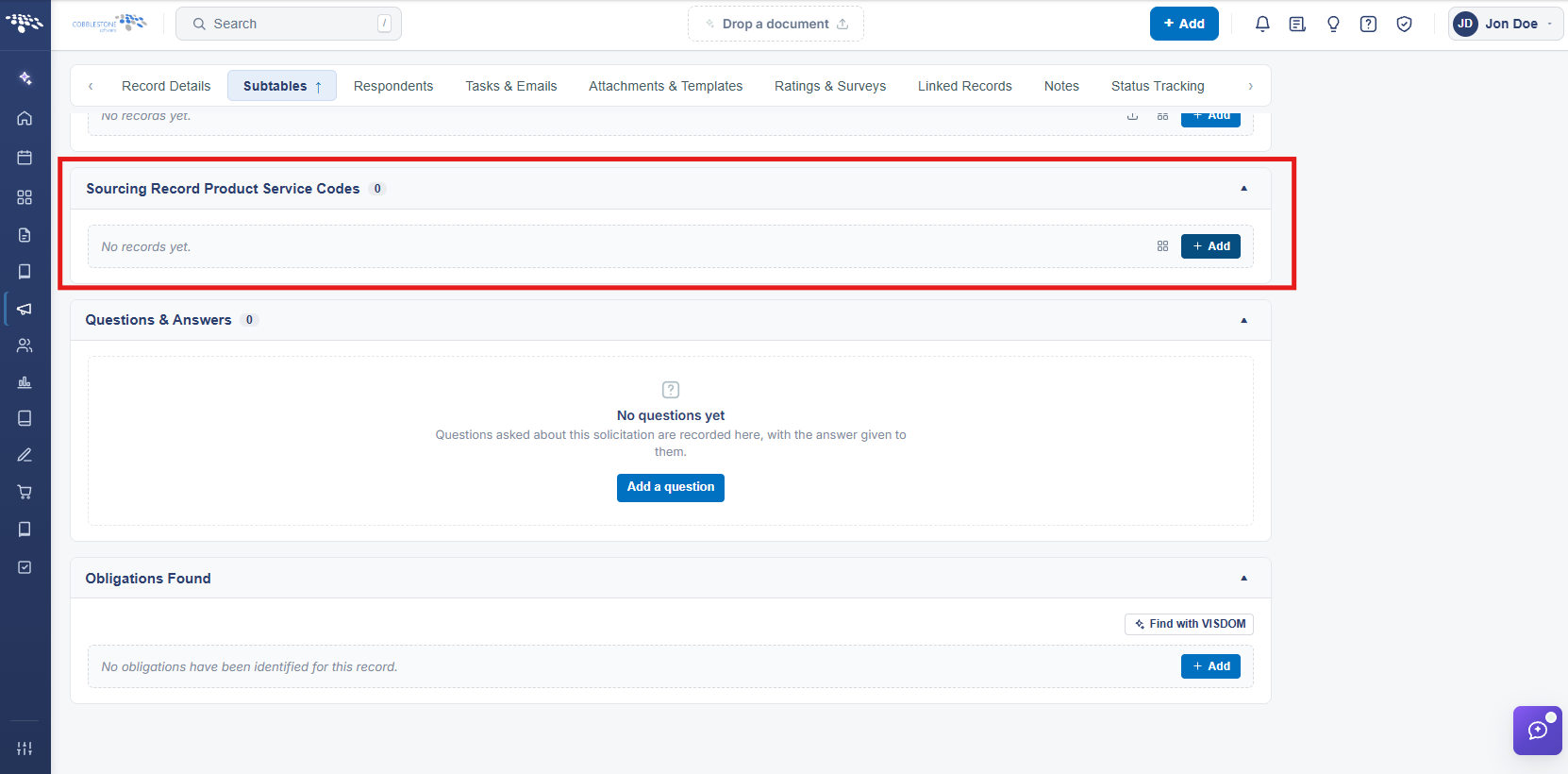
A solicitation's Subtables tab includes a Sourcing Record Product Service Codes subtable (Field Management area "Sourcing Record Product Service Codes") for tagging the solicitation with product/service codes. Confirmed live on the example record: adding a code fires an automatic Change Notification Email — opening one of the three logged entries showed Title "New Product/Service Code Assigned to Opportunity," Internal Notes recording who added which code (e.g. "Jennifer Carvin Added new Prodcut/Service code to this opportunity: Computer Hardware (Computer Hardware)"), and a matching Reason for Notification — exactly the e-sourcing change-notification behavior the legacy topic describes.
2. Key Elements
- Subtables tab > Sourcing Record Product Service Codes assigns product/service codes to a solicitation
- Adding or changing a code automatically creates a row in the Change Notification Emails subtable
- Each change notification records a Title (e.g. "New Product/Service Code Assigned to Opportunity"), Internal Notes, and a Reason for Notification describing exactly what changed
- Both subtables are visible from the solicitation's Subtables tab, confirming the code-change-to-email-notification chain still runs live