COBBLESTONE SOFTWARE
Contract Insight — User Guide
15. Solicitations Questions & Answers
Module: Solicitations › Solicitations › 15. Solicitations Questions & Answers
Note: Each procedure in this guide begins at the Contract Insight homepage, so any section can be followed on its own. Custom fields are configurable, so the exact field list on a contract category record may vary between environments.
1. Overview
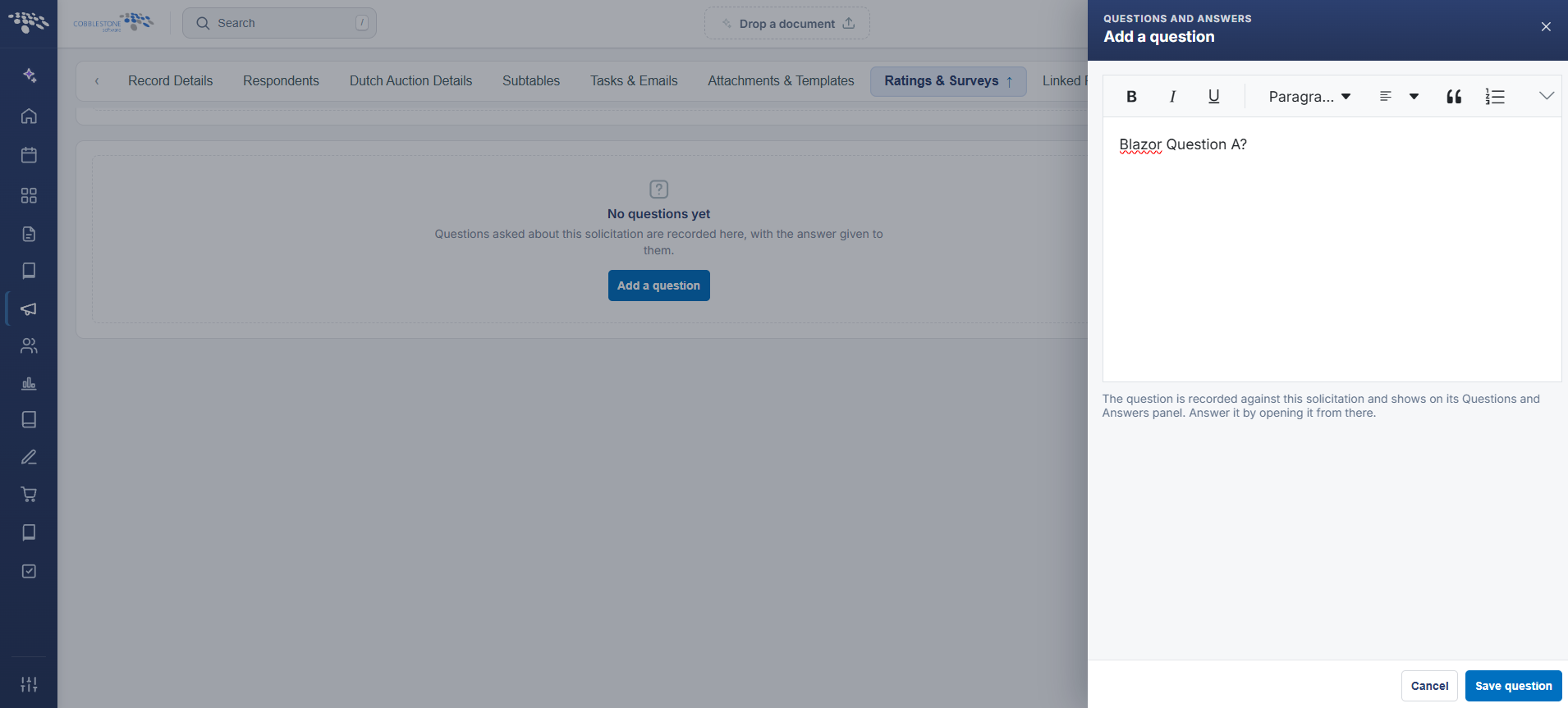
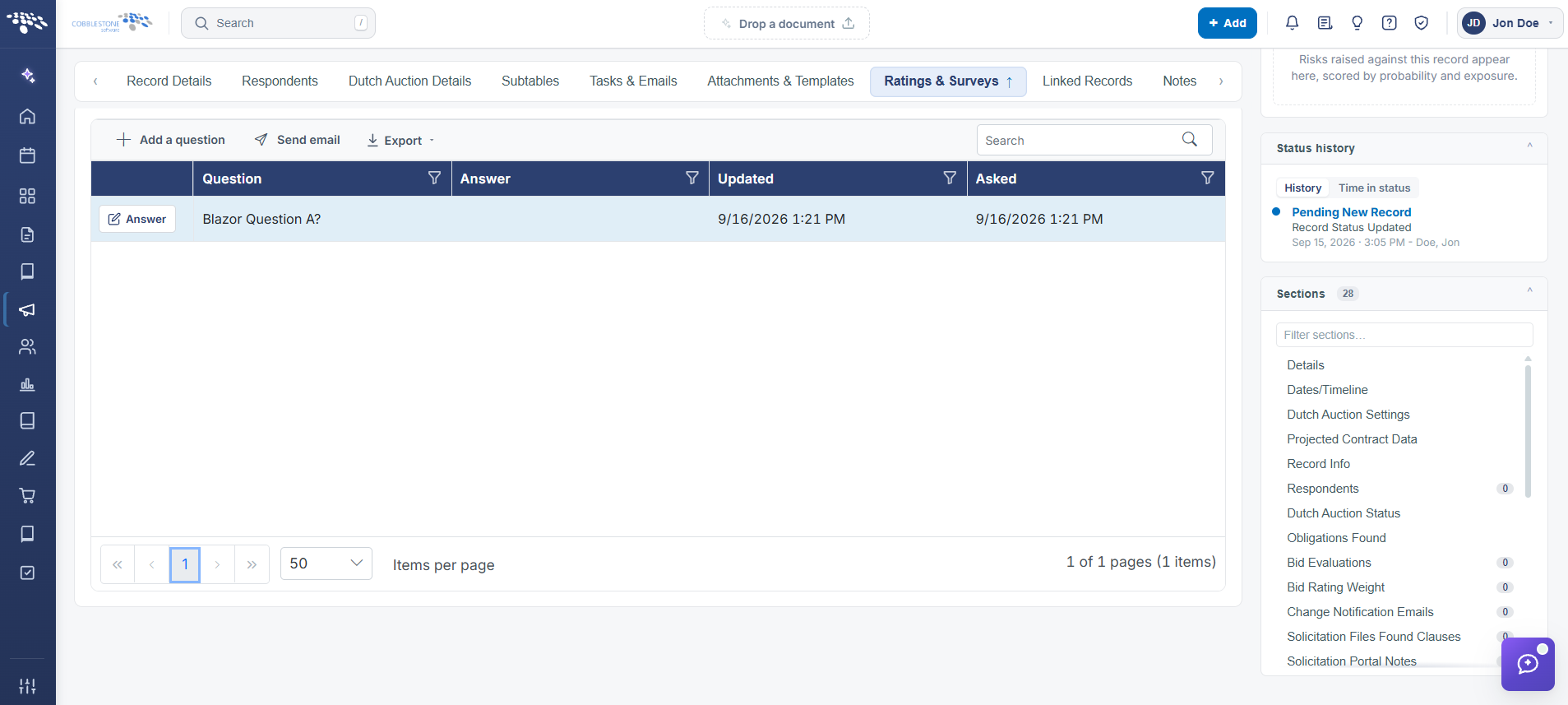
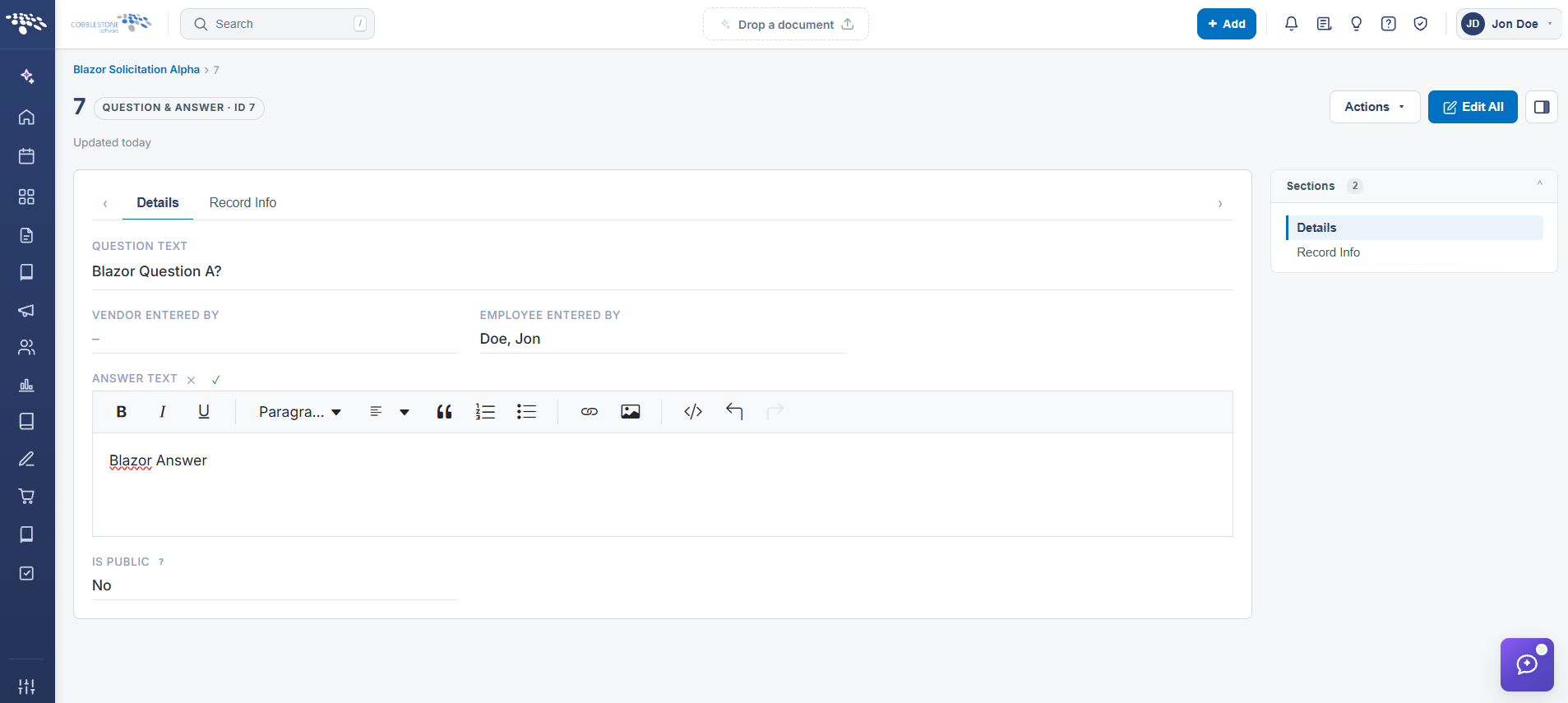
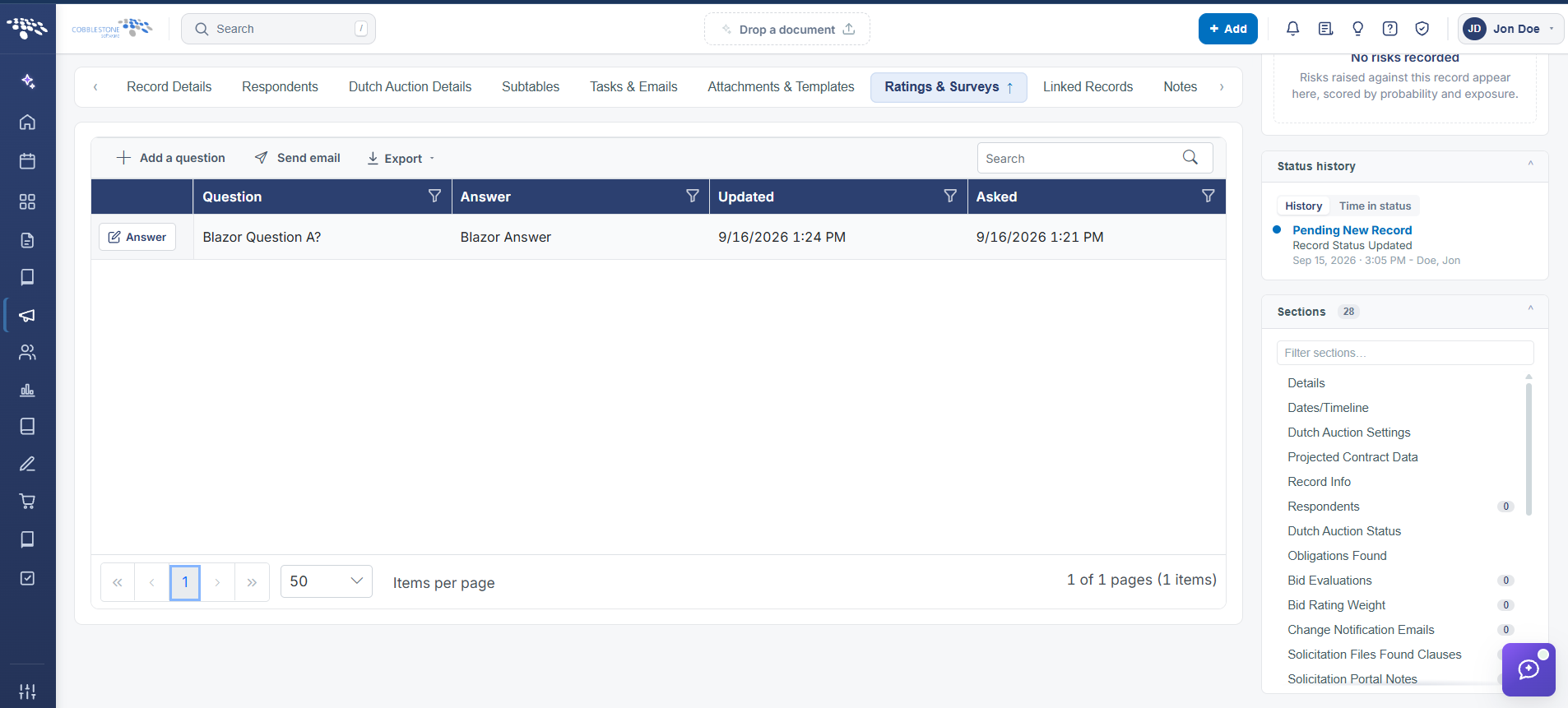
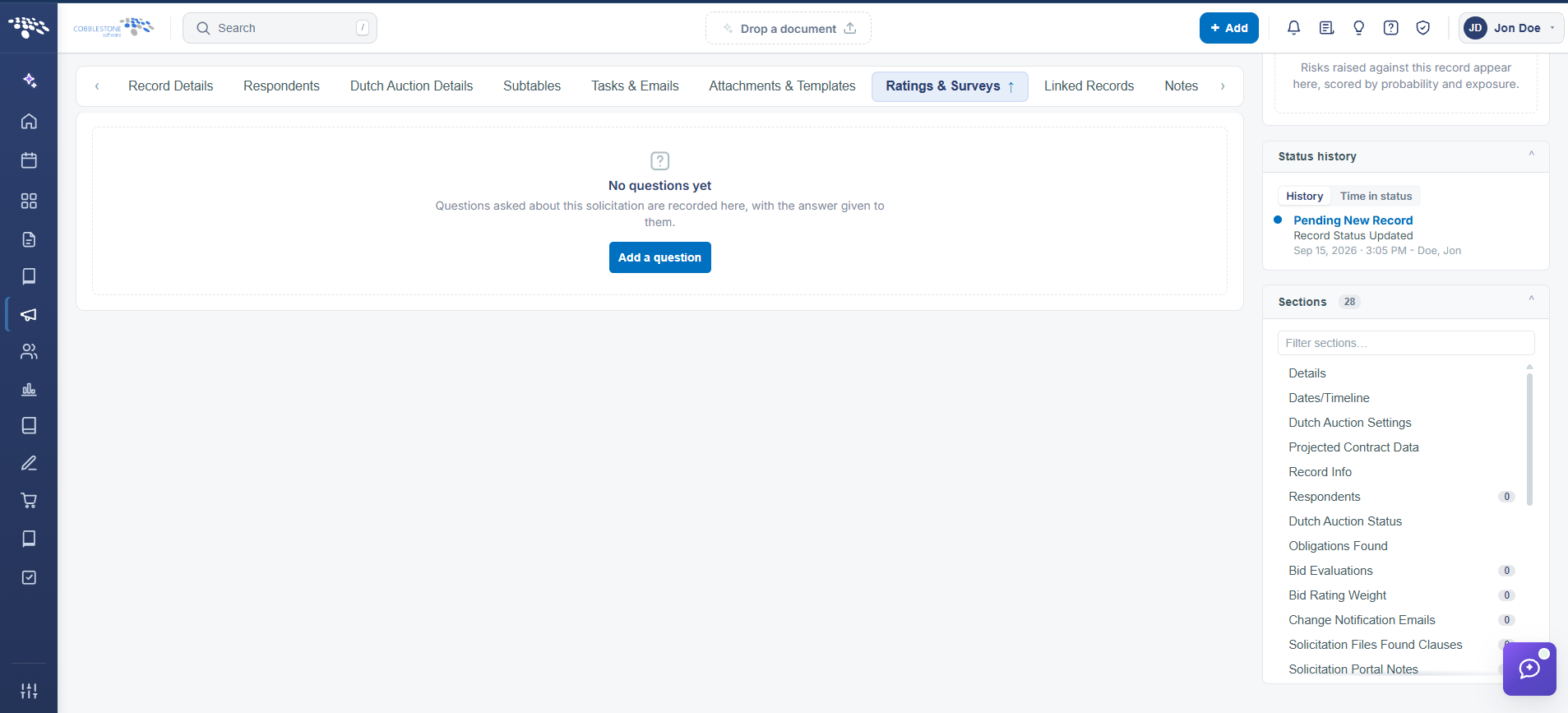
A solicitation's Ratings & Surveys tab includes a Questions & Answers subtable (6 rows on the example record) with columns for SolicitationID, Question text, VendorID (the respondent who asked), EmployeeID (the staff member who answered, 0 if unanswered), and DateEntered — the live version of the legacy page's description of vendor questions populating automatically during a solicitation. An Export control lets staff pull the full question/answer thread out of the application.
2. Key Elements
- Ratings & Surveys tab > Questions & Answers subtable lists every question a respondent submitted, tagged with the asking VendorID
- An EmployeeID of 0 on a row indicates the question has not yet been answered by staff
- Questions arrive on this subtable automatically as vendors submit them through the Vendor/Client Gateway, matching the legacy behavior
- Export (top of the subtable) downloads the full Q&A list for offline review or distribution