COBBLESTONE SOFTWARE
Contract Insight — User Guide
14. Rating & Scoring Solicitation Respondents
Module: Solicitations › Solicitations › 14. Rating & Scoring Solicitation Respondents
Note: Each procedure in this guide begins at the Contract Insight homepage, so any section can be followed on its own. Custom fields are configurable, so the exact field list on a contract category record may vary between environments.
1. Overview
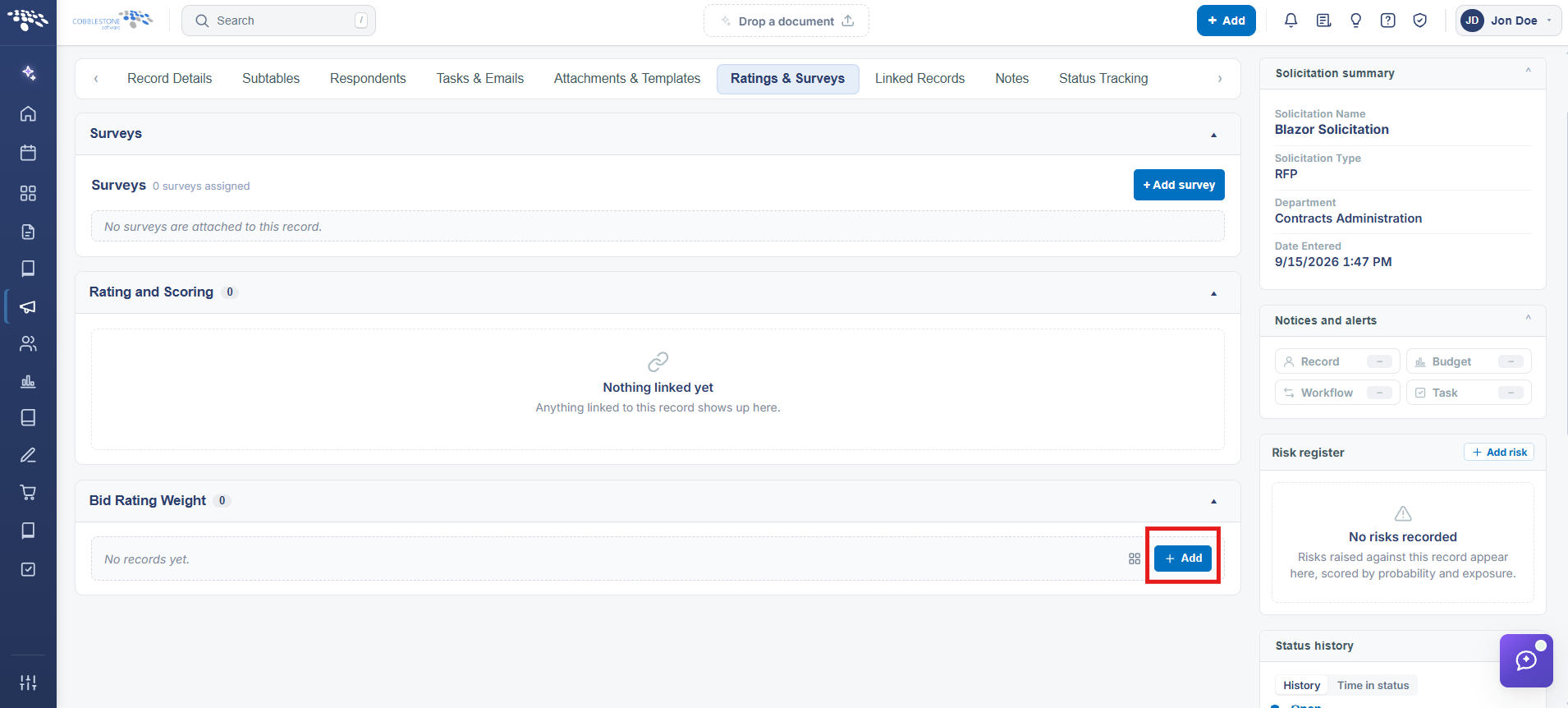
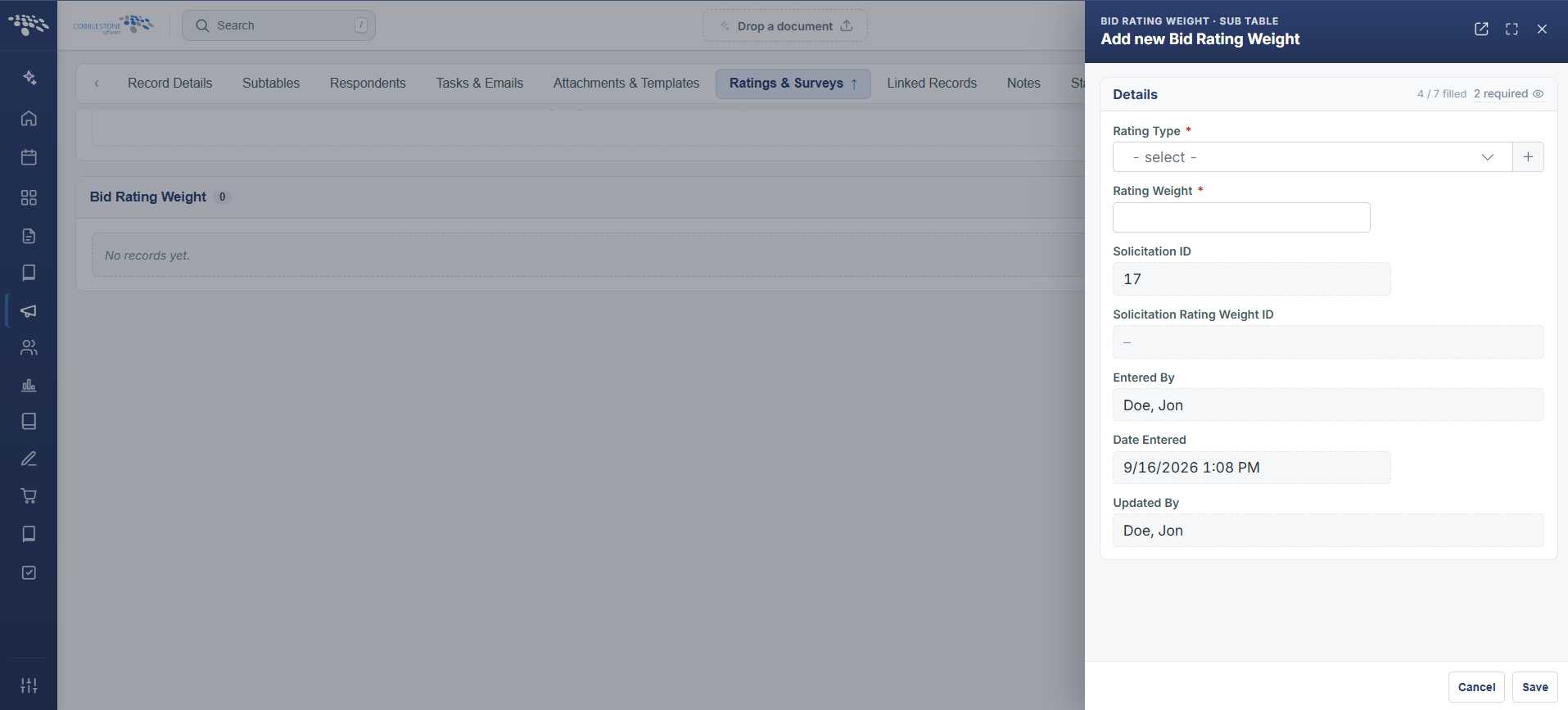
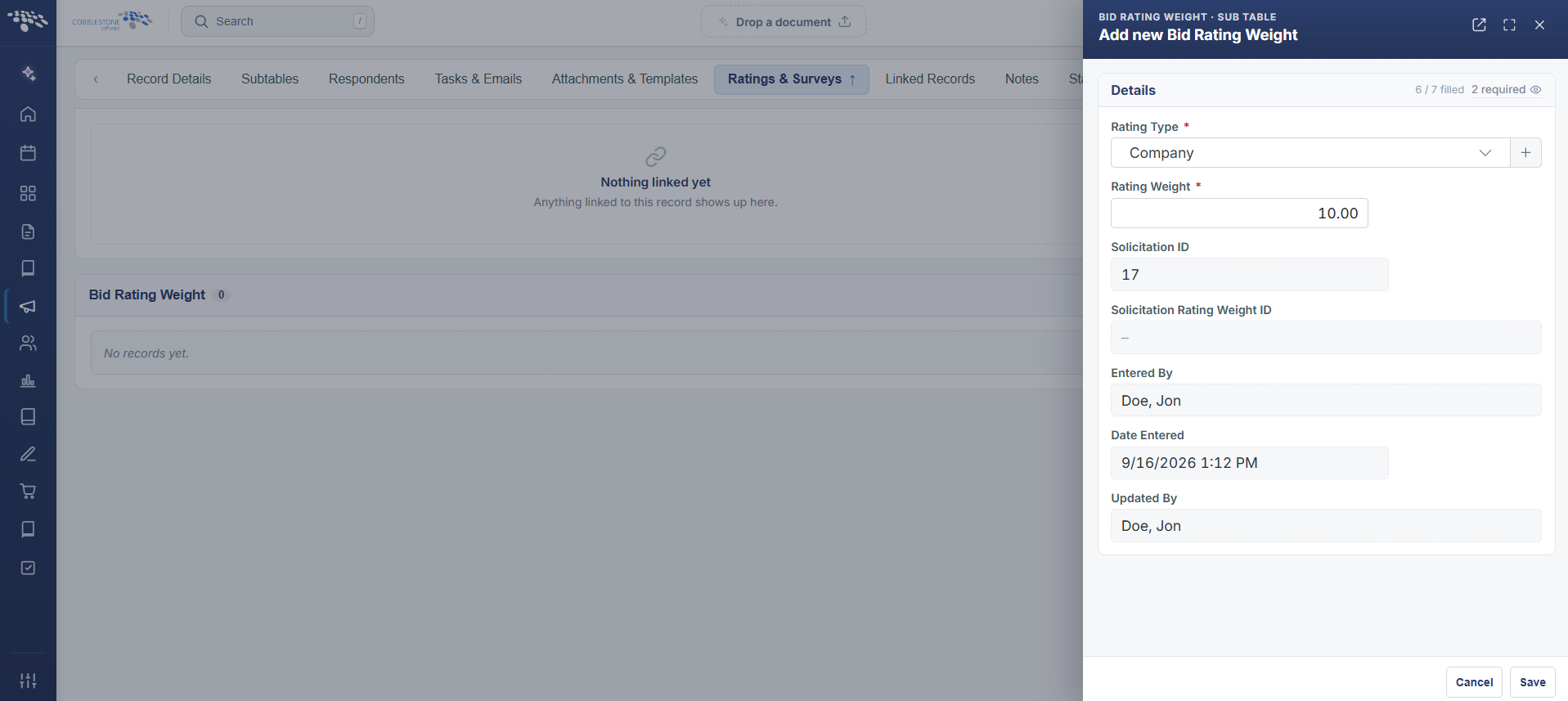
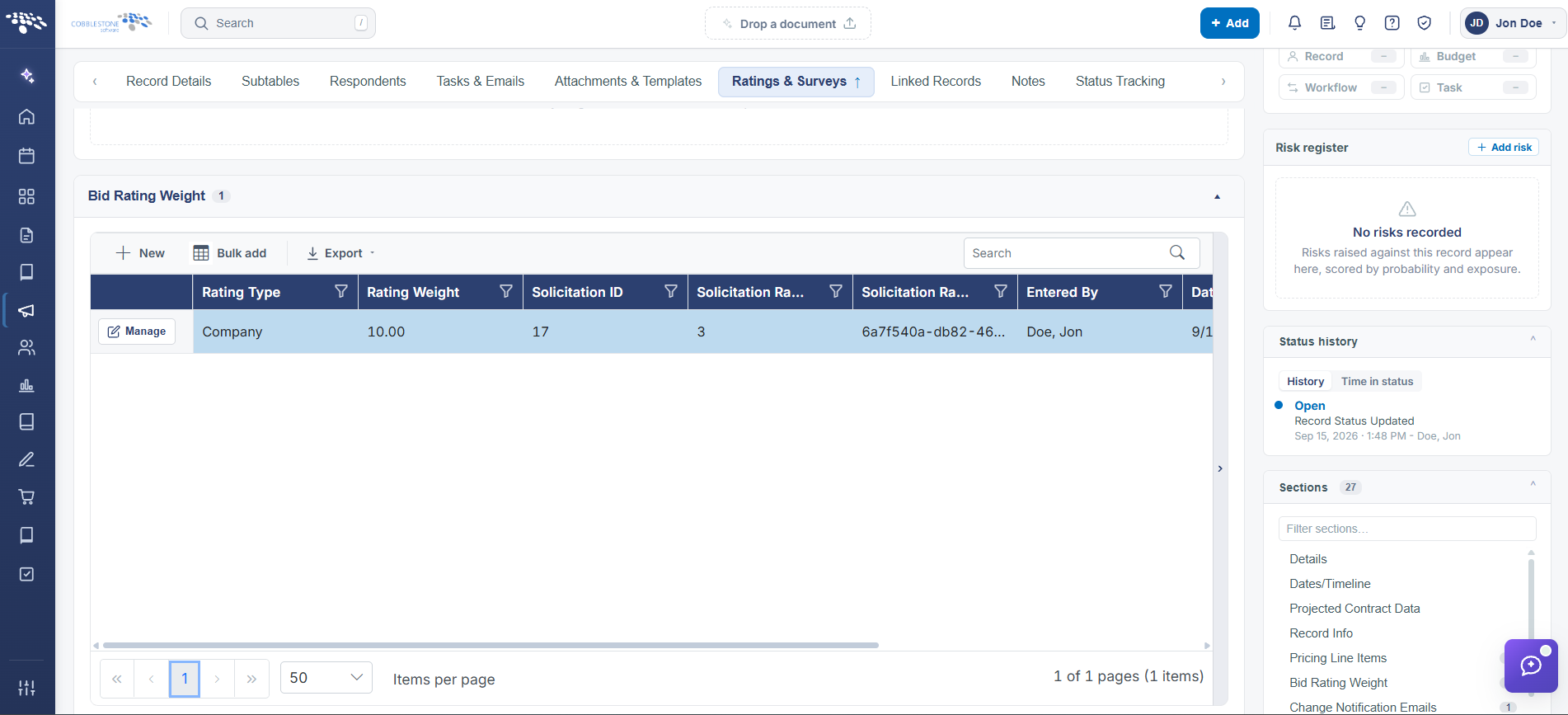
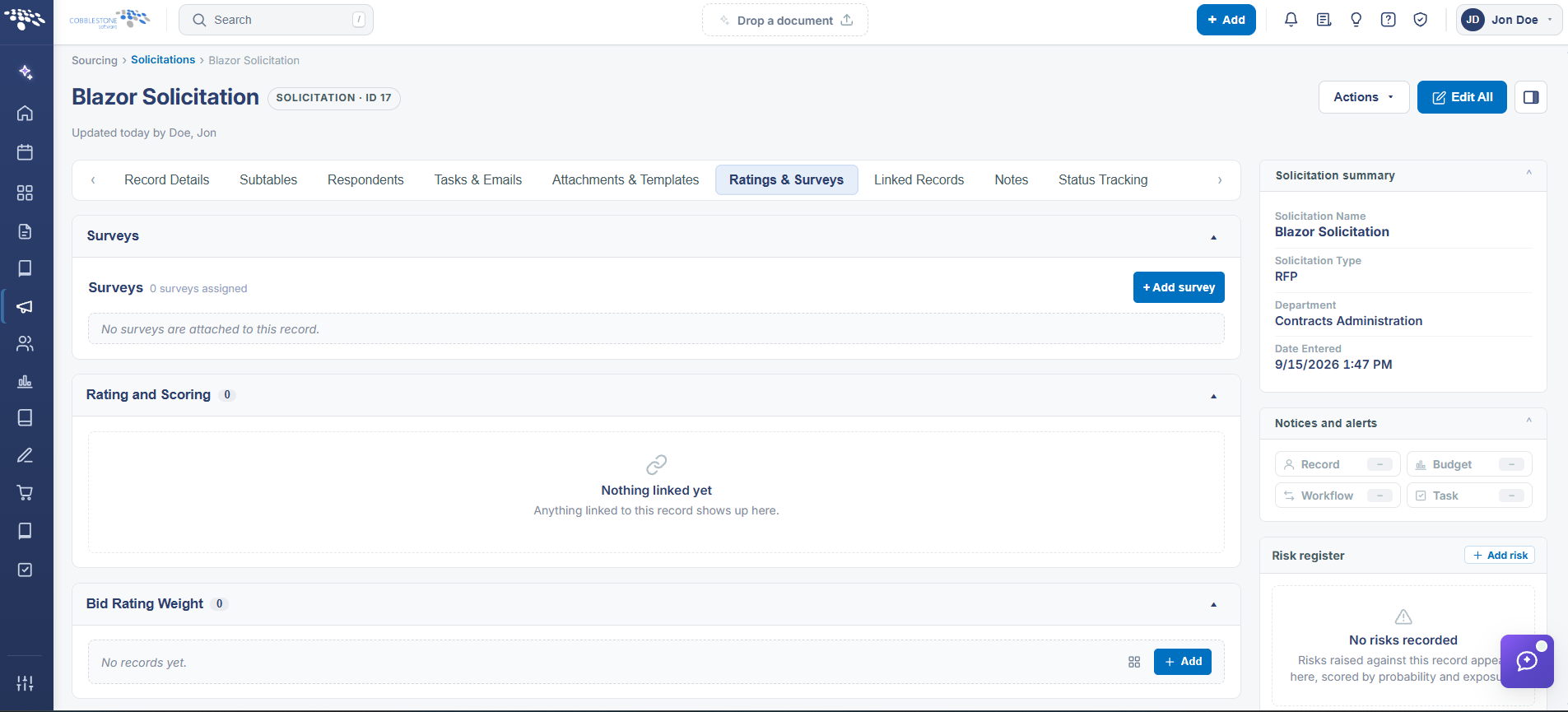
A solicitation's Ratings & Surveys tab has a Rating and Scoring subtable (6 rows on the example record) with columns for EmployeeID, VendorID, Rating Type, Rating, and Rating Weight — the live scorecard system described in the legacy topic. A separate Bid Rating Weight subtable configures the percentile weighting itself: rows named Quality (weight 5.00) and Company (weight 1.00) on the example record, each editable via Manage, with New, Bulk add, and Export controls to add or import additional weighted categories.
2. Key Elements
- Ratings & Surveys tab > Rating and Scoring subtable records each employee's rating of a vendor by Rating Type, with a Rating value and that type's Rating Weight
- Ratings & Surveys tab > Bid Rating Weight subtable defines the weighting scheme itself (e.g. Quality weighted 5.00, Company weighted 1.00), editable via Manage or added via New/Bulk add
- Rating Types are managed application-wide under Administration > Field Management (Area: Rating Types)
- Export is available on both subtables to pull ratings and weights out for offline review