COBBLESTONE SOFTWARE
Contract Insight — User Guide
Search/Edit PO Line Items
Module: Purchase Orders › Purchase Order Line Items › Search/Edit PO Line Items
Note: Each procedure in this guide begins at the Contract Insight homepage, so any section can be followed on its own. Custom fields are configurable, so the exact field list on a contract category record may vary between environments.
1. Overview
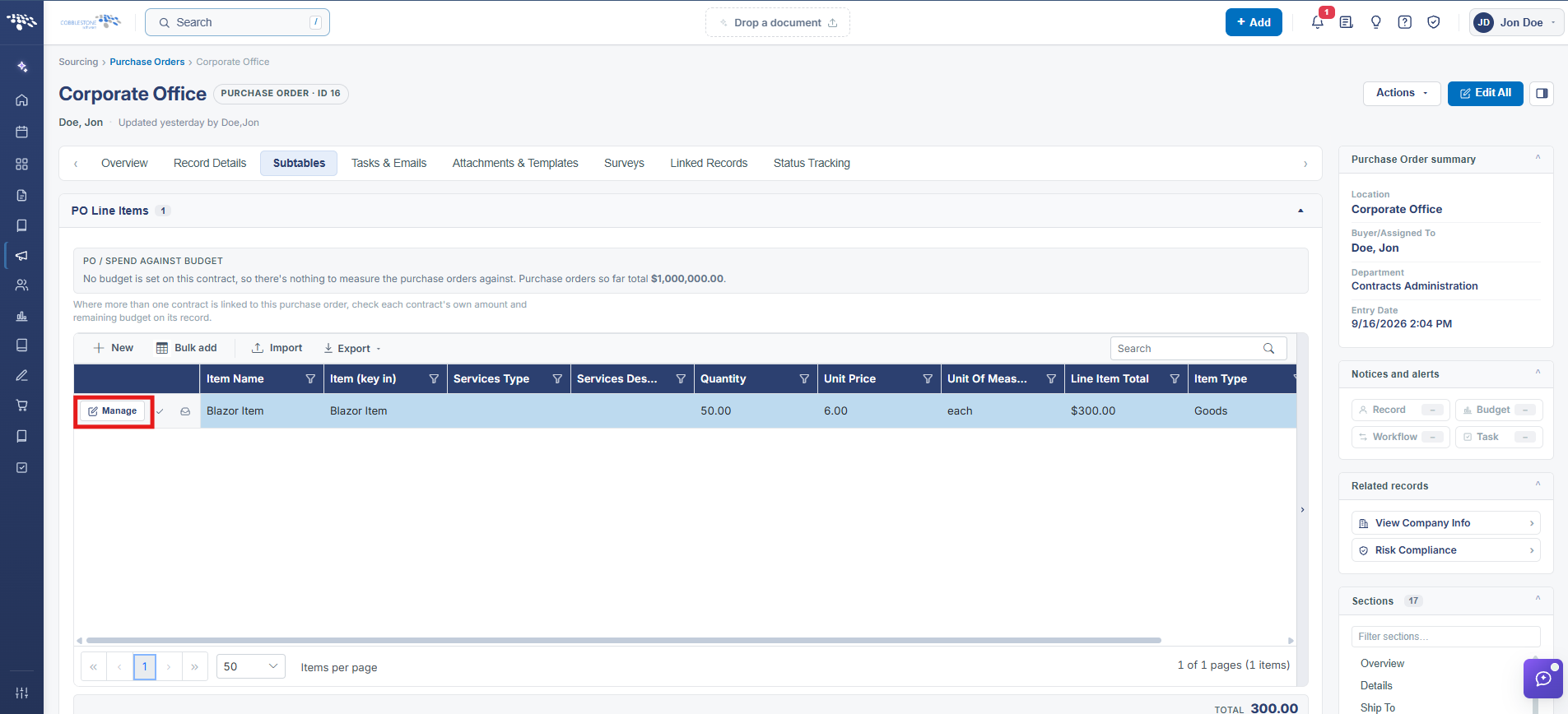
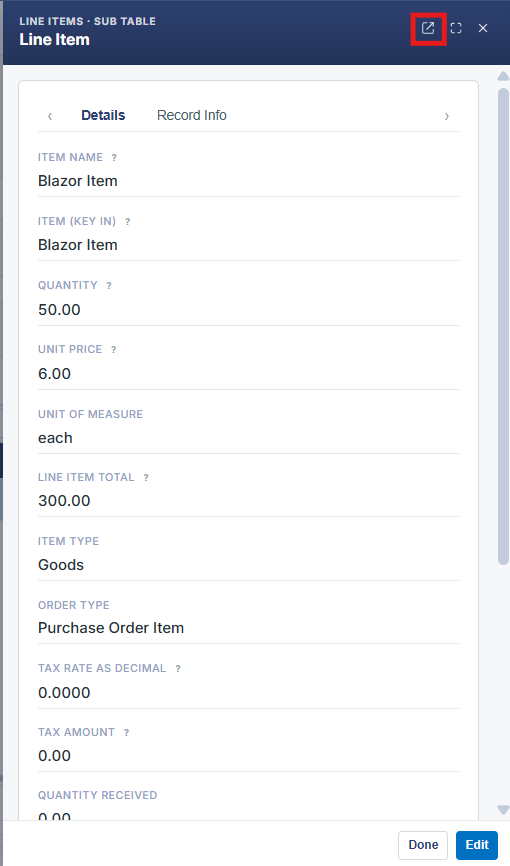
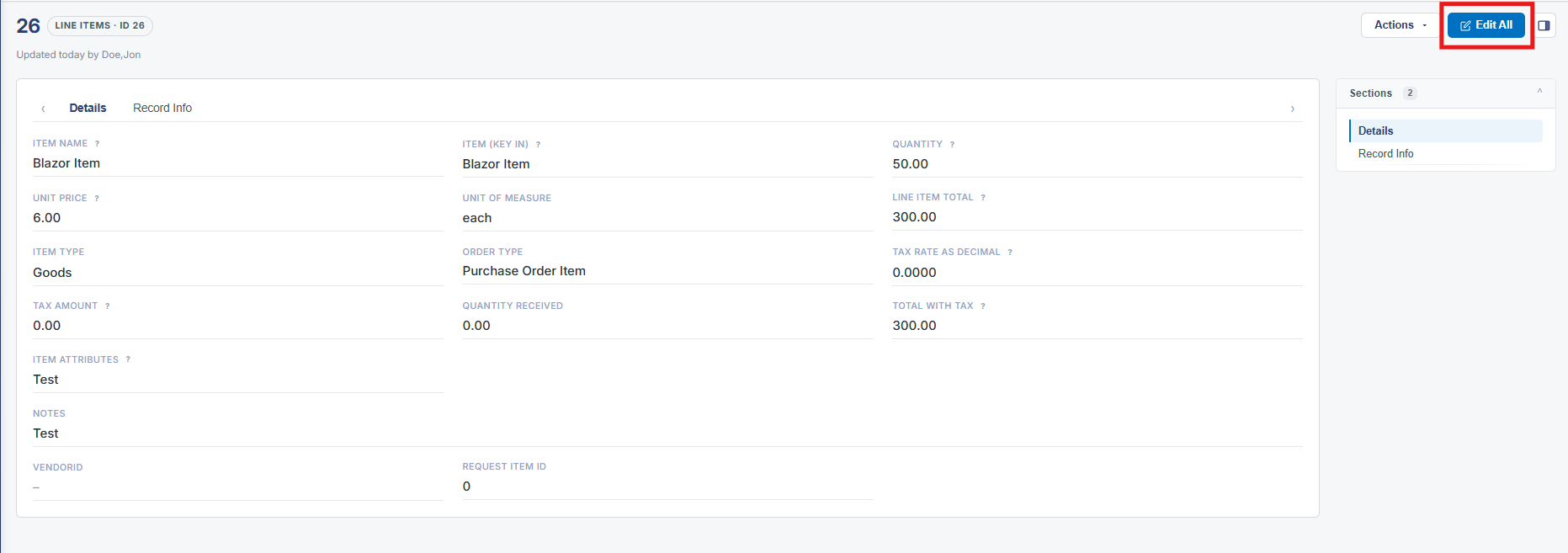
The PO Line Items grid carries its own Search box for finding a specific line, and each row's Manage button opens that line item in a slide-over panel with Details and Record Info tabs, where fields like Item, Quantity, Unit Price, Unit of Measure, and Quantity Received can be edited via the panel's Edit button.
2. Key Elements
- Search box on the PO Line Items grid finds a specific line
- Manage opens a line item in a slide-over Details / Record Info panel
- Edit switches that panel into an editable form; Done closes it