COBBLESTONE SOFTWARE
Contract Insight — User Guide
Manage & Edit The Company Details Screen
10. End Users: Vendors/Companies › Vendor/Company Details › Manage & Edit The Company Details Screen
Note: Each procedure in this guide begins at the Contract Insight homepage, so any section can be followed on its own. Custom fields are configurable, so the exact field list on a contract category record may vary between environments.
1. Overview
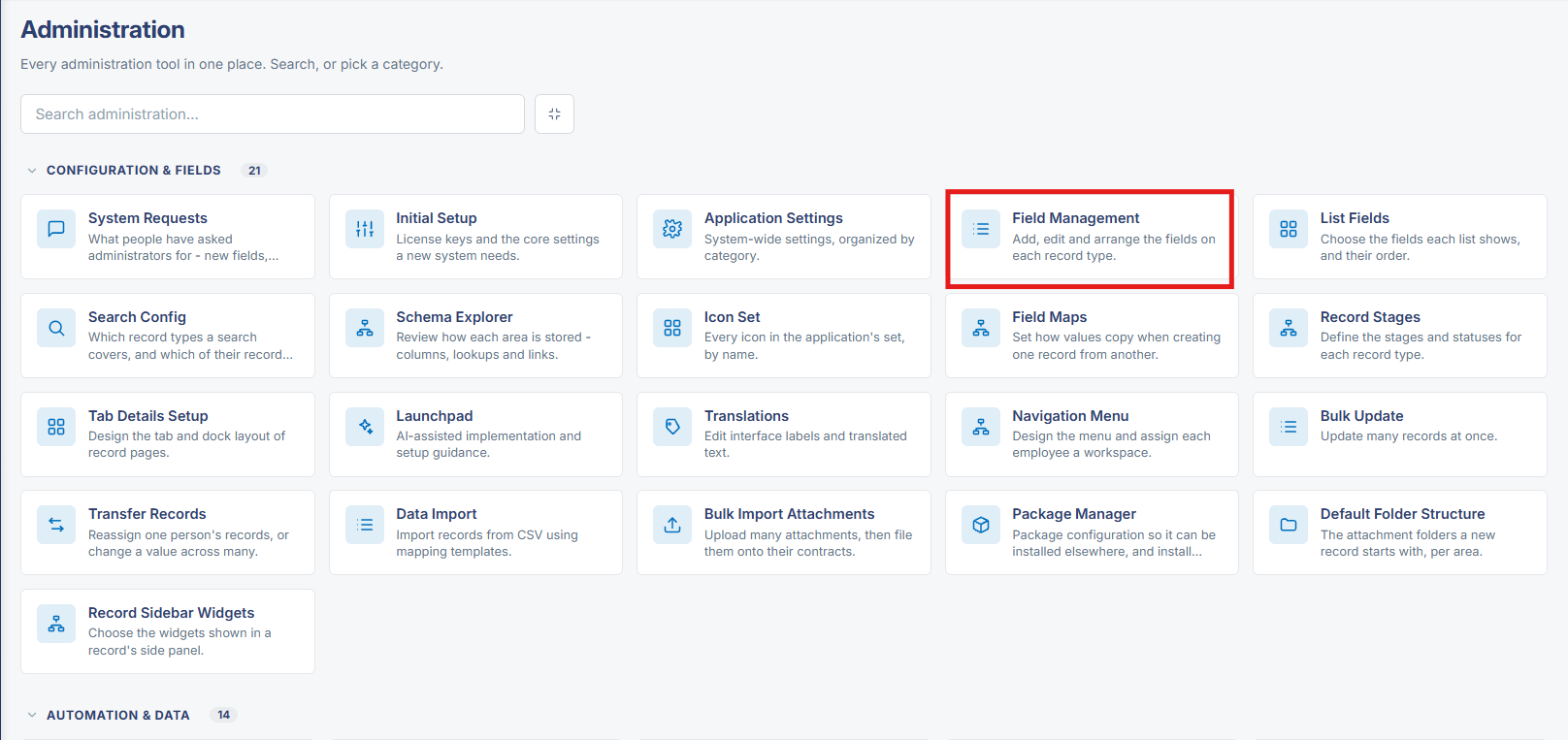
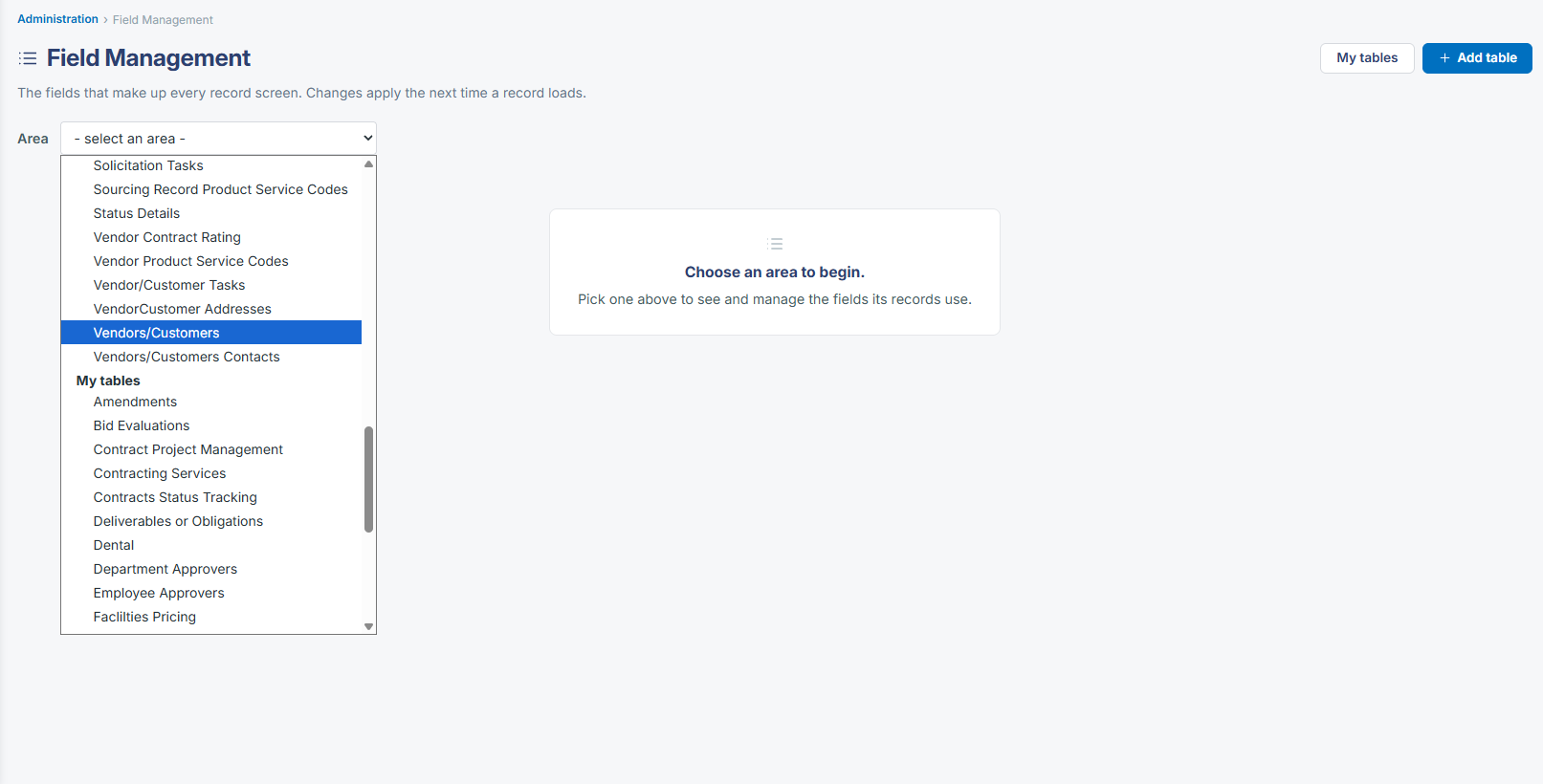
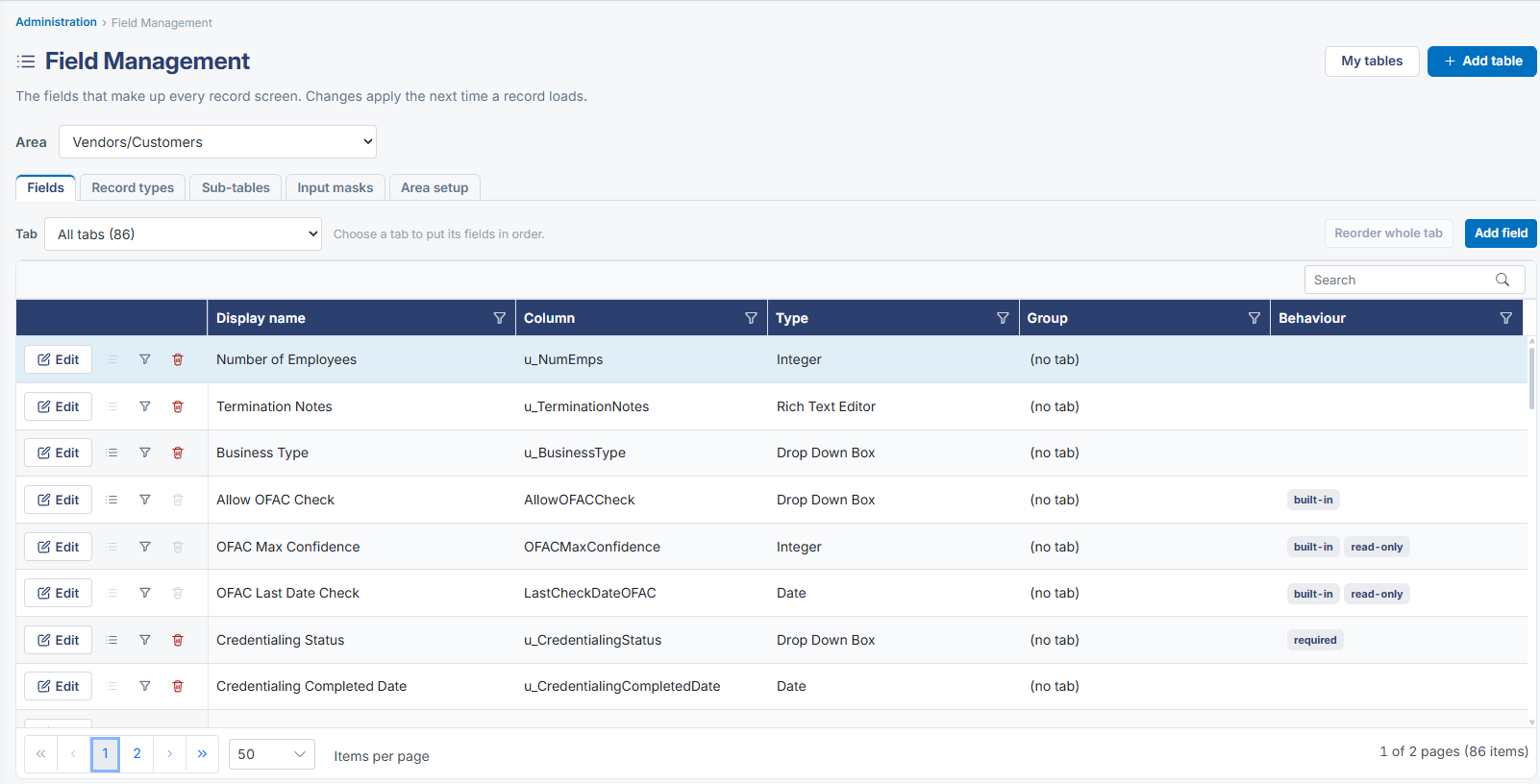
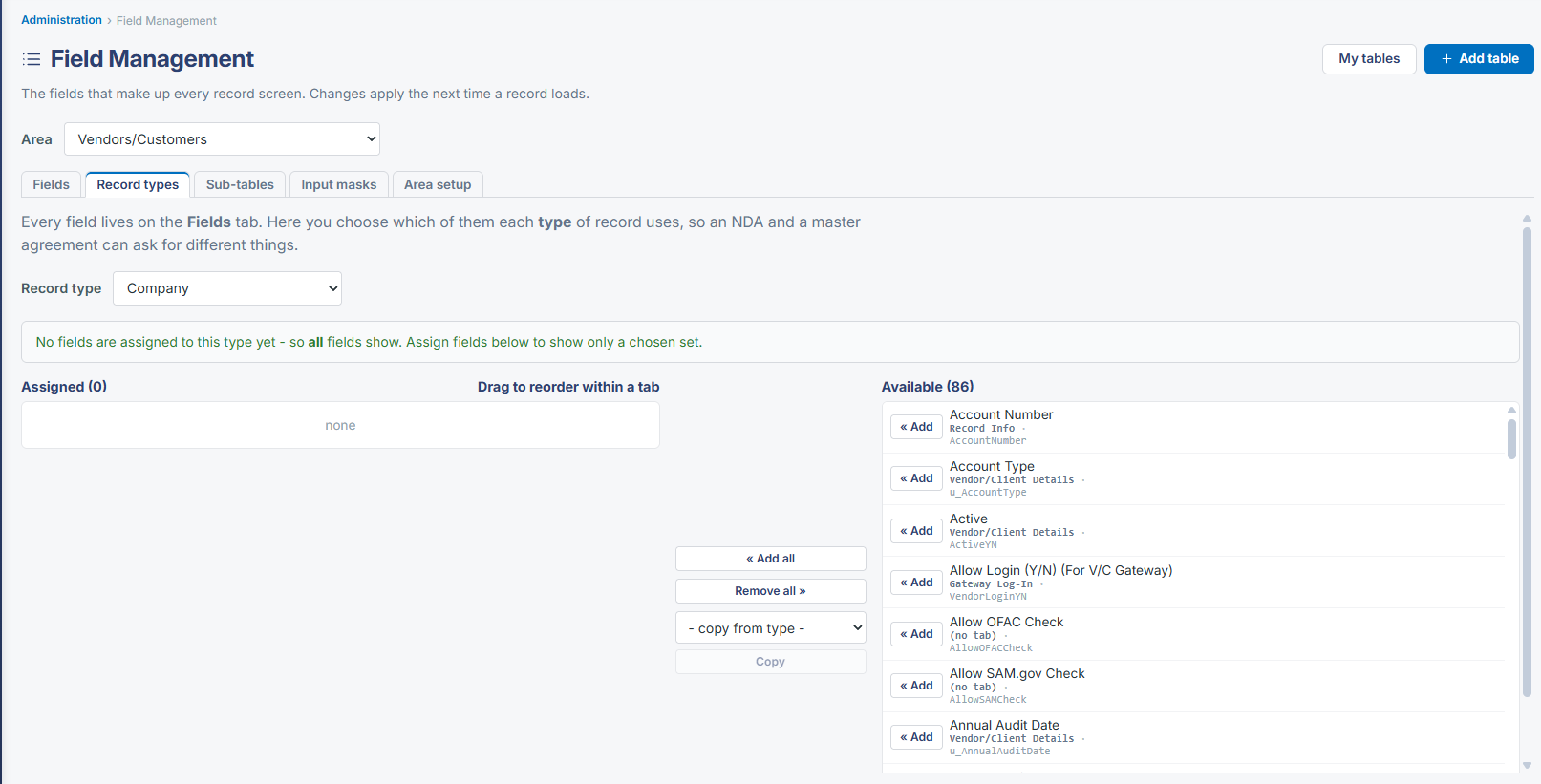
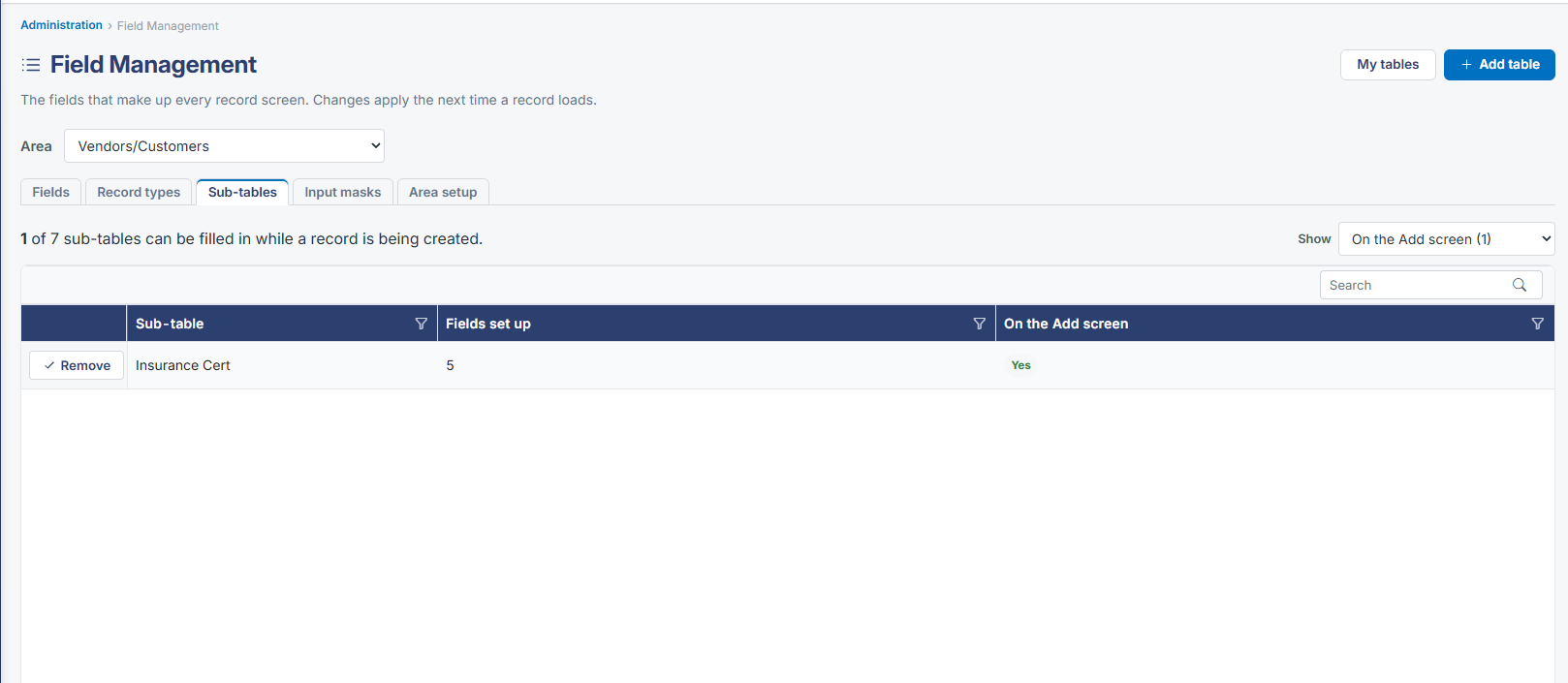
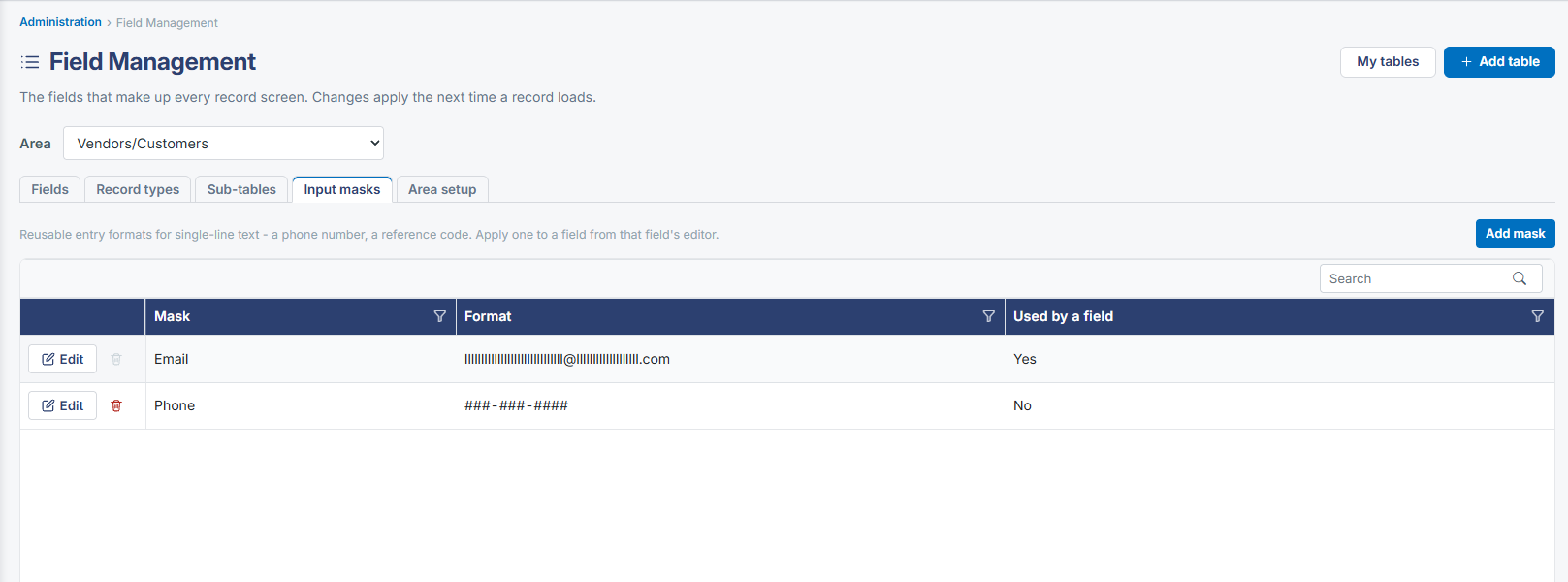
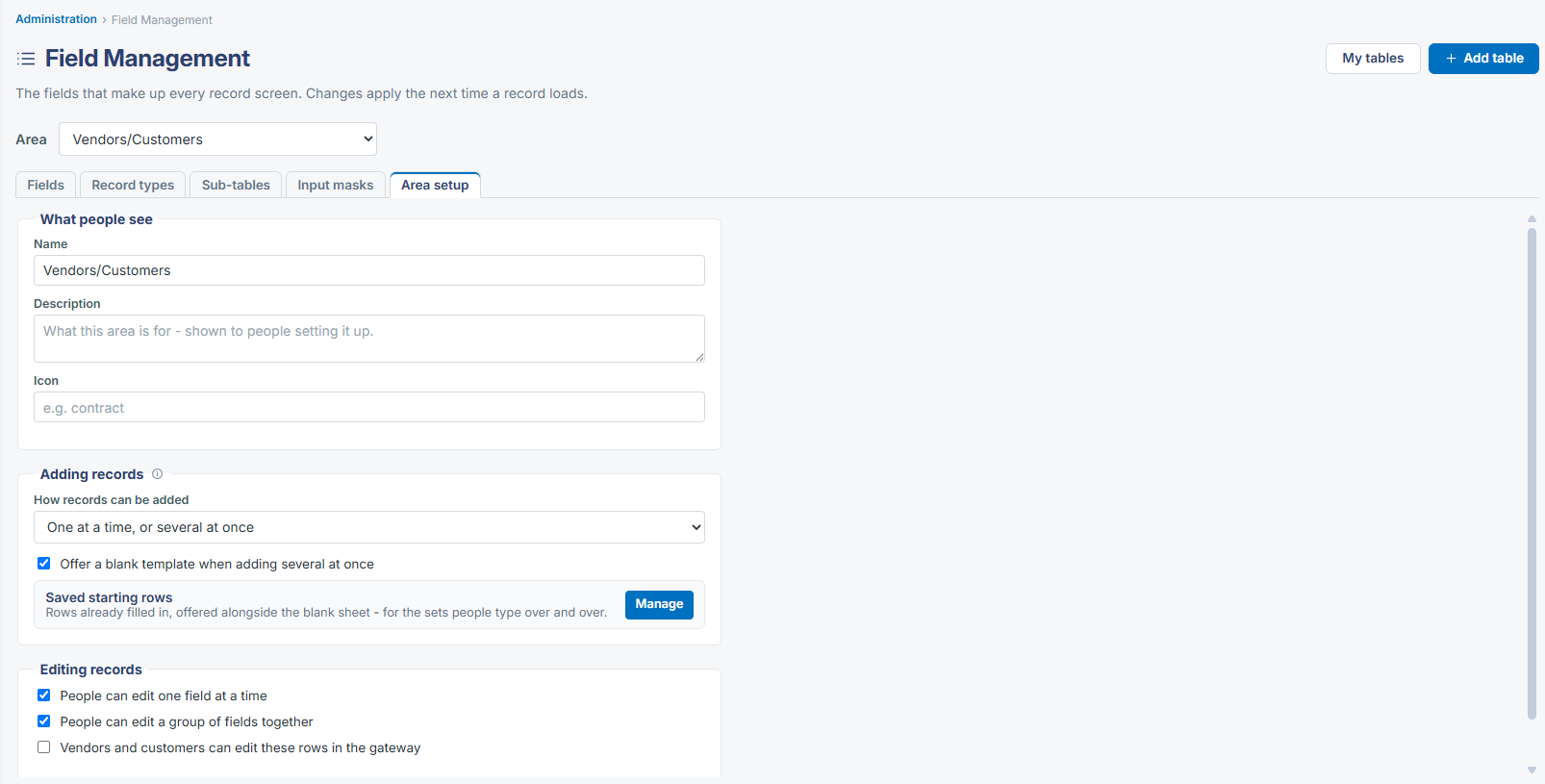
The fields that make up a company/vendor record's Details screen are managed under Administration → Field Management by choosing the corresponding area (Vendors/Customers, in the same Area dropdown used to manage Contract or Purchase Order fields), with Fields, Record types, Sub-tables, Input masks, and Area setup tools for arranging and editing that screen's field set.
2. Key Elements
- Administration → Field Management → Area: Vendors/Customers
- Same Fields / Record types / Sub-tables / Input masks / Area setup tools used for every record type
- Add field, Edit, reorder, filter, and delete controls manage individual fields