COBBLESTONE SOFTWARE
Contract Insight — User Guide
Audit Log
04. End User General Information › General Navigation in Contract Insight › Audit Log
Note: Each procedure in this guide begins at the Contract Insight homepage, so any section can be followed on its own. Custom fields are configurable, so the exact field list on a contract category record may vary between environments.
1. Overview
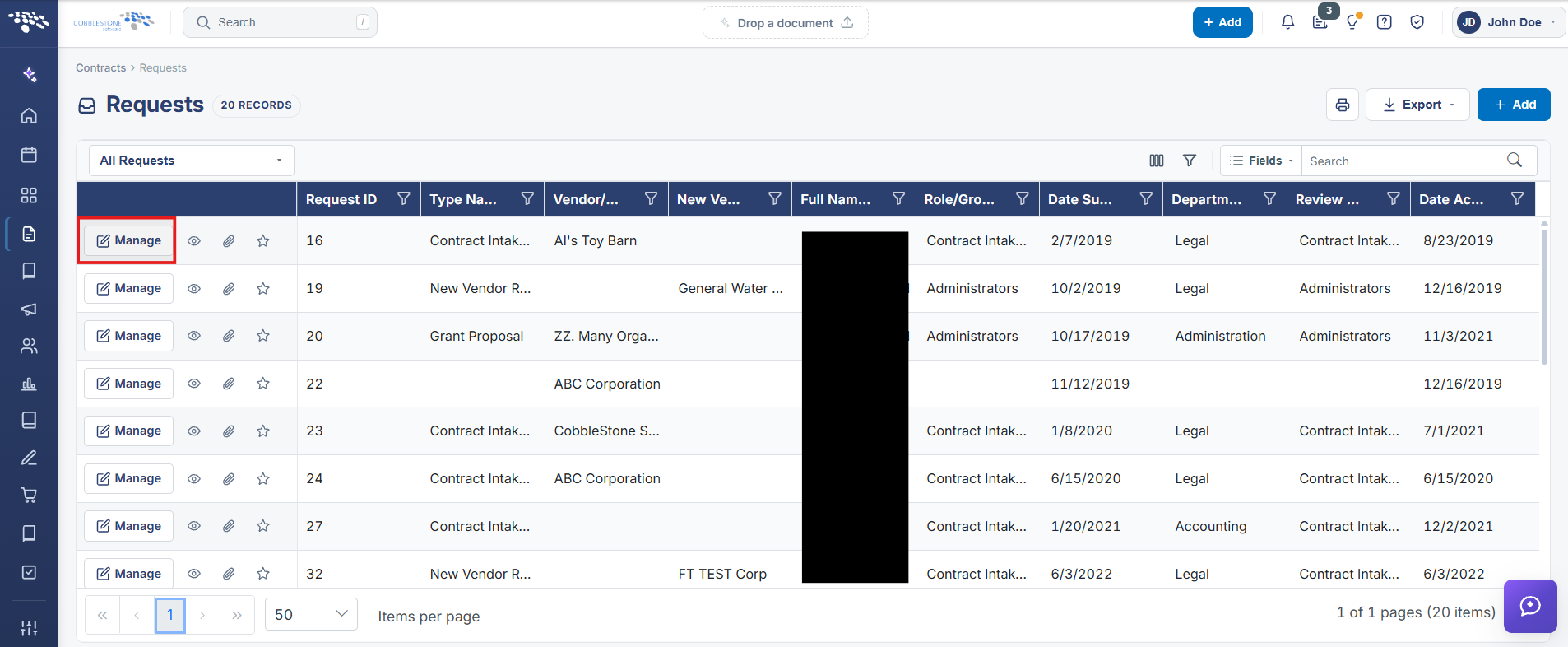
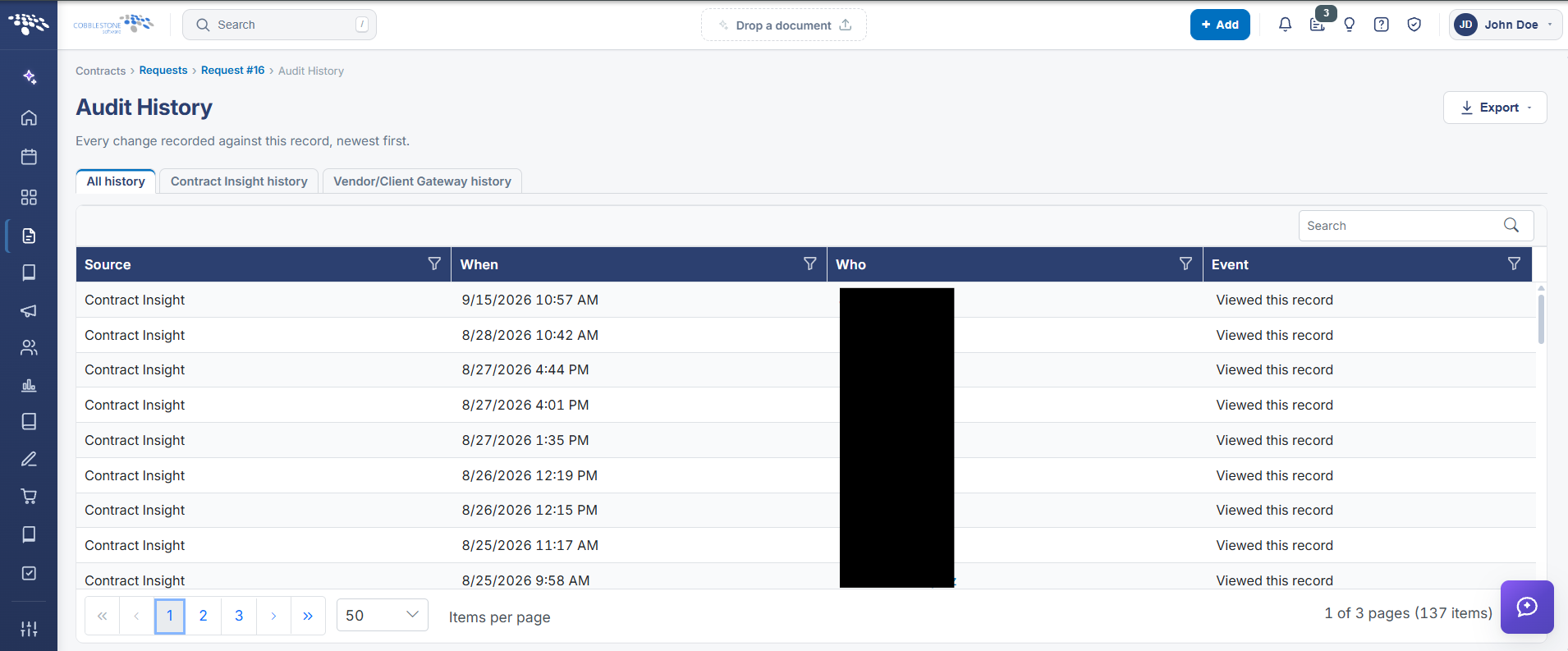
Every record has its own Audit History, reached via that record's Actions dropdown > View History (confirmed live on both a Contract and a Request record). The screen is titled "Audit History" and describes itself as "Every change recorded against this record, newest first." A banner notes when the record's history is large — for example, "This record has a long history — showing its most recent 5,000 entries of 9,703. Export to get every line" — and Excel, CSV, and PDF export buttons in the top-right let the full history be pulled out beyond that on-screen cap. The grid's default "All history" view lists Source, When, Who, and Event for each entry (e.g. "user viewed details for Record ID: 6, Table: tblC..."), with per-column filters and a keyword Search box for narrowing a long history down to something specific.
2. Key Elements
- Every record type exposes its own Audit History via that record's Actions dropdown > View History — confirmed live on Contract and Request records.
- The screen states its purpose plainly: "Every change recorded against this record, newest first."
- A banner discloses when the on-screen list is capped (e.g. "showing its most recent 5,000 entries of 9,703"), with Excel/CSV/PDF export available to retrieve the complete history.
- The "All history" tab's grid shows Source, When, Who, and Event for each change, with per-column filters and a keyword Search box.
- This per-record Audit History is the live implementation of what the legacy wiki calls the Audit Log — a chronological, per-record change log rather than a single system-wide log screen.