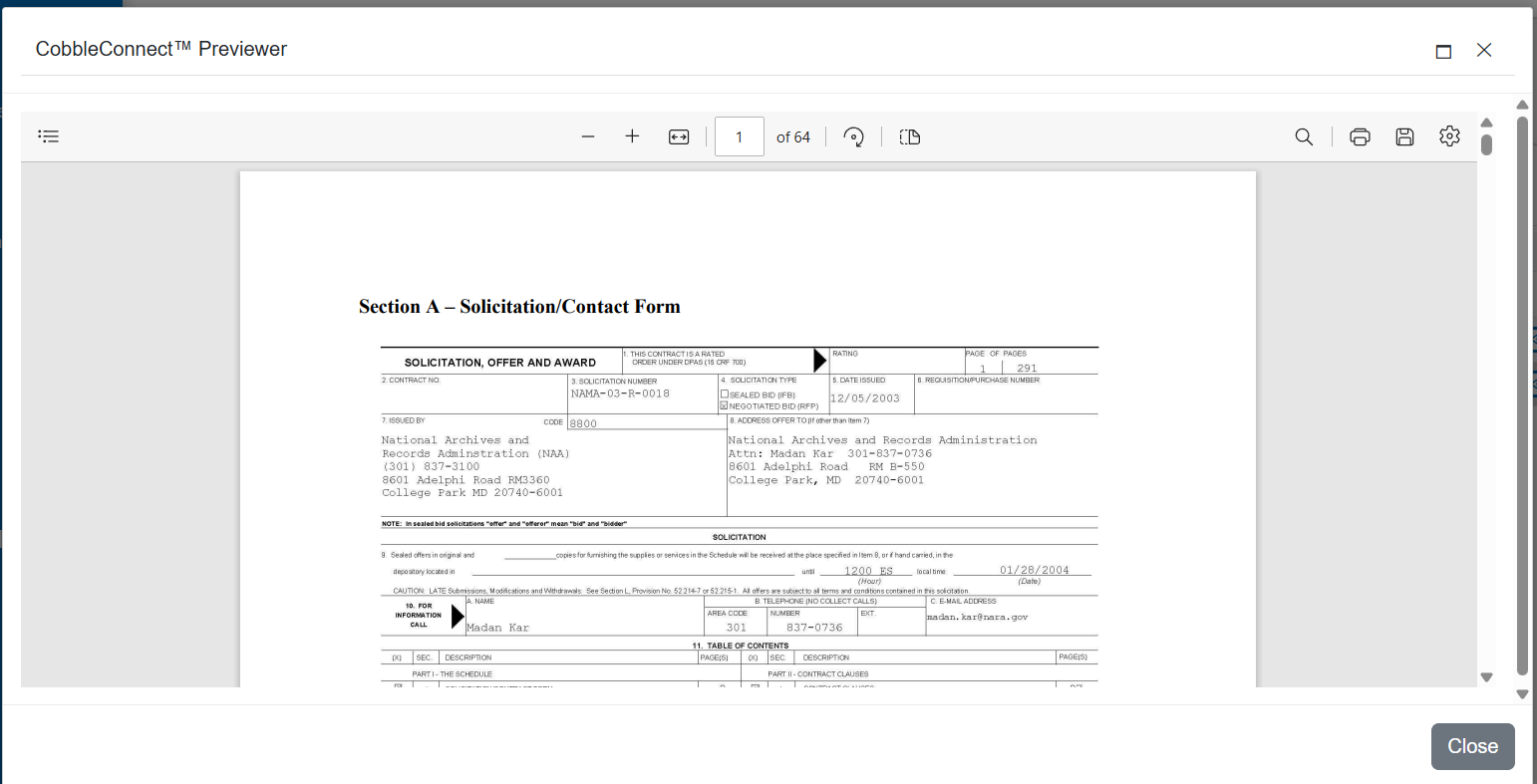
CobbleConnect™ – Records & Files Module Manual
This manual provides an overview of the Records & Files module within CobbleConnect™, detailing navigation, metadata display, file previews, and file management workflows.
1. Overview
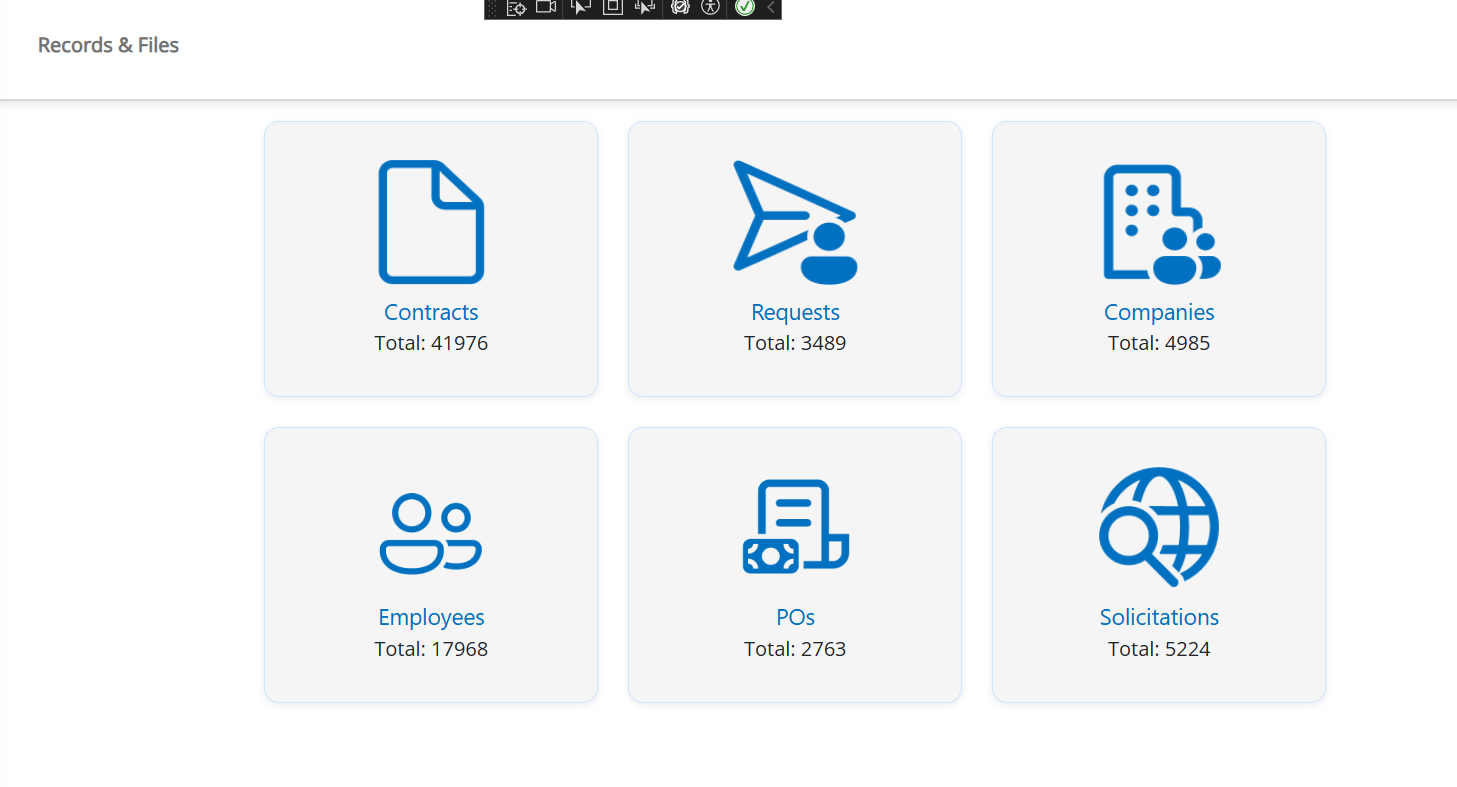
The Records & Files module allows users to view structured record information, grouped metadata, and all related attachments. It provides a unified experience for Contracts, Requests, Solicitations, Purchase Orders, Employees, and Companies.
2. Back Button Navigation
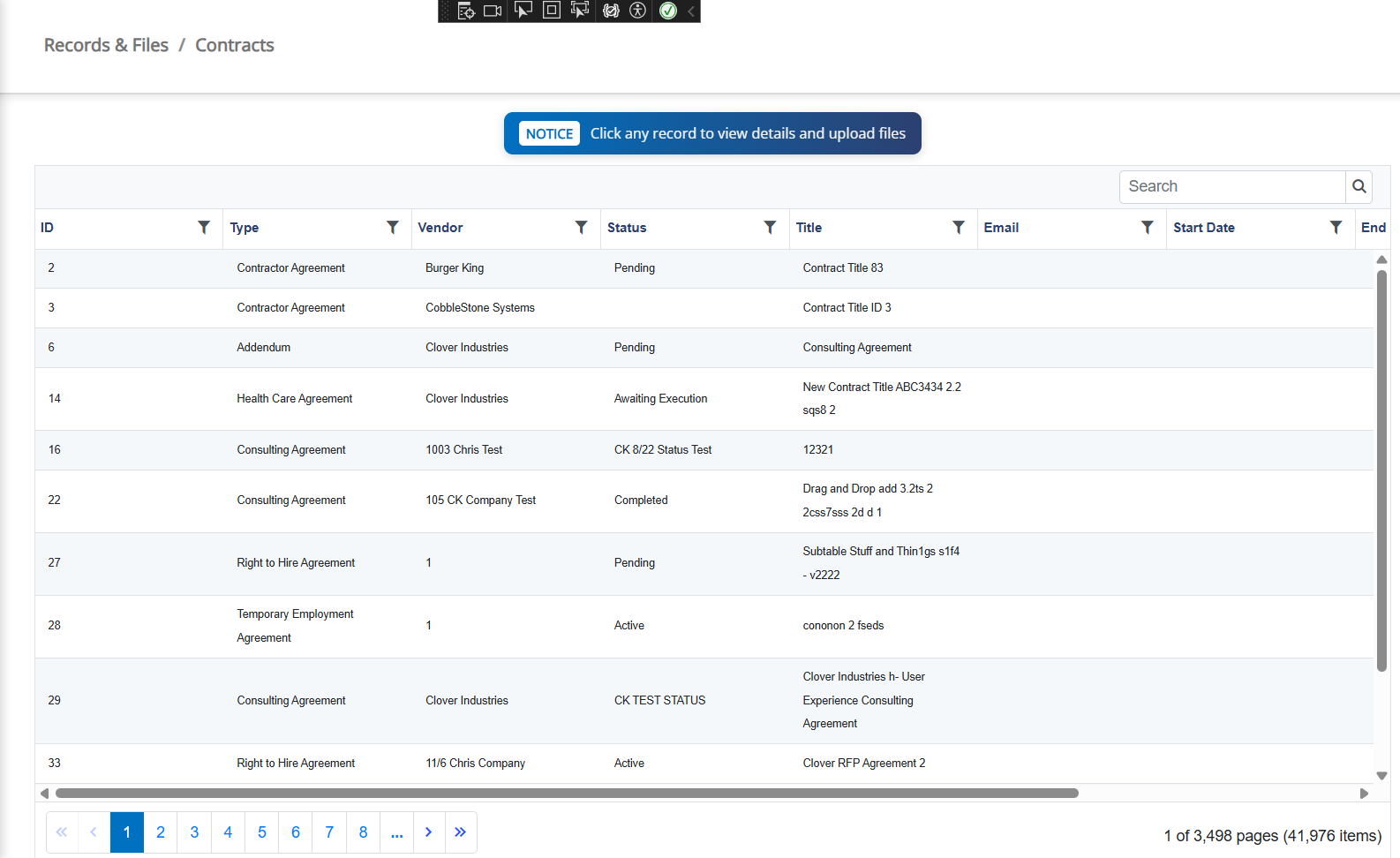
A dedicated Back button appears at the top of the Details screen. This button returns the user to the correct list depending on the module being viewed:
• Requests → /Request
• Contracts → /Contracts
• Solicitations → /Solicitation
• Purchase Orders → /PurchaseOrder
• Employees → /employee
• Companies → /vendorcustomer
3. Details View
Record metadata is displayed in collapsible accordion sections. Fields may include dropdowns, dates, numbers, formatted values, and HTML-cleaned text.
4. Files & Attachments
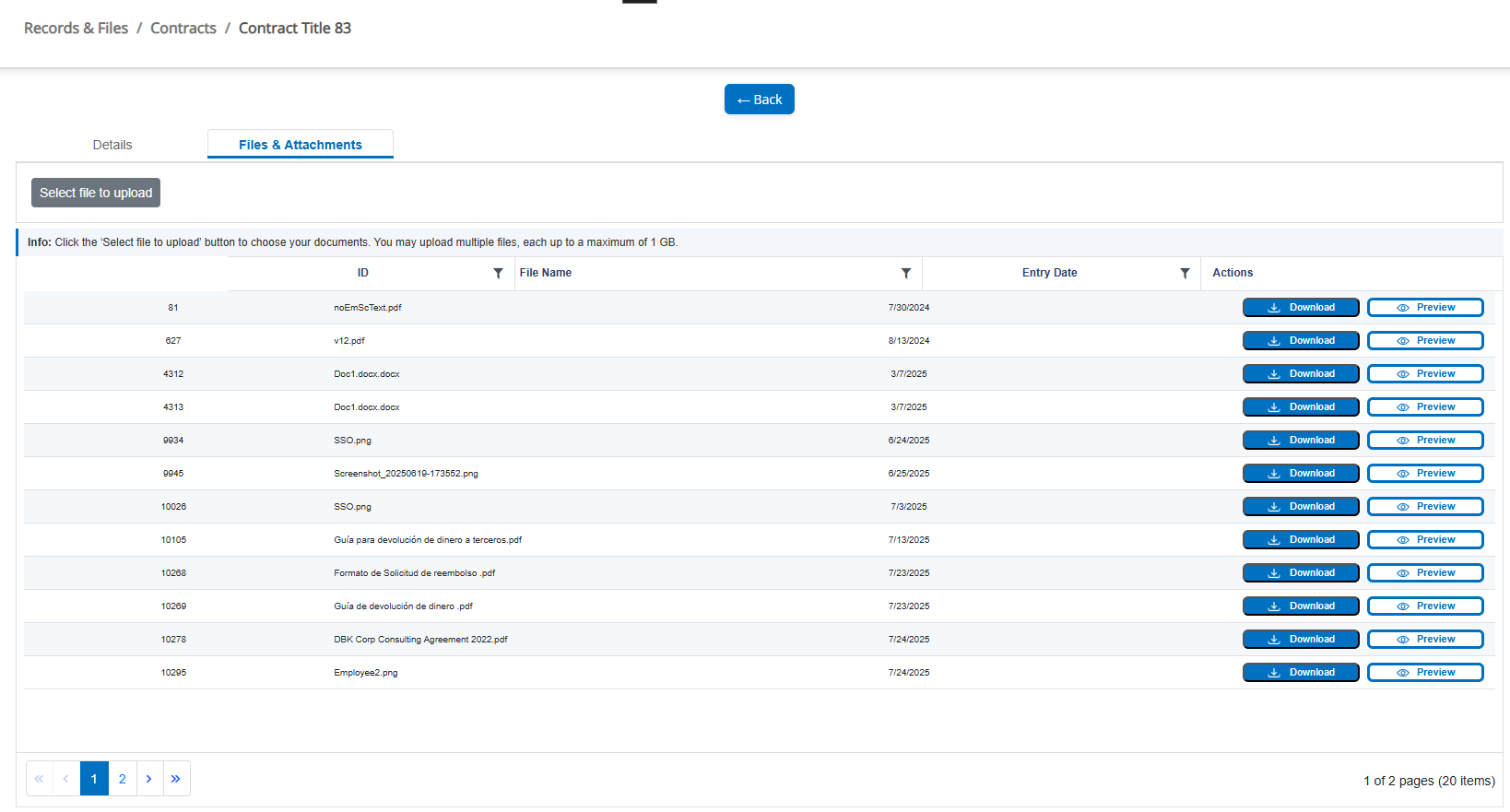
This area allows users to upload, preview, and download files linked to the record.
Key features:
• Upload multiple files (max 1 GB each)
• File metadata grid
• PDF and image inline preview
• File download to custom folder
5. File Preview System
Files are previewed