CobbleConnect™ – Backup Manager Module
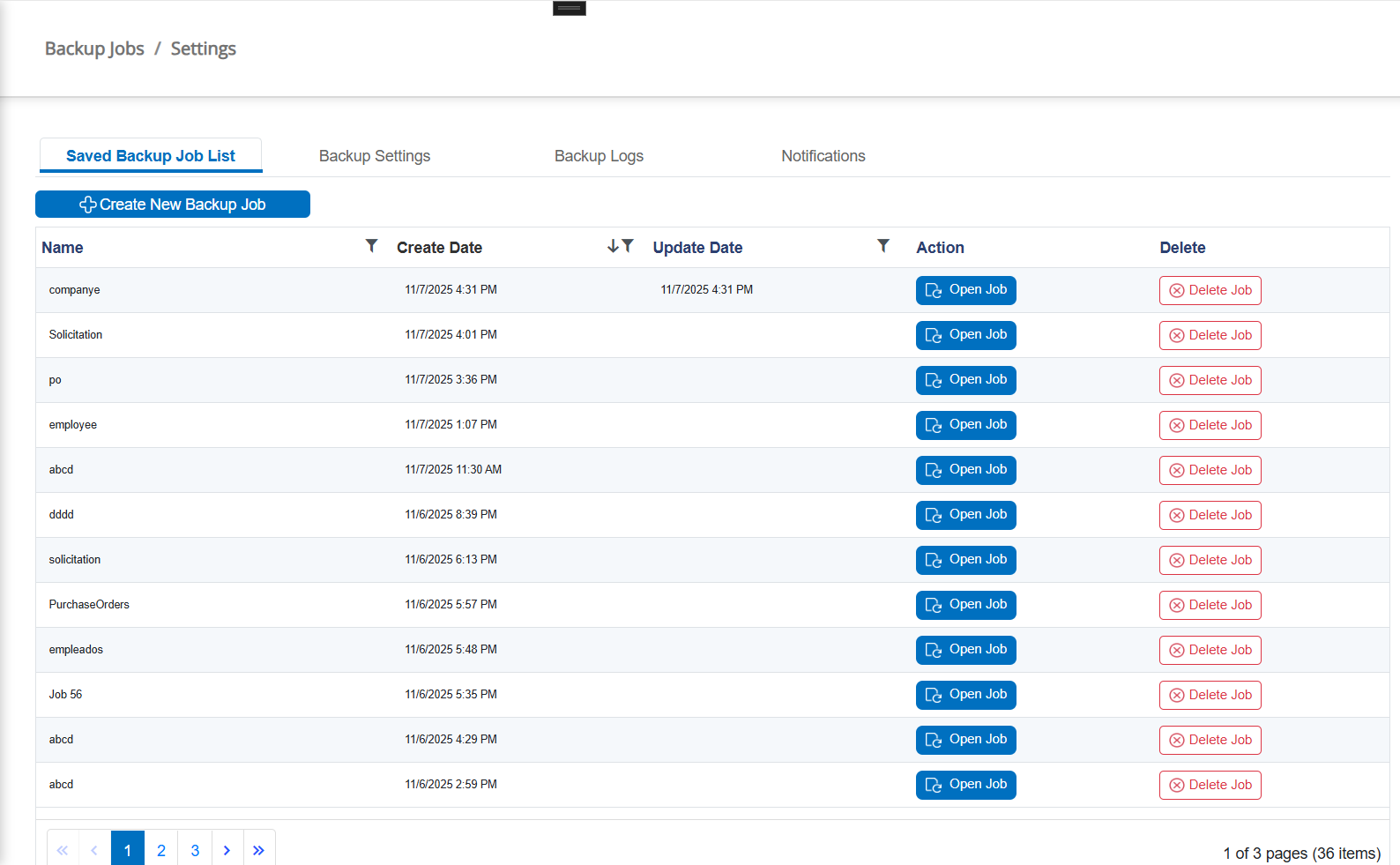
This article describes the Backup Manager module within CobbleConnect™, which allows users to schedule, execute, and monitor backup operations for Contracts, Requests, Purchase Orders, Vendors/Customers, Employees, and related file attachments.
1. Overview
The Backup Manager provides automated and manual backup capabilities to ensure that critical system data and file attachments are safely stored. The module includes job creation, scheduling, filtering, backup execution, export capabilities, and Quartz.NET–based job orchestration.
To execute manual backup jobs, the Quartz.NET service must be installed and running on the server.
Manual backup execution relies on the Quartz scheduling service to trigger and process backup jobs reliably.
Automated (scheduled) backups also depend on this service for job execution, monitoring, and retry handling.
The installer for this service can be found HERE
2. Key Features
• Create custom backup jobs
• Manual (Run Now) and Automatic (Scheduled) backups
• Advanced filtering using the QueryBuilder engine
• Backup of metadata and file attachments
• Multi-entity support (Contracts, Requests, Vendors, PO, etc.)
• Cron-based Quartz scheduling
• Backup export (JSON logs, Excel logs, file copies)
• Tracking of job history, failures, and runtime statistics
3. Backup Job Types
The Backup Manager supports two categories of jobs:
• Manual Jobs – executed immediately by the user
• Scheduled Jobs – executed automatically using predefined intervals via Quartz.NET
4. Creating a Backup Job
Users can create a backup job by selecting the backup area (example: tblContracts), defining optional filters, choosing whether to include file attachments, and saving the job.
5. Advanced Filtering (QueryBuilder)
The filtering system lets users define highly customized conditions using the QueryBuilder. Fields from the selected entity are automatically loaded and can be used to build nested groups, AND/OR conditions, date ranges, numeric comparison, and more.
6. Scheduler & Quartz.NET Integration (Requires On-Site Backup Manager License)
Scheduled jobs are managed through Quartz.NET running inside the BackupManagerService. Each job is translated into a Cron expression and executed accordingly. The scheduler runs independently from the UI to ensure reliability.
• Job triggers follow Cron expressions
• Supports Minutes, Hours, Daily, and Weekly schedules
• Service runs continuously in Windows background
7. Backup Execution Flow
A backup run follows this sequence:
1. Load job configuration
2. Resolve selected entity fields
3. Apply QueryBuilder filters
4. Fetch matching records
5. Export metadata to JSON/Excel
6. Download associated attachments (optional)
7. Generate summary logs
8. Logs & Reports
Each backup run generates a timestamped log including record count, duration, failures, file copy results, and API call status. Logs are saved as JSON and Excel files inside the configured Backup directory.
9. Backup Storage & Restore Notes
The Backup Manager stores files inside date-stamped folders. While CobbleConnect does not provide a one-click restore feature, all metadata and files are preserved for manual recovery.
10. Technical Notes (Developer)
The UI communicates with BackupManagerService via API endpoints. The service manages job execution, logging, JSON/Excel export, file download streams, and job status.
• Uses Quartz.NET persistent scheduler
• Supports large dataset backups (40k+ rows)
• QueryBuilder rules serialized to JSON
• Each job runs in isolation to prevent failures