Map Vendor/Company Location
Vendor/Company Details: Mapping a Location
Contract Insight allows users to view a company’s location on a Google Maps screen.
1. Click View Map Location after clicking View All Actions on the Company Details screen.
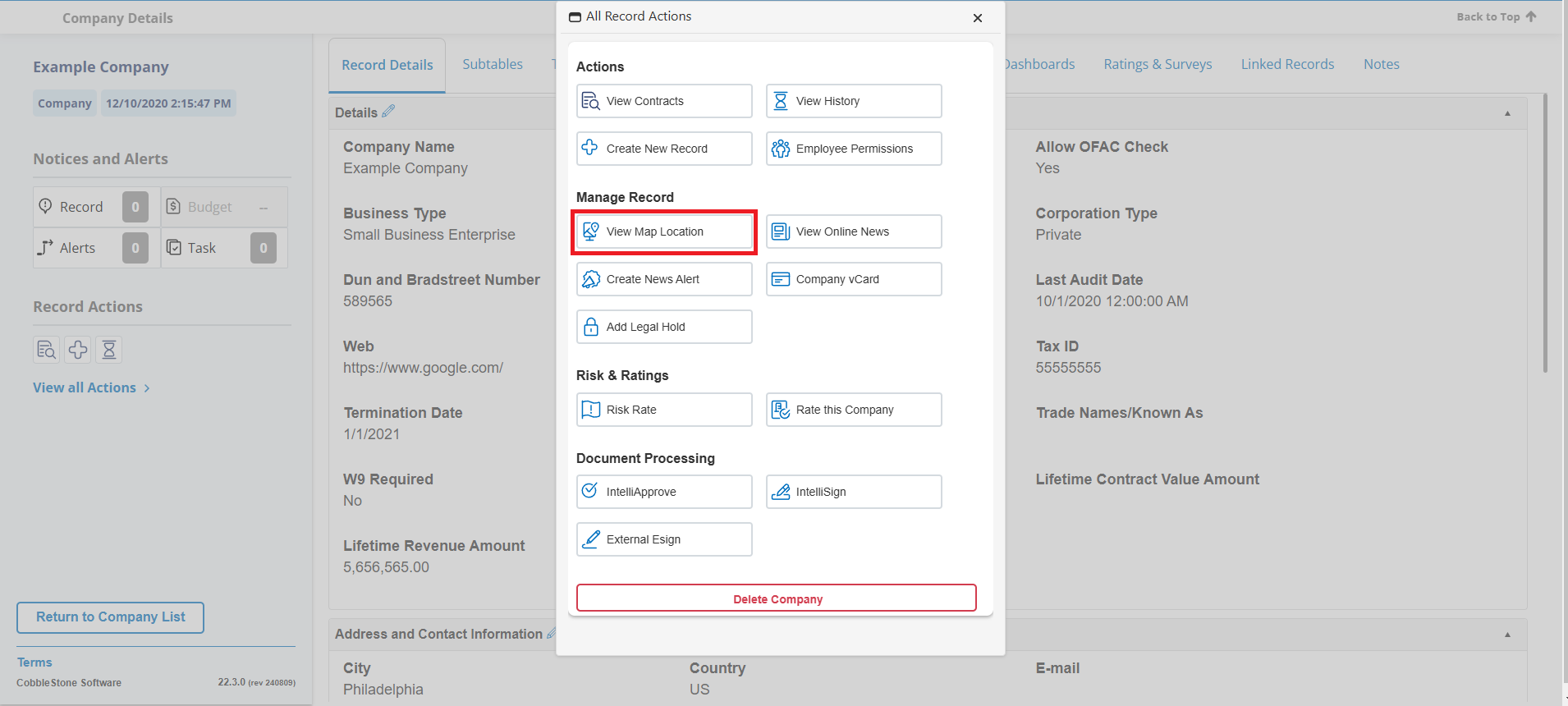 2. A new screen opens to the Google Maps website showing the location of the company based on the address information provided in Contract Insight.
Note: An address must be provided in the Company Details screen in Contract Insight in order to map the Vendor/Company location.