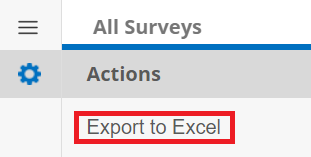
To see the list of all Surveys that have been sent out, click the side menu on the Survey List page. Then select View All Surveys.
.png)
A list of all surveys for each record type is displayed. The area you are viewing can be selected via a dropdown menu at the top of the page.

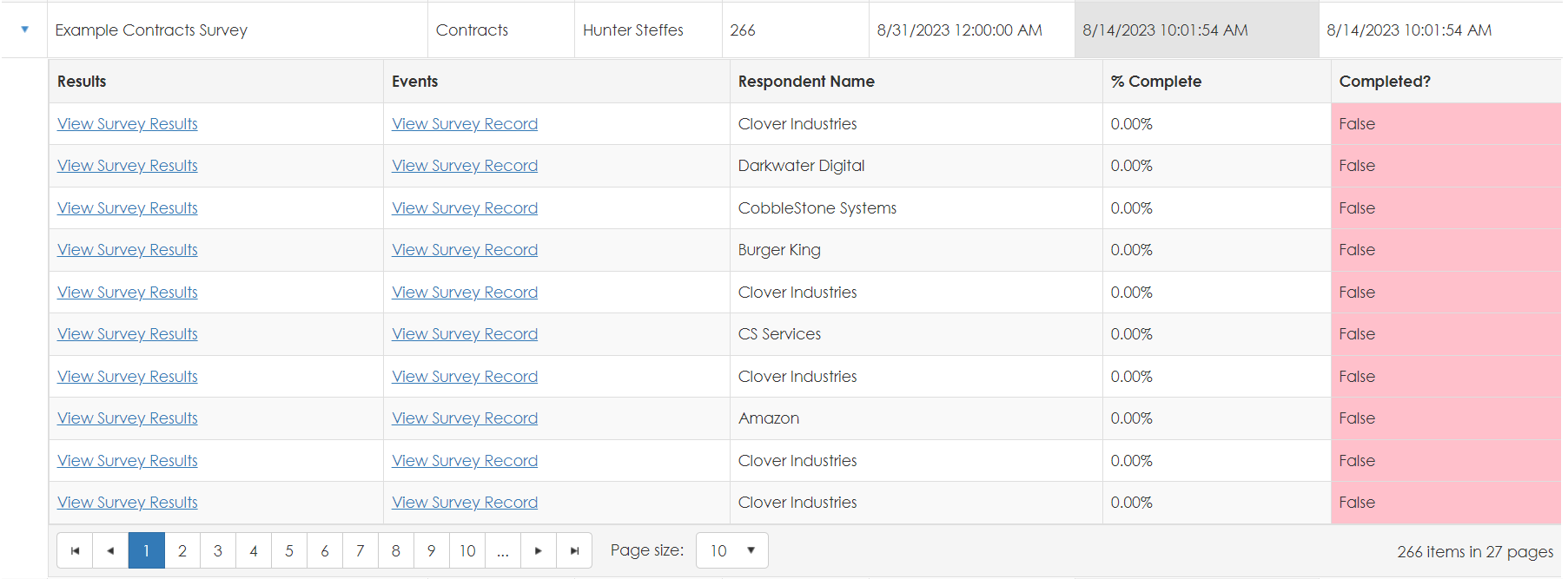
Clicking the arrow next to a given survey allows you to view the individual completion status of each participant.
The list can be exported to Excel via a link in the side menu.