COBBLESTONE SOFTWARE
Contract Insight — User Guide
Add a Vendor/Company
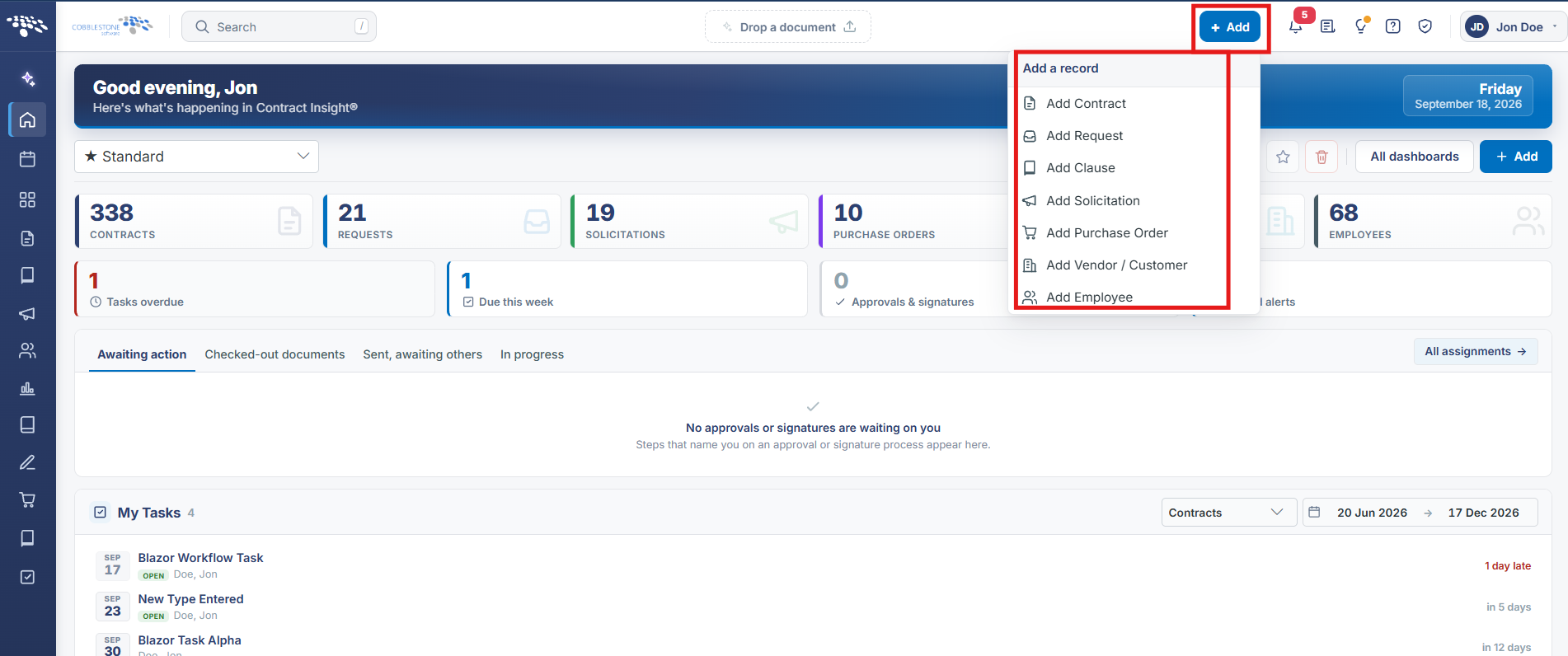
10. End Users: Vendors/Companies › Adding a Vendor/Company › Add a Vendor/Company
Note: Each procedure in this guide begins at the Contract Insight homepage, so any section can be followed on its own. Custom fields are configurable, so the exact field list on a contract category record may vary between environments.
1. Overview
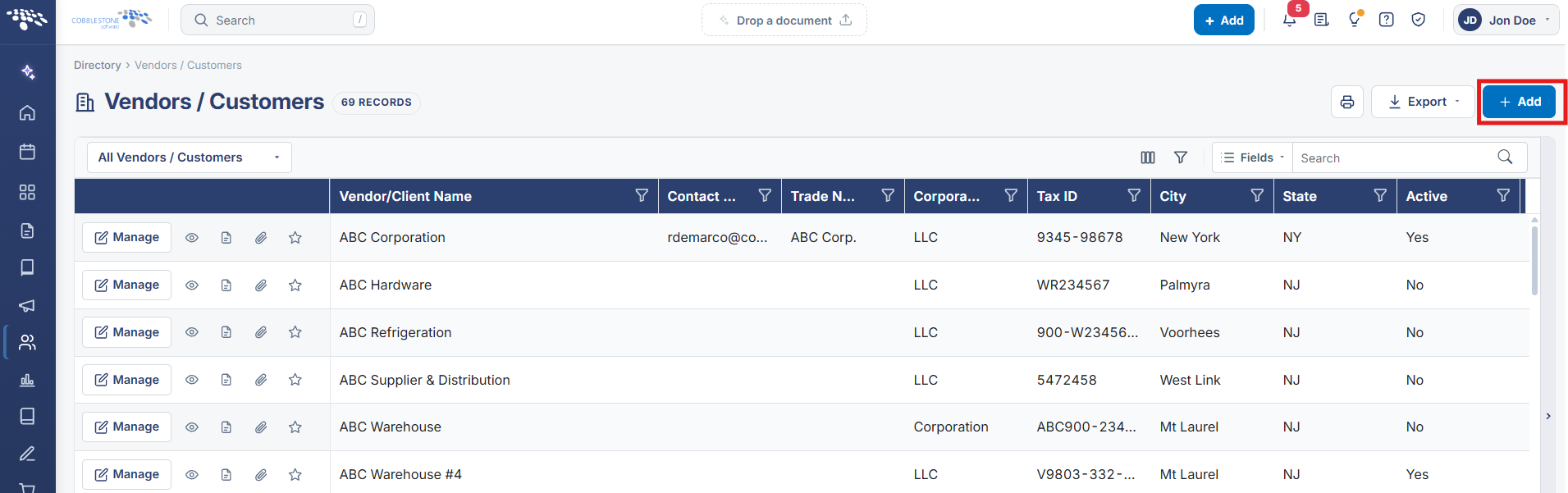
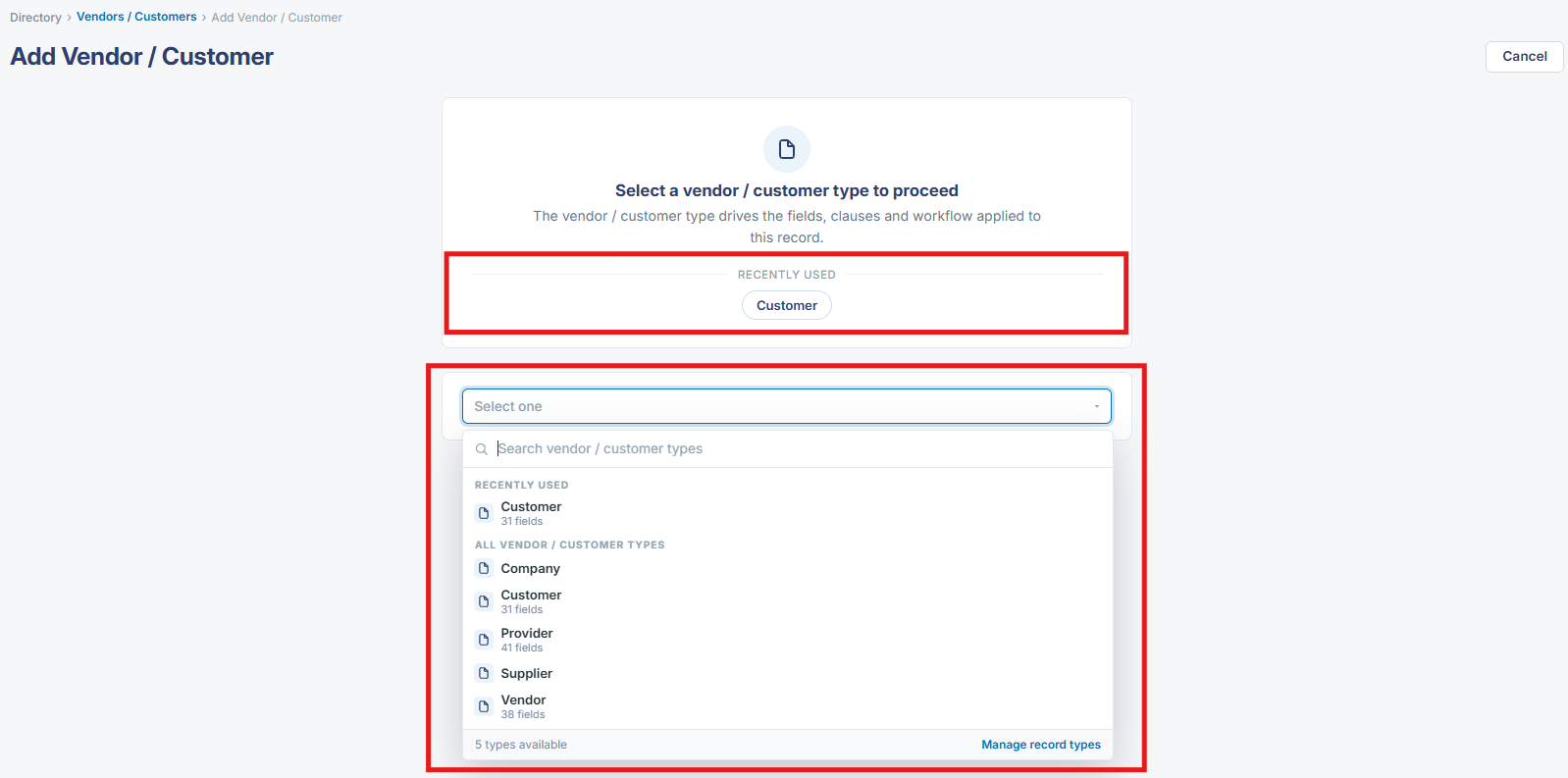
A new company or vendor record starts from + Add on the Vendors / Customers list, which — like Add Contract — opens on a mandatory type-selection step: "Select a vendor / customer type to proceed," since the vendor/customer type drives the fields, clauses, and workflow the new record uses. A Recently Used row (Vendor, Company, Supplier in this environment) offers quick shortcuts above the full type picker.
2. Key Elements
- + Add on the Vendors / Customers list opens Add Vendor / Customer
- "Select a vendor / customer type to proceed" is mandatory before the record opens
- Recently Used row offers one-click shortcuts to recently chosen types
- The chosen type drives the fields, clauses, and workflow the new record uses